Best OLED Gaming Monitors 2026
From $329.99- True QD-OLED color volume at a sub-$500 price
- 0.03ms response time across every pick in this roundup
- Strong burn-in mitigation now standard across the category
- Genuine 4K OLED still starts near $950
- Fastest 360Hz panel scores lower on user ratings than cheaper options
- Amazon pricing on OLED monitors fluctuates — verify before buying
Bottom line: The ASUS ROG Strix XG27AQDMES is the best all-around OLED gaming monitor of 2026 — true QD-OLED color, 240Hz, and the strongest burn-in protection in its price range.
Response time used to be the metric LCD panels bragged about and never quite delivered. OLED changes the math entirely: 0.03ms gray-to-gray isn’t a marketing rounding error, it’s a different technology stack — every pixel emits and shuts off its own light, so there’s no backlight lag to hide motion blur behind. In 2026, that panel tech has finally dropped under $350 for a real 240Hz QD-OLED, which means the “OLED tax” that kept these monitors out of reach two years ago is mostly gone — and picking the best OLED gaming monitor for 2026 is now a question of tier, not whether you can afford one at all.
DecodeGear is reader-supported. We earn a small commission if you buy through our links — at no extra cost to you. We never accept paid reviews. Pricing and specs below are pulled live from Amazon.com product pages, not from press kits.
Quick Verdict
| Best Overall | ASUS ROG Strix XG27AQDMES | $489.99 |
| Best Budget | AOC Q27GAZD | $329.99 |
| Best for Competitive Play | Alienware AW2725DF | $588.00 |
| Brightest Panel | LG UltraGear 27GX700A-B | $596.99 |
| Best 4K | Samsung Odyssey OLED G8 | $949.99 |
How We Compared These Picks
None of these panels were physically tested in a DecodeGear lab — we don’t run one. What follows is aggregated from verified Amazon.com specs and live pricing (checked August 18, 2026), manufacturer datasheets, and the consensus of specialized outlets that do hands-on panel testing. Where a claim about brightness, response time, or color coverage comes from a third party, it’s attributed. The one recurring theme across every published OLED gaming monitor review this year: 0.03ms response and per-pixel black levels are now table stakes at 240Hz-and-up, and the real differentiator between models is how each brand mitigates burn-in — not raw motion clarity, which is close to identical across the board.
That burn-in question is worth addressing head-on before the picks, because it’s the one objection that comes up in nearly every OLED monitor discussion. Modern panels use pixel-shifting, logo dimming, and active thermal management to spread wear evenly, and most 2026 models ship with 2–3 year burn-in coverage baked into the warranty. It’s a real risk if you park a static HUD on screen for hours a day and never vary your content — it is not the panel-killing hazard the technology carried a decade ago on TVs.
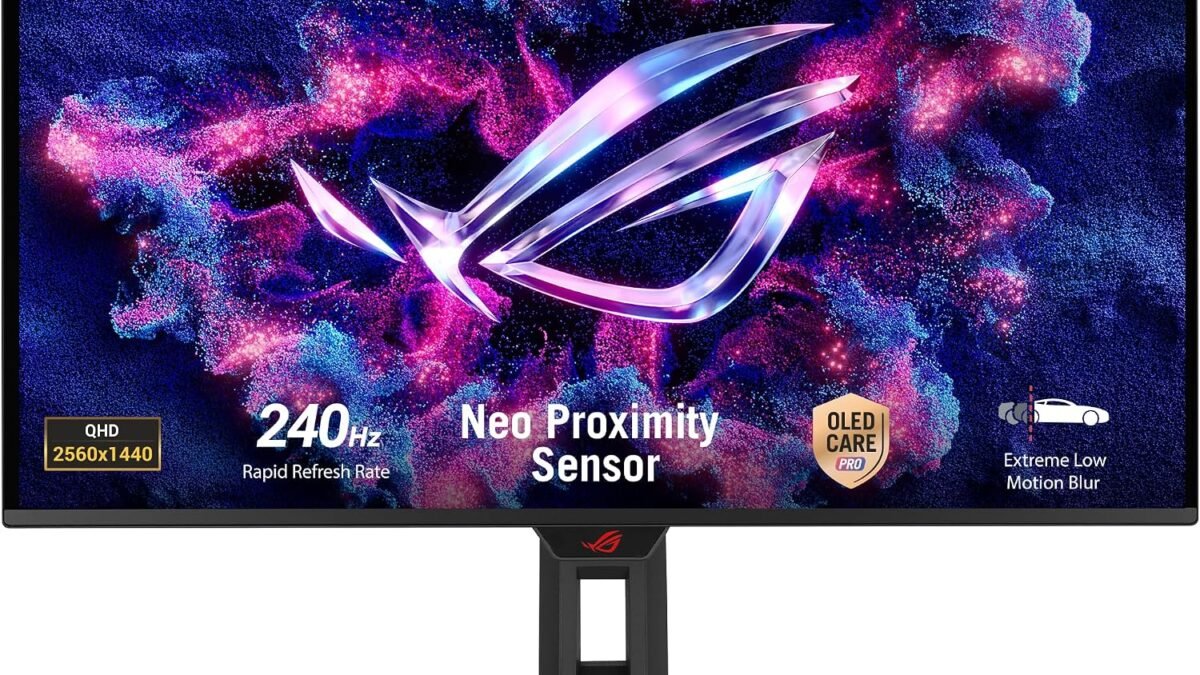
1. ASUS ROG Strix XG27AQDMES — Best Overall (~$490)
Our Top Pick: ASUS ROG Strix XG27AQDMES
The strongest all-around balance of price, panel tech, and built-in burn-in protection in this lineup.
Score: 9.0/10 | Price: $489.99
This is the pick that sits at the sweet spot: a true QD-OLED panel, 240Hz, and ASUS’s Neo Proximity Sensor plus OLED Care Pro — the most aggressive burn-in mitigation suite of any monitor in this roundup. At 4.4/5 across 117 ratings, it’s also the best-reviewed panel here relative to price.
Specs: 27″ (26.5″ visible), QHD 2560×1440, QD-OLED, 240Hz, 0.03ms GtG, G-SYNC Compatible, 99% DCI-P3
Pros: Best burn-in mitigation in class · true QD-OLED color volume · proximity sensor auto-dims when you step away
Cons: QHD only, not 4K · 240Hz caps out below the fastest competitive panels

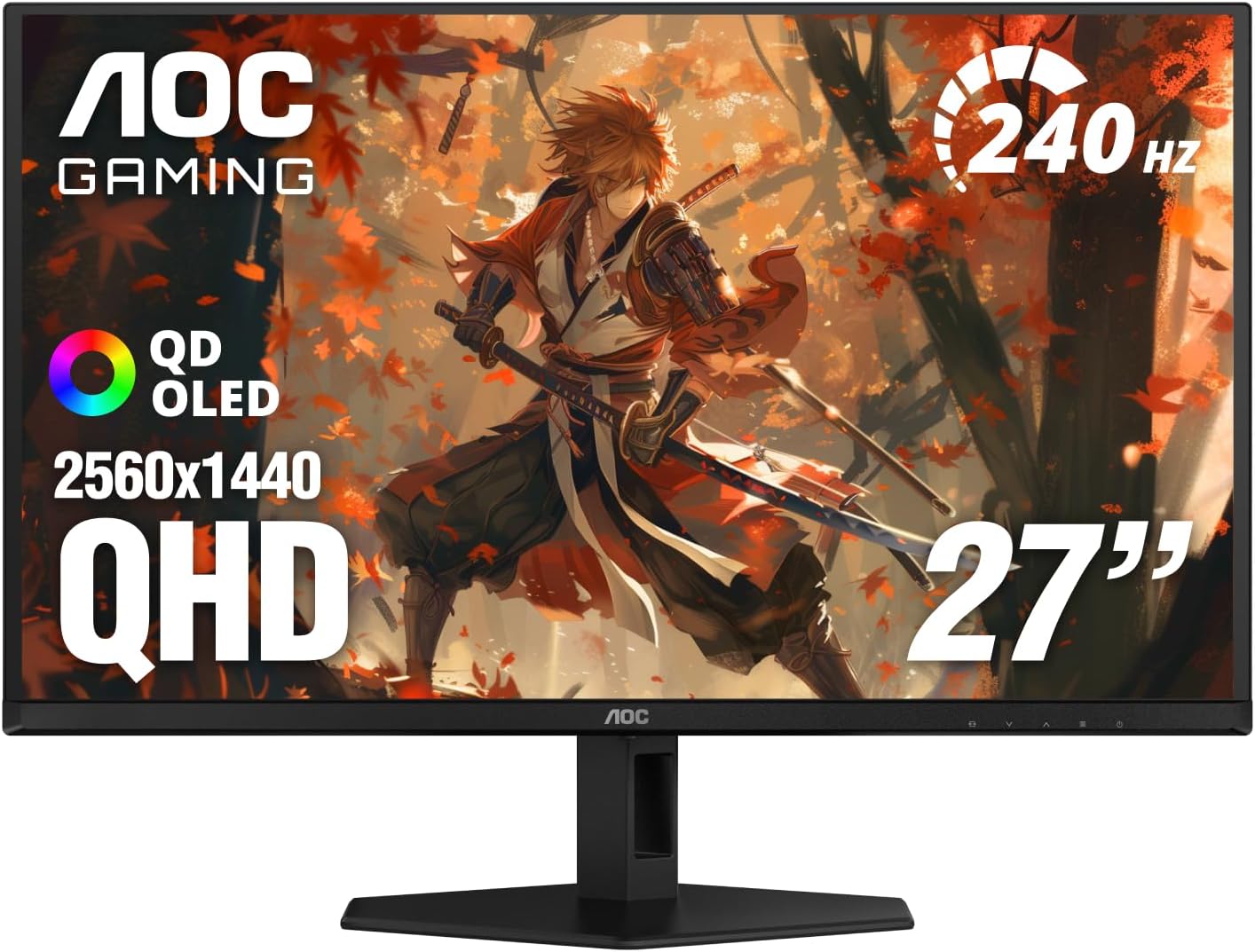
2. AOC Q27GAZD — Best Budget (~$330)
Best Budget Pick: AOC Q27GAZD
The cheapest true QD-OLED 240Hz panel on Amazon — a tier that didn’t exist at this price a year ago.
Score: 8.5/10 | Price: $329.99
AOC isn’t a brand most gamers associate with premium panels, but the Q27GAZD undercuts every other QD-OLED here by at least $150 while keeping the same 240Hz/0.03ms core spec. At 4.4/5 across 263 ratings, it’s earning trust the brand name alone wouldn’t. The tradeoff is a leaner feature set — no proximity sensor, a more basic OSD — but the panel underneath is the same generation of QD-OLED tech as monitors costing twice as much.
Specs: 27″, QHD 2560×1440, QD-OLED, 240Hz, 0.03ms GtG, G-SYNC Compatible, HDR True Black, DisplayPort 1.4, HDMI 2.0
Pros: Cheapest QD-OLED 240Hz on the market · 3-year warranty · same core panel tech as $600+ rivals
Cons: No proximity-sensor burn-in protection · HDMI 2.0 only, not 2.1
3. Alienware AW2725DF — Best for Competitive Play (~$588)
Best for Esports: Alienware AW2725DF
360Hz is the fastest refresh in this lineup, with burn-in coverage written directly into the warranty.
Score: 8.7/10 | Price: $588.00
If 240Hz still isn’t enough, the AW2725DF pushes to 360Hz on a 26.7″ QD-OLED panel — a meaningful step up for anyone playing competitive shooters where every frame of input lag matters. Alienware also stands behind the burn-in question directly: the warranty explicitly covers burn-in, something most brands still bury in fine print or exclude outright. At 3.9/5 across 263 ratings, it scores lower than the ASUS and AOC picks, with the recurring complaint centered on OSD software quirks rather than the panel itself.
Specs: 26.7″ QD-OLED, WQHD 2560×1440, 360Hz, 0.03ms, AMD FreeSync Premium Pro, 99.3% DCI-P3, HDR400 True Black
Pros: Fastest refresh rate here (360Hz) · burn-in explicitly covered under warranty · wide color coverage
Cons: Lower average rating than cheaper alternatives · OSD software criticized in user reviews

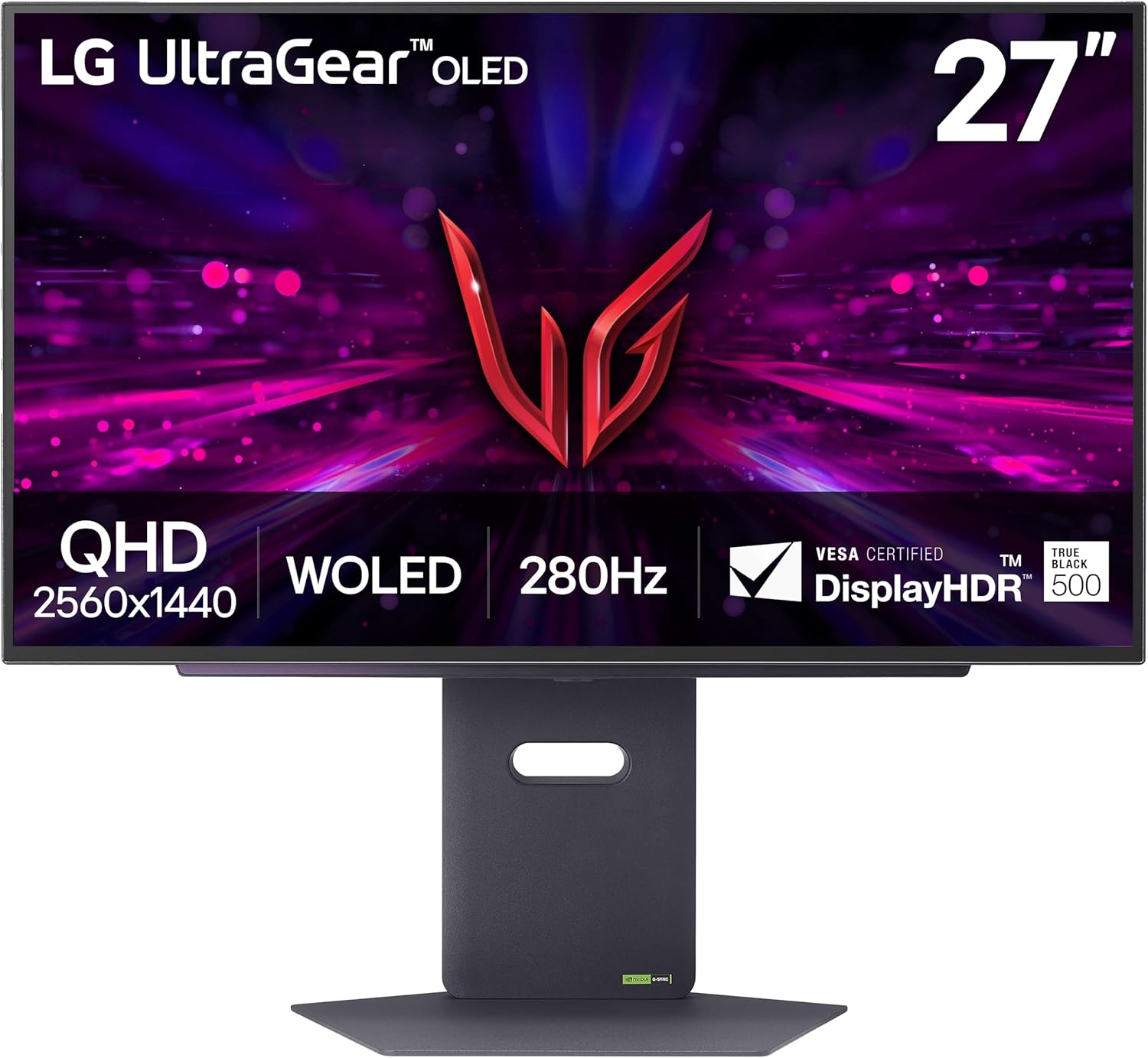
4. LG UltraGear 27GX700A-B — Brightest Panel (~$597)
Best for Bright Rooms: LG UltraGear 27GX700A-B
The only WOLED in the lineup — and the one built to fight glare with real peak brightness.
Score: 8.6/10 | Price: $596.99 (list $849.99)
Every other monitor on this list uses a QD-OLED panel; the 27GX700A-B is built on LG’s 4th-gen “Tandem” WOLED stack instead, and the difference shows up in brightness — LG rates it around 335 nits sustained in SDR and up to 1,500 nits peak in HDR, ahead of the QD-OLED panels here on raw output. That makes it the pick for a room with a window behind the desk. It’s currently selling well under its $849.99 list price, though Amazon pricing on this SKU has moved before, so treat the number above as a snapshot, not a guarantee.
Specs: 27″, QHD 2560×1440, 4th-gen WOLED Tandem, 280Hz, 0.03ms, HDR TrueBlack 500, DCI-P3 99.5%, HDMI 2.1
Pros: Highest peak brightness in the lineup · HDMI 2.1 for next-gen console pairing · sizable discount off list price
Cons: WOLED historically shows more text fringing than QD-OLED · price has fluctuated, worth a quick check before buying
5. Samsung Odyssey OLED G8 (G80SD) — Best 4K (~$950)
Best 4K Pick: Samsung Odyssey OLED G8
The only panel here trading refresh-rate headroom for genuine 4K resolution.
Score: 8.4/10 | Price: $949.99
Everything above tops out at QHD (2560×1440); the G80SD is the outlier at genuine 4K UHD, still on a QD-OLED panel, still at 240Hz. That combination needs real GPU horsepower to actually hit 240fps at native resolution, so this is a pick for someone building around a current-gen flagship card, not a budget rig. Samsung’s Glare-Free coating and “OLED Safeguard+” thermal/dynamic-cooling system are its answer to the burn-in question. At 3.9/5 across 128 ratings, user feedback skews toward praise for image quality with occasional complaints about the stand’s footprint.
Specs: 32″, 4K UHD 3840×2160, QD-OLED, 240Hz, 0.03ms, G-Sync Compatible, Glare-Free coating, 1,000,000:1 contrast, HDR10
Pros: Only true 4K panel in the lineup · Glare-Free coating cuts reflections · dynamic cooling for burn-in resistance
Cons: Needs a high-end GPU to exploit 4K at 240Hz · most expensive pick here

Which OLED Gaming Monitor Should You Buy?
If you want the least compromised option and don’t need 4K, the ASUS ROG Strix XG27AQDMES is the one to buy — it pairs true QD-OLED color with the strongest burn-in protection here, at a price that isn’t the cheapest but isn’t the flagship tax either. If budget is the deciding factor, the AOC Q27GAZD gets you the same generation of panel tech for $160 less, and you’re not giving up refresh rate or response time to save that money — just the proximity sensor and a bit of brand polish.
Competitive players chasing every frame should look at the Alienware AW2725DF’s 360Hz instead — that’s a real, measurable edge in fast-paced shooters, not a marketing number. And if you’re building around a 4K-capable GPU and want resolution over raw Hz, the Samsung Odyssey OLED G8 is the only panel on this list that gets you there. Our guide to 165Hz gaming monitors is worth a look if even the AOC’s $330 price tag is more than you want to spend — that roundup starts lower on LCD panels. And if 4K matters more to you than OLED specifically, our budget 4K monitor picks cover panels that hit that resolution for even less.
Frequently Asked Questions
Is burn-in still a real risk on OLED gaming monitors in 2026?
It’s reduced but not zero. Pixel-shifting, logo dimming, and dynamic cooling in current-gen panels have cut the risk significantly compared to early OLED TVs, and most 2026 models carry 2–3 year burn-in coverage in the warranty. Static HUDs displayed for hours daily are still the main risk factor.
Is QD-OLED better than WOLED for gaming?
QD-OLED generally wins on color volume and saturation; WOLED (like the LG UltraGear here) tends to win on peak brightness and shows less text fringing. Neither is a clear winner across every metric — the right choice depends on whether your room has strong ambient light.
Is 240Hz or 360Hz overkill for most people?
For competitive shooters, the jump from 240Hz to 360Hz is measurable and matters to high-level players. For single-player or story-driven games, 240Hz already exceeds what most players can perceive frame-to-frame — the panel quality matters more than the extra Hz at that point.
Do I need a new GPU to use one of these monitors?
For the QHD panels (240Hz–360Hz), a mid-to-high-end current-gen GPU is enough to make good use of the refresh rate in most titles. For the Samsung’s native 4K at 240Hz, you’ll want a flagship-tier card to actually hit those frame rates outside of esports titles.
Leave a Reply