How to Build a Smart Home on a Budget in 2026 — A Beginner’s Complete Guide
Smart homes used to be a luxury reserved for tech enthusiasts with deep pockets. In 2026, that is no longer the case. Thanks to falling hardware prices, the universal Matter standard, and a fiercely competitive market between Amazon, Google, and Apple, you can build a genuinely useful smart home for under $200 — sometimes much less. This guide walks you through every step, from choosing your ecosystem to installing your first device, without wasting money on incompatible gear or features you will never use.
Whether you are renting an apartment or own a house, the principles are the same: start small, stay in one ecosystem, and expand only when you have a clear reason to. Let’s get into it.
Why 2026 Is the Best Year to Start a Budget Smart Home
The biggest shift in the smart home market over the last two years has been the broad adoption of the Matter protocol — an open, royalty-free standard backed by Amazon, Google, Apple, and Samsung. Before Matter, buying a smart bulb from one brand and a smart plug from another was a gamble. They might not talk to each other, or you would need three separate apps to control your own home.
Matter changes that. Any device with the Matter badge on the box can be controlled by any Matter-compatible hub, including Amazon Echo, Google Nest, and Apple HomePod. This means you are no longer locked into a single brand’s hardware ecosystem. You can mix and match devices from Wyze, TP-Link, Govee, and others, and manage them all from one app.
Prices have also dropped significantly. Smart plugs that cost $30 two years ago now sell for $12–$15. Entry-level smart cameras are under $25. The barrier to entry has never been lower, and the technology has never been more reliable.
One more reason to start now: Prime Day and Black Friday deals on smart home devices routinely hit 40–60% off. If you can time your purchases around these sales, you can cut your total budget nearly in half.
Step 1 — Choose Your Ecosystem: Alexa or Google Home?
This is the most important decision you will make, and the most common mistake beginners make is ignoring it entirely. Buying one device from the Amazon ecosystem and another from Google creates fragmentation — two apps, two voice assistants, and devices that may not automate together cleanly.
Pick one and commit to it, at least for your first year. Here is a quick comparison:
Amazon Alexa is the better choice if you shop on Amazon frequently, want the widest device compatibility, or plan to use a lot of smart home routines and automations. The Echo Dot (4th gen) costs around $35–$50 and is one of the best entry points on the market. It supports Matter, Zigbee (via Echo 4th gen and Echo Hub), and has the largest third-party device library of any platform. Alexa routines are powerful and easy to set up without any coding.
Google Home is the better choice if you are already in the Google ecosystem — Gmail, Android, Google Calendar — or if you want a hub that doubles as a smart display (Google Nest Hub). Google’s natural language processing is slightly more conversational, which matters if you plan to use voice commands heavily. The Google Nest Mini (~$35) is the budget entry point.
Apple HomeKit is excellent but requires an Apple TV or HomePod as the hub, which raises the entry cost significantly. Skip it for a budget build unless you are already deep in the Apple ecosystem.
The bottom line: if you are not sure, go with Alexa. The device library is larger, the entry hub is cheaper, and Amazon’s sales are more frequent and more aggressive.
Step 2 — Start With Smart Plugs (the Easiest Win)
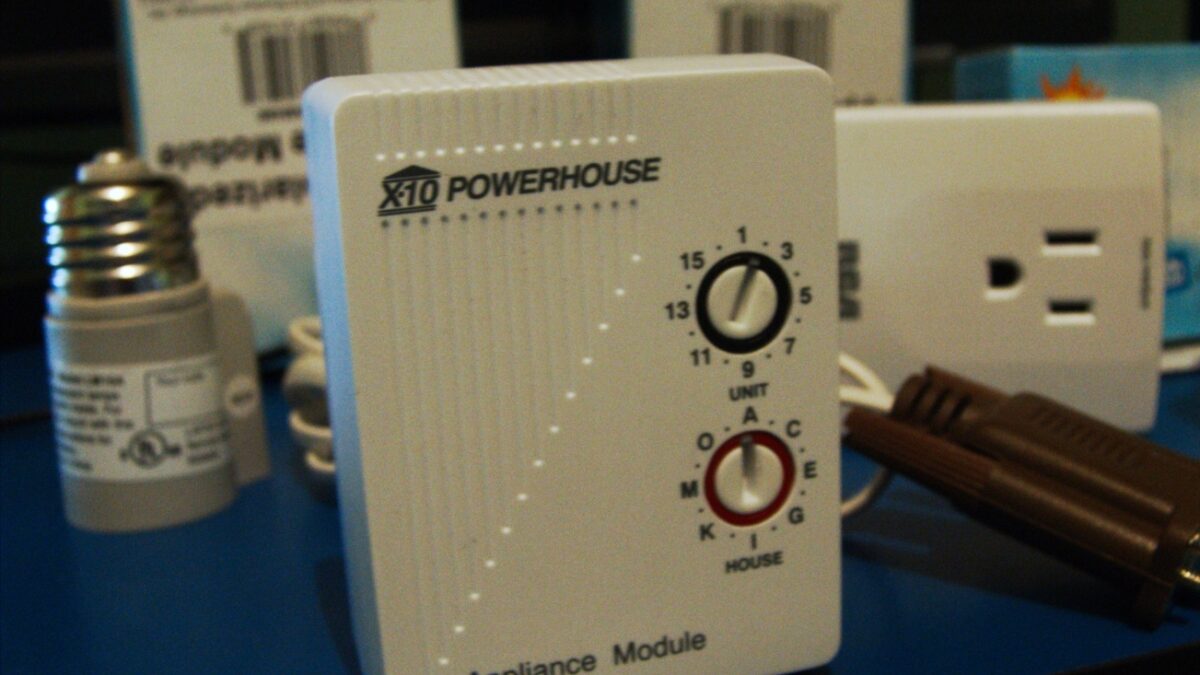
Before you buy a single smart bulb, buy a smart plug. This is the single highest-value upgrade for a budget smart home, and here is why: a smart plug makes any device smart. Your existing lamp, floor fan, space heater, coffee maker — anything with a power cord becomes voice-controlled and schedulable the moment you plug it into a smart plug.
The TP-Link Kasa Smart Plug is the go-to recommendation for budget builders. It costs $15–$25 depending on the model, works with both Alexa and Google Home, and does not require a separate hub — it connects directly to your Wi-Fi. The Kasa app is well-maintained, and the scheduling features are robust enough for most users without ever touching a complex automation interface.
Practical use cases to start with:
- Set your coffee maker to turn on automatically at 7:00 AM every weekday.
- Schedule your floor lamp to turn on at sunset and off at 11:00 PM.
- Create an “away” routine that cuts power to devices you habitually leave on.
Start with two or three smart plugs. At $15–$20 each, they deliver more practical value per dollar than almost any other smart home device.
Step 3 — Smart Lighting on a Budget
Smart bulbs are the most visible smart home upgrade and the easiest to demonstrate to guests. They are also where most beginners overspend. You do not need Philips Hue ($50+ per bulb) to get excellent smart lighting.
For budget builds, two brands stand out:
Wyze Bulbs — A four-pack sells for around $30, which works out to $7.50 per bulb. They support color temperature adjustment (warm to cool white) and work with Alexa and Google Home directly over Wi-Fi, no hub required. For most rooms in a home, Wyze bulbs are more than sufficient.
Govee bulbs — Similar price range to Wyze, with slightly better color options if you want RGB lighting for gaming setups or accent lighting. The Govee app has more effects and scene presets, which some users prefer.
A few tips for smart bulb installations:
- Never control a smart bulb with a physical wall switch — if the switch cuts power, the bulb loses its Wi-Fi connection and becomes “dumb.” Use smart plugs on lamps instead, or replace wall switches with smart switches.
- Start with high-use rooms: bedroom, living room, home office. A smart bulb in a closet you rarely use is a waste of money.
- Look for the Matter badge when shopping in 2026 — Matter-compatible bulbs give you ecosystem flexibility if you ever switch from Alexa to Google or vice versa.
If you want to understand how the Matter protocol works under the hood and why it matters for your purchasing decisions, read our detailed explainer: What Is Matter? The Smart Home Standard Explained.
Step 4 — Budget Smart Security: Cameras Under $35
Home security is one of the most compelling reasons people build smart homes, and in 2026 you can get a solid indoor security camera for under $35. Two options dominate the budget segment:
Wyze Cam v3 (~$35) — This is one of the most reviewed budget cameras on the market. It offers 1080p video, color night vision, two-way audio, and free cloud storage for 14-day event clips (no subscription required for basic features). It works with Alexa and Google Home for live view on Echo Show or Nest Hub displays. The Wyze Cam is the default recommendation for anyone starting out.
Blink Mini (~$25) — Amazon’s own budget camera. Slightly cheaper than Wyze, deep Alexa integration, and an optional subscription for continuous recording. If you are already in the Alexa ecosystem, the Blink Mini is worth considering simply for how cleanly it integrates with Echo devices and Alexa routines.
For most apartment dwellers or first-time homeowners, one or two indoor cameras — pointed at entry doors from the inside — is sufficient. Outdoor cameras are more expensive and require weatherproofing considerations; save those for phase two once your budget recovers.
Note: if your cameras ever seem slow to respond or stream with lag, the issue is almost always your Wi-Fi router placement, not the cameras themselves. See our troubleshooting guide: Why Your Smart Home Feels Slow (and How to Fix It).
Step 5 — The Smart Thermostat: Optional but High-ROI
A smart thermostat is the most expensive single item in a budget smart home build — typically $100–$130 — but it is also the one device that can pay for itself over time through energy savings. The Google Nest Thermostat (~$130) and the Ecobee SmartSensor are the two most recommended options at this price point.
Both learn your schedule over time and automatically reduce heating and cooling when you are away. Google estimates the Nest Thermostat saves users an average of 10–12% on heating bills and around 15% on cooling. Over a single year in a climate with significant heating and cooling seasons, the thermostat pays for itself.
That said, a smart thermostat is optional for a first-phase budget build. If your current heating and cooling system works fine and you do not have high utility bills, skip it for now and start with plugs, bulbs, and a camera. Add the thermostat once you have established your ecosystem and feel comfortable with the platform.
One important caveat: not all HVAC systems are compatible with smart thermostats. Before purchasing, use Google’s or Ecobee’s online compatibility checkers (search “[brand] thermostat compatibility checker”) and photograph your current thermostat wiring. If your system uses a C-wire (common wire), installation is straightforward. If it does not, both Nest and Ecobee include adapter kits — but compatibility checks first save a lot of headaches.
Building Your Smart Home in Phases: A Realistic Budget Plan
Here is a practical phased approach that keeps costs manageable:
Phase 1 — Under $100: One Echo Dot or Google Nest Mini ($35–$50) + two TP-Link Kasa Smart Plugs ($30–$40) + one Wyze Cam ($35). This gives you voice control, basic automation, and a security camera for a total outlay of roughly $100–$125.
Phase 2 — Add Lighting ($50–$80): One four-pack of Wyze or Govee bulbs per room you want to automate. Prioritize bedroom and living room first.
Phase 3 — Advanced (when budget allows): Smart thermostat, additional cameras, smart door lock, or a more powerful hub like the Echo Show 8 with a built-in display for camera feeds and weather dashboards.
The most important rule: do not buy everything at once. Buy, install, and actually use each device for two to four weeks before adding more. This tells you whether you are getting real value from the upgrade or just accumulating gadgets that sit unused. Smart home fatigue is real — the best builds are the ones that start small and grow organically around actual habits.
Smart homes in 2026 are approachable, affordable, and genuinely useful. With Matter ensuring device compatibility and prices continuing to fall, there has never been a better time to start — one smart plug at a time.
Deixe um comentário