DecodeGear is reader-supported. We earn a small commission if you buy through our links — at no extra cost to you. We never accept paid reviews.
Your laptop’s built-in webcam makes you look like a potato. Under $100 in 2026, a dedicated webcam fixes that completely — sharp 1080p (or even 2K), real autofocus, and a decent mic. We ranked the five best, and explain the spec that actually makes you look good (hint: it isn’t resolution).
The Tier List at a Glance
| Rank | Webcam | Price | Best For |
|---|---|---|---|
| #1 | Logitech C920 | ~$60 | Best overall |
| #2 | Logitech Brio 300 | ~$60 | Best compact (USB-C) |
| #3 | Razer Kiyo X | ~$70 | Best for streaming |
| #4 | Anker PowerConf C200 | ~$50 | Best 2K value |
| #5 | Anker PowerConf C300 | ~$90 | Best AI framing |
#1 — Best Overall: Logitech C920
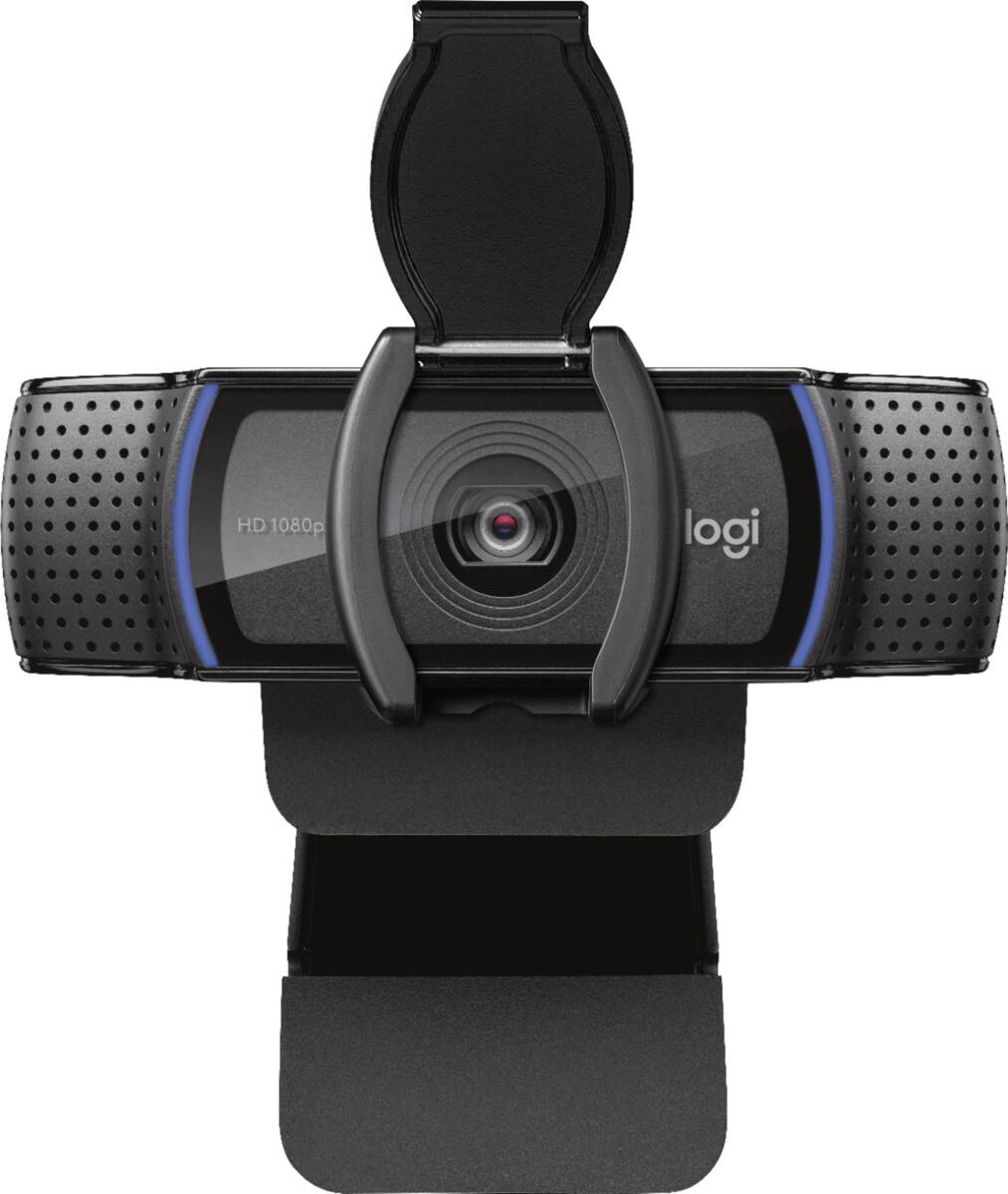
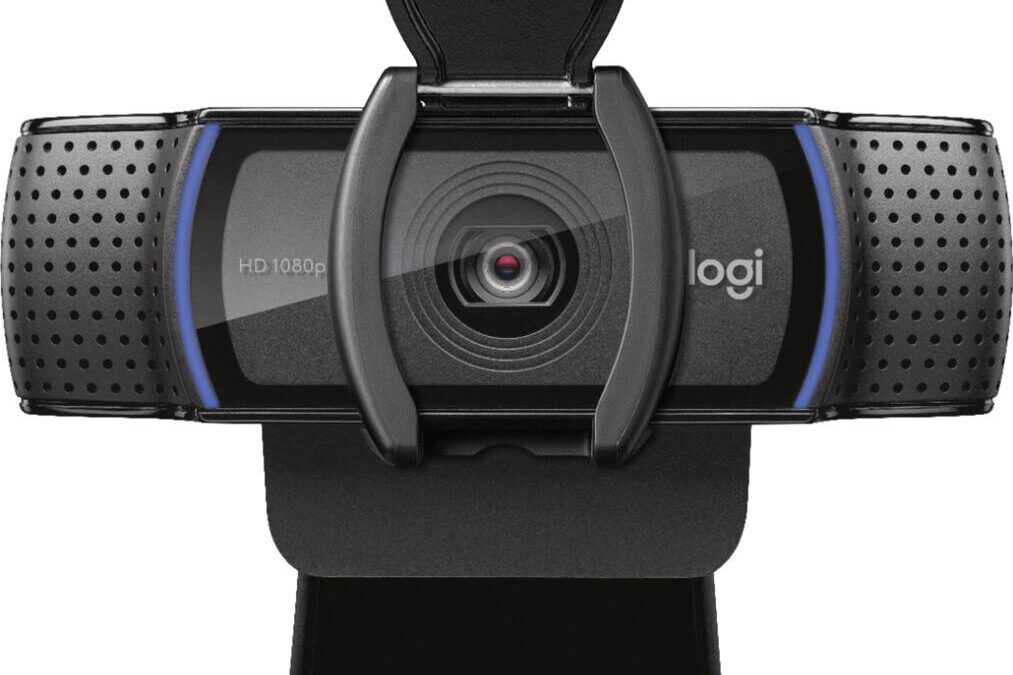
The C920 has been the default recommendation for years, and for good reason: reliable 1080p/30, dependable autofocus, a stereo mic that’s genuinely usable, and software support that won’t quit. At around $60 it’s the safe pick almost nobody regrets.
It’s an older design and tops out at 30fps, but for calls and everyday recording the image quality still holds up beautifully.
Check the Logitech C920 on Amazon →
#2 — Best Compact: Logitech Brio 300
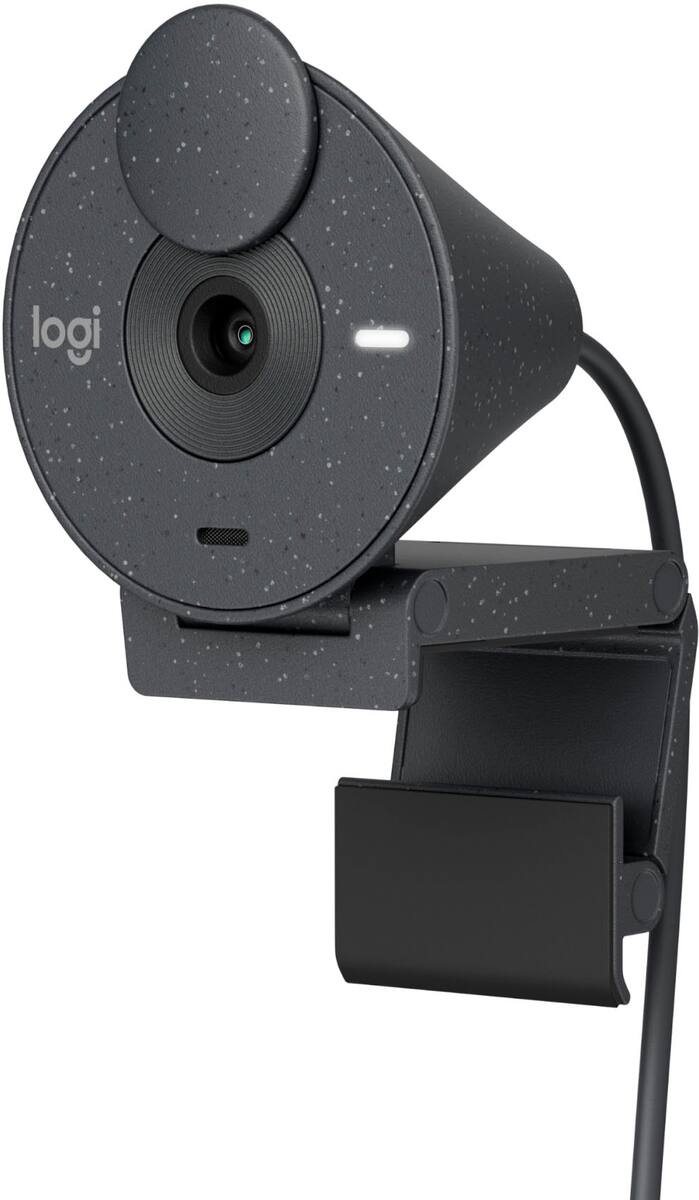
The Brio 300 is the modern, tidy pick: a small, clean design, USB-C connectivity, sharp autofocus, and a noise-reducing mic, around $60. It’s ideal if you want something that looks good on the monitor and plugs into a modern laptop.
It’s 1080p only, but the auto light correction makes a real difference in dim home offices.
Check the Logitech Brio 300 on Amazon →
#3 — Best for Streaming: Razer Kiyo X
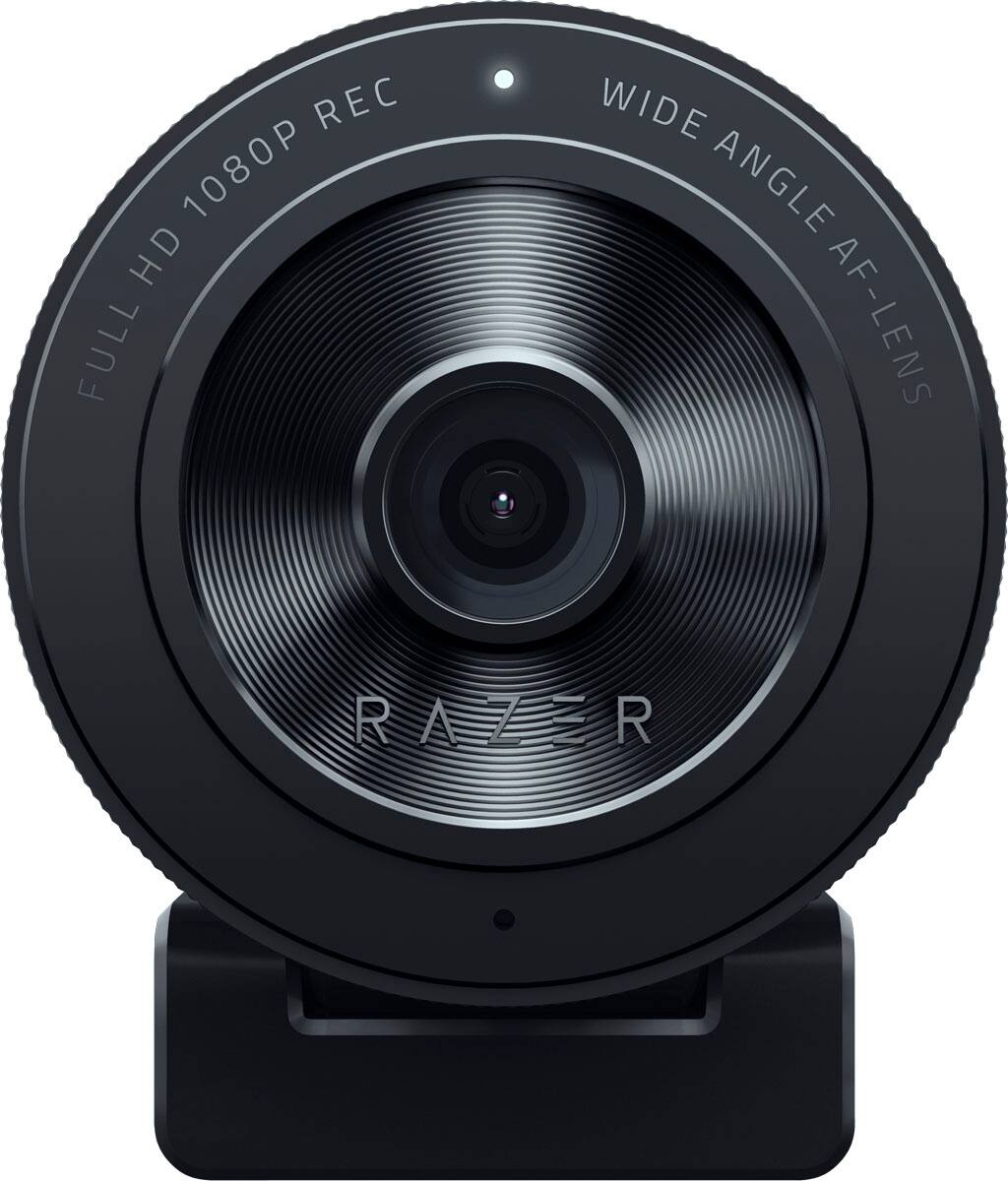
The Kiyo X is the streamer’s budget pick: sharp 1080p at 60fps (smoother motion than 30fps cameras) with easy Razer software for fine-tuning, around $70. The higher frame rate is the difference for gaming overlays and lively streams.
There’s no built-in ring light on the X model, but the image is crisp and the price is right.
Check the Razer Kiyo X on Amazon →
#4 — Best 2K Value: Anker PowerConf C200
At around $50, the PowerConf C200 over-delivers: 2K resolution, AI noise-canceling mics, an adjustable field of view, and a built-in privacy cover. For meetings, the sharper sensor and clean audio punch above the price.
The low-light handling is decent rather than great, but for the money the 2K clarity is a standout.
Check the Anker PowerConf C200 on Amazon →
#5 — Best AI Framing: Anker PowerConf C300
The C300 adds the trick the others lack: AI auto-framing that keeps you centered as you move, plus 1080p/60, HDR, and noise-canceling mics, around $90. If you present, teach, or move around on calls, the auto-framing is genuinely useful.
It’s the priciest pick here, but the smart framing and HDR justify it for active presenters.
Check the Anker PowerConf C300 on Amazon →
What the Spec Sheet Doesn’t Tell You
Lighting beats resolution, every time. A 1080p webcam in good light looks far better than a 4K one in a dark room. Webcam sensors are tiny, so they struggle in low light — face a window or add a cheap light and even the C920 looks great. Don’t overpay for resolution to fix what lighting solves for free.
Frame rate matters for motion. 60fps looks noticeably smoother than 30fps for streaming and gaming. For static calls, 30fps is fine; for lively content, prioritize a 60fps model.
The built-in mic is “good enough,” not great. Webcam mics work for calls, but if audio matters (streaming, podcasts), a separate mic is the single biggest upgrade.
Which Should You Buy?
- Best all-around: Logitech C920 — reliable and cheap.
- Modern & compact: Logitech Brio 300.
- Streaming: Razer Kiyo X (60fps).
- Best 2K value: Anker PowerConf C200.
- Auto-framing: Anker PowerConf C300.
Frequently Asked Questions
Is a webcam under $100 good enough for work?
Absolutely. A sub-$100 webcam massively outperforms a laptop’s built-in camera for calls and recording. Pair it with decent lighting and you’ll look more professional than most of your coworkers.
Do I need a 4K webcam?
For calls and most streaming, no — 1080p in good light looks excellent and uploads more reliably. 4K mainly helps for cropping in content production, and budget 4K sensors are small enough that low-light suffers. Lighting matters far more than resolution.
You don’t need to look washed-out on camera in 2026. The Logitech C920 nails the fundamentals at $60, the Brio 300 modernizes it with USB-C, and the Anker C200 brings 2K for just $50. Sort out your lighting first — it’s the cheapest upgrade that makes the biggest difference.
Deixe um comentário