DecodeGear is reader-supported. We earn a small commission if you buy through our links — at no extra cost to you. We never accept paid reviews.
Features that cost $150+ two years ago — hot-swap switches, gasket mounts, PBT keycaps, wireless — are all standard under $100 now. Competition turned the budget tier into a goldmine. We ranked the five best gaming keyboards under $100, and explain the spec that actually decides how a board feels under your fingers.
The Tier List at a Glance
| Rank | Keyboard | Price | Best For |
|---|---|---|---|
| #1 | Keychron V3 | ~$84 | Best overall (hot-swap) |
| #2 | Razer BlackWidow V3 | ~$100 | Best gaming feel |
| #3 | Royal Kludge RK84 | ~$80 | Best wireless |
| #4 | Logitech G413 SE | ~$60 | Best simple mechanical |
| #5 | Corsair K55 RGB Pro | ~$50 | Best budget |
#1 — Best Overall: Keychron V3
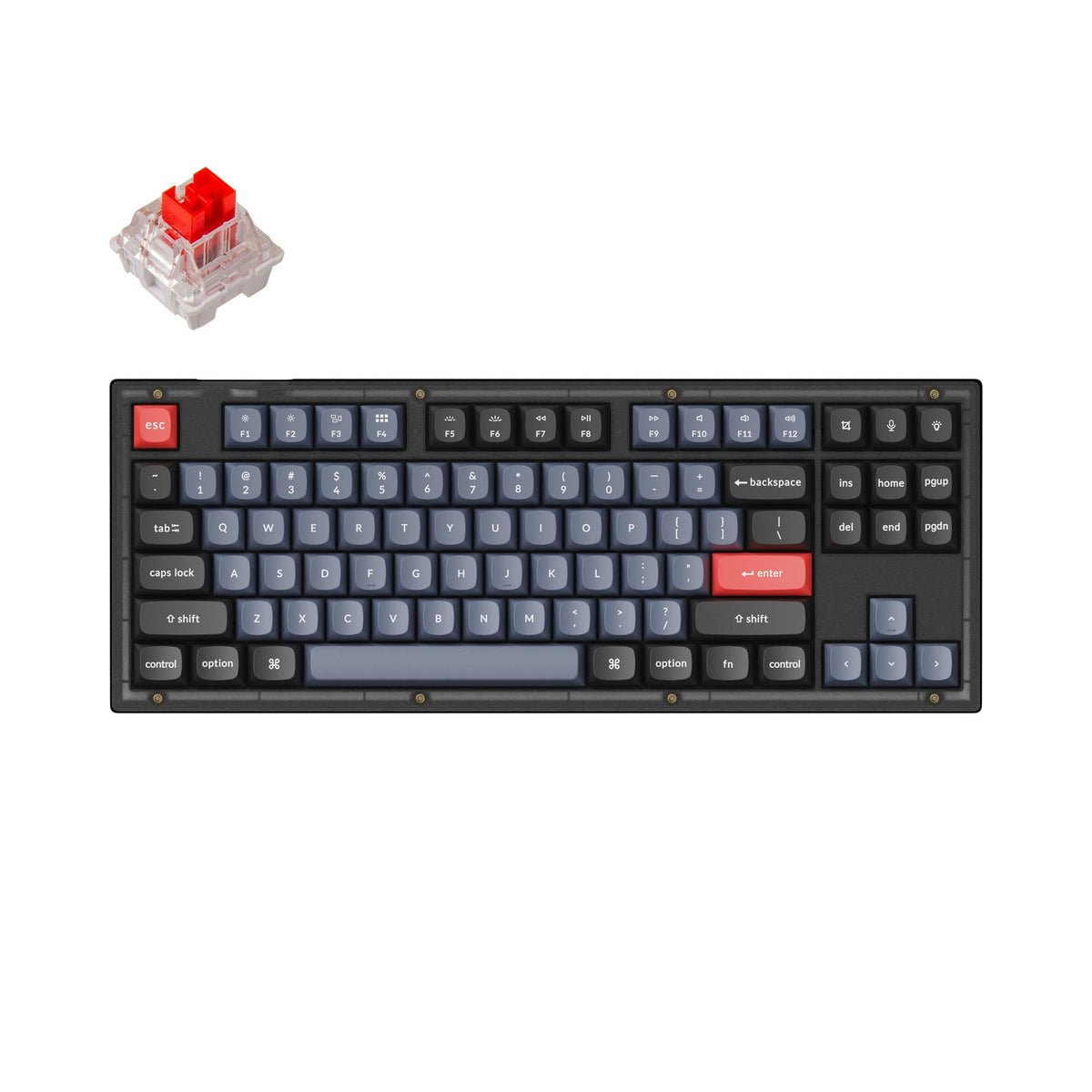
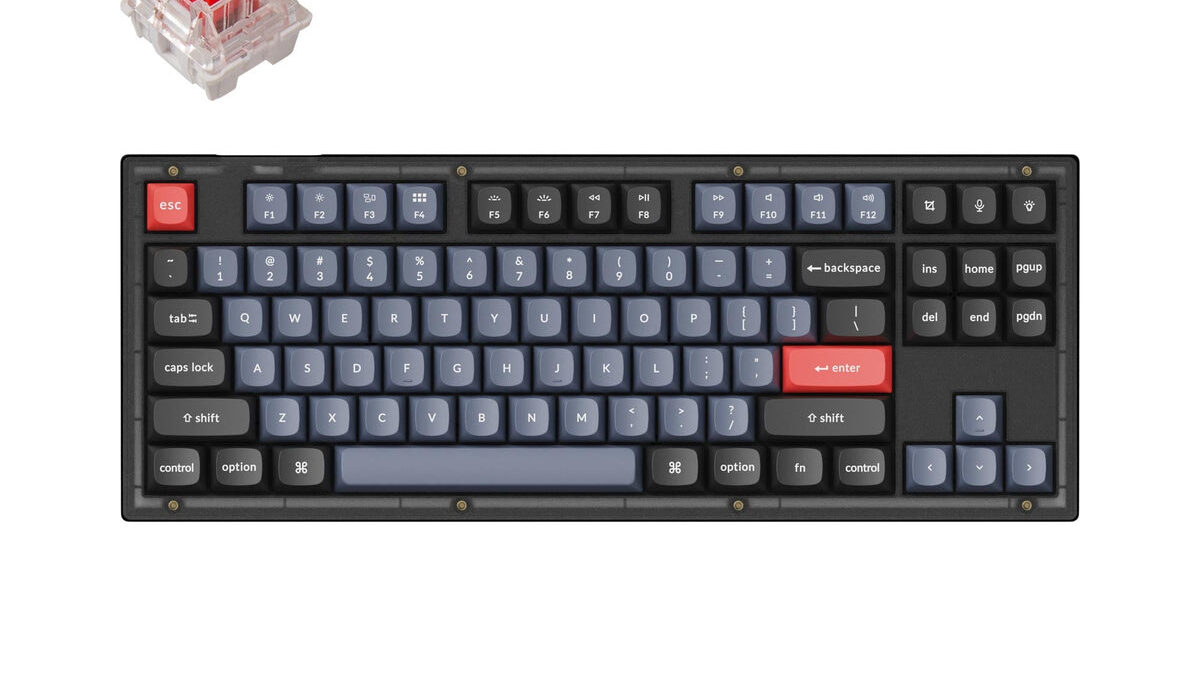
The Keychron V3 is the enthusiast’s budget pick: a full TKL mechanical board with hot-swappable switches (change them with no soldering), QMK/VIA programmability, a sturdy case, and a satisfying typing feel, around $84. It bridges gaming and serious typing better than anything at this price.
It’s wired-only and not flashy, but the build quality and customizability embarrass keyboards that cost more.
Check the Keychron V3 on Amazon →
#2 — Best Gaming Feel: Razer BlackWidow V3
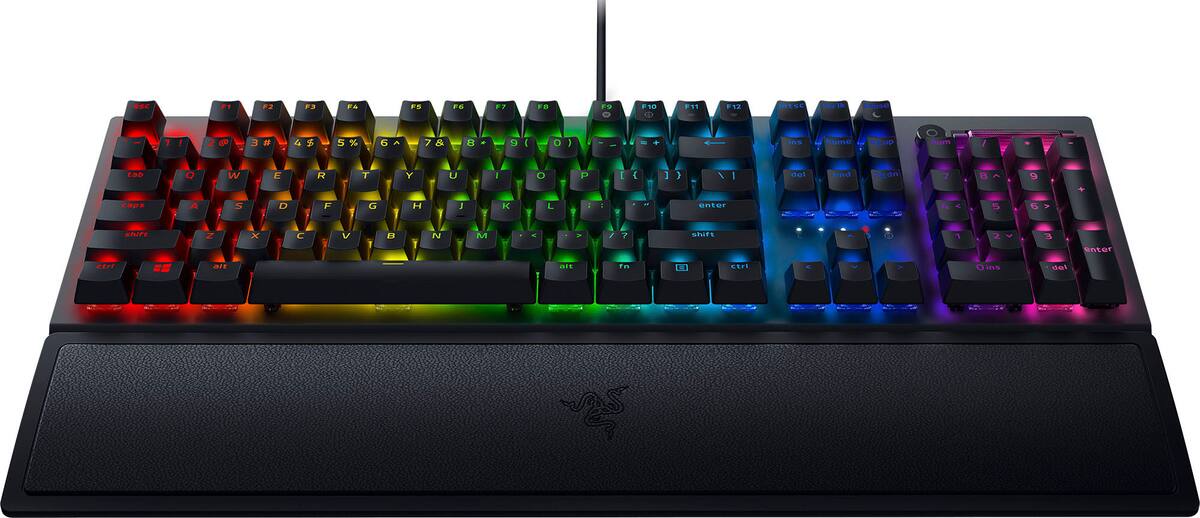
The BlackWidow V3 is the pure-gaming pick: Razer’s clicky Green switches, dependable Chroma RGB, and a comfortable wrist rest, around $100. The switches are tactile and responsive in a way competitive players love, backed by Razer’s polished software.
It’s at the top of the budget and the membrane-style media controls are basic, but for that classic gaming clack it delivers.
Check the Razer BlackWidow V3 on Amazon →
#3 — Best Wireless: Royal Kludge RK84
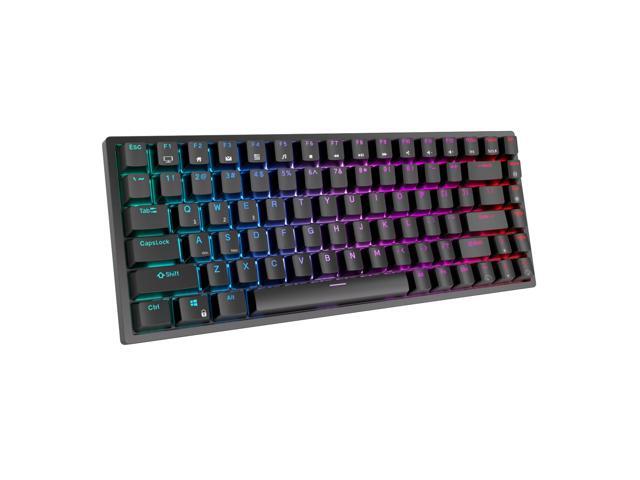
The RK84 packs an absurd amount into around $80: triple-mode connectivity (Bluetooth, 2.4GHz, USB-C), hot-swappable switches, a compact 75% layout, and a real battery. It’s the cheapest way to get genuinely good wireless with customization.
The software is more basic than the big brands, but the feature-per-dollar value is unmatched.
Check the Royal Kludge RK84 on Amazon →
#4 — Best Simple Mechanical: Logitech G413 SE
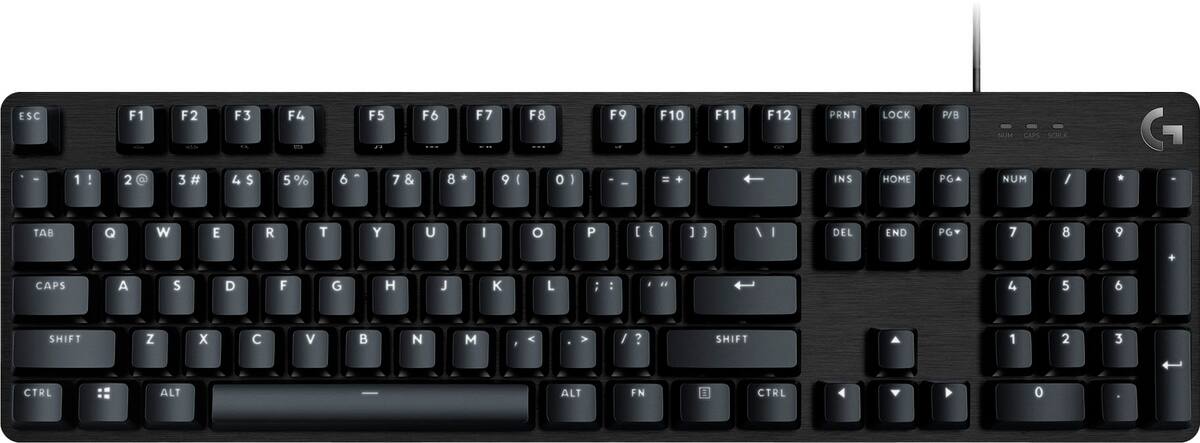
The G413 SE is the no-nonsense pick at around $60: a clean aluminum-top full-size board with reliable tactile mechanical switches, white backlighting, and Logitech’s build quality. No RGB rabbit hole, no software bloat — just a solid keyboard that works.
There’s no per-key RGB or hot-swap, but for a dependable daily driver it’s hard to beat.
Check the Logitech G413 SE on Amazon →
#5 — Best Budget: Corsair K55 RGB Pro
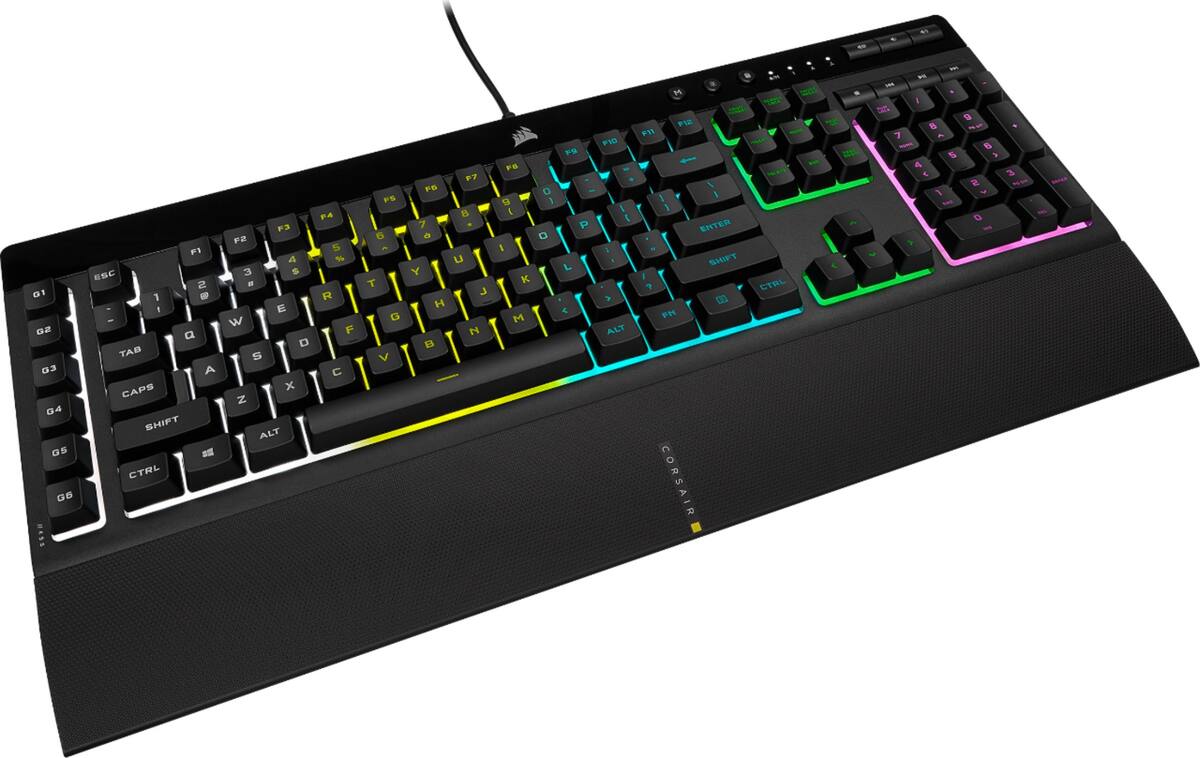
At around $50, the K55 RGB Pro is the most keyboard for the least money: dynamic RGB, six macro keys, dedicated media controls, IP42 spill resistance, and a detachable palm rest. It’s membrane rather than mechanical, but it’s quiet and feature-packed.
It won’t satisfy a switch enthusiast, but for a feature-rich gaming board on a tight budget it’s excellent value.
Check the Corsair K55 RGB Pro on Amazon →
What the Spec Sheet Doesn’t Tell You
Switches decide the feel — and they’re personal. Linear (smooth), tactile (a bump), and clicky (a bump plus sound) switches feel completely different. No spec sheet tells you which you’ll like. Hot-swappable boards (like the Keychron V3 and RK84) let you change switches later — that flexibility is worth more than any RGB feature.
Membrane vs mechanical is the real divide. Mechanical switches feel crisper and last longer; membrane (like the K55) is quieter and cheaper. Both game fine — but if typing feel matters, go mechanical.
Keycaps matter more than you’d think. Cheap ABS keycaps go shiny and slippery over time; PBT keycaps stay textured for years. It’s a small spec that affects daily feel.
Which Should You Buy?
- Best all-around: Keychron V3 — hot-swap, great typing.
- Pure gaming feel: Razer BlackWidow V3.
- Wireless: Royal Kludge RK84.
- Simple & reliable: Logitech G413 SE.
- Cheapest feature-rich: Corsair K55 RGB Pro.
Frequently Asked Questions
Is a gaming keyboard under $100 good enough?
Yes — hot-swap switches, wireless, PBT keycaps, and programmability are all standard under $100 in 2026. Spending more mostly buys premium materials (aluminum cases) and boutique customization most players don’t need.
Mechanical or membrane keyboard for gaming?
Both work for gaming. Mechanical switches feel crisper, register more precisely, and last longer; membrane boards (like the K55) are cheaper and quieter. If you type a lot or want that tactile feel, go mechanical.
The premium-keyboard tax is optional in 2026. The Keychron V3 brings hot-swap enthusiast features for ~$84, the BlackWidow V3 delivers that classic gaming clack, and the K55 packs the features in at $50. Pick your switch type first — it’s the spec that decides everything about how a keyboard feels.
Deixe um comentário