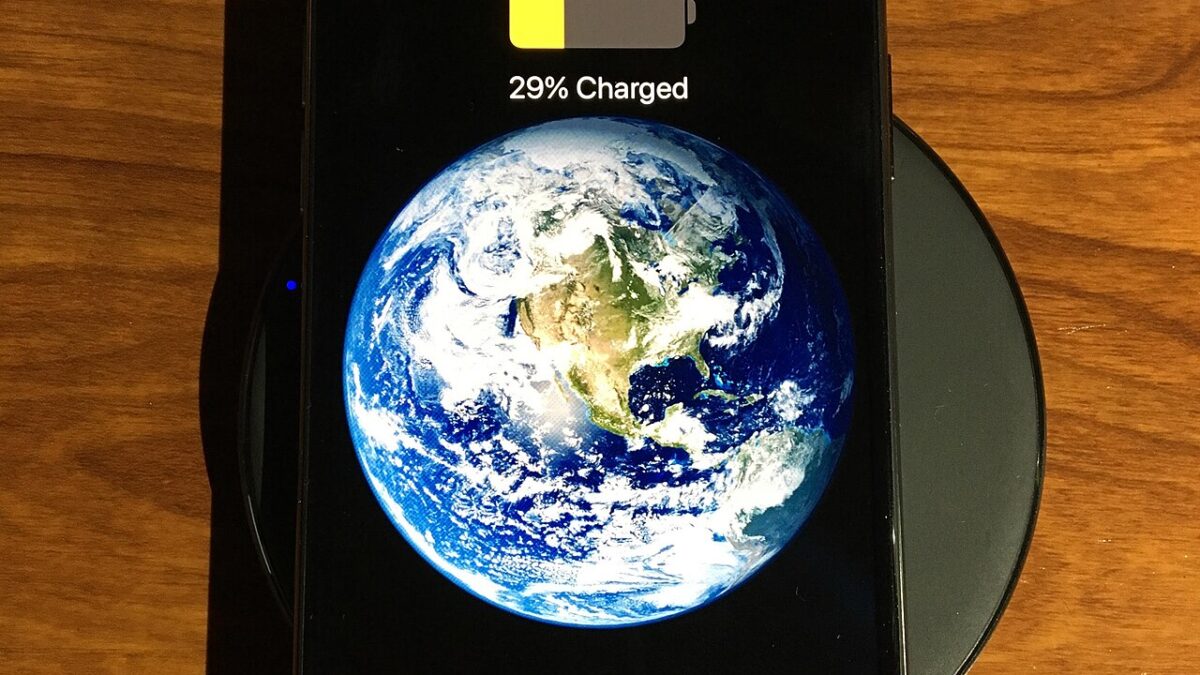
Your phone’s battery isn’t dying from age — it’s dying from heat, and most of the advice you’ve read about “battery health” gets the actual mechanism wrong. Charge cycles matter less than people think. Temperature matters more than almost anyone accounts for. Here’s what the lithium-ion chemistry actually says, and which settings on your phone are worth touching.
In the next few minutes you’ll learn what’s actually degrading your battery day to day, which built-in iOS and Android tools do something real versus which are just placebo toggles, and the one setting most people never enable that has the biggest single impact on long-term battery health.
Heat Is the Real Villain, Not Fast Charging
The instinct to avoid fast charging because it “damages the battery” is mostly outdated. Modern phones use battery-management chips that actively throttle current as a cell approaches full charge, so the marginal harm from a 20W or 25W charger versus a slow 5W one is small on its own. One frequently cited comparison found fast charging added only a few percentage points of additional degradation over two years versus slow charging — a real but modest difference.
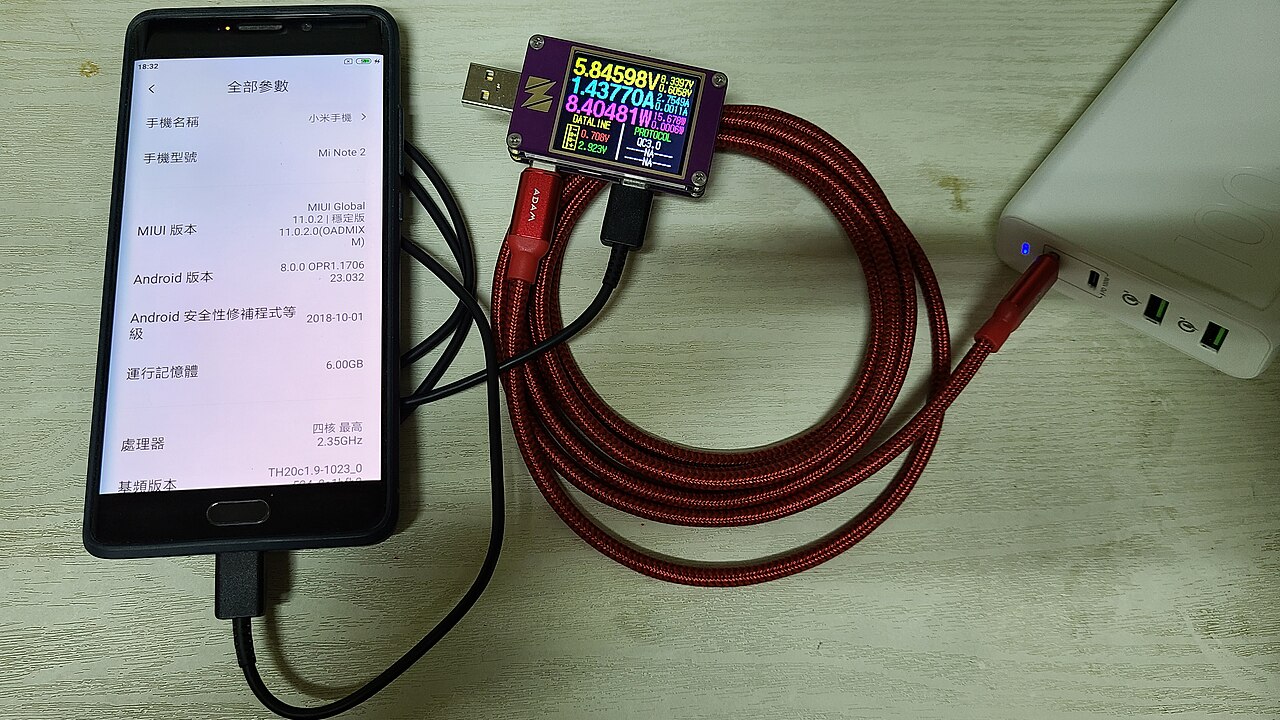
What actually accelerates degradation is heat, and specifically fast charging combined with heat: charging on a hot car dashboard, under a pillow, or inside a thick case that traps warmth while the phone is actively drawing 20+ watts. The chemistry is straightforward — lithium-ion cells lose capacity faster at high temperatures regardless of what’s causing the heat, and a phone charging fast while already warm from ambient conditions is the worst-case combination. If you take one thing from this article, make it this: charging speed alone is a minor factor. Charging fast in a hot environment is the actual problem.
The 20-80% Rule Isn’t a Myth
Unlike the fast-charging scare, the 20-80% guidance holds up. Lithium-ion cells experience the most electrochemical stress at the extremes — very close to 100% and very close to 0%. Keeping a phone in the 20-80% band avoids both high-voltage stress near full charge and low-voltage stress near empty, and the effect on longevity is significant: consistently staying in that band can roughly double or triple usable cycle life compared to habitually running a phone from 0% to 100% every day.
That doesn’t mean you need to manually watch a percentage number all day — nobody actually does that consistently, and the phones already have a better tool for it.
Use the Built-In Charge Limiter, Not Willpower
iOS’s Optimized Battery Charging (Settings → Battery → Battery Health) is the single highest-leverage setting on this list, and most people have never turned it on. It learns your daily routine and holds the phone near 80% overnight, completing the final charge to 100% shortly before your usual wake-up time — meaning the phone spends far less total time sitting at a full, high-stress charge. Android’s equivalent varies by manufacturer: Pixel’s Adaptive Charging does the same overnight hold-and-top-off, while Samsung and other OEMs typically offer a manual “protect battery” toggle that caps charging at 80-85% outright.
These are not the same thing as Android’s Adaptive Battery, which is a separate feature that throttles background app activity to reduce drain — useful for daily battery life, but it doesn’t touch the charging curve at all. If longevity is your goal, look specifically for the charge-limiting feature, not the background-drain one.
Pro Tip: The Setting Everyone Skips
If your phone offers a manual charge-limit toggle (common on Samsung, several Android OEMs, and some newer iPhones via a lock-to-80% option), enabling it permanently is more effective than any charging habit you could maintain by hand. It removes the need to think about it entirely — the phone simply won’t accept a charge past the threshold you set, regardless of how long it’s left plugged in overnight. This single toggle addresses the 20-80% guidance more reliably than trying to unplug at the right moment every day, which almost nobody sticks to for more than a week.
When to Actually Worry
Occasional full 0-100% charges aren’t dangerous — modern phones are engineered to handle that safely, and doing it once in a while (say, before a long day away from an outlet) isn’t going to meaningfully shorten the battery’s life. The habit that matters is the daily default, not the occasional exception. If your phone’s reported battery health (visible in iOS Settings or via a battery-info app on Android) has dropped meaningfully below 80% capacity and you’re noticing real-world symptoms — unexpected shutdowns, rapid drops from 30% to 0%, or the phone feeling noticeably slower under load — that’s the point to consider a battery replacement rather than continuing to chase charging habits that can no longer fix what’s already degraded.
If the wireless charger you’re using is part of the problem — older, non-aligned Qi pads can run hotter than a properly aligned Qi2 charger — our guide to the best wireless chargers in 2026 breaks down which ones actually manage heat well. And if your phone’s battery has already degraded past the point of no return, it’s worth knowing that a replaceable battery is becoming a bigger deal across the industry — Nintendo’s move to a replaceable battery in Europe is part of the same regulatory shift starting to reach phones too.
Frequently Asked Questions
Does leaving my phone charging overnight damage the battery?
Not with optimized/adaptive charging enabled — the phone holds near 80% for most of the night and only tops off shortly before you wake, so it isn’t sitting at a full, high-stress charge for eight hours. Without that feature enabled, overnight charging does mean more time spent at 100%, which is the condition worth avoiding.
Is fast charging actually bad for my battery?
On its own, only mildly — modern battery-management chips limit the real-world harm. The combination that actually matters is fast charging plus heat, such as charging quickly in a hot car or under a blanket. Avoid that combination and the wattage itself isn’t a major concern.
Should I turn my phone off before charging it?
It’s not necessary. Turning the phone off can slightly reduce heat generated by background processes during charging, but the difference is minor compared to the environmental temperature the phone is charging in.
How do I check my phone’s actual battery health?
On iPhone: Settings → Battery → Battery Health & Charging, which shows a maximum capacity percentage relative to when the battery was new. On Android, the equivalent is usually buried in Settings → Battery, though the exact path and level of detail varies by manufacturer — some require a manufacturer app or a third-party diagnostic app to see a precise capacity number.
Leave a Reply