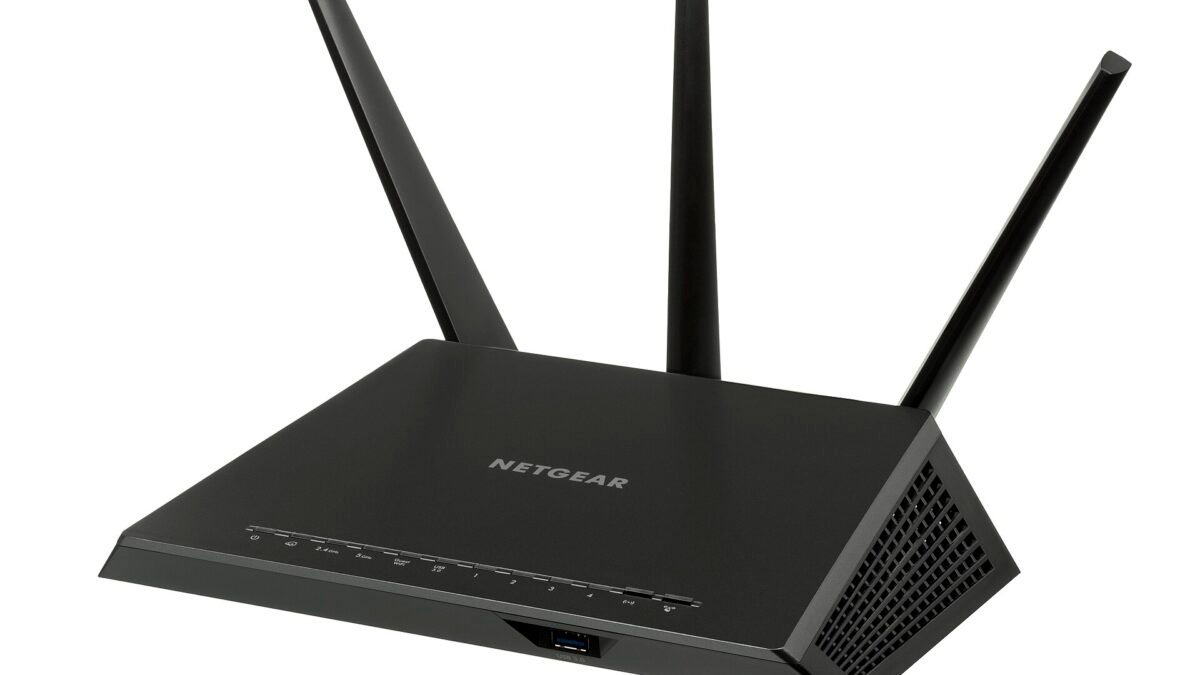
Netgear’s October 2026 security advisory, last updated on October 28, 2026, lists six vulnerabilities across 13 home routers, cable gateways and Wi-Fi extenders. Netgear rates all six as medium severity. Seven of the 13 models carry Netgear’s end-of-support mark, yet five of those seven still have a fixed firmware version listed. For the other two, the advisory says “Won’t Fix.”
If you own a Netgear router or extender, the table below tells you whether it is on the list and which firmware version closes the hole. After that: what each flaw requires before anyone can use it, how to update, and what to do if your model is not getting a fix.
Is your Netgear router or extender on the list?
| Model | Fixed firmware (or later) | Marked end-of-support? |
|---|---|---|
| CAX30 (cable modem router) | V2.3.4.12 | No |
| RAX30 | v1.0.15.110 (listed for the second of its two flaws) | No |
| RAX28, RAX29 | v1.0.15.110 | No |
| RAXE300 | V1.0.10.72 | No |
| EX6120 (extender) | V1.0.1.74 | No |
| RAX5 | V1.0.5.34 | Yes |
| RAX40 | V1.0.3.64 | Yes |
| R7000 (Nighthawk AC1900) | v1.0.11.130 | Yes |
| R7000P (Nighthawk AC2300) | V1.3.3.152 | Yes |
| EX3700 (extender) | V1.0.0.102 | Yes |
| CBR40 (Orbi cable modem router) | Won’t Fix | Yes |
| R7300DST | Won’t Fix | Yes |
The RAX30 is the easy one to get wrong. It appears under two separate flaws. Netgear lists V1.0.14.108 as the fix for the first and v1.0.15.110 for the second, so a RAX30 on V1.0.14.108 is not yet at the version listed for the second fix.
What each flaw needs before anyone can use it
Netgear’s descriptions matter as much as the model list. In every one of the six, the attacker first has to be on your local network or within adjacent network reach of the device.
- CVE-2026-11732 (CAX30, RAX30, RAX5, RAXE300): a flaw in the Block Sites website-blocking feature lets someone with network access, “such as WiFi credentials,” run unauthorized commands. Netgear says it only works on routers with Block Sites turned on.
- CVE-2026-11731 (RAX28, RAX29, RAX30): an authentication bypass. An unauthenticated attacker with adjacent access to the router’s management service can read some device information or change administrative settings.
- CVE-2026-11730 (EX3700, EX6120): weak session randomness in the extenders’ web management portal. Someone on the network could predict session identifiers and take over an administrator’s logged-in session.
- CVE-2026-9218 (CBR40, R7000, R7000P, RAX40): a flaw in the time server (NTP) setting. The attacker needs to be on the local network and already have the router’s administrator credentials. Netgear says there is no impact on confidentiality or availability.
- CVE-2026-107917 and CVE-2026-107918 (R7300DST): flaws in the PPPoE and LAN setup features that require an authenticated administrator on the local network. Netgear says they were found on a simulated version of the router’s software and have not been confirmed on physical devices.
In practice, the people who could exploit these are people already on your network, which usually means anyone who can join your Wi-Fi. The last two items also need your router’s admin password. That makes the update less urgent than a flaw open to the whole internet. It also means the update matters most in homes with shared Wi-Fi passwords, roommates or many visitors.
How to update a Netgear router
Netgear’s advisory says devices with automatic updates turned on may already have the patch, and it recommends turning automatic updates on where your device supports it. To check by hand, Netgear’s firmware update guide gives two routes:
- Nighthawk app: connect your phone to the router’s Wi-Fi, open the app, sign in with the router admin user name and password, tap the image of your router, then tap CHECK FOR UPDATES and UPDATE if new firmware appears. Not every Netgear router works with the app.
- Web browser: go to routerlogin.net, sign in with the admin credentials, then click ADVANCED > Administration (or Settings > Administration), Firmware Update (or Router Update), and Check. Netgear’s web-browser instructions say to connect the computer with an Ethernet cable first.
Either way, Netgear warns not to turn off the router or interrupt the update while it installs and restarts, which can take a few minutes. Afterward, compare the version number with the table above. For the EX3700 and EX6120 extenders, the target versions are V1.0.0.102 and V1.0.1.74.
If your model is marked end-of-support
The advisory’s note on end-of-support models is blunt: “no security updates are planned,” and it “strongly recommends” retiring the device and moving to newer hardware. This advisory is a partial exception. The RAX5, RAX40, R7000, R7000P and EX3700 all have a fixed version listed, so install it. Just do not count on a next time.
The CBR40 and R7300DST are different: Netgear lists “Won’t Fix” for them. Their listed flaws require the router’s admin credentials, so until you replace the device, make sure the admin password is unique and not the same as your Wi-Fi password. If you use Block Sites on a CAX30, RAX30, RAX5 or RAXE300 and cannot update right away, keep in mind that Netgear says CVE-2026-11732 only applies while that feature is turned on.
If you are shopping for a replacement, our Wi-Fi 7 router guide covers Wi-Fi 7 options, and our explainer on the FCC router rules explains how long already-approved routers can keep receiving firmware updates. For routine router upkeep, see how often to reboot your router.
How we checked: this article is based on Netgear’s October 2026 security advisory (last updated October 28, 2026) and Netgear’s two firmware update guides, all read on October 30, 2026. Model lists, fixed firmware versions, severity ratings and end-of-support marks are Netgear’s. DecodeGear has not tested these devices or the vulnerabilities.
Leave a Reply