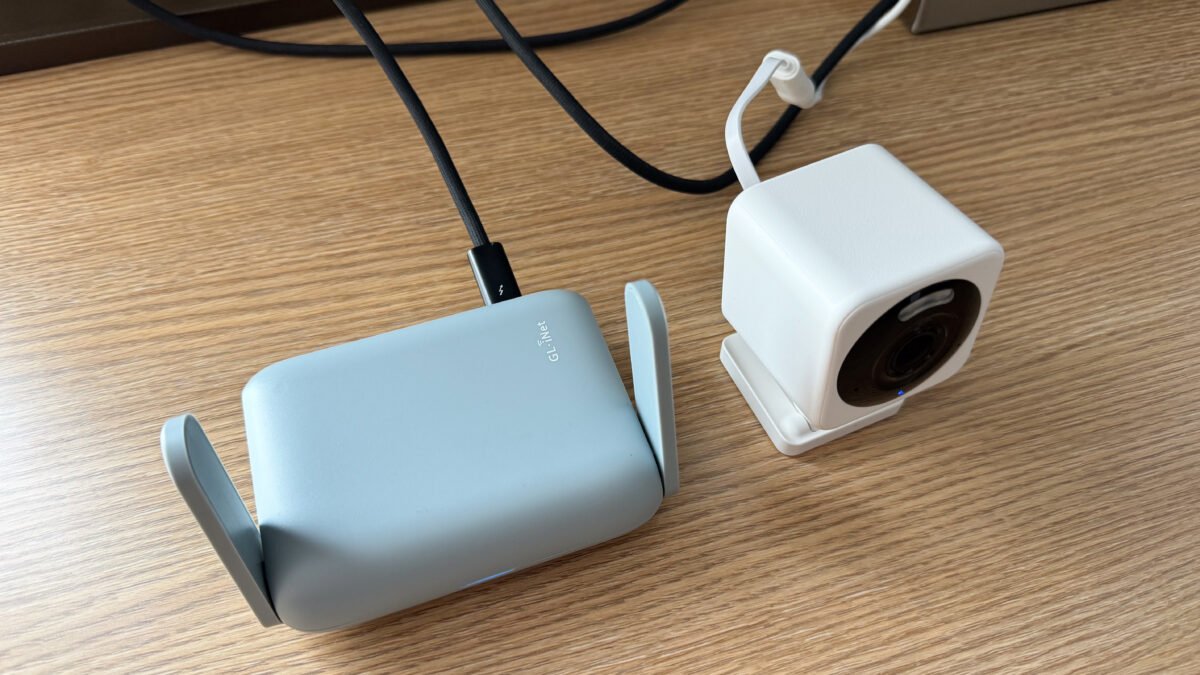
How to Choose a Travel Router for Remote Work in 2026
Hotel Wi-Fi is slow. Airbnb Wi-Fi is unpredictable. Coffee-shop Wi-Fi is a privacy risk you’re taking every time you check your bank account. If you work remotely and travel even occasionally, knowing how to choose a travel router solves all three problems at once — and it comes down to a handful of features that actually matter, not the longest spec sheet.
Affiliate disclosure: DecodeGear may earn a commission if you buy through the links below, at no extra cost to you. Prices and specs are verified against live Amazon listings at time of publication but can change.
Why a Travel Router Beats Public Wi-Fi and Phone Hotspots
A phone hotspot works in a pinch, but it burns through your data plan, drains your battery, and usually only supports a handful of connected devices before performance falls apart. Public Wi-Fi is worse: hotel and café networks route everyone’s traffic through the same unsecured connection, which is exactly the kind of setup that makes it easy for someone else on the network to snoop.
A travel router sits between you and whatever network is available — hotel Wi-Fi, an Ethernet jack, even a phone hotspot — and turns it into your own private, encrypted network. Every device you own connects to your router instead of directly to the venue’s Wi-Fi, and a built-in VPN client encrypts everything before it leaves the room.
Key Features to Check When You Choose a Travel Router
Wi-Fi Standard: Wi-Fi 6 vs Older AC Routers
Older travel routers built on the AC (Wi-Fi 5) standard still work, but they cap out well below what a modern laptop or phone can actually use, especially with multiple devices connected at once. Wi-Fi 6 routers handle more simultaneous connections more efficiently and hold up better in crowded environments like conference hotels and airports, where dozens of networks are competing for the same airwaves.
VPN Support: Built-In Client, Not Just Pass-Through
This is the feature that separates a real travel router from a glorified Wi-Fi extender. Look for a router that runs a VPN client natively — meaning it connects to your VPN provider itself — rather than one that only “passes through” a VPN connection your laptop already established. A native client protects every device on the network automatically, including phones, tablets, and streaming sticks that don’t have their own VPN apps.
Battery Life and Power Options
Most travel routers run on USB-C, which means they can pull power from a laptop, a wall adapter, or a portable power bank. Battery life varies a lot by usage — expect several hours of continuous use from a built-in battery, and effectively unlimited runtime if you’re plugged into a power bank or outlet.
Size and Weight
The best travel routers are genuinely pocket-sized — smaller than a deck of cards in some cases — because the whole point is that you’ll actually bring it. A router that’s bulky enough to take up meaningful backpack space defeats the purpose.
Ethernet and USB Modem Passthrough
Some hotel rooms still only offer a wired Ethernet jack, no Wi-Fi at all. A travel router with an Ethernet WAN port turns that wired connection into Wi-Fi for all your devices. Higher-end models also support USB tethering from a phone or cellular modem, giving you a fallback when there’s no hotel network at all.
Travel Router vs Mesh System vs Phone Hotspot — Which Do You Actually Need?
A mesh Wi-Fi system is built to blanket a home with coverage and isn’t designed to be packed and unpacked daily — it’s the wrong tool for travel. A phone hotspot is fine for occasional, single-device use but struggles once you add a laptop, tablet, and smartwatch all pulling data at once. A travel router is purpose-built for the actual travel use case: one small device, multiple connected gadgets, and a private network wherever you land. If you’re setting up a permanent home office instead, a full mesh Wi-Fi setup — see our breakdown of Wi-Fi 6 vs Wi-Fi 7 — is the better investment.
Common Mistakes to Avoid
The most common mistake is buying a travel router and never actually configuring the VPN client — which means it’s just an expensive Wi-Fi extender. Set up your VPN provider’s credentials on the router before your first trip, not in a hotel lobby at midnight. Second, check the maximum connected-device limit before you buy; budget models can bottleneck once you connect four or five gadgets at once. And third, avoid ultra-cheap no-name routers that don’t ship firmware updates — an unpatched router on public networks is a security liability, not a convenience. For a deeper look at picking a VPN provider to pair with your router, our VPN buying guide covers what actually matters versus marketing noise.
Two Real Examples, Two Different Budgets
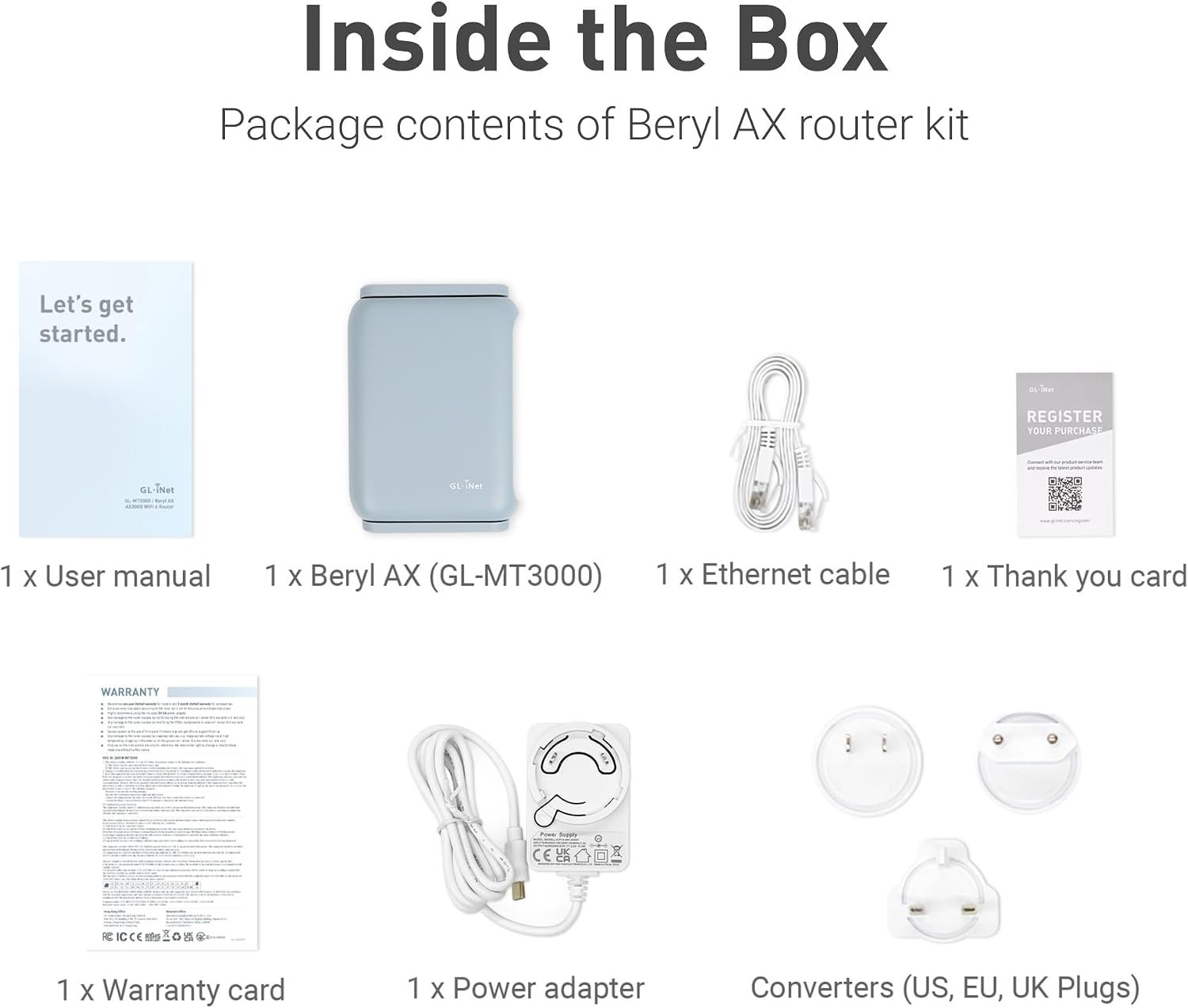
The GL.iNet Beryl AX (GL-MT3000) is a solid reference point for what a well-equipped travel router looks like in 2026: Wi-Fi 6 with AX3000-class speeds, a 2.5GbE WAN port, and OpenWrt firmware that ships with WireGuard and OpenVPN pre-installed, so a native VPN client is ready to configure out of the box. It typically runs in the $90–$100 range, and independent lab testing from RTINGS backs up the throughput claims on both bands.
On the budget end, something like the TP-Link AC750 covers the basics — turning a hotel Ethernet jack or hotspot into shared Wi-Fi — for closer to $25–$30, but without a native VPN client or the throughput to comfortably handle several devices streaming or video-calling at once. It’s a reasonable option if you mainly need shared internet access and already run a VPN app on each device individually, but it’s a real step down in security and headroom.
Frequently Asked Questions (FAQ)
Do I need a travel router if I have phone data?
If you’re traveling with just one device and don’t mind burning mobile data, a hotspot alone can work. A travel router pays off once you have multiple devices, want VPN protection on all of them automatically, or need to use hotel/venue Wi-Fi that a hotspot alone can’t fix.
Can a travel router work with hotel Wi-Fi that needs a login page?
Yes — most travel routers include a captive-portal mode that logs into the hotel’s login page once, on your behalf, so every device connected to the router afterward gets online automatically without repeating the process.
Is a travel router safe on public networks?
It’s significantly safer than connecting your devices directly to public Wi-Fi, especially with a VPN client configured, because your traffic is encrypted before it ever touches the venue’s network. It’s not a substitute for basic security hygiene — keep the router’s firmware updated and use a strong admin password.
Leave a Reply