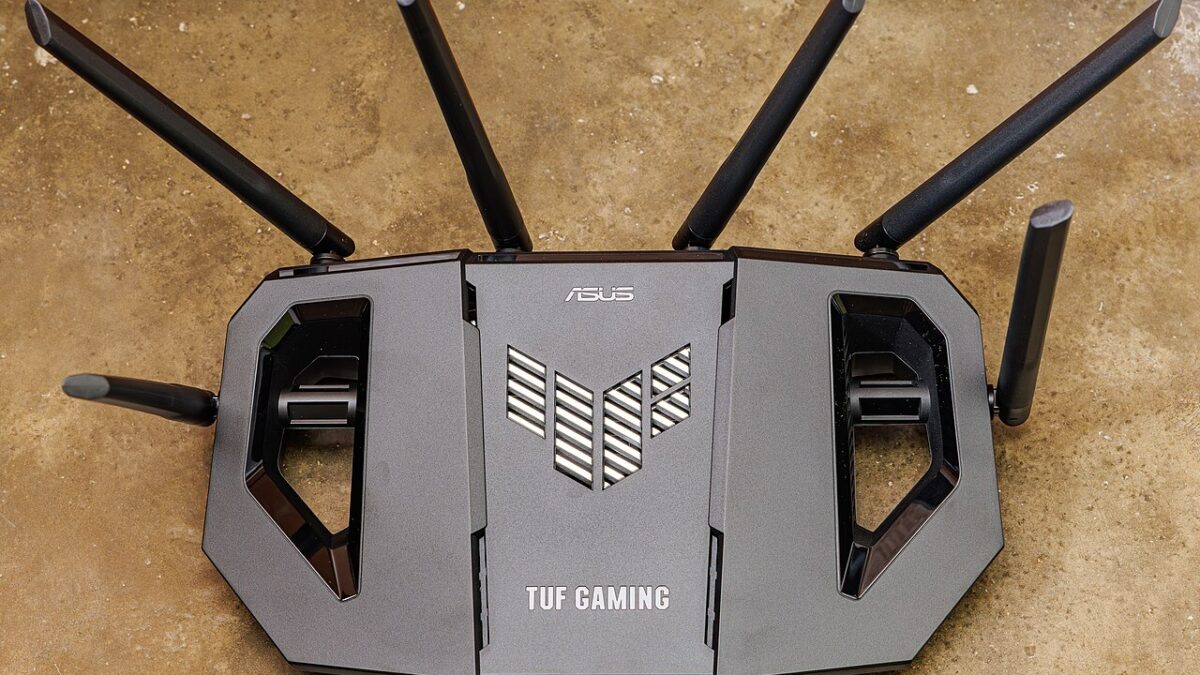
Your router is a few years old, everything mostly works, and then an ad reminds you that Wi-Fi 7 is here and your Wi-Fi 6 gear is “outdated.” Before you spend a few hundred dollars chasing the newest standard, it is worth knowing what actually changed, whether you would notice, and who genuinely benefits. Here is the no-hype version.
A quick refresher on the names
Wi-Fi standards used to have baffling names like 802.11ax. Thankfully the industry switched to simple numbers: Wi-Fi 5, Wi-Fi 6, Wi-Fi 6E, and now Wi-Fi 7. Bigger number, newer standard. Each generation aims to be faster, handle more devices at once, and reduce lag — but the headline speed numbers are theoretical maximums you will essentially never hit at home.
What Wi-Fi 6 already did well
Wi-Fi 6 was a genuinely meaningful upgrade, and here is the key point: its biggest improvement was not raw speed for one device — it was handling many devices at once. Modern homes are crowded with phones, laptops, TVs, speakers, and a growing pile of smart-home gadgets, and Wi-Fi 6 was built to keep all of them running smoothly without choking.
It did this with technologies that let the router talk to multiple devices more efficiently and schedule their traffic, plus better battery efficiency for connected gadgets. If you already have a solid Wi-Fi 6 (or 6E) router, you own most of what makes a modern network feel good. It also does nothing to fix problems that come from outside your router — if your connection slows down at night, that is usually congestion or your internet plan, not the Wi-Fi standard.
What Wi-Fi 7 actually adds
Wi-Fi 7 builds on that foundation with three changes worth knowing:
- Wider channels. Wi-Fi 7 can use 320MHz channels — double the width of Wi-Fi 6 — which is like adding more lanes to the highway for far higher peak speeds.
- Multi-Link Operation (MLO). This is the genuinely clever one. A device can connect over multiple frequency bands at the same time, combining them for more speed or seamlessly switching to whichever is less congested. It makes the connection both faster and more stable.
- Lower latency. Reduced lag is a real benefit for things like cloud gaming, video calls, and VR, where responsiveness matters more than throughput.
On paper, Wi-Fi 7 is a big leap. In your living room, the story is more nuanced.
Will you actually see the difference?
For most people, honestly, not much — and here is the reason. Your home Wi-Fi is almost never the bottleneck. The real limit is the internet plan you pay for. If your provider gives you 300 or 500 megabits per second, a Wi-Fi 7 router cannot conjure speed that is not coming into your house in the first place. You would need a multi-gigabit internet plan to feed Wi-Fi 7’s potential, and most homes do not have one.
On top of that, you only get Wi-Fi 7 benefits when both the router and the device support it. Your older phone, laptop, or smart TV will keep connecting at their existing standard no matter how new the router is. The gains arrive gradually as you replace devices, not all at once.
Bands explained: 2.4, 5, and 6 GHz
To make sense of any Wi-Fi upgrade, it helps to understand the “bands” your router broadcasts on — because they behave very differently, and matching a device to the right one solves a surprising number of everyday complaints.
- 2.4GHz is the old, crowded band. It is slower, but its signal travels farther and passes through walls more easily. It is also shared with countless other gadgets — microwaves, older smart-home devices, and neighbors’ networks — which is why it gets congested. Great for range and simple devices, poor for speed.
- 5GHz is much faster and less crowded, but its shorter waves do not reach as far or punch through walls as well. This is the band most of your important devices should use when they are reasonably close to the router.
- 6GHz, introduced with Wi-Fi 6E and carried into Wi-Fi 7, is the newest and cleanest lane — very fast and free of older-device clutter — but with the shortest range, so it works best in the same room as the router.
Modern routers broadcast all of these at once and try to steer each device to the best one automatically. Understanding them explains a lot: why a sensor in the garage clings to 2.4GHz, or why your laptop is blazing next to the router but crawls two rooms away. Sometimes the real fix is not a new standard at all — it is simply getting your key devices onto the right band, or moving the router closer to where you actually use them.
Who should actually upgrade
- Upgrade to Wi-Fi 7 if: you have a multi-gigabit internet plan, you own several new Wi-Fi 7 devices, you are into cloud gaming or VR where latency counts, or you are wiring up a big, densely connected smart home and want maximum headroom. A modern Wi-Fi 7 router makes sense there.
- Stick with Wi-Fi 6 / 6E if: your current setup works, your internet plan is under a gigabit, and your devices are mostly a couple of years old. A good Wi-Fi 6 router still handles a busy modern home beautifully for less money.
A cheaper fix that often matters more
If your real complaint is dead zones or weak signal in parts of your home, a newer standard will not fix that — coverage is a different problem from speed. A mesh system that blankets your space in signal will do far more for your daily experience than jumping a Wi-Fi generation. Placement matters too: a router stuffed in a closet or on the floor performs worse than one out in the open and up high. Sorting those basics often beats any upgrade, and it pays off across everything from streaming to a growing smart home.
The bottom line
Wi-Fi 7 is a real, forward-looking upgrade — wider channels, multi-band connections, and lower lag. But unless you have a multi-gigabit internet plan and new devices to match, you will barely feel it today. For most homes in 2026, a solid Wi-Fi 6 or 6E router, placed well or extended with mesh, is the smarter spend. Buy Wi-Fi 7 for the future you actually have, not the one on the box.
Featured image: ASUS Wi-Fi router by Dinkun Chen, Wikimedia Commons (CC BY-SA 4.0)
Leave a Reply