Most people pick a VPN the way they pick a toothpaste brand: whichever one bought the most ad reads on their favorite podcast. That’s not a criticism — VPN marketing is designed to make every provider sound identical, which means the actual differentiators (protocol, audit history, what happens to your traffic if the connection drops) get buried under server-count claims that don’t tell you anything useful. This guide skips the sponsorship copy and walks through what actually separates a VPN worth paying for from one that’s just collecting your data under a different name.
By the end, you’ll know which four things to check before buying, why “10,000+ servers” is a number designed to impress rather than inform, and why the free option is usually more expensive than it looks.
What a VPN Actually Does (and Doesn’t Do)
A VPN encrypts the traffic between your device and the VPN provider’s server, and masks your IP address from the sites you visit — replacing it with the server’s IP instead. That’s it. It does not make you anonymous online, it does not stop a website from fingerprinting your browser, and it does not protect you from phishing or malware. If a provider’s marketing implies otherwise, that’s a signal to be skeptical of everything else they claim, not just that one line.
What it’s genuinely good for: keeping your ISP from seeing which sites you visit, protecting traffic on untrusted networks like coffee-shop Wi-Fi, and getting around basic IP-based geographic restrictions. Scope your expectations to that, and the rest of this guide is about picking a provider that delivers on it without cutting corners.
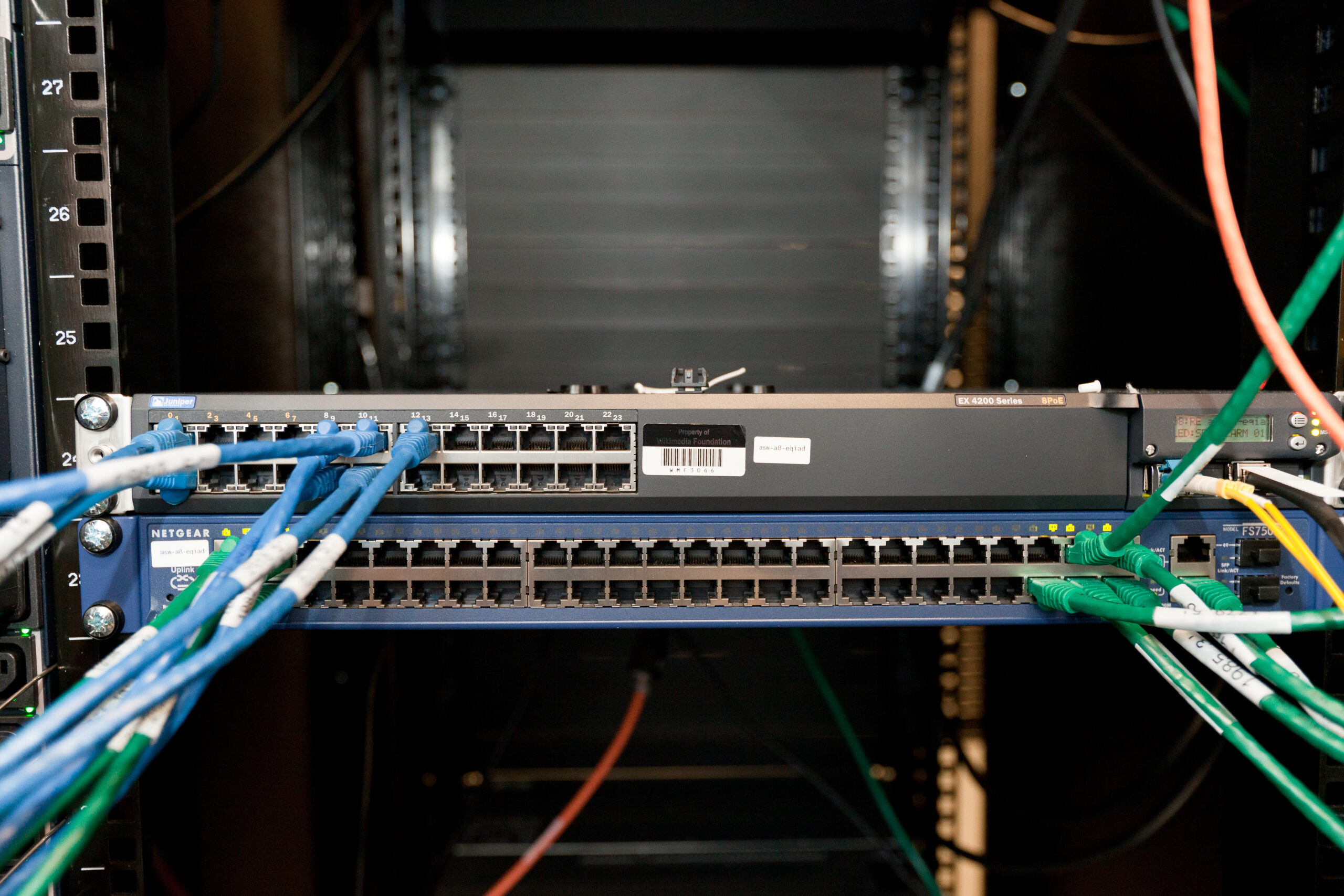
Illustrative server rack, not an actual VPN provider’s infrastructure — most commercial VPN networks run on a mix of owned and leased hardware across dozens of countries.
No-Logs Claims Are Marketing Until They’re Audited
Every VPN provider claims a “no-logs policy.” That claim is worth nothing on its own — it’s a sentence on a webpage, not a technical guarantee. The only way a no-logs claim carries real weight is through an independent third-party audit: a firm like Cure53 or Deloitte examining the provider’s actual server configuration and confirming that connection logs, browsing history, and traffic data genuinely aren’t retained. Look for a published audit report, not just a badge or a press release referencing one. A provider that’s serious about the claim will link the actual audit document; a provider that isn’t will just repeat the phrase “audited no-logs” without a link anywhere in sight.
Jurisdiction matters here too. A provider based in a country with mandatory data-retention laws or membership in the “14 Eyes” intelligence-sharing alliance can be legally compelled to log and hand over data regardless of what their privacy policy says. This doesn’t automatically disqualify a provider, but it’s a real variable — not a technicality to skip past.
Protocol: WireGuard Has Quietly Won
Under the hood, a VPN app is running one of a handful of tunneling protocols, and this is where the real technical differences show up. WireGuard, merged into the Linux kernel and now the default in most modern VPN apps, uses a dramatically smaller codebase than the legacy alternatives — which matters directly for security, since a smaller codebase is easier to audit and has fewer places for a vulnerability to hide. It also handshakes faster and holds up better on unstable connections (switching from Wi-Fi to mobile data, for instance) than OpenVPN or IKEv2, the two protocols it’s largely replacing.
If a provider’s app still defaults to OpenVPN with no WireGuard option in 2026, that’s a meaningful signal they haven’t kept the underlying tech current — not disqualifying by itself, but worth factoring in against competitors that have.
Kill Switch and DNS Leak Protection: The Features Budget Apps Skip
A kill switch cuts your device’s internet access entirely if the VPN connection drops, rather than silently falling back to your unprotected, unencrypted connection. Without one, a brief disconnect — which happens more often than most users notice — exposes exactly the traffic you thought was protected. This is consistently the first corner cut on bargain and free VPN apps, because it adds engineering complexity without being a visible marketing bullet point.
DNS leak protection is the quieter cousin of the same problem: even with the VPN tunnel active, DNS lookups (which translate a site name into an IP address) can sometimes route outside the encrypted tunnel by default, revealing which sites you’re visiting to your ISP anyway. Test any VPN you’re considering against a DNS leak test site after setup — it takes thirty seconds and tells you immediately whether the app is actually doing what it claims.
Pro Tip: Skip Multi-Hop Unless You Have a Specific Reason
Some premium VPN tiers offer “double VPN” or multi-hop routing — bouncing your traffic through two servers instead of one for an extra layer of obfuscation. For the overwhelming majority of users, this is not worth the tradeoff: it roughly doubles latency and meaningfully cuts throughput, for a security benefit that only matters if you have a genuinely specific threat model (investigative journalism under a hostile government, for instance). If your use case is “protect my traffic on hotel Wi-Fi” or “watch region-locked content,” single-hop WireGuard is the better default, and multi-hop is a setting to ignore rather than a checkbox to seek out.
Free VPNs: Understand the Business Model Before You Install One
Running a global server network costs real money, and a free VPN has to fund that cost somehow. The most common ways are injecting ads into your browsing, selling anonymized (or not-so-anonymized) traffic data to advertisers, or — in the more troubling cases documented repeatedly in tech press over the years — bundling the app with malware or using your device’s bandwidth as an exit node for other users’ traffic without clearly disclosing it. None of this means every free VPN is malicious, but it does mean the burden of proof is higher: check who owns the company, whether they publish a transparency report, and whether the same no-logs audit standard above applies before trusting a free tier with your traffic.
If your network setup already involves managing bandwidth and multiple devices at home, it’s worth pairing this with a look at our best Wi-Fi 7 routers guide — the router a VPN app runs behind matters just as much as the VPN provider itself, especially if you’re routing a whole household’s traffic through it rather than a single device.
Frequently Asked Questions
Does a VPN slow down my internet speed?
Yes, to some degree — encryption and routing through a third-party server always add overhead. With WireGuard on a nearby server, the drop is often small enough not to notice on typical browsing; older protocols or distant servers make the hit more obvious.
Is it illegal to use a VPN?
In most countries, no — VPNs are legal and widely used for basic privacy and security. A small number of countries restrict or ban VPN use; check local law if you’re traveling to or living in one of them.
Can my ISP see what I’m doing if I use a VPN?
Your ISP can see that you’re connected to a VPN server and roughly how much data you’re sending, but not which sites or content you’re accessing — that traffic is encrypted inside the tunnel.
Do I need a VPN on my home network if I already trust my Wi-Fi?
Less urgently than on public Wi-Fi, but it still hides your browsing from your ISP and can help with basic geographic content restrictions. If your home network itself is the concern, that’s more a router and network setup question than a VPN one — see also why your Wi-Fi slows down at night if performance, not privacy, is the actual complaint.
Leave a Reply