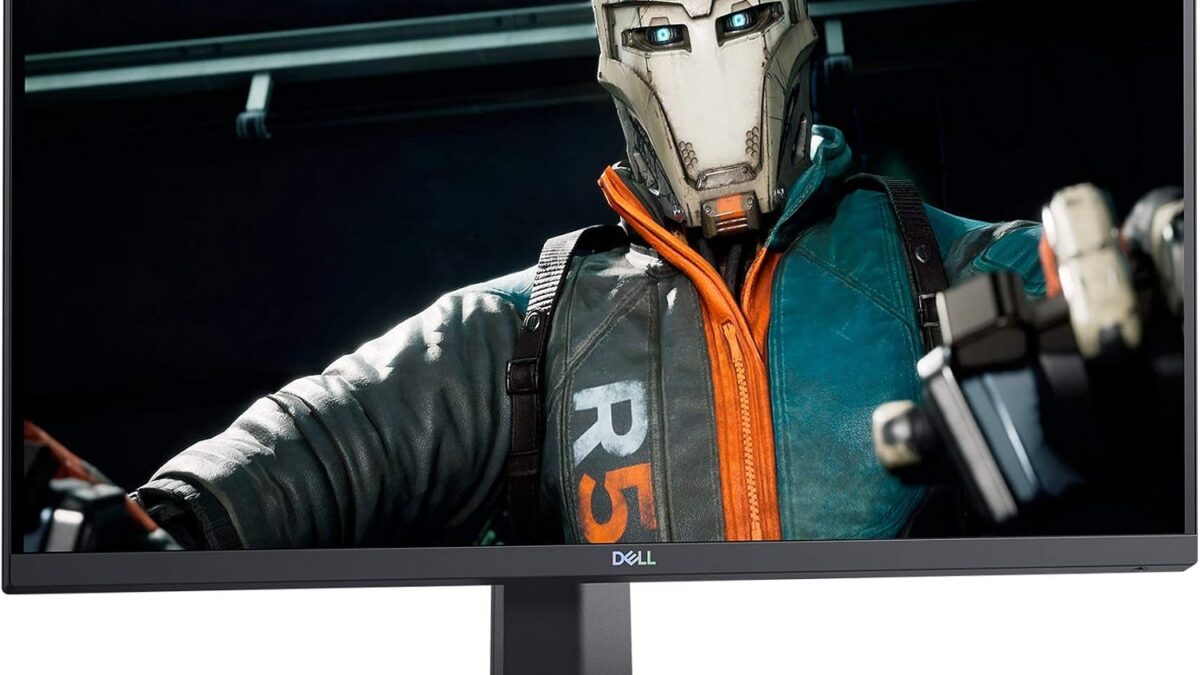
Monitor marketing loves big numbers — 240Hz, 4K, “HDR” printed on the box in a font size that implies it matters more than it does. Meanwhile GPU and RAM prices have been climbing all year, which means more people are stretching an aging GPU further and asking a monitor to make up the difference. We checked live Amazon pricing on five 27-32 inch monitors that actually deliver on their spec sheets, and one of them being cheaper than two smaller, slower options on this list tells you most of what you need to know about how monitor pricing actually works.
Disclosure: decodegear.com may earn a commission from qualifying purchases made through the Amazon links in this article, at no extra cost to you.
How We Compared These Picks
We didn’t test these on a bench with a colorimeter — nobody at a five-person editorial site owns five 27-32″ monitors to A/B in the same room. What we did do: verify current Amazon pricing live (not MSRP, which is close to fiction for monitors), cross-check panel type, refresh rate, and response time against each manufacturer’s spec sheet, and pull consensus points from independent reviewers who have actually run these panels through colorimeters — RTINGS and Tom’s Hardware, credited where their specific measurements are cited. Refresh rate, resolution, and panel type (IPS vs Nano IPS vs VA) all factored into the picks below, along with which price actually held up when we checked it today.
Quick Verdict
Best for: Best overall → Dell S2721DGF. Best value → Samsung Odyssey G7 32″. Best color/HDR → LG 27GP850-B. Best for serious work/photo editing → Dell UltraSharp U2723QE. Best budget home office → ASUS ProArt PA278CV.
| Monitor | Price | Panel / Refresh | Best For |
|---|---|---|---|
| Dell S2721DGF | $280.23 | 27″ QHD IPS, 165Hz | Best overall |
| Samsung Odyssey G7 32″ | $262.00 | 32″ QHD curved VA, 240Hz | Best value |
| LG 27GP850-B | $359.99 | 27″ QHD Nano IPS, 165Hz | Best color/HDR |
| Dell UltraSharp U2723QE | $659.00 | 27″ 4K IPS, 60Hz | Serious work/editing |
| ASUS ProArt PA278CV | $269.67 | 27″ QHD IPS, 75Hz | Budget home office |
1. Dell S2721DGF — Best Overall
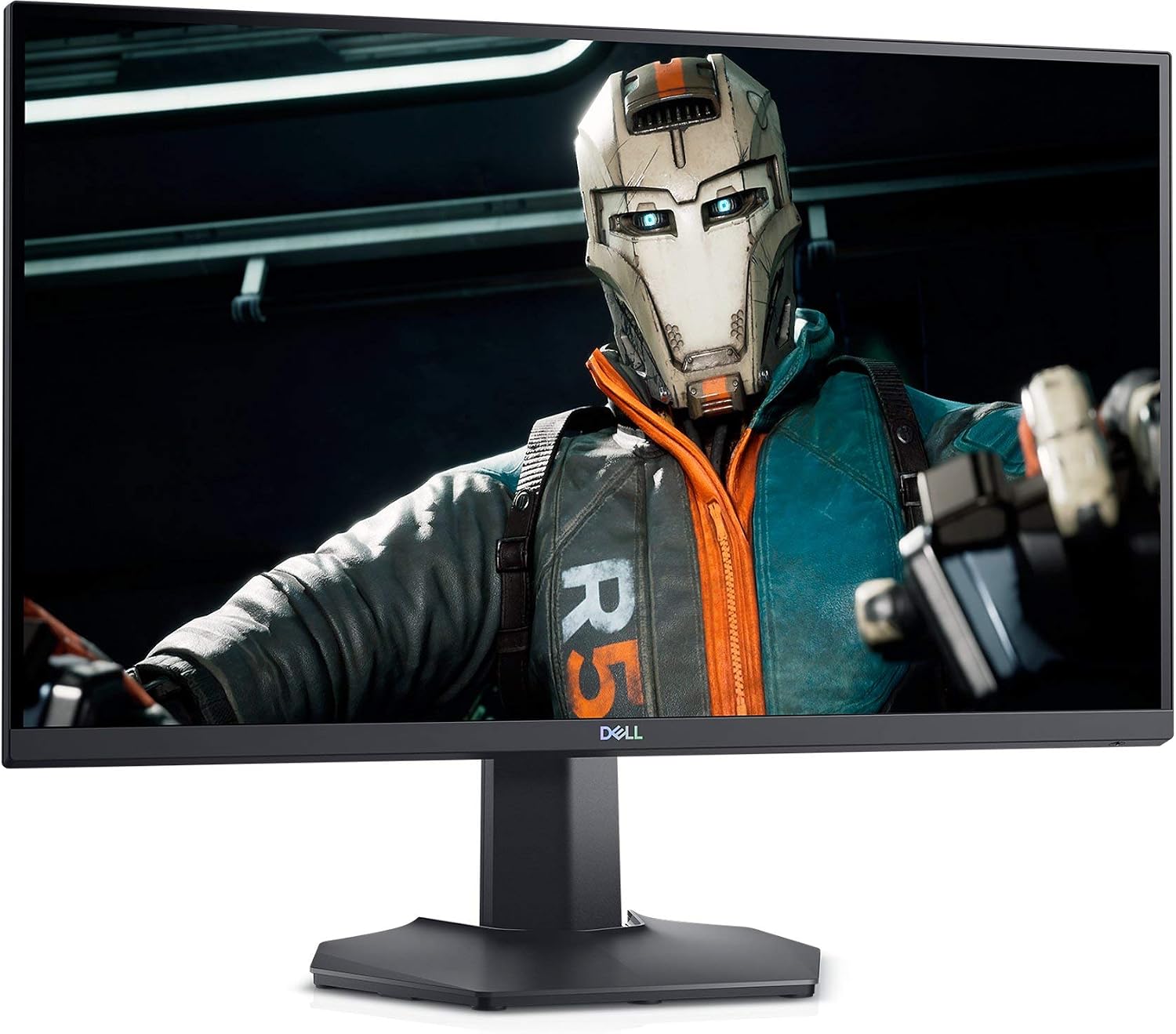
This is the monitor we’d point most people toward without asking a lot of follow-up questions. 27 inches and 1440p is still the sweet spot for a mid-range GPU — you get noticeably sharper text and more usable desktop space than 1080p without demanding the frame rate a 4K panel needs to feel smooth. 165Hz and a genuine IPS panel (not a cheaper VA cutting corners on color) makes it equally comfortable for spreadsheets and competitive shooters. At $280.23 it undercuts the LG below it by $80 while giving up very little that most people would actually notice day to day.
Pros: Real IPS color at a VA-tier price, 165Hz feels smooth without needing a top-tier GPU, height/tilt/swivel/pivot stand included.
Cons: HDR support is nominal at best (don’t expect real HDR contrast), stand base takes up more desk space than some rivals, no USB-C.
2. Samsung Odyssey G7 32″ — Best Value
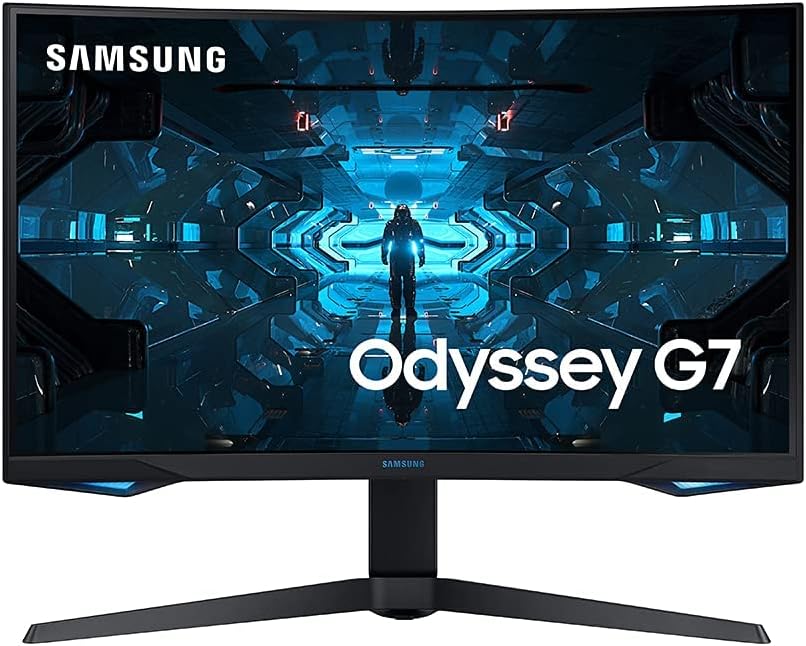
Here’s the part that should annoy anyone who bought a smaller, slower monitor for more money: at $262.00, this 32″ curved 240Hz panel is currently cheaper than both 27″ 165Hz options on this list. That’s not a typo, and it’s not really a “deal” either — it’s just where Samsung has priced this model against a market that’s paying more attention to panel size marketing than to refresh rate and price together. The 1000R curve is genuinely immersive for single-player games and sim racing, less so for spreadsheet work where straight lines matter. It’s a VA panel, not IPS, so off-angle color shifts more than the Dell or LG if you’re not sitting dead-center — the tradeoff that makes the price make sense.
Pros: Biggest screen and highest refresh rate here for the lowest price, genuinely immersive curve for gaming, HDR600 support is real, not nominal.
Cons: VA panel color shifts off-angle more than IPS rivals, the curve is a genuine downside for spreadsheet/document work, no USB-C or ergonomic height range as generous as the Dell.
3. LG 27GP850-B — Best Color and HDR
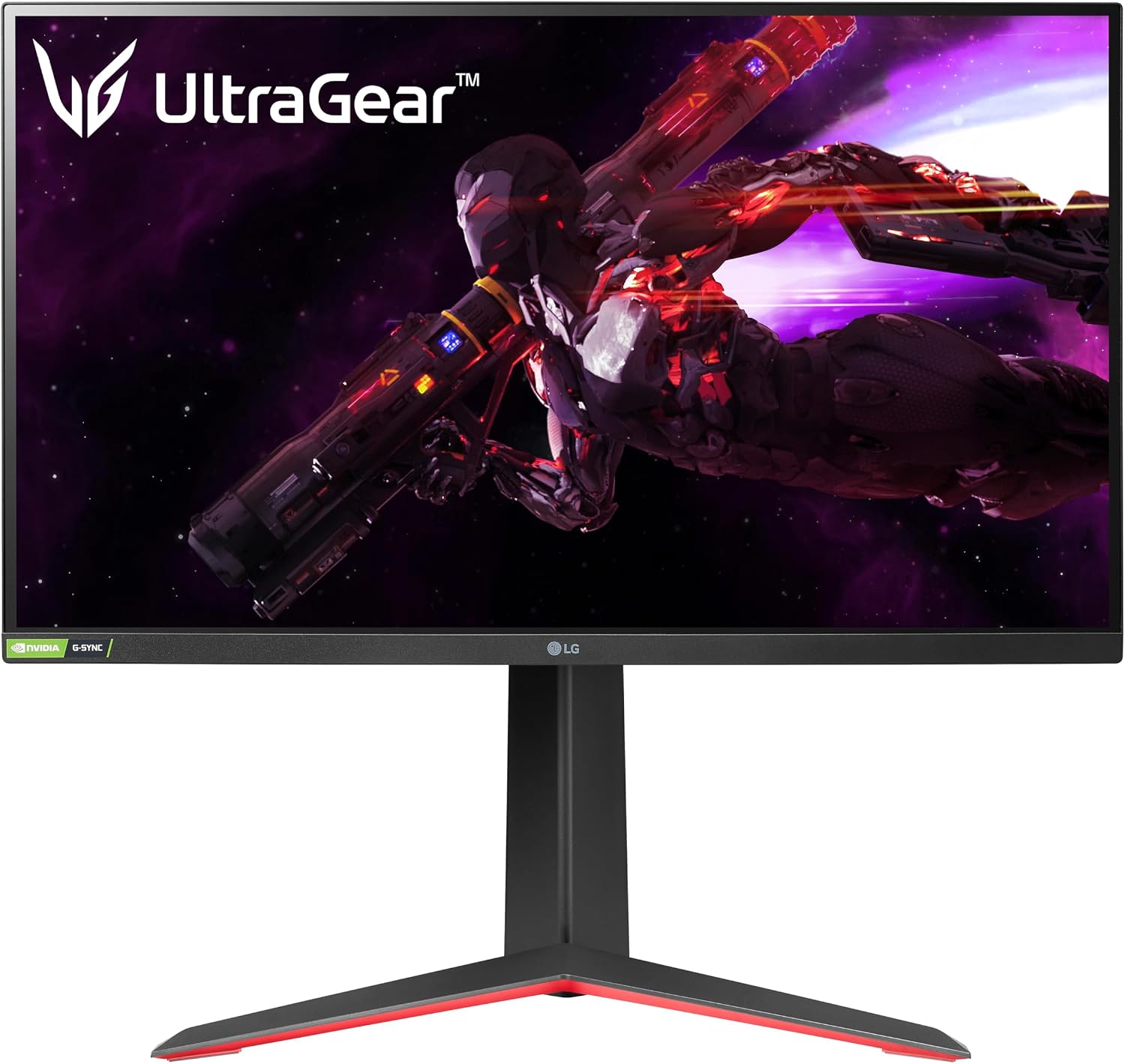
Nano IPS is LG’s actual differentiator here, not a marketing label — it’s a real filter layer that widens the color gamut noticeably versus standard IPS panels like the Dell’s, which matters if you also do any photo work or just want games to look more vivid without a full color-grading setup. At $359.99 it’s $80 more than the Dell for the same resolution and refresh rate, and that premium is almost entirely the color performance — if you don’t care about color accuracy or HDR, you’re paying for something you won’t use. 1ms response time keeps motion clarity sharp in fast-paced games, which is where the Dell’s IPS panel falls slightly behind.
Pros: Nano IPS color noticeably wider than standard IPS, genuinely fast 1ms response time, solid HDR400 implementation for the price.
Cons: $80 premium over the Dell for gains most casual users won’t notice, stand is less adjustable than Dell’s, occasional reports of backlight bleed on some units.
4. Dell UltraSharp U2723QE — Best for Serious Work
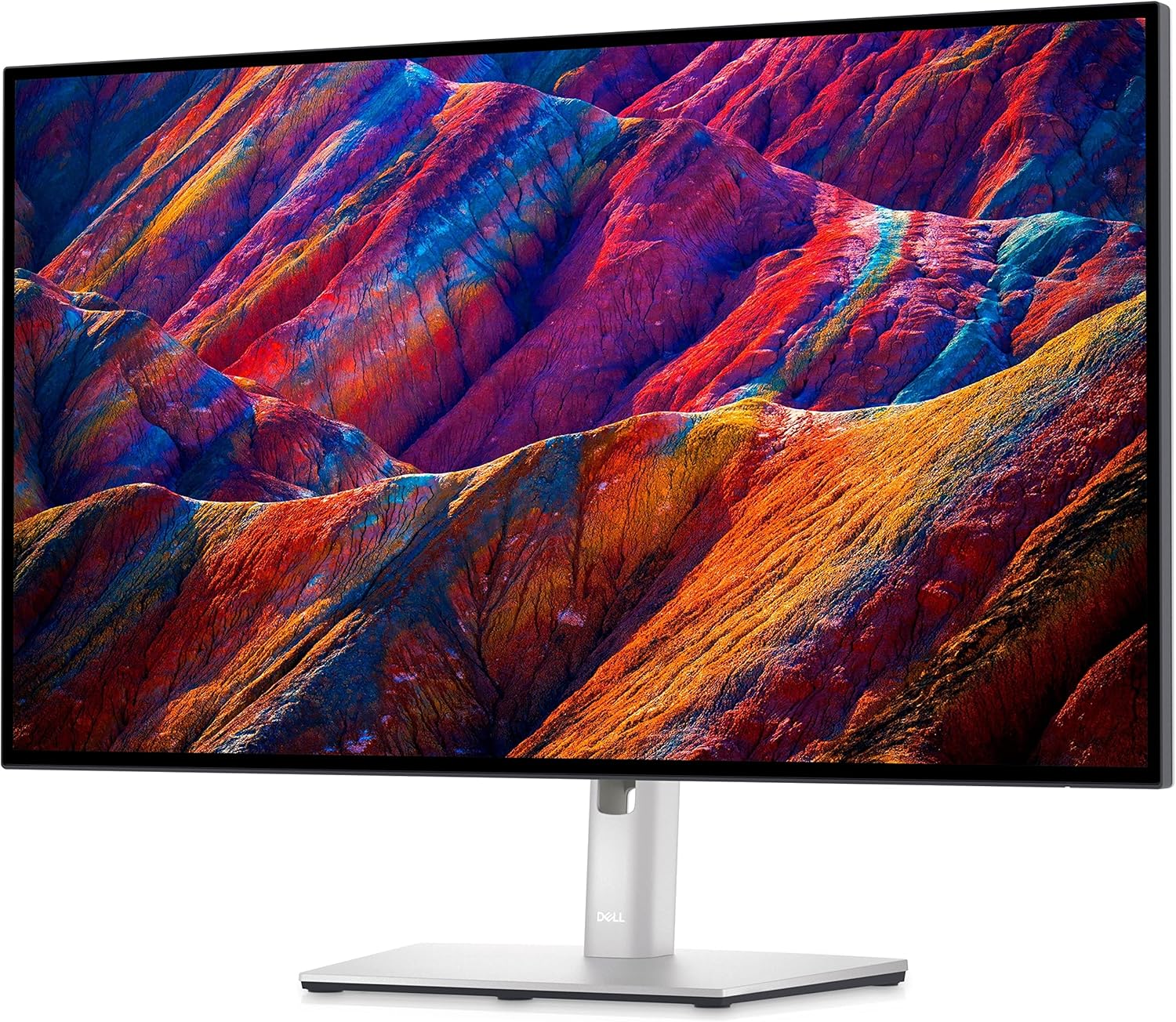
This is the one monitor on this list that isn’t trying to be a gaming monitor at all, and at $659.00 — more than double every other pick here — it shouldn’t be judged against them on price. What you’re actually paying for is a 90W USB-C hub that can charge a laptop and carry a display signal over one cable, 100% sRGB and 98% DCI-P3 coverage that’s genuinely useful for photo or video editing, and a 4K panel sharp enough that 27 inches doesn’t feel cramped. The 60Hz refresh rate is the tell: this is a work monitor that happens to run games fine, not the reverse. If your GPU is already stretched thin by 2026’s memory prices, a 4K panel at 60Hz is also a more forgiving target than 1440p at 165Hz.
Pros: USB-C hub with 90W charging genuinely simplifies a laptop desk setup, color accuracy good enough for real editing work, sharp 4K text at 27″.
Cons: 60Hz makes this a poor primary gaming monitor, more than double the price of the next-most-expensive pick here, overkill if you don’t need the USB-C hub or color accuracy.
5. ASUS ProArt PA278CV — Best Budget Home Office
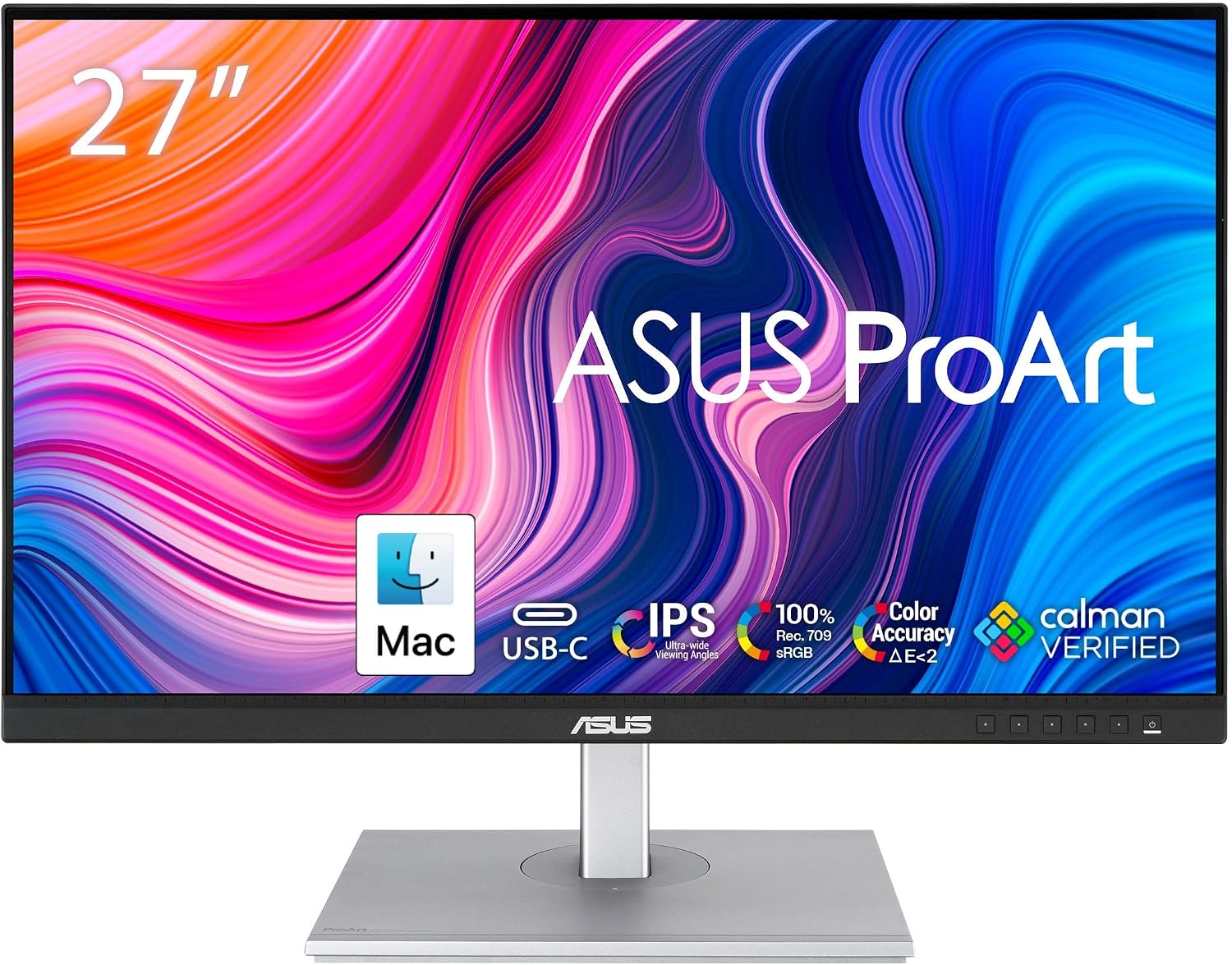
ProArt is ASUS’s color-accuracy line, and the PA278CV brings a Calman-verified factory calibration to a $269.67 price point that undercuts the Dell UltraSharp above by nearly $400. It won’t touch the UltraSharp’s 4K sharpness or USB-C hub, but for someone doing spreadsheet work, video calls, and the occasional light photo edit, the color accuracy here is well beyond what a 75Hz refresh rate suggests. 75Hz is the real limiter — it’s fine for desktop work and won’t feel choppy for casual gaming, but it’s the slowest panel on this list by a wide margin, and anyone buying primarily to game should look at the Dell or Samsung instead.
Pros: Calman-verified color accuracy at a genuinely budget price, USB-C connectivity, height-adjustable stand.
Cons: 75Hz refresh rate is a real limitation for anything beyond casual gaming, no HDR worth mentioning, speakers are an afterthought.
Which One Should You Buy?
If you want one monitor that does gaming and work equally well without a specific reason to spend more, get the Dell S2721DGF — it’s the safest, least-compromised pick here. If price is the deciding factor and you don’t mind a curve, the Samsung Odyssey G7 32″ is the actual best value on this list, full stop — bigger, faster, and cheaper than two of its 27″ competitors. Photo editors and anyone who wants HDR to actually mean something should pay the premium for the LG 27GP850-B‘s Nano IPS panel. If your monitor is genuinely a work tool first — especially if you’re tethering a laptop over USB-C — the Dell UltraSharp U2723QE justifies its price in ways a spec sheet doesn’t fully capture. And if budget rules everything but you still want accurate colors for a home office, the ASUS ProArt PA278CV is the pick. Already dealing with a cramped desk running two of these off one laptop? Our USB-C dual-monitor docking station setup guide covers the cabling side of that problem. And if the actual bottleneck is the laptop feeding the monitor, not the monitor itself, see our Galaxy Book6 Ultra review for a machine that can drive a 4K panel without flinching.
Frequently Asked Questions
Is 240Hz actually noticeable over 165Hz for most people?
Past 144Hz, the gains get smaller and more GPU-dependent — you need a graphics card that can actually push frame rates that high in the games you play, which is a harder ask given 2026’s GPU prices. Competitive shooter players who play at lower resolutions to hit high frame rates will feel the difference; casual gamers and anyone GPU-limited mostly won’t.
Do I need a 4K monitor in 2026, or is QHD (1440p) still fine?
For most gaming and general use, QHD at 27″ still looks sharp and is far easier for a mid-range GPU to drive at a high refresh rate. 4K makes the most sense for productivity, photo/video editing, or if you’re pairing it with a GPU powerful enough to actually render games at that resolution without dropping well below 60fps.
What’s the real difference between IPS, Nano IPS, and VA panels?
IPS gives accurate color and wide viewing angles as a baseline. Nano IPS (LG’s version) adds a filter layer that widens the color gamut further, useful for HDR and color-critical work. VA panels (like the Samsung here) typically have better contrast and are often cheaper for a given size/refresh rate, but colors shift more when you’re not looking at the screen head-on.
Is it worth paying more for a monitor with a USB-C hub?
Only if you actually use a laptop that supports USB-C power delivery and video over one cable — for that setup, it genuinely replaces a separate dock and charger. If you’re on a desktop with a dedicated GPU, a USB-C hub monitor is mostly paying for a feature you won’t use.
Leave a Reply