Most back-to-school tech lists work the same way: a long grid of categories, five options in each, and no help deciding which ones actually matter for your budget. The result is predictable — people end up overspending on the wrong things (a $250 pair of headphones) and underspending on the one item that actually determines whether the semester goes smoothly (the laptop).
This isn’t a roundup. It’s a decision order — what to buy first, what to buy last, and what most students can skip entirely.
Start With the Laptop or Tablet — It’s the Only Purchase That’s Hard to Undo
Everything else on this list is swappable. Headphones break, power banks wear out, and you replace them without much thought. A laptop is a 3-4 year commitment, and buying the wrong one is expensive to fix mid-semester.
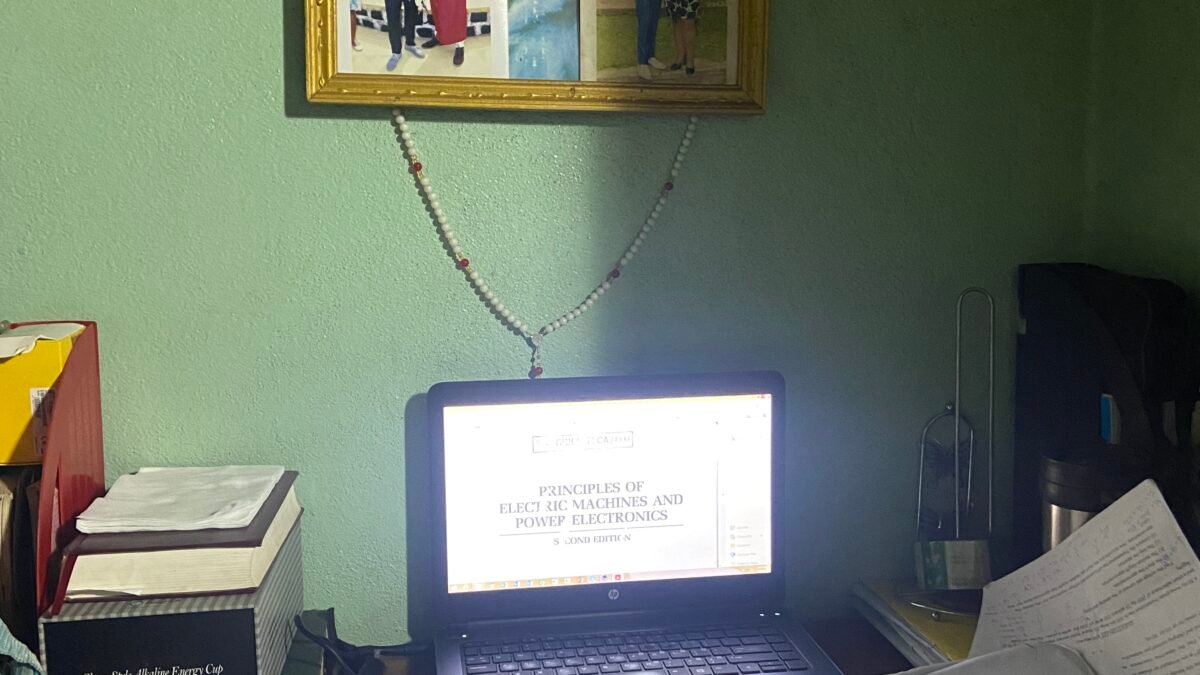
The decision that matters most isn’t the brand — it’s matching the machine to the workload. Writing papers, spreadsheets, and video calls need almost nothing. Video editing, CAD, or engineering coursework need a real GPU and 16GB+ of RAM. Most students overbuy for the first category and underbuy for the second. Figure out which one you actually are before you look at a single spec sheet — our laptop buying framework walks through exactly how to match specs to workload instead of chasing brand names, and if budget is the main constraint, our picks for the best laptops under $600 cover the machines that actually hold up for typical coursework.
One more thing worth knowing before you buy: laptop and PC component prices have been climbing through 2026 on the same memory and storage shortage that’s pushed up game console prices too. If a laptop fits your budget today, that’s a reason to buy now rather than wait for a discount that may not come.
Battery life deserves more weight than most spec sheets give it. A laptop that dies halfway through a day of back-to-back classes with no outlet in sight is a bigger daily annoyance than a slightly slower processor. Look for real-world battery reviews (manufacturer-claimed hours are almost always optimistic) rather than the number printed on the box, and treat anything under 8 hours of claimed battery life as closer to 5-6 hours once you’re actually taking notes, streaming a lecture recording, and running a browser with too many tabs open.
Headphones — Decide What You’re Actually Blocking Out
Active noise cancellation is worth paying for if you study in dorms, libraries with ambient chatter, or commute on transit. It’s not worth paying for if you mostly study at home in a quiet room — a decent $30-40 pair of wired or basic Bluetooth headphones does the job just as well for a fraction of the price. Don’t buy ANC by default; buy it because your environment actually needs it. If it does, our noise-cancelling headphone picks break down the options across price tiers.
Power Bank — Capacity Matters Less Than You Think
Students consistently over-buy power bank capacity. A 10,000mAh bank fully recharges most phones twice — plenty for a full day of classes. The bigger, heavier 20,000-25,000mAh options make sense for multi-day trips or if you’re also charging a tablet, not for getting through a Tuesday. Prioritize a bank that’s slim enough to actually carry daily over one with a bigger number on the box; the extra capacity does nothing if it stays in your dorm room because it’s too bulky for a backpack. See our power bank picks for options across the size-versus-capacity tradeoff.
Storage — Cloud First, External Drive Only If You Need It
Most students don’t need an external SSD. School-issued cloud storage (Google Drive, OneDrive, or whatever your institution provides) covers document and photo backup for free, and it’s accessible from every device you own. An external drive only earns its place in the kit if you’re working with large files that are slow or expensive to sync — raw video footage, large datasets, or design files. If that’s you, our external SSD picks cover the speed and durability tradeoffs worth knowing before you buy.
What to Skip Entirely
A few categories show up on every back-to-school list that most students genuinely don’t need:
- A second monitor for a dorm room — desk space is usually the real constraint, not screen real estate. Skip until you have a permanent desk setup.
- Extended warranties on anything under $100 — the warranty often costs more over its term than just replacing a cheap accessory outright.
- Premium tablet + keyboard case combos as a laptop replacement — fine as a second device, risky as your only one if your coursework needs real multitasking or specific desktop software.
Pro Tip: Buy the Laptop First, Then Wait
Buy the laptop as early as possible — it’s the item most likely to be genuinely out of stock or priced up closer to the semester start. Everything else on this list (headphones, power bank, storage) is available year-round with no seasonal spike, so there’s no rush. Waiting 2-3 weeks after you buy the laptop to fill in the rest often means better prices as back-to-school promotions from other categories roll in.
Frequently Asked Questions
Is a refurbished laptop okay for school?
Yes, as long as it comes with at least a 90-day return window and is sold or certified by the manufacturer or a major retailer (not a random third-party marketplace listing). Avoid refurbished units for the current model year — the discount is usually too small to be worth the risk.
Do I need a tablet in addition to a laptop?
Only if you have a specific use case for it — note-taking with a stylus, reading textbooks, or art/design work. As a general-purpose second device, most students find it redundant with a phone and laptop.
How much should I budget for a full tech kit?
For most non-technical majors: $500-700 for the laptop, $30-100 for headphones depending on ANC needs, $20-30 for a power bank, and $0 for storage if cloud-based. Technical majors (engineering, video, design) should expect the laptop budget alone to run $1,000+.
Should I buy accessories from the campus bookstore?
Campus bookstores are convenient but rarely competitive on electronics pricing. Fine for last-minute needs; check prices online first for anything you can plan ahead for.
Leave a Reply