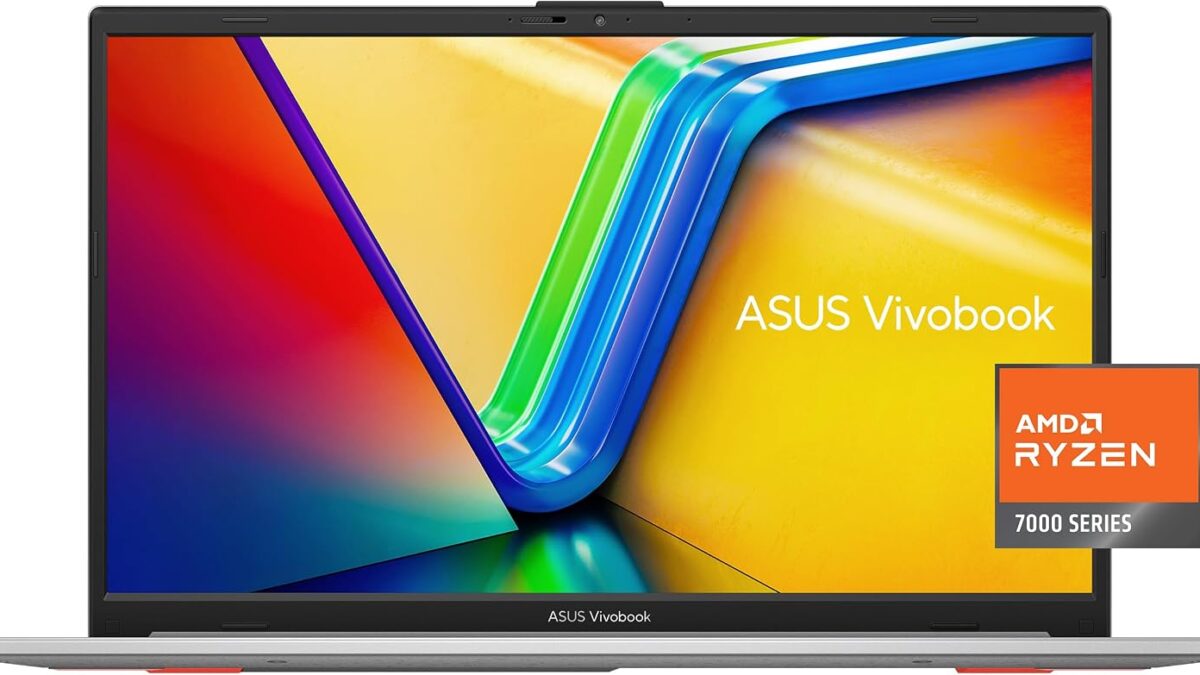
ASUS Vivobook Go 15.6" Slim
From $355- Largest review track record in this price tier (613 ratings)
- 512GB SSD, double or more the storage of cheaper rivals
- Fast charging and webcam privacy shield included
- Capped at 8GB RAM like nearly every laptop in this price range
- AMD chip means slightly different software quirks than Intel-based rivals
- No 120Hz or high-refresh display option
Bottom line: The ASUS Vivobook Go 15.6" is the best budget laptop under $600 in 2026 for buyers who want proven reliability and real SSD storage without overspending.
You don’t need to spend $900 to get a laptop that boots fast, survives a full workday, and doesn’t feel like a compromise. The sub-$600 laptop market in 2026 is genuinely good — the catch is that “budget” now spans a $355 to $500 range with real differences in storage, RAM, and screen quality hiding behind similar-looking spec sheets. We priced out five current models, checked what actual buyers report after a few months of daily use, and found the ones worth your money.
Disclosure: decodegear.com is a participant in the Amazon Associates program. We may earn a commission on qualifying purchases made through links on this page, at no extra cost to you.
Quick Verdict — Which Budget Laptop Should You Buy?
- Best overall value: ASUS Vivobook Go 15.6″ ($438.66) — 512GB SSD, 613 reviews at 4.2/5, the safest proven pick.
- Cheapest that’s actually good: Acer Aspire Go 15 AI Ready ($355.00) — lowest price here, but 128GB storage and S Mode are real trade-offs.
- Most RAM for multitasking: HP Pavilion 15.6″ ($499.97) — the only 16GB option in this roundup.
- Smoothest everyday feel: Dell 15 (DC15250) ($494.99) — the only 120Hz display under $600.
- Best software bundle: Lenovo IdeaPad Slim 3 ($356.99) — ships with a year of Microsoft 365, though its rating sample is still thin.
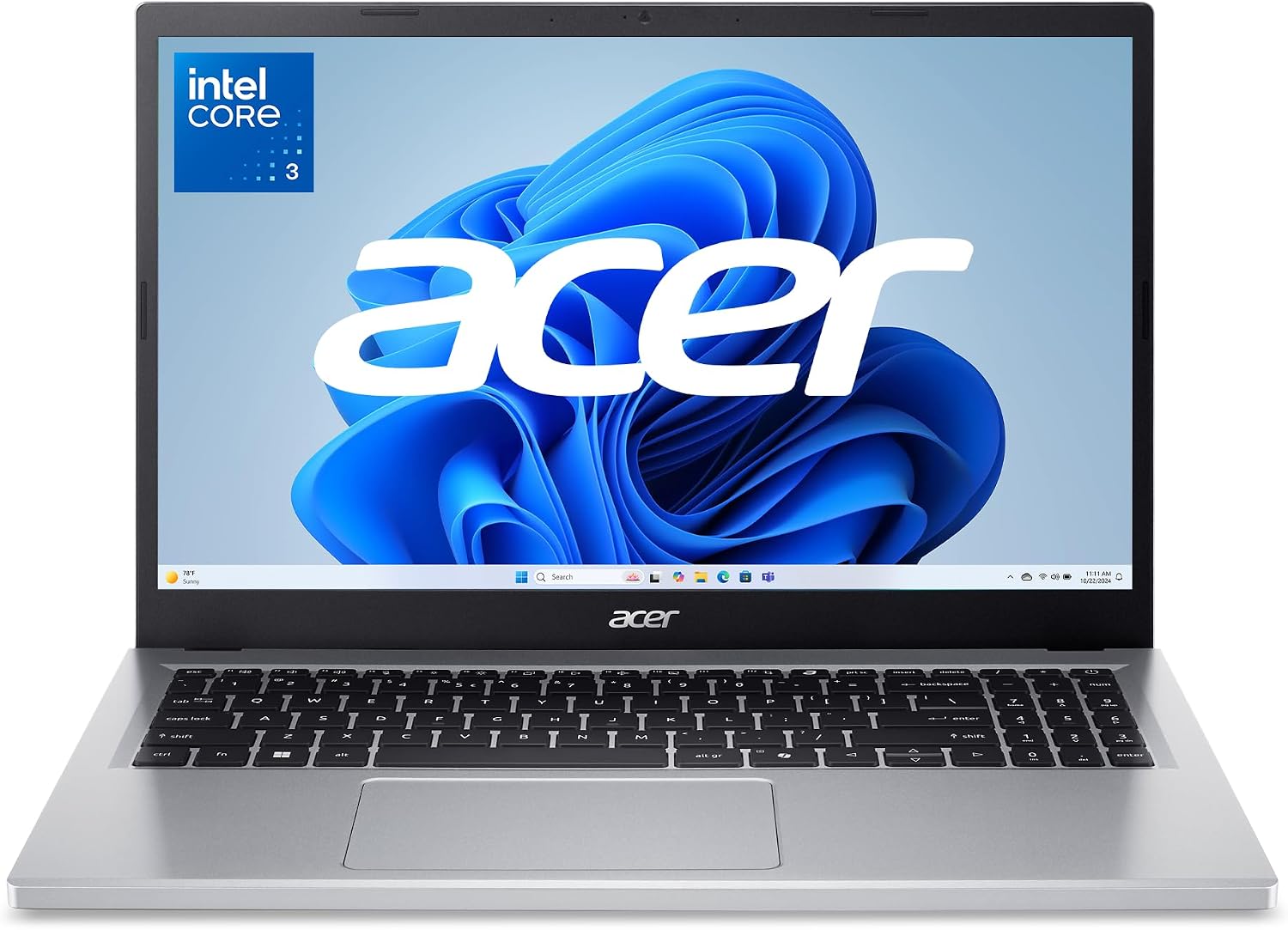
1. ASUS Vivobook Go 15.6″ Slim — Editor’s Pick (~$439)
Verdict: The default recommendation if you just want a budget laptop that works and doesn’t need a second thought.
This is the one to buy if you don’t want to think about it too hard. With 613 ratings averaging 4.2/5, it has by far the largest track record of any laptop on this list — and a 512GB SSD, which is double or quadruple what the two cheapest models here offer. The AMD Ryzen 5 7520U handles browser tabs, spreadsheets, and video calls without the stuttering you get on the entry-level Intel N-series chips below.
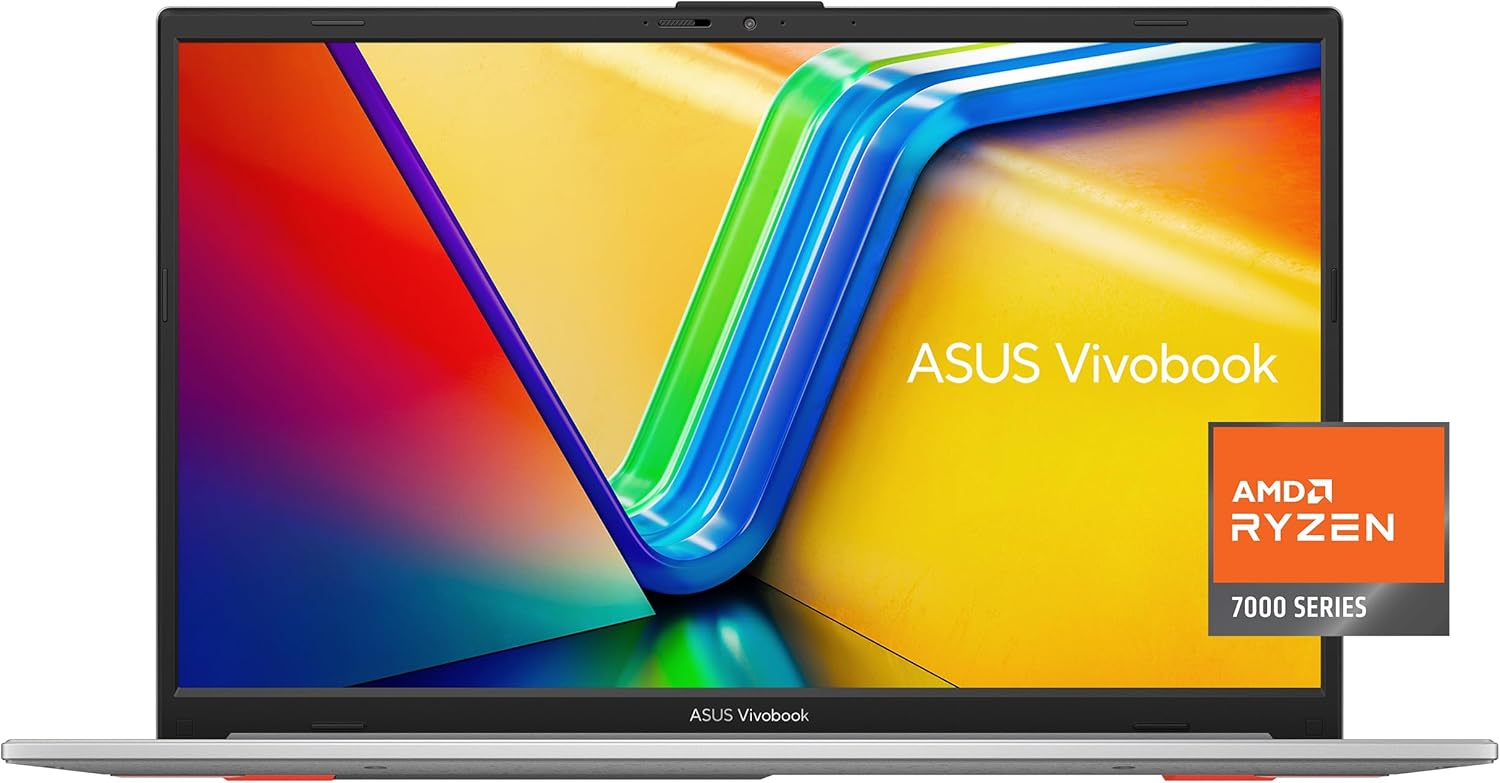
Specs: AMD Ryzen 5 7520U · 8GB RAM · 512GB SSD · 15.6″ display · Windows 11 Home · military-grade durability rating · fast charging · webcam privacy shield
Pros: Largest, most reliable review history in this price range; SSD capacity that actually lasts; useful extras (fast charge, webcam shield) rarely seen under $500.
Cons: Still capped at 8GB RAM like almost everything else in this tier — heavy multitasking will eventually hit a wall.
2. Acer Aspire Go 15 AI Ready — Cheapest That’s Actually Good (~$355)
Verdict: The floor price for a laptop you won’t regret — as long as you know what you’re giving up to get there.
At $355, this is the cheapest laptop worth naming in this roundup, and it’s honestly impressive for the price — a proper 15.6″ FHD IPS panel, Copilot-ready branding, and Acer’s device management tools. The catch is real, though: 128GB of UFS storage (not SSD, which is slower for sustained read/write) and Windows 11 in S Mode out of the box, which blocks installing anything outside the Microsoft Store until you manually switch it off. Neither is a dealbreaker, but budget shoppers get burned by both if nobody tells them upfront.
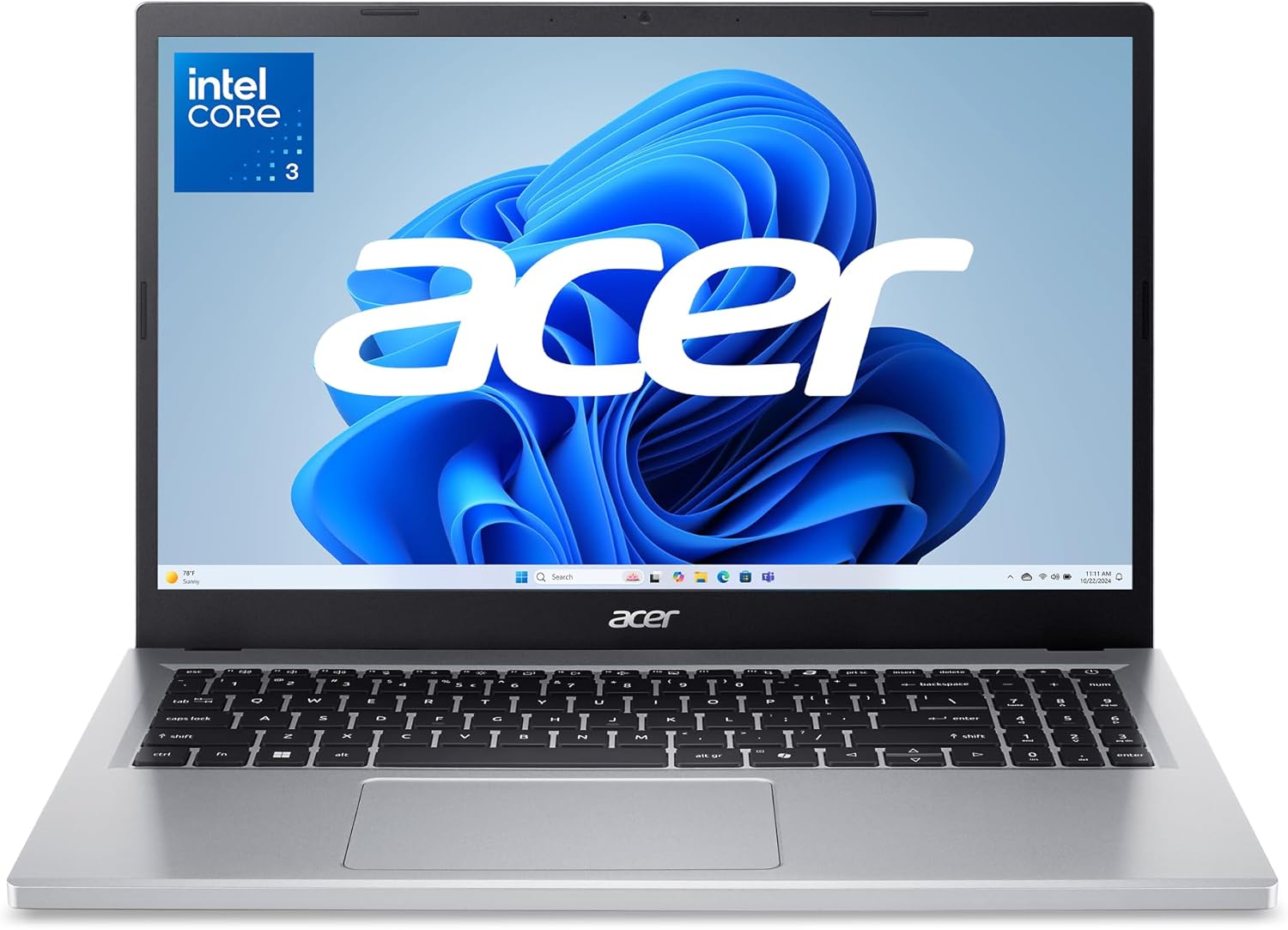
Specs: Intel Core 3 Processor N355 · Intel Graphics · 8GB DDR5 RAM · 128GB UFS storage · 15.6″ FHD IPS narrow-bezel display · Wi-Fi 6 · Windows 11 Home (S Mode)
Pros: Lowest price of any laptop here that still feels current; DDR5 RAM is a nice surprise at this tier; genuinely portable narrow-bezel design.
Cons: 128GB UFS storage fills up fast with anything beyond browsing and documents; S Mode needs to be switched off manually before installing outside apps.
3. HP Pavilion 15.6″ (2026 Edition) — Most RAM for Multitasking (~$500)
Verdict: Worth the extra $60-$140 over the cheaper options if you actually keep a dozen tabs and two apps open at once.
Every other laptop in this list ships with 8GB of RAM. This one doesn’t — its 16GB is the single clearest upgrade you can buy without leaving the sub-$600 range, and it’s the difference between a laptop that handles real multitasking and one that starts swapping memory the moment you open too much at once. Pair that with a 256GB PCIe NVMe SSD (fast, not just spacious) and this is the closest thing to a “no compromises” pick here — you just pay the top price in the group for it.
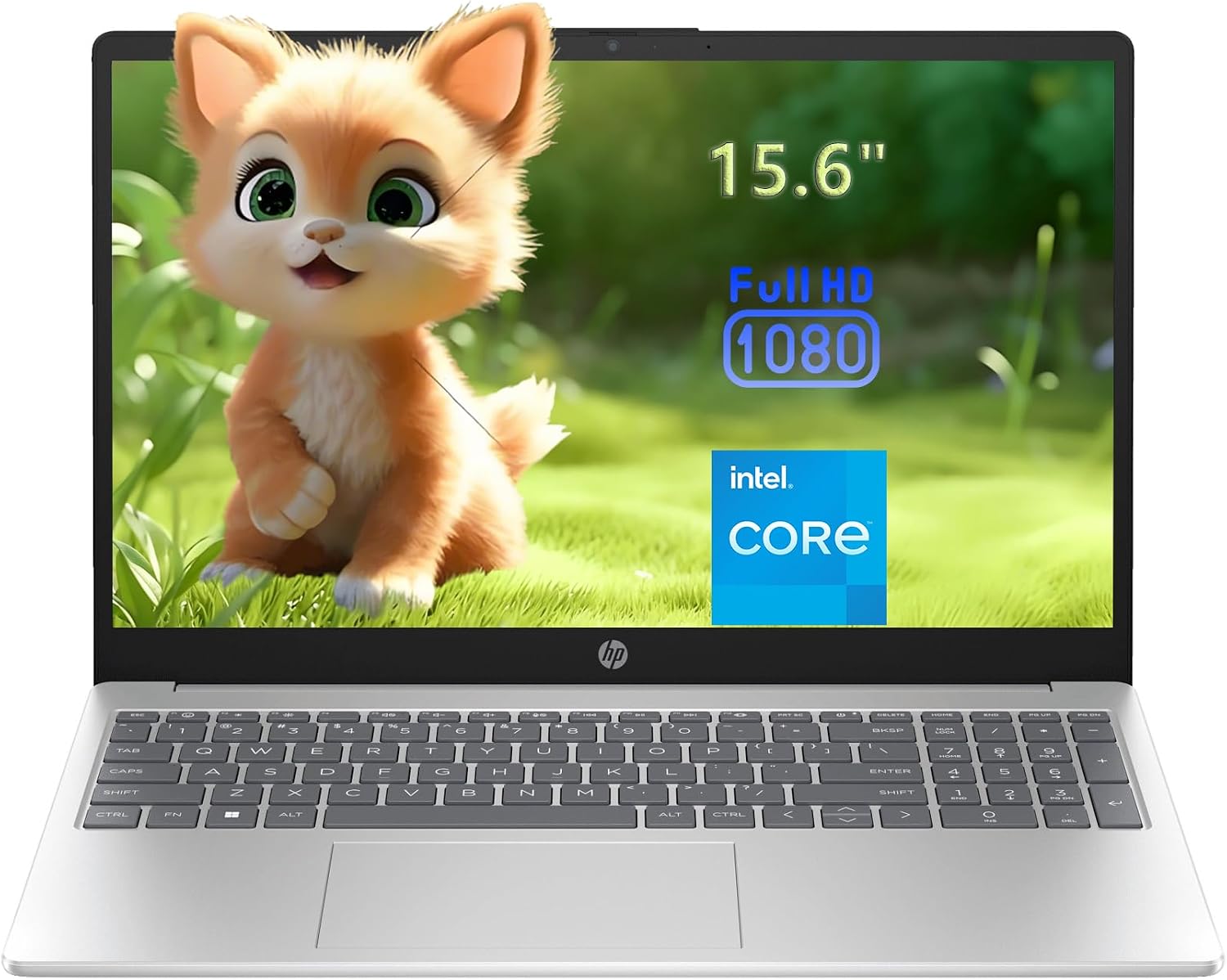
Specs: Intel 4-Core N100 (up to 3.4GHz) · 16GB DDR4 RAM · 256GB PCIe NVMe SSD · 15.6″ FHD anti-glare display · Wi-Fi 6 · Bluetooth 5.3 · 3.64 lbs
Pros: Only 16GB RAM option under $600 here; NVMe SSD is noticeably faster than the SATA/eMMC-class storage on cheaper models; light at 3.64 lbs.
Cons: At $499.97 it’s the priciest laptop in this roundup, eating most of the headroom under the $600 ceiling.
4. Dell 15 (DC15250) — Smoothest Everyday Feel (~$495)
Verdict: The pick if scrolling and video feel matter more to you than raw specs on paper.
Spec sheets don’t capture how a 120Hz display changes the feel of everyday scrolling, and this Dell is the only laptop on this list that has one. It’s a small thing that makes cheap hardware feel less cheap the moment you start using it. With 685 reviews behind it — the highest count in this group — plus Dell’s onsite service included, it’s also the safest bet if you’ve been burned by budget-laptop reliability before.
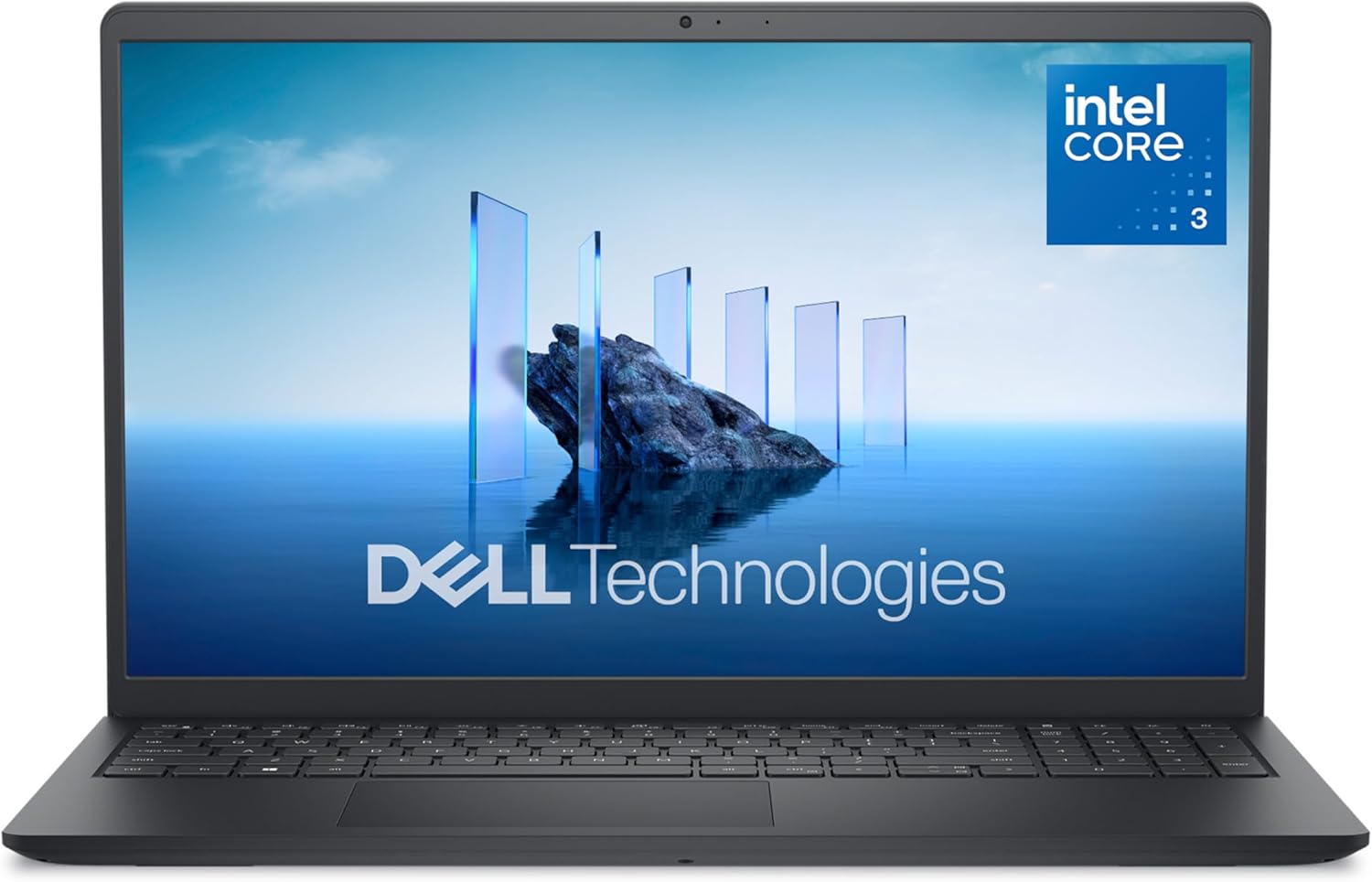
Specs: Intel Core 3 Processor 100U · 8GB DDR4 RAM · 512GB SSD · 15.6″ FHD 120Hz display · Intel UHD Graphics · Windows 11 Home · includes onsite service
Pros: Only 120Hz panel under $600; largest review sample of any model here (685); Dell onsite repair service is rare at this price.
Cons: Still 8GB RAM despite the higher price — the 120Hz display was clearly prioritized over memory.
5. Lenovo IdeaPad Slim 3 (2026 Edition) — Best Software Bundle (~$357)
Verdict: A strong price-to-features ratio, with one honest caveat: it’s too new to have a real review track record yet.
On paper, this is one of the best deals in the roundup: a 128GB SSD (real SSD, not UFS), an anti-glare display rated for around 11 hours of battery, and a full year of Microsoft 365 bundled in — software that would otherwise cost $70 a year on its own. The honest caveat is that it currently shows a 5.0/5 rating from only 6 reviews, which is encouraging but not enough data to fully trust yet. Treat it as a promising pick rather than a proven one.
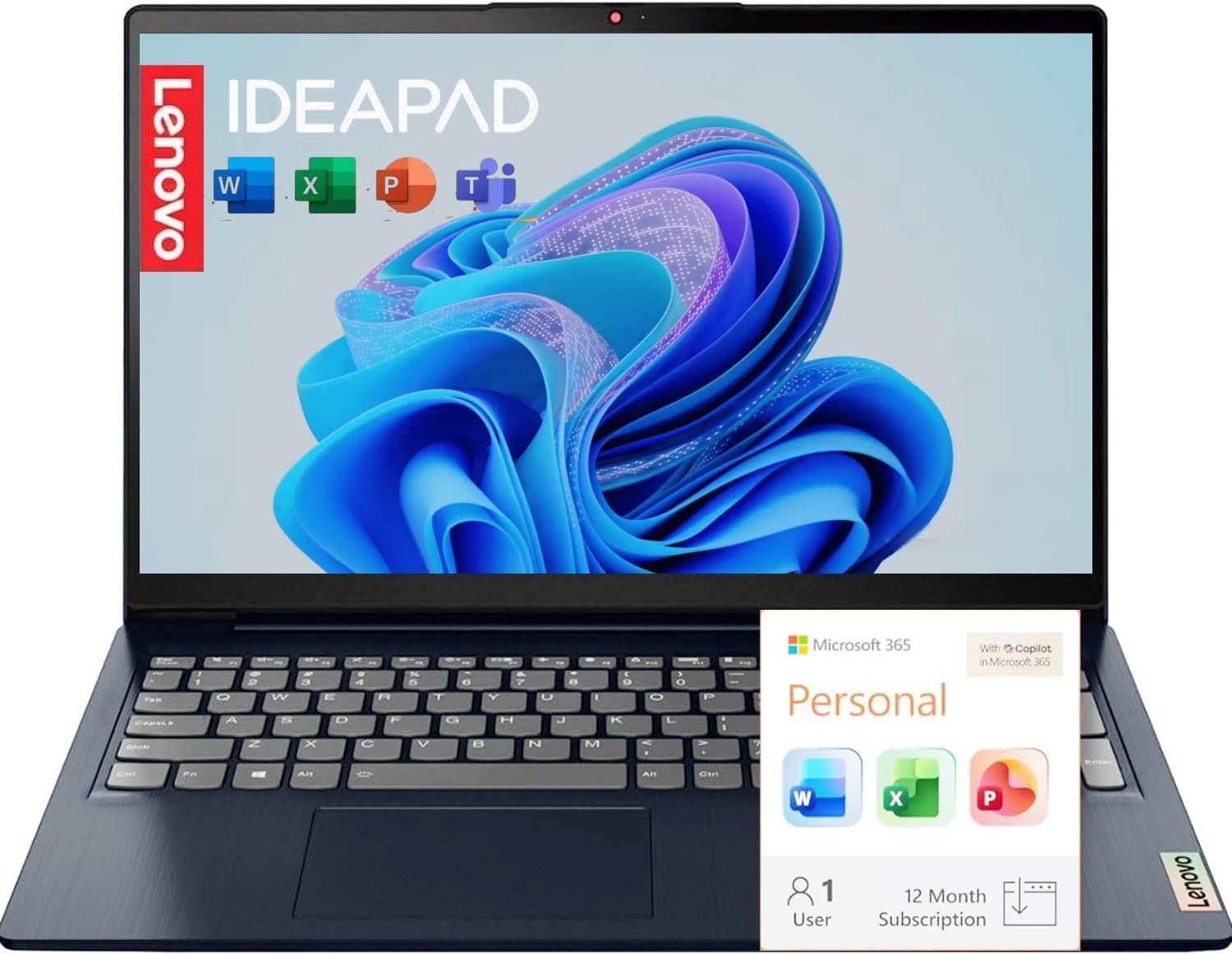
Specs: Intel N150 processor · 8GB DDR5 RAM · 128GB SSD · 15.6″ FHD anti-glare IPS display · ~11-hour battery · Windows 11 + 1-year Microsoft 365 included
Pros: Real SSD (not UFS) at the Acer Aspire’s price point; a full year of Microsoft 365 adds real value; DDR5 RAM.
Cons: Only 6 reviews on record — too early to know if that 5.0 rating holds up at scale.
Which Budget Laptop Under $600 Should You Buy?
If you just want to stop thinking about it, buy the ASUS Vivobook Go — it has the most reviews, the most storage for the price, and no surprises. If $355 is your hard ceiling, the Acer Aspire Go 15 is the best of the true bottom tier, as long as you’re fine switching off S Mode and living with 128GB of UFS storage. If you multitask hard — a dozen tabs, Discord, an office app, all at once — spend the extra and get the HP Pavilion’s 16GB RAM; it’s the one upgrade in this list that actually changes how the laptop feels under load. And if you’ve been burned before by a laptop that just breaks, the Dell 15’s onsite service and 685-review track record are worth the peace of mind.
One pattern worth flagging: every laptop here except the HP tops out at 8GB RAM, which is quickly becoming the bottleneck of this price tier rather than the processor. We broke down why that’s happening — and whether it’s temporary — in our piece on why RAM and component prices are climbing in 2026, which is useful context before you buy.
If your budget can stretch past $600, it’s worth knowing what you’d actually gain — we compared that next tier up in our laptops under $700 roundup, where faster chips and bigger SSDs start showing up standard. And if 8GB RAM is the wall you keep hitting on a laptop you already own, our step-by-step guide to upgrading laptop RAM and SSD covers which budget models are even upgradeable in the first place (several on this list are soldered and can’t be).
Frequently Asked Questions
Is 8GB RAM enough for a laptop in 2026?
For browsing, streaming, office work, and video calls, yes — that’s what these machines are built for. It starts to struggle once you’re running several heavy apps simultaneously or keeping 20+ browser tabs open, which is exactly why the HP Pavilion’s 16GB stands out in this list.
What’s the real difference between SSD and UFS storage?
Both are solid-state (no moving parts), but UFS — used in the cheapest laptop here — is generally slower for sustained file transfers and app loading than a proper SSD. For basic use it’s rarely noticeable; for larger files or many installed programs, it is.
Should I wait for RAM and SSD prices to drop before buying?
Not if you need a laptop now — component costs have actually been rising, not falling, through 2026. We cover the timing question directly in should you buy a laptop now or wait.
Is Windows 11 S Mode a dealbreaker?
No — it’s free to switch off in Settings and takes under a minute. See Microsoft’s official S Mode guide for the exact steps. It only matters if you don’t realize it’s on and can’t figure out why an installer won’t run.
Leave a Reply