DecodeGear is reader-supported. We earn a small commission if you buy through our links — at no extra cost to you. We never accept paid reviews.
The gap between a $650 laptop and a $1,300 one in 2026 is smaller than the marketing wants you to believe. Modern Intel Core and AMD Ryzen chips made budget laptops genuinely fast for the work most people actually do — browsing, documents, video calls, light photo editing. We ranked the five best laptops under $700, and flagged the one spec that quietly decides whether your “fast” laptop stays fast.
The Tier List at a Glance
| Rank | Laptop | Price | Best For |
|---|---|---|---|
| #1 | Acer Aspire 5 | ~$649 | Best overall value |
| #2 | HP Pavilion 15 | ~$680 | Most RAM & storage |
| #3 | Lenovo IdeaPad Slim 3 16″ | ~$530 | Biggest screen for the money |
| #4 | ASUS Vivobook 16 | ~$500 | Best budget pick |
| #5 | Acer Swift Go 14 | ~$600 | Best for portability |
#1 — Best Overall: Acer Aspire 5
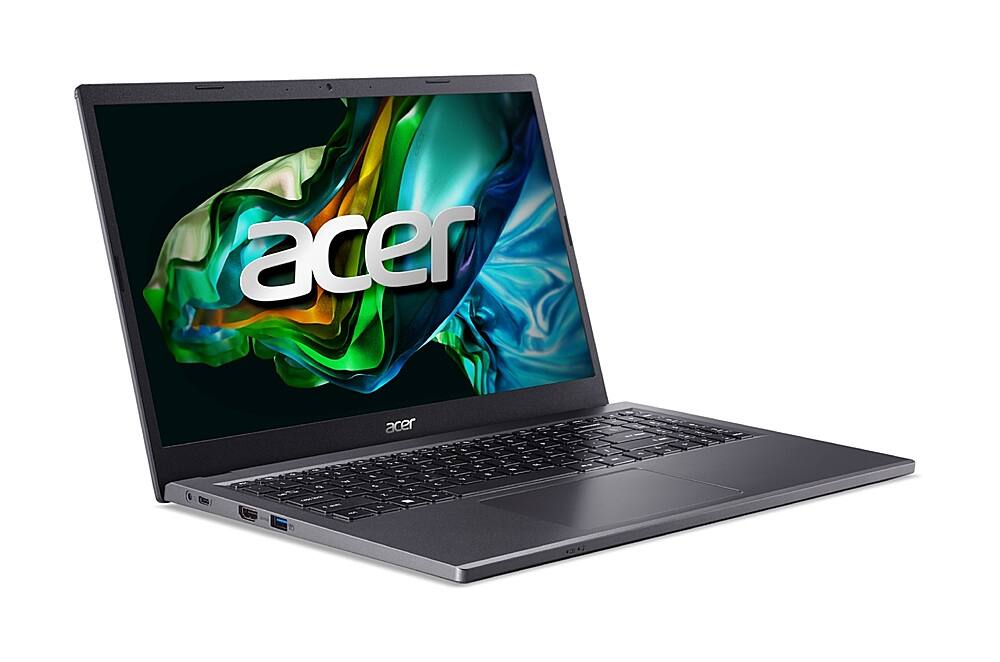
The Aspire 5 is the default recommendation under $700 for a reason: a 13th-gen Core i7-13620H, 16GB of RAM, a 1TB SSD, and a 15.6″ Full HD screen at around $649. That’s a configuration that would have cost $1,000+ two years ago, and it handles multitasking, programming, and dozens of browser tabs without flinching.
The trade-off is the chassis — it’s plastic and the display is bright but not color-accurate enough for pro photo work. For everything else, nothing at this price matches the spec-for-dollar value.
Check the Acer Aspire 5 on Amazon →
#2 — Most RAM & Storage: HP Pavilion 15
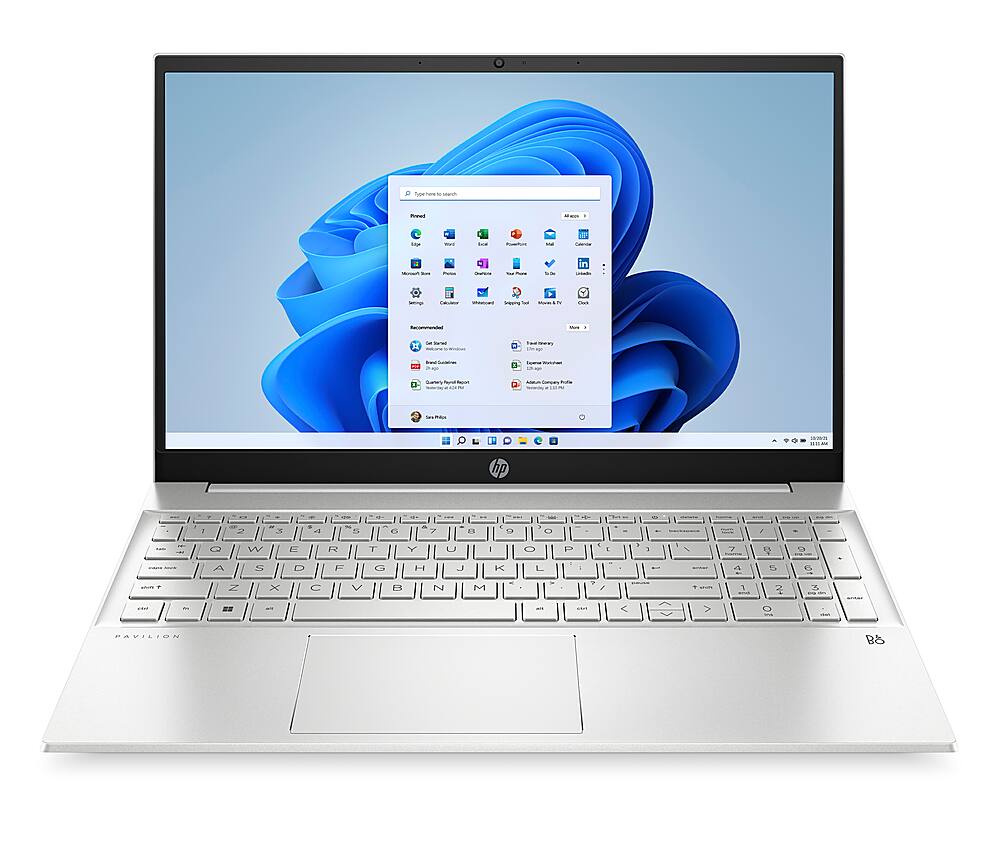
If you keep 30 tabs open and never delete a file, the Pavilion 15 is built for you: a 12th-gen Core i7-1255U with a massive 32GB of RAM and a 1TB SSD, around $680. That much memory means it’ll feel smooth years from now, when lighter laptops start to choke.
The U-series chip is tuned for efficiency over raw power, so it’s slightly slower in sustained workloads than the Aspire’s H-series — but for office multitasking, the extra RAM matters more.
Check the HP Pavilion 15 on Amazon →
#3 — Biggest Screen: Lenovo IdeaPad Slim 3 16″
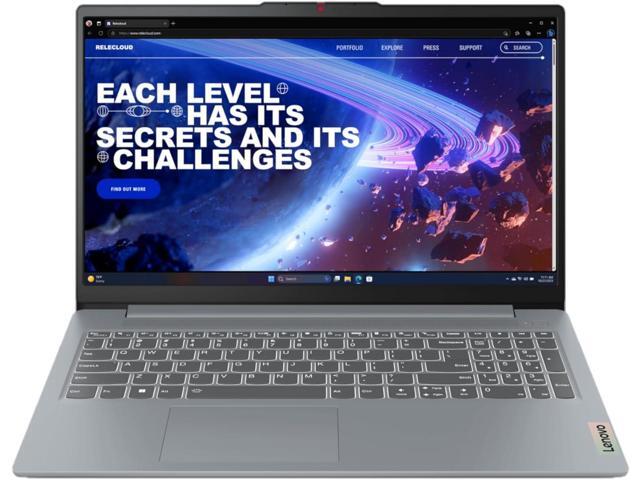
The IdeaPad Slim 3 gives you a roomy 16″ display, a Core i5-13420H, and 24GB of RAM for around $530 — the most screen real estate per dollar on this list. The larger panel makes spreadsheets and side-by-side windows far more comfortable than a cramped 14″.
It’s heavier and less portable as a result, and the webcam is mediocre. But as a home-base laptop that mostly stays on a desk, it’s a lot of machine for the money.
Check the Lenovo IdeaPad Slim 3 on Amazon →
#4 — Best Budget: ASUS Vivobook 16
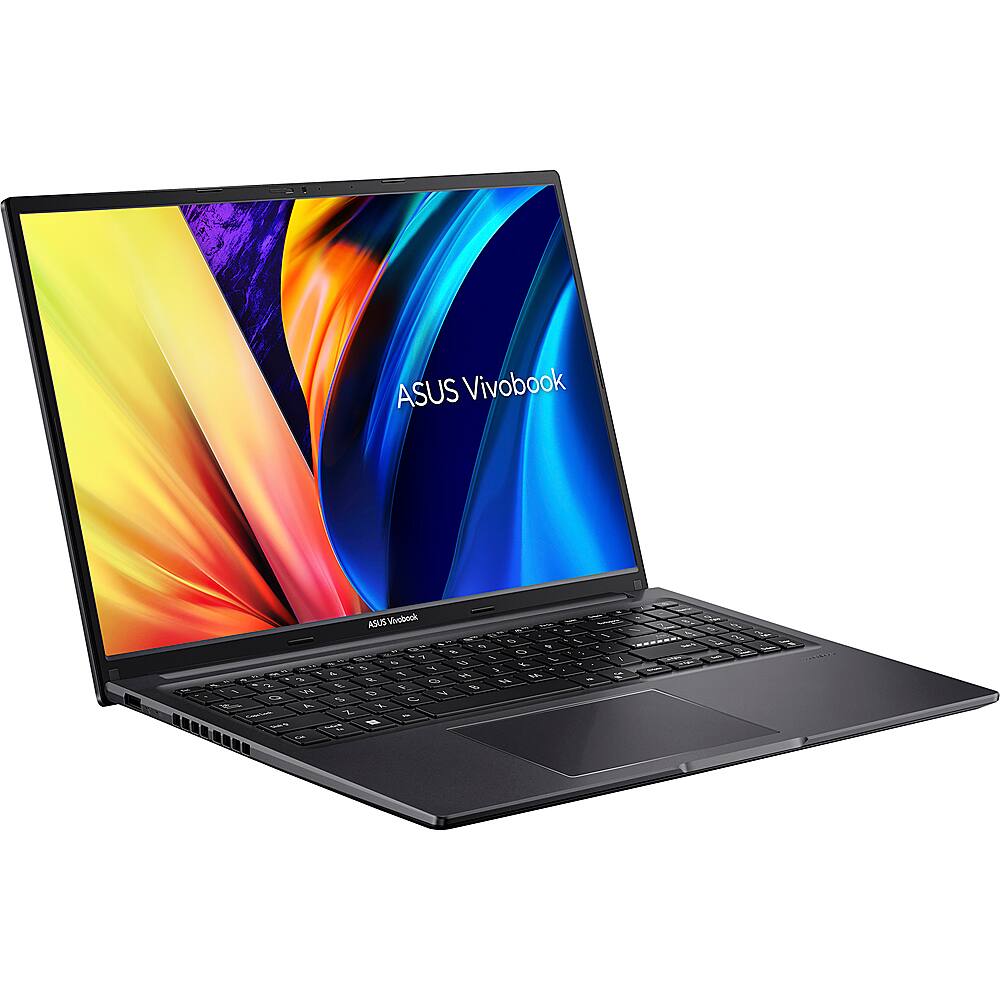
At around $500, the Vivobook 16 is the smart floor for a capable 2026 laptop: a Core i5-13420H, 16GB RAM, a 512GB SSD, and a tall 16:10 1920×1200 display that shows more vertical content than a standard 16:9 panel. It’s the cheapest laptop here that still feels modern rather than compromised.
You give up some build polish and the battery is average, but the core experience is genuinely good for the price.
Check the ASUS Vivobook 16 on Amazon →
#5 — Best for Portability: Acer Swift Go 14
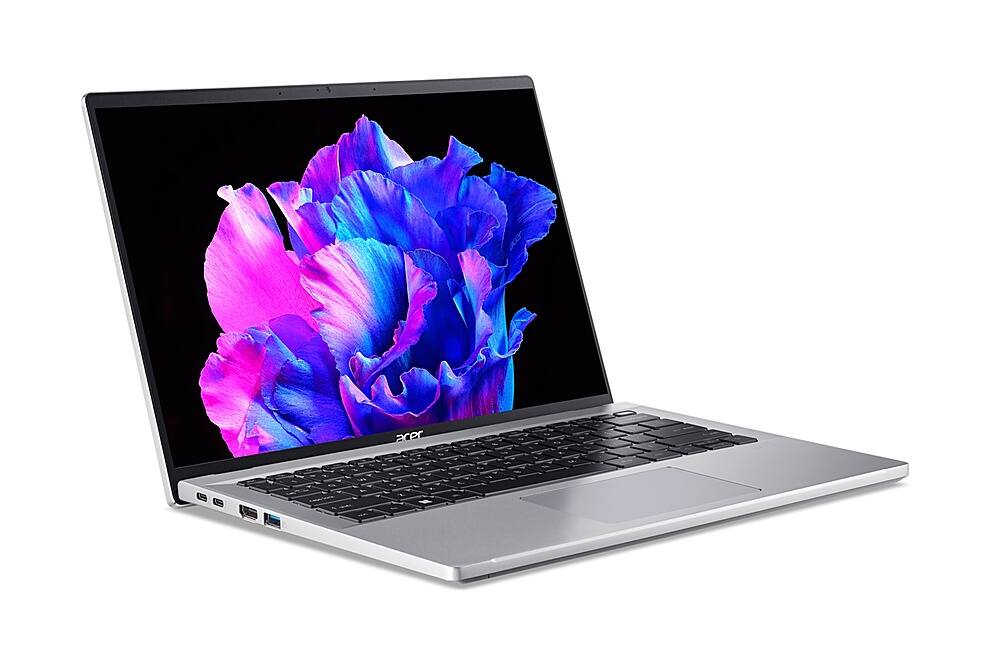
If you carry your laptop everywhere, the Swift Go 14 is the pick: a thin-and-light 14″ frame with a sharp 2.2K (2240×1400) 100% sRGB display and a Core i5-1335U, around $600. The screen is noticeably nicer than the Full HD panels on the bigger laptops here.
The catch is 8GB of RAM on the base model — fine today, tight tomorrow. If you can find the 16GB config near this price, take it.
Check the Acer Swift Go 14 on Amazon →
What the Spec Sheet Doesn’t Tell You
RAM is the spec that ages worst. A laptop with 8GB feels fine in the store and sluggish in 18 months as apps and browsers demand more. For a laptop you’ll keep 3–5 years, 16GB is the real minimum — it matters more than a slightly faster processor.
“i7” doesn’t mean what you think. A U-series i7 (efficiency-tuned) is often slower in real work than an H-series i5. Read the full chip name, not just the tier.
No dedicated GPU at this price. Every laptop here uses integrated graphics. They’re great for everyday use and light gaming, but don’t expect smooth AAA gaming or fast 4K video exports.
Which Should You Buy?
- Best all-around: Acer Aspire 5 — fastest everyday experience under $700.
- Future-proofing: HP Pavilion 15 — 32GB RAM outlasts everything else here.
- Big screen on a budget: Lenovo IdeaPad Slim 3 16″.
- Lowest price: ASUS Vivobook 16.
- Carry it everywhere: Acer Swift Go 14.
Frequently Asked Questions
Is a $700 laptop good enough for everyday use?
For browsing, documents, streaming, video calls, and light photo editing — absolutely. In 2026, a $650 laptop with 16GB of RAM handles all of that smoothly. You only need to spend more for serious gaming, 4K video editing, or heavy 3D work.
How much RAM do I need in 2026?
16GB is the sweet spot for a laptop you’ll keep several years. 8GB works today but will feel slow as software grows. 32GB is worth it only if you run virtual machines, heavy creative apps, or dozens of tabs at once.
You don’t need to spend $1,200 for a laptop that feels fast in 2026. The Acer Aspire 5 delivers premium-tier speed at $649, the Pavilion 15 future-proofs you with 32GB of RAM, and the Vivobook 16 proves $500 still buys a genuinely good machine. Match the pick to your work — and prioritize RAM over the logo.
Deixe um comentário