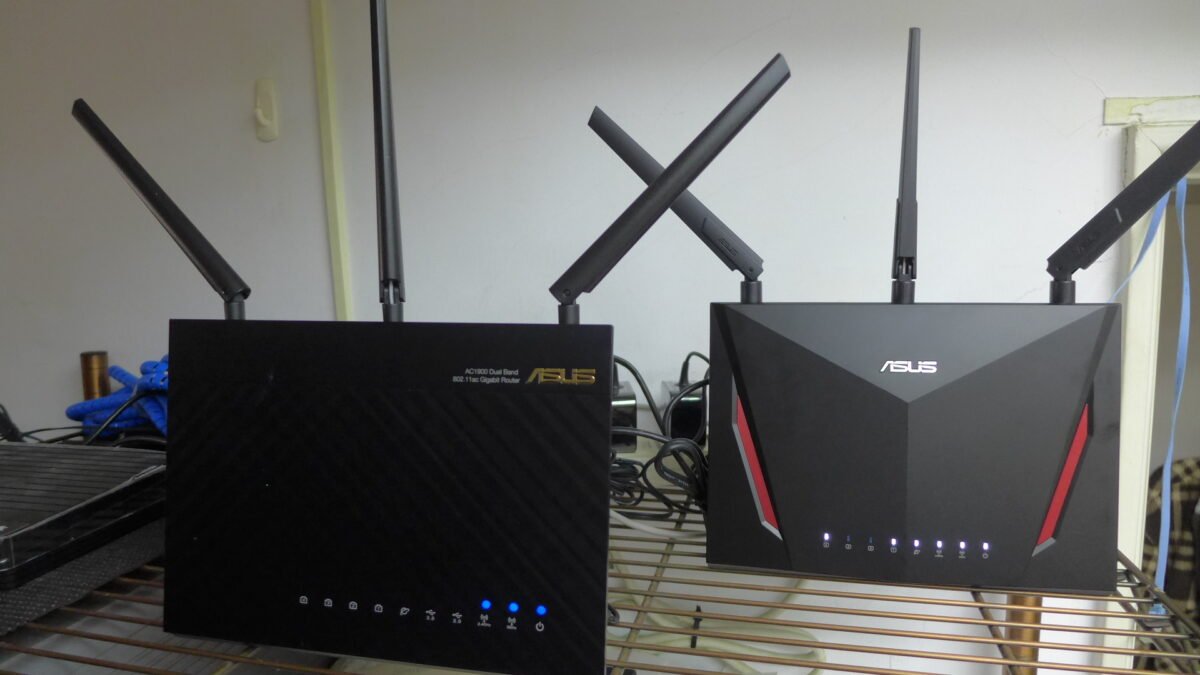
If the built-in speed test on your ASUS router stopped working in October, it was most likely switched off on purpose. ASUS’s Speedtest service announcement says that since October 1, 2026, the built-in Speedtest is disabled on end-of-life (EOL) models and on non-EOL models that are not running the supported firmware. ASUS says the change only affects the Speedtest feature, and that Internet access and Wi-Fi keep working normally.
So the useful question is not how to bring the button back. It is which of the two groups your router falls into, because for EOL models the missing speed test is the smallest part of the news.
What ASUS changed, and when
- September 2026: ASUS said it would release the supported firmware versions for individual models progressively, and name the supported version in each model’s firmware release notes.
- October 1, 2026: Speedtest disabled on EOL models and on non-EOL models without the supported firmware.
- Scope: only the Speedtest feature. ASUS lists Internet access and Wi-Fi among the functions that “will not be affected.”
ASUS gives one reason, “to provide stable service quality,” and describes the change for supported models as a “unified optimization adjustment.”
Is your router on ASUS’s end-of-life list
ASUS keeps an End-of-Life Product List for its networking products. It includes several routers that were flagship models a few years ago. The table below picks the best-known wireless routers from the list (models not marked “only EU”) and the replacements ASUS recommends for each group.
| Group (our label) | End-of-life examples | ASUS’s recommended models |
|---|---|---|
| Entry and mid-range routers | RT-N66U, RT-AC51U, RT-AC1200, RT-AX56U, ZenWiFi CD6, Lyra | RT-BE50, RT-BE55, RT-BE58U V2, ZenWiFi BD4, ZenWiFi BD5 |
| Higher-end routers and mesh | RT-AC68U, RT-AC86U, RT-AC88U, RT-AC3100, RT-AX68U, RT-AX86U, RT-AX86S, RT-AX88U, RT-AX89X, RT-AX92U, ZenWiFi CT8, Blue Cave | RT-BE82U, RT-BE86U, ZenWiFi BT7, ZenWiFi BT8, ZenWiFi BT10 |
| Gaming routers | GT-AC5300, RT-AC5300 | TUF Gaming AX5400, TUF Gaming BE6500, GT-AXE11000, GT-BE98, GT-BE98 Pro |
Three details matter before you decide anything:
- Check the hardware version. ASUS asks you to confirm it from the product label or the box label. Some entries are specific revisions, such as RT-AC68U_V4 or RT-N12_D1.
- Some entries apply only in Europe. Many newer models carry an “only EU” mark, including the RT-AX86U Pro, RT-AX88U Pro, GT-AX6000 and ZenWiFi XT8. ASUS says available and EOL versions and models may vary by region.
- Similar names are different products. The RT-AX86U appears on the list without a regional mark; the RT-AX86U Pro is marked “only EU.”
What end-of-life means beyond the speed test
ASUS’s list defines the EOL models as “no longer manufactured or updated with firmware and documentation,” and says the existing hardware warranty is not affected by EOL status. The RT-AC86U’s last firmware on its ASUS download page, version 3.0.0.4.386_52334 dated May 7, 2026, says the same in its release notes: “its firmware, utility, website, and manual will no longer be updated.”
The download pages show that the cutoff is not always that clean. The RT-AX86U, RT-AX88U and RT-AX68U are on the EOL list, yet each has a firmware release dated October 22, 2026 that fixes “an issue that could cause DNS resolution failures and loss of Internet access when DNSSEC is enabled.” Those notes do not mention Speedtest. If you own one of these routers, install that release, but do not plan on a steady stream of security fixes after it.
We saw the same pattern with Netgear’s October 2026 security advisory, where end-of-support models were left out of the fixes. A router is the device that faces the Internet for your whole home, which is why its update status matters more than one missing feature.
If your router is not end-of-life: update the firmware
For supported models, Speedtest comes back with the right firmware. The RT-AX86U Pro’s release 3.0.0.6.102_37544, dated October 22, 2026, opens with the change: “If Speedtest is supported on your model, you must install this update to continue using it.” The same release lists a fix for the speed test service itself, which now accepts only expected command parameters, among other security fixes.
ASUS’s firmware update FAQ recommends using the ASUS Router app. In the web interface, the steps are:
- Open the router’s settings page at its LAN IP or http://www.asusrouter.com and sign in.
- If a new version is ready, a pop-up message appears in the upper right corner. Click Update now, then Firmware Upgrade.
- To stop doing this by hand, go to Administration, then Firmware Upgrade, and enable Auto Firmware Upgrade with an upgrade time when nobody is using the network.
- Do not turn off the router while the update runs.
ASUS’s web interface steps also recommend restoring factory default settings after the upgrade. If you follow that step, write down or save your network name, password and any custom settings first.
How to measure your speed without the router’s tool
The router’s built-in test was convenient because it measured the connection at the router, without Wi-Fi in the way. You can get close to that by running a browser-based speed test on a computer connected to the router with an Ethernet cable. If the wired result is fine and Wi-Fi is slow, the problem is inside your home, and our guide on how to speed up Wi-Fi at home covers what to check next.
What to do now
- Your model is not on the list: install the latest firmware and turn on Auto Firmware Upgrade. Speedtest should return once the router runs the supported version for your model.
- Your model is on the list for your region: the speed test is not coming back. Install the last firmware ASUS offers for it, then plan a replacement, especially if the router is your only line of defense between your devices and the Internet. ASUS’s recommended models are in the table above.
- Your model is marked “only EU” and you live elsewhere: ASUS marks it as EOL only for the EU, so update the firmware as you would on a supported model. ASUS suggests contacting your local ASUS representative if you are unsure about your region.
How we checked: this article is based on ASUS’s Speedtest service announcement, its End-of-Life Product List for networking products, its firmware update FAQ, and the firmware release notes on the ASUS download pages for the RT-AX86U Pro, RT-AX86U, RT-AX88U, RT-AX68U and RT-AC86U, all read on November 2, 2026. DecodeGear did not test these routers or firmware versions for this article.
Leave a Reply