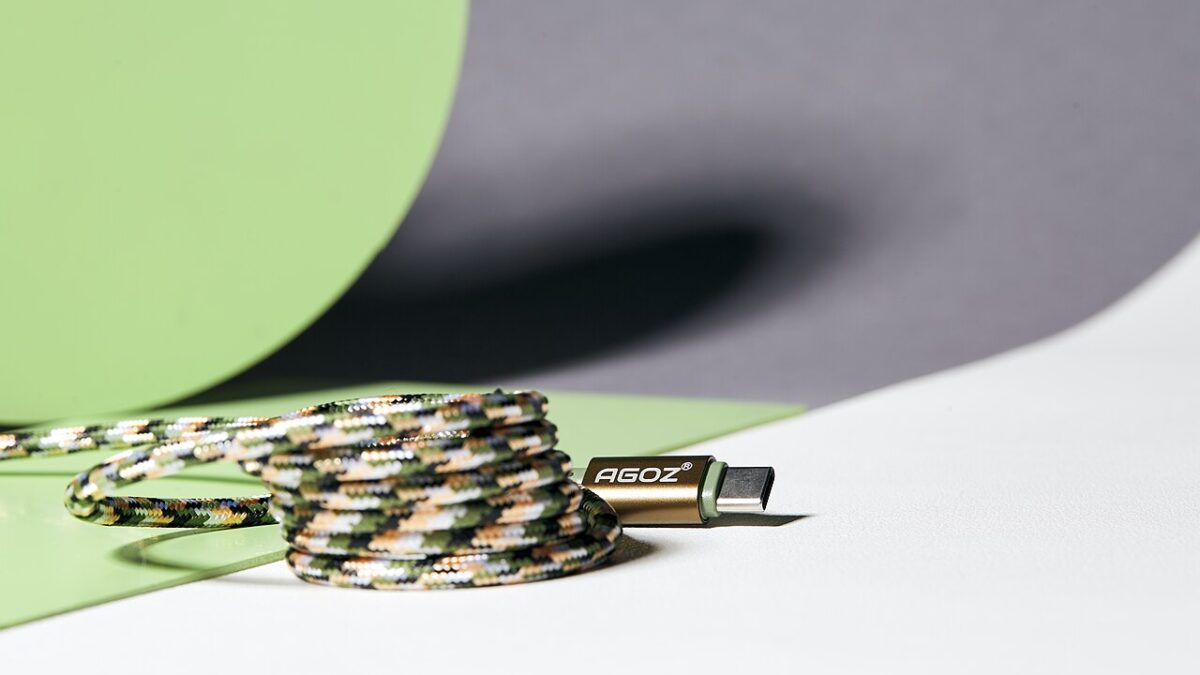
For years, drawers filled with mismatched chargers were just a fact of life. In 2026, that era is basically over — USB-C won. Phones, laptops, tablets, headphones, e-readers, game controllers, even flashlights now charge from the same port. Here’s how that happened, where the traps still hide, and exactly what to buy so one cable really does handle everything.
From chaos to one connector
Micro-USB, Lightning, barrel plugs, mini-USB — every device used to want its own cable. If you traveled with a laptop, a phone, a camera, and a pair of headphones in 2015, you probably packed four different chargers and hoped none of them broke.
USB-C changed the math for three reasons:
- It’s reversible. No more flipping the plug three times. This sounds trivial, but it removed the single most hated thing about older USB connectors.
- It carries everything. Power, data, and video travel over a single wire. One port can charge a laptop, drive a 4K monitor, and move files at the same time.
- It scales. The same connector works on a 5W earbud case and a 240W workstation laptop. No other connector ever covered that range.
The connector debuted around 2015 on a handful of laptops and Android phones, and for years it coexisted awkwardly with everything it was supposed to replace. Adoption was steady but slow — until regulators got involved.
Regulation sealed the deal
The EU’s common-charger rule pushed the entire industry — phones, tablets, cameras, and handhelds — onto USB-C. Small rechargeable electronics sold in the EU had to adopt the port by the end of 2024, with laptops following in 2026. Even Apple moved the iPhone over, dropping Lightning starting with the iPhone 15 in 2023 rather than building region-specific models.
And because no manufacturer wants to produce two versions of the same product, the EU rule effectively became the world’s rule. One cable now charges most of your gear, no matter where you bought it.
The payoff is bigger than convenience. The EU estimated the change would cut thousands of tons of e-waste per year, and for you it means a dead battery is fixable with anyone’s charger — the airport lounge, your coworker’s desk, the cafe counter.
The catch: not all USB-C cables are equal
This is where people get burned. Two identical-looking cables can differ wildly: one might do 240W charging and 40Gbps data, another only slow charging and USB 2.0 speeds. The plug is the same; the guts are not.
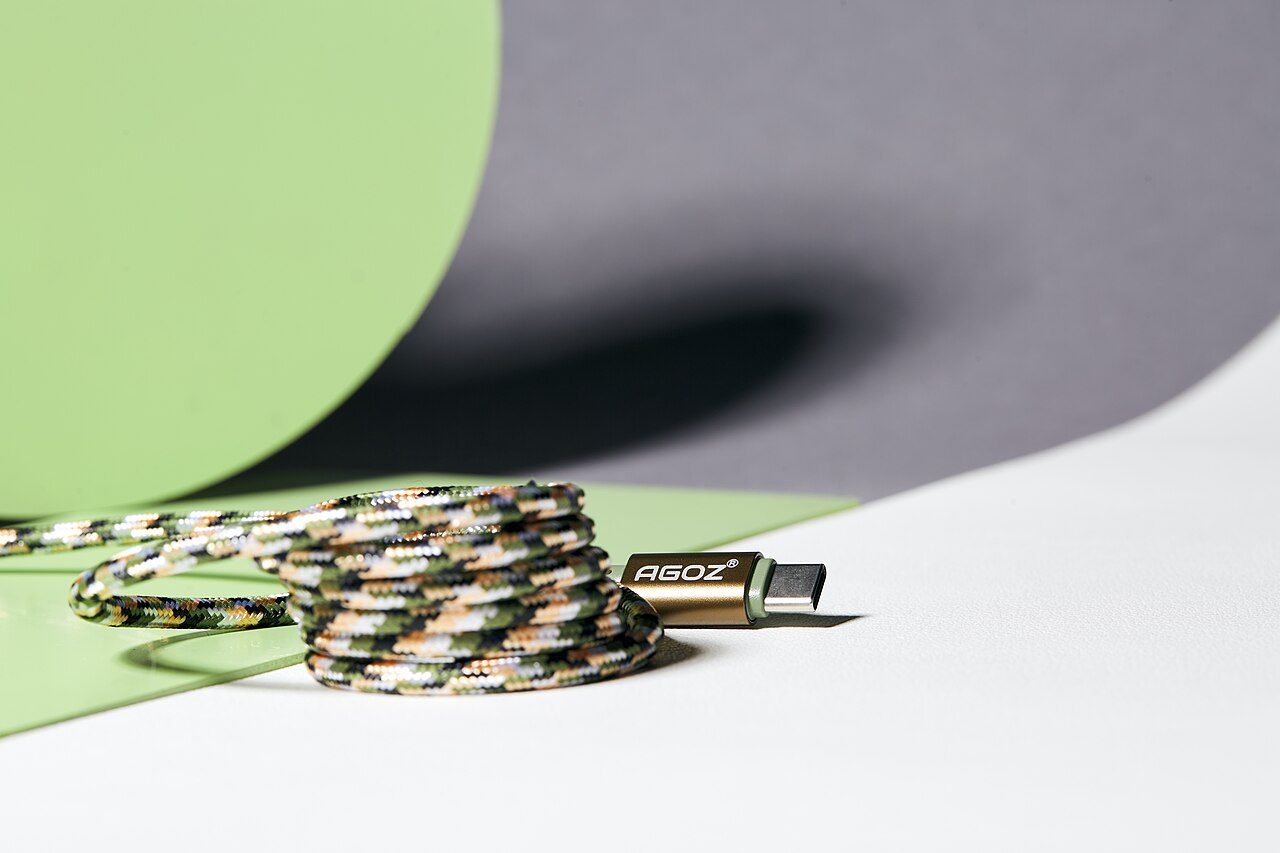
The confusion exists because “USB-C” only describes the shape of the connector, not what the cable can do. Inside, cables differ in three ways:
- Power rating. Basic cables handle 60W. Cables with an e-marker chip handle 100W, and the newest USB Power Delivery spec goes up to 240W — enough for gaming laptops.
- Data speed. The cheapest USB-C cables are USB 2.0 inside, moving data at 480Mbps — the same speed as a cable from 2001. Full-featured USB4 and Thunderbolt cables reach 40Gbps, roughly 80 times faster.
- Video support. Only cables with high-speed data lines can drive an external monitor. A charging-only cable plugged into a display simply does nothing, with no error message to explain why.
The result: you grab a random cable from the drawer, your laptop charges at a crawl or your monitor stays black, and you blame the device. Nine times out of ten, it’s the cable.
How to buy the right one
Check the specs, not the looks. For fast laptop charging, look for the wattage rating (100W+). For fast data or an external display, look for the USB4 or Thunderbolt logo. For everything else, a decent basic USB-C cable is plenty — and cheap.
Here’s what that means in practice, with known-good picks:
For charging phones and laptops
A 100W or 240W-rated cable covers every phone and almost every laptop sold today. The Anker 240W USB-C cable (around $15–$20) is braided, e-marked, and future-proof for the highest-wattage laptops. There’s no meaningful downside to buying the higher rating — a 240W cable charges a 20W phone just fine.
For data, docks, and monitors
If you connect an SSD, a docking station, or an external display, get a certified 40Gbps cable such as the Cable Matters Thunderbolt 4 cable (around $25–$35 for a 1m length). Thunderbolt certification is the easiest shortcut here: it guarantees full power, full speed, and video in a single cable.
For the wall
One multi-port GaN charger replaces the pile of power bricks. The Ugreen Nexode 100W (around $50–$75) charges a laptop, a phone, and earbuds simultaneously from one outlet — the closest thing to the “one charger” promise made real.
Two buying rules keep you safe: buy from brands that publish wattage and data specs (Anker, Ugreen, Belkin, Cable Matters), and skip any listing that only says “fast charging” with no numbers. Vague listings are vague for a reason.
Living in the one-cable era
A few habits make the transition painless:
- Label your good cables. A small band of tape on your 240W or Thunderbolt cables ends the drawer lottery permanently.
- Retire the mystery cables. Free cables bundled with cheap gadgets are usually USB 2.0, 60W units. Recycle them.
- Standardize the nightstand and the bag. One good charger and one good cable in each place you charge covers 95% of daily life.
- Charge smarter, not just faster. Fast charging generates heat, and heat is what ages lithium batteries. Our guide to why phone batteries get worse over time covers the habits that actually extend battery lifespan.
And since one cable can now do the job of five, your desk probably has more wiring than it needs — our clean-setup guide to hiding cables under your desk is the natural next step.
Quick FAQ
Do I need a 240W cable for my phone? No — phones draw far less. But the price gap versus a 100W cable is a few dollars, so buying the higher rating means one less thing to check forever.
Will a cheap cable damage my device? A reputable-brand basic cable won’t; it will just be slow. Genuinely no-name cables without proper e-marker chips are the ones worth avoiding, especially for laptop charging.
Is Thunderbolt the same as USB-C? Thunderbolt uses the USB-C connector but certifies the full feature set — 40Gbps data, video, and high-wattage power. Every Thunderbolt cable is a USB-C cable; the reverse is not true.
The takeaway: USB-C won because it finally made one connector do everything — but the cable, not the port, decides what you actually get. Buy two or three clearly-specced cables from real brands, label them, and the one-cable era delivers exactly what it promised.
Leave a Reply