Turn on ray tracing in a modern game and two things usually happen at once: the lighting suddenly looks gorgeous, and your frame rate falls off a cliff. That trade-off is at the center of one of the most persistent debates in PC and console gaming. So what exactly is ray tracing doing, why is it so demanding, and is the eye candy actually worth the performance cost in 2026?
The old way: faking light
For decades, games rendered graphics using a technique called rasterization. In simple terms, the game takes 3D objects and quickly flattens them onto your 2D screen, then uses a huge bag of clever tricks to approximate how light behaves. Shadows, reflections, and glow are essentially painted on using pre-baked maps and shortcuts.
Rasterization is fast and, honestly, looks great most of the time. But it fakes light rather than simulating it, so it struggles with the hard stuff: a reflection that shows something off-screen, light bouncing color from a red wall onto a white floor, or a shadow that softens correctly as it gets farther from an object. Artists spend enormous effort hiding those limitations.
What ray tracing actually does
Ray tracing flips the approach. Instead of faking light, it simulates it. The technique traces the path of individual rays of light as they travel through a scene — bouncing off surfaces, passing through glass, and picking up color along the way — much closer to how light behaves in the real world.
Because it models the physics, ray tracing nails the things rasterization fumbles: accurate reflections (including of things behind you), realistic soft shadows, and natural “global illumination,” where light bounces around a room and subtly tints everything. In the best implementations, a scene simply looks correct in a way that is hard to unsee once you notice it.
Why it destroys your frame rate
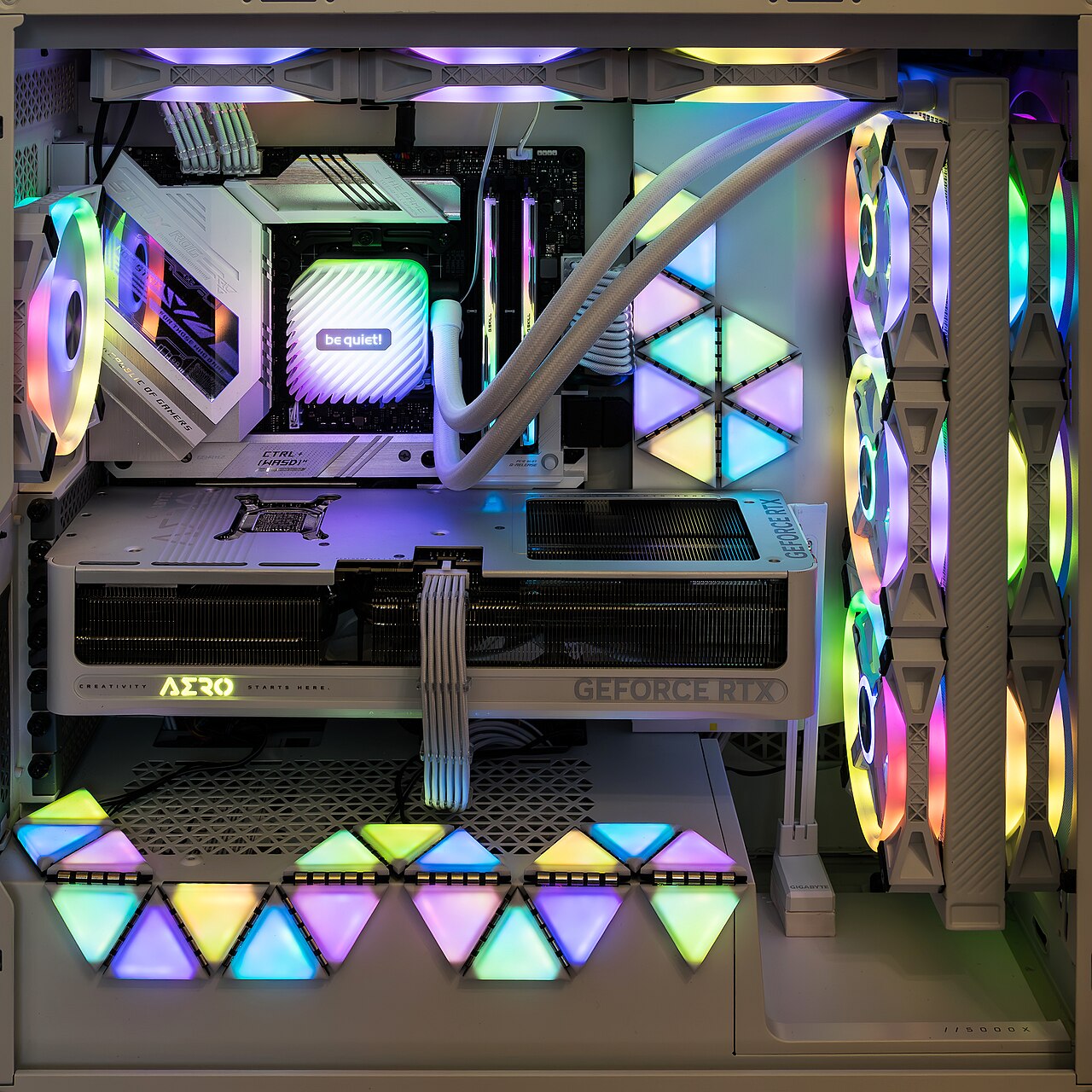
Simulating light is enormously expensive. Every ray potentially bounces multiple times, and there can be millions of them per frame. Tracing all of that in real time takes specialized hardware — the RT cores on modern NVIDIA, AMD, and Intel GPUs — and even then it is a heavy lift.
That is why enabling ray tracing can cut your frame rate by anywhere from 20% to more than 50%, depending on the game and how aggressively the effects are used. A card that runs a game at a smooth 120 frames per second with rasterization might drop to 60 or lower with ray tracing cranked up. On a fast display, that dip is very noticeable — and if you want to understand why smoothness matters so much, our explainer on choosing a gaming monitor gets into refresh rates.
Upscaling: the reason it is playable at all
Ray tracing only went mainstream because of a second technology: AI upscaling, like NVIDIA’s DLSS, AMD’s FSR, and Intel’s XeSS. These render the game at a lower internal resolution and then intelligently reconstruct a sharp, higher-resolution image, clawing back much of the performance ray tracing costs.
In practice, most people playing with ray tracing today are also using upscaling to keep frame rates comfortable. The two go hand in hand — upscaling buys back the frames, ray tracing spends them on lighting. It is a big part of why GPU makers now market the two features together.
So is it worth it?
Here is the honest, non-hype take:
- In slow, atmospheric games — single-player adventures, horror, anything you play to soak in the world — ray tracing can be genuinely transformative. The lighting adds mood you cannot get otherwise.
- In fast, competitive games — shooters, battle royales, anything where reaction time wins — turn it off. You want every frame you can get, and you will never stop to admire a reflection mid-firefight anyway.
- On mid-range hardware, treat ray tracing as a per-game luxury. Turn it on, see if the frame rate stays comfortable, and switch it off without guilt if it does not.
How to try it on your own setup
The best way to settle the debate is to test it in a game you actually play. Open the graphics or video settings, find the ray tracing options — they may be split into reflections, shadows, and global illumination — and switch them on. Enable your GPU’s upscaling feature (DLSS, FSR, or XeSS) at the same time, set it to “Quality,” and keep your frame-rate counter visible.
Play for ten minutes with it on, then ten minutes with it off. Two questions matter: does the game still feel smooth, and can you actually see the difference during normal play? If the lighting wows you and the frame rate stays comfortable, keep it. If you are squinting to spot the change while your frames tank, turn it off — you lose nothing that affects how the game plays.
Consoles handle this more automatically. On a PlayStation or Xbox, developers usually pick the balance for you, often offering a “quality” mode that leans into ray tracing and a “performance” mode that prioritizes a higher, smoother frame rate. If your console game gives you that choice, it is the same decision in miniature — and for most fast-paced games, performance mode is the one to pick.
Keep an eye on video memory, too. Ray tracing and high-resolution textures both lean on your GPU’s VRAM, and cards that are short on it can stutter even when the raw horsepower is there. If a game runs smoothly until you enable ray tracing and then hitches badly, limited VRAM — not a weak processor — is often the real bottleneck.
What to expect going forward
Ray tracing is not a gimmick that will fade — it is the long-term direction of game graphics, and each GPU generation makes it cheaper to run. Some newer games even require it as a baseline. But we are still in the transition period where it is a demanding option rather than a free default, and rising development costs are one reason new games now cost more. If you are curious what is on the horizon, our roundup of the biggest games coming in 2026 and 2027 is a good place to look.
The short version: ray tracing is real, it is beautiful, and it is expensive. Treat it as a dial to tune per game rather than a switch you flip once — and do not feel bad about choosing smooth frames over pretty reflections.
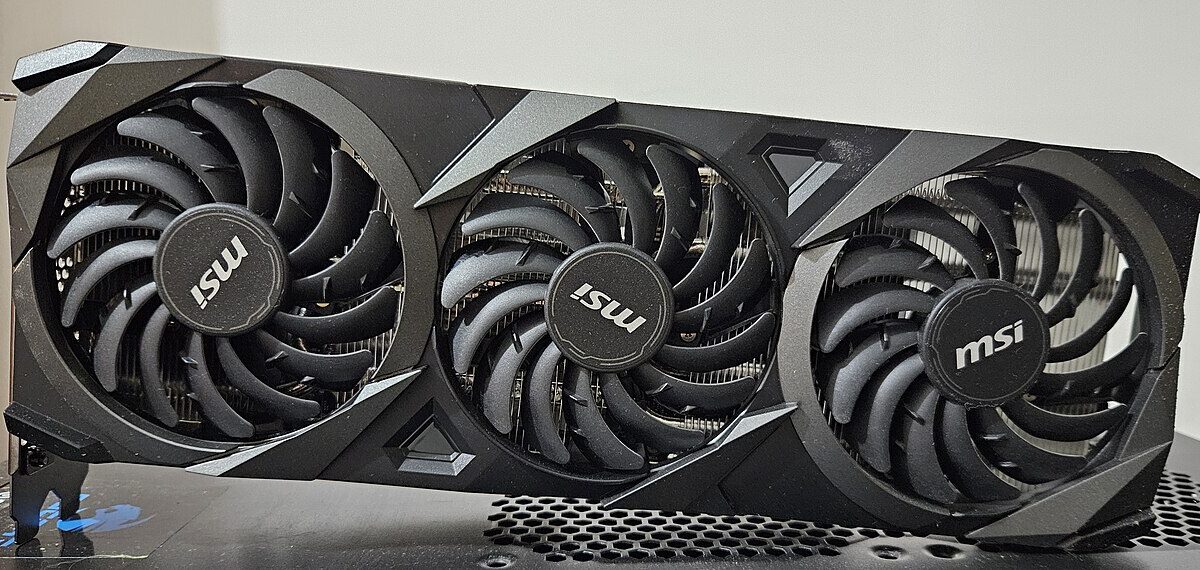
Featured image: MSI GeForce RTX 3070 by TheStriker, Wikimedia Commons (CC BY 4.0)
Leave a Reply