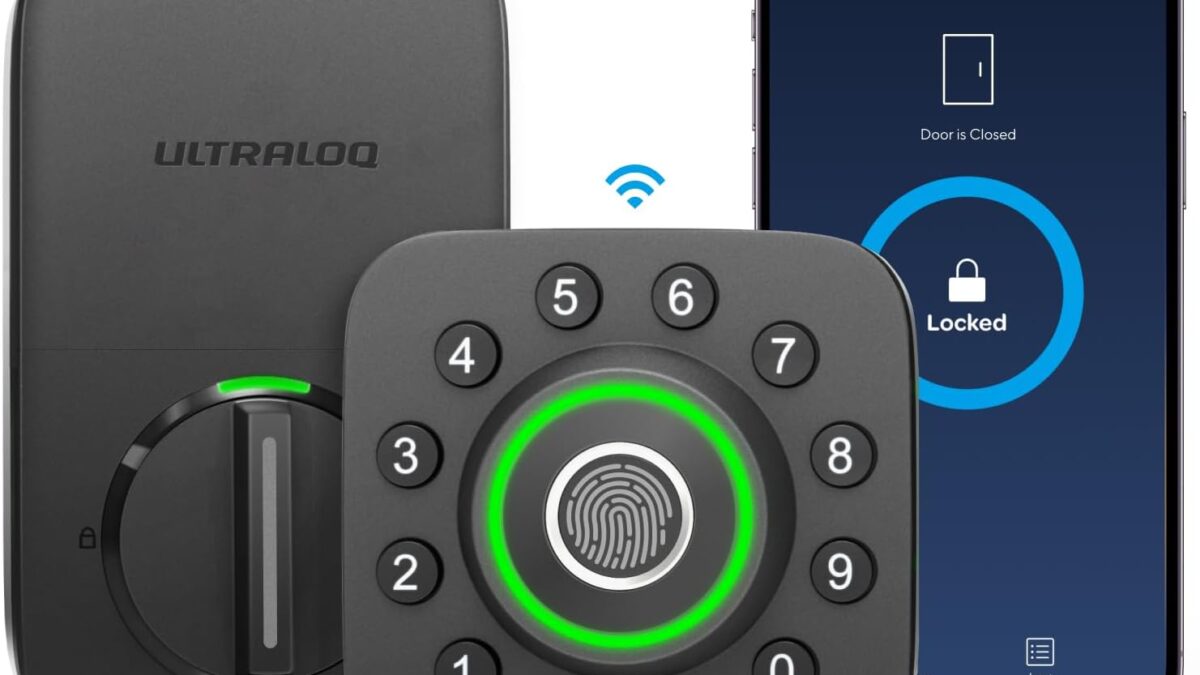
ULTRALOQ U-Bolt Pro
~$129- Fingerprint unlock in about 0.3 seconds, backed by a keypad and physical key
- ANSI/BHMA Grade 1 security rating at a mid-range price
- Built-in Wi-Fi means no extra bridge purchase for remote access
- No Apple HomeKit support
- Companion app is functional but less polished than Yale's or Schlage's
- 4 AA batteries need replacing roughly once or twice a year with heavy use
Bottom line: The ULTRALOQ U-Bolt Pro is the best all-around smart lock for most front doors in 2026 - it packs fingerprint, keypad, app, and auto-unlock into one $129 deadbolt without forcing a subscription or a separate hub.
You’re standing outside your front door at midnight, arms full of grocery bags, patting down every pocket for a key that isn’t there. That’s the exact moment a smart lock earns its $130. We rounded up the best smart locks 2026 has to offer because the category has finally matured past gimmicky Bluetooth toys — the five picks below use real ANSI-rated hardware, work without a forced subscription, and in most cases without a separate smart-home hub either.
Disclosure: DecodeGear is reader-supported. If you buy through the links below, we may earn a commission at no extra cost to you. We compared these five locks against manufacturer specs, independent security certifications, and current retailer listings — nothing here is a paid placement.
Quick Verdict: The 5 Best Smart Locks in 2026
| Lock | Best for | Price | Entry methods |
|---|---|---|---|
| ULTRALOQ U-Bolt Pro | Best overall | ~$129 | Fingerprint, keypad, app, key |
| Kwikset Halo Touch | Best fingerprint-only design | ~$128 | Fingerprint, app, key |
| Schlage Encode Plus | Best for Apple Home users | ~$319 | Apple Home Key, keypad, app |
| Yale Assure Lock 2 Touch | Best touchscreen design | ~$245 | Fingerprint, touchscreen, key |
| August Wi-Fi Smart Lock (4th Gen) | Best for renters | ~$150 | App, auto-unlock, existing key |
1. ULTRALOQ U-Bolt Pro — The Do-Everything Deadbolt (~$129)
✅ Our Verdict: The best all-around smart lock for most front doors — no subscription, no bridge required.
Best for: Anyone who wants fingerprint, keypad, and app access in one box without paying premium prices.
Score: 9.0/10 | Price: ~$129
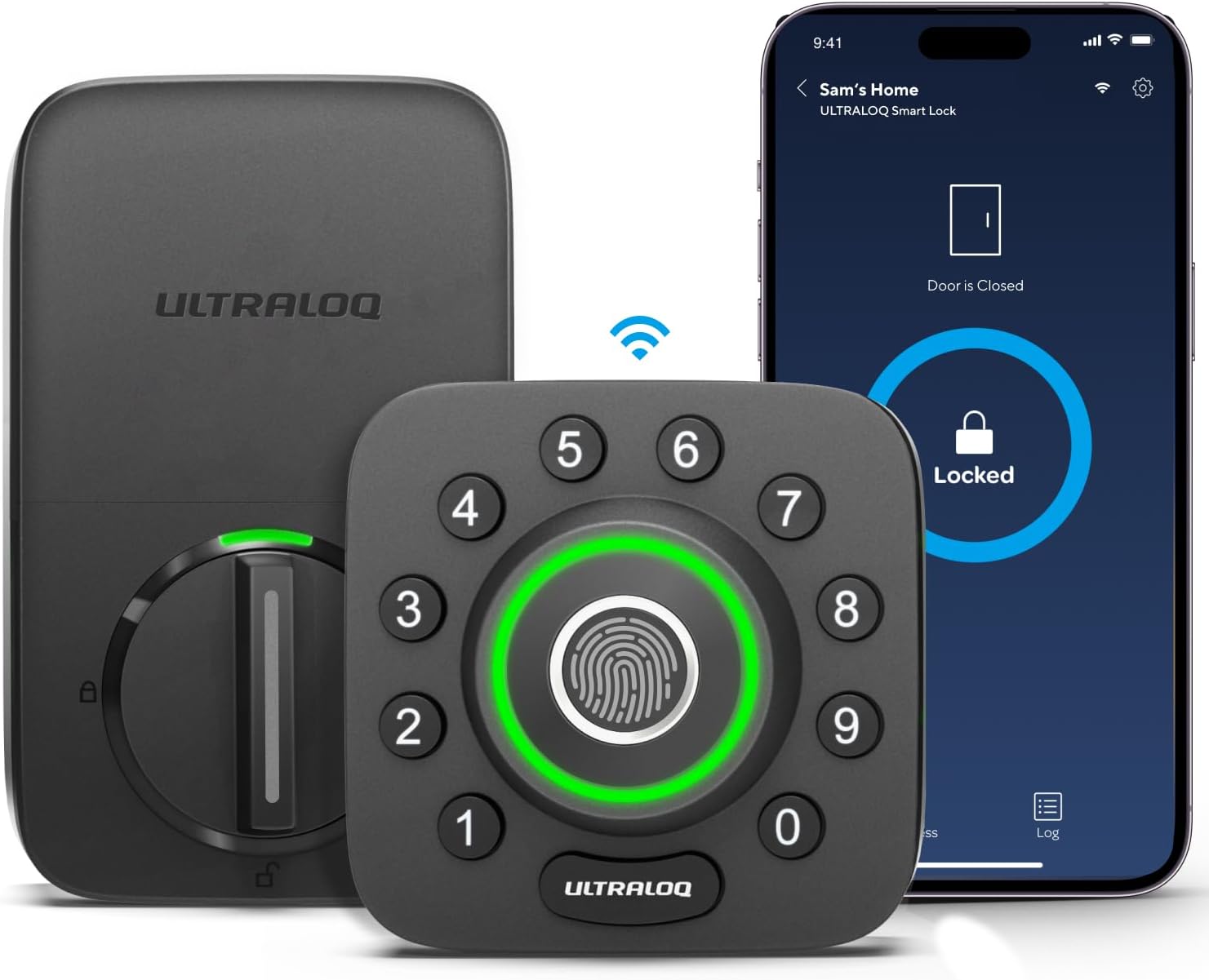
ULTRALOQ has spent the better part of a decade making smart locks for brands most people have never heard of, and the U-Bolt Pro is where that experience pays off. It reads a fingerprint in about a third of a second, backs that up with a keypad and a physical key, and — unlike most locks in this price range — it connects directly to your home Wi-Fi without requiring a separate bridge purchase.
Specs:
- Entry methods: fingerprint (up to 100 users), keypad code, smartphone app, physical key backup, auto-unlock, Alexa/Google Assistant voice control
- Security rating: ANSI/BHMA Grade 1 — the highest residential certification
- Weatherproofing: IP65 dust and water resistant exterior module
- Connectivity: built-in Wi-Fi (no bridge needed) plus Bluetooth
- Power: 4 AA batteries
Pros:
- Fingerprint unlock is fast and consistently reliable in daily use
- ANSI Grade 1 security at a mid-range price — most Grade 1 competitors charge $200+
- No mandatory subscription and no separate Wi-Fi bridge to buy
Cons:
- No Apple HomeKit support, so iPhone owners miss the tap-to-unlock trick Schlage offers
- The companion app is functional but noticeably less polished than Yale’s or Schlage’s
- The physical keypad numbers can show wear faster than a sealed touchscreen under heavy daily use
2. Kwikset Halo Touch — Best Fingerprint-Only Design (~$128)
✅ Our Verdict: The cleanest entry experience here — no numbers, no code, just a finger.
Best for: Buyers who want to remove the keypad entirely and don’t mind relying on fingerprints plus an app.
Score: 8.5/10 | Price: ~$128
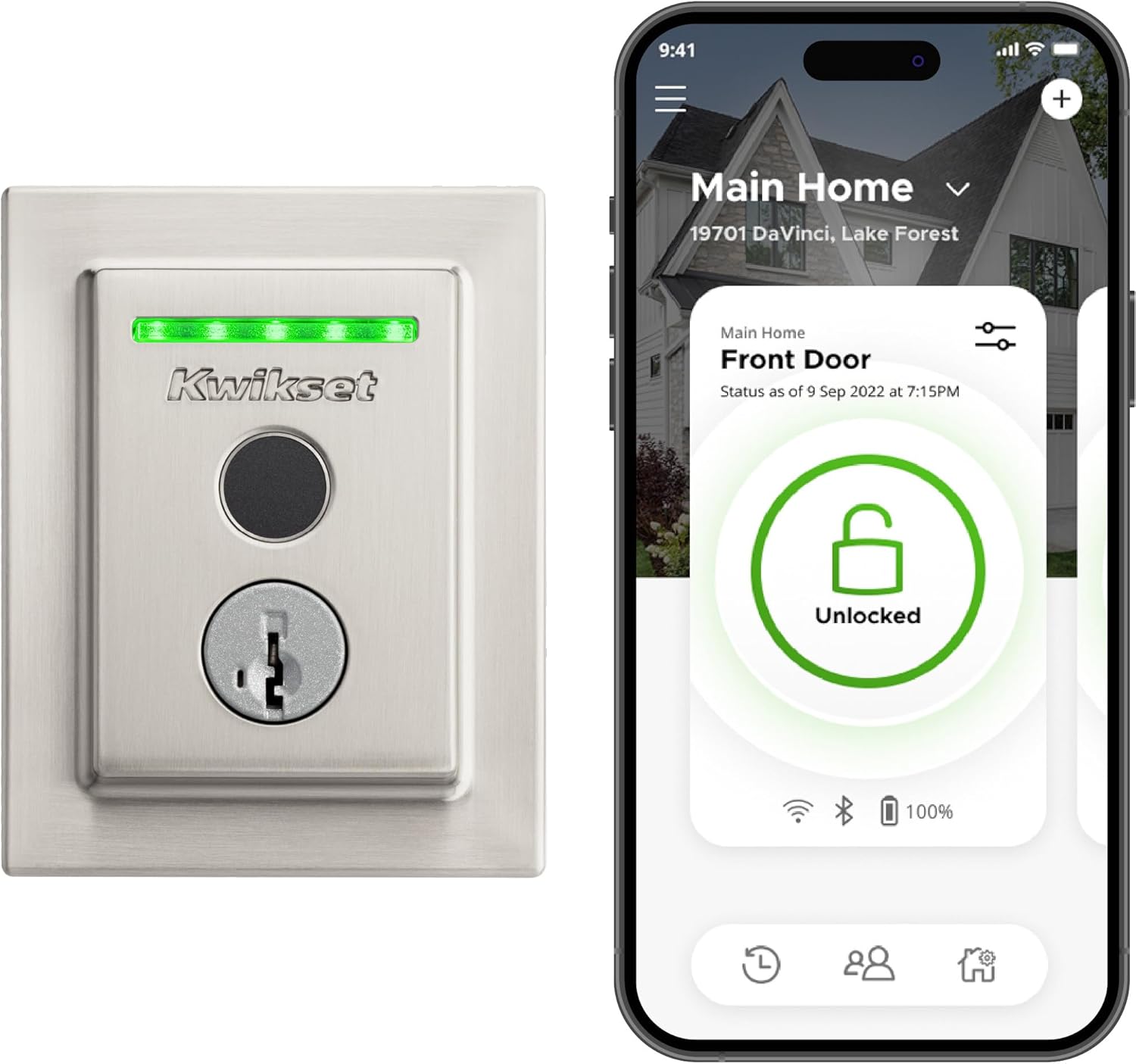
Kwikset skipped the keypad on the Halo Touch entirely, which sounds like a downgrade until you realize what it removes: no numbers wearing down from repeated presses, no code for a stranger to memorize by watching over your shoulder. It’s Wi-Fi-connected out of the box with no separate hub, and Kwikset’s geofencing feature will unlock the door automatically as your phone approaches — genuinely useful when your hands are full.
Specs:
- Entry methods: fingerprint (up to 100 prints), smartphone app, physical key backup, Alexa/Google Assistant
- No physical keypad — a deliberate design choice, not a missing feature
- Security rating: BHMA Grade AAA certified
- Connectivity: built-in Wi-Fi, no hub required
- Power: 4 AA batteries
Pros:
- Sleek low-profile design with no keypad to wear out or guess by watching worn buttons
- Geofence auto-unlock that works reliably for most users
- No hub or bridge purchase needed for remote access
Cons:
- Without a keypad, a guest with no app access and no registered fingerprint needs a physical key — there is no backup PIN option
- Fingerprint sensors can struggle with wet, cold, or dirty fingers in bad weather
- The always-on Wi-Fi radio drains the 4 AA batteries faster than Bluetooth-only locks
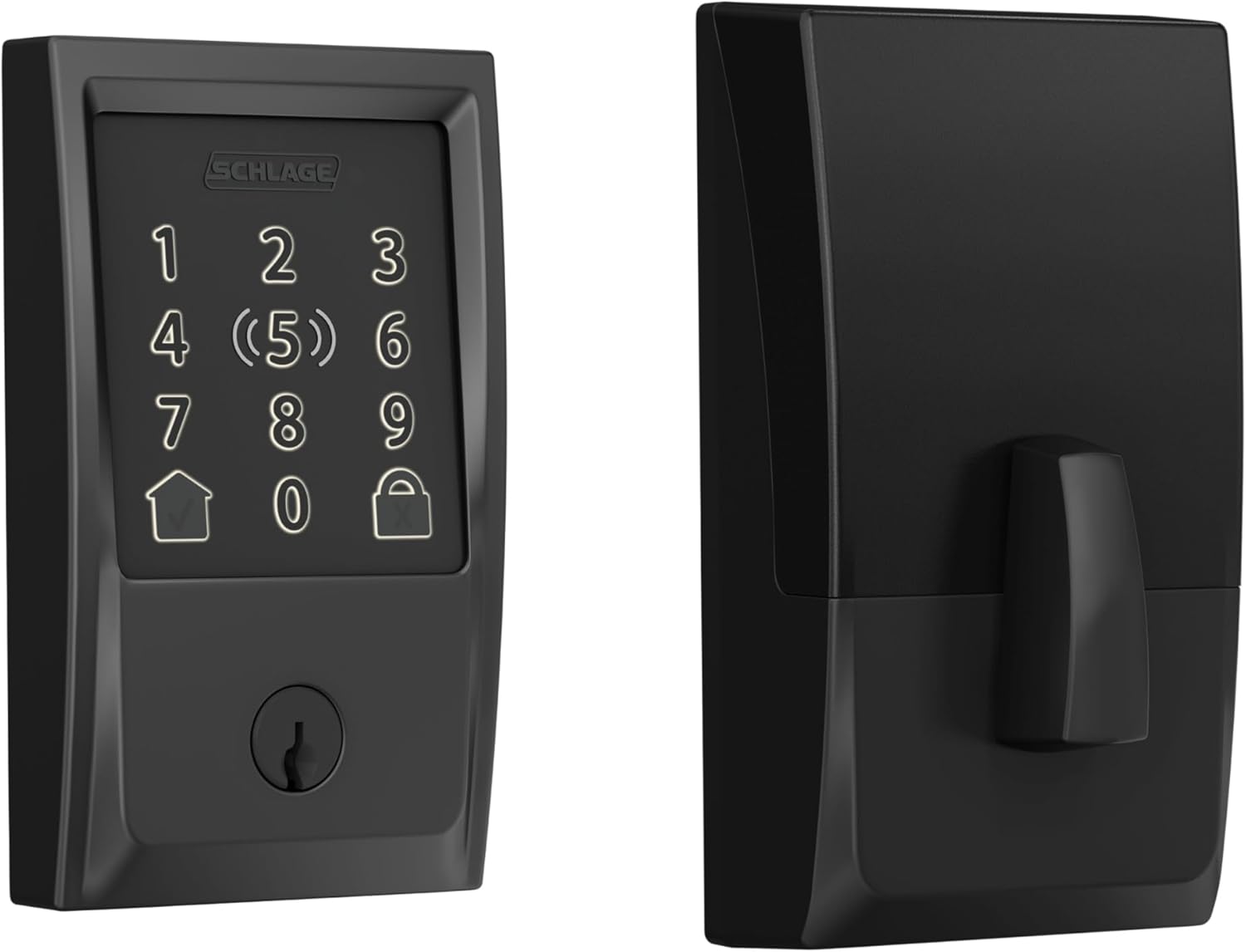
3. Schlage Encode Plus — Best for Apple Home Users (~$319)
✅ Our Verdict: The only lock here that unlocks with a tap of an Apple Watch — worth the premium only if you’re already in Apple’s ecosystem.
Best for: iPhone and Apple Watch households that want native HomeKit and Home Key support.
Score: 8.2/10 | Price: ~$319
The Encode Plus is the only lock on this list that can be unlocked with a tap of an Apple Watch or iPhone — no app, no code, just NFC through Apple’s Home Key standard. It also runs native Apple HomeKit without a separate bridge, which matters if you’ve already built your smart home around Apple’s ecosystem instead of Alexa or Google.
Specs:
- Entry methods: keypad codes (up to 100), Apple Home Key tap-to-unlock via Apple Watch or iPhone, smartphone app
- Security: BHMA Grade AA certified, tamper alarm with lockout after repeated failed attempts
- Connectivity: built-in Wi-Fi plus native Apple HomeKit, Alexa compatible
- Power: 4 AA batteries, roughly a year of typical use
Pros:
- Apple Home Key tap-to-unlock is the fastest, most seamless entry method in this roundup
- Native HomeKit support with no hub or bridge purchase required
- Backlit keypad disappears completely when idle — no worn numbers to give away your code
Cons:
- At ~$319, it costs more than double the Ultraloq or Kwikset for a similar core feature set
- No fingerprint scanner, so entry relies entirely on a code, the app, or an Apple device
- The Home Key premium only pays off for households with Apple Watches or iPhones — Android users get none of that value
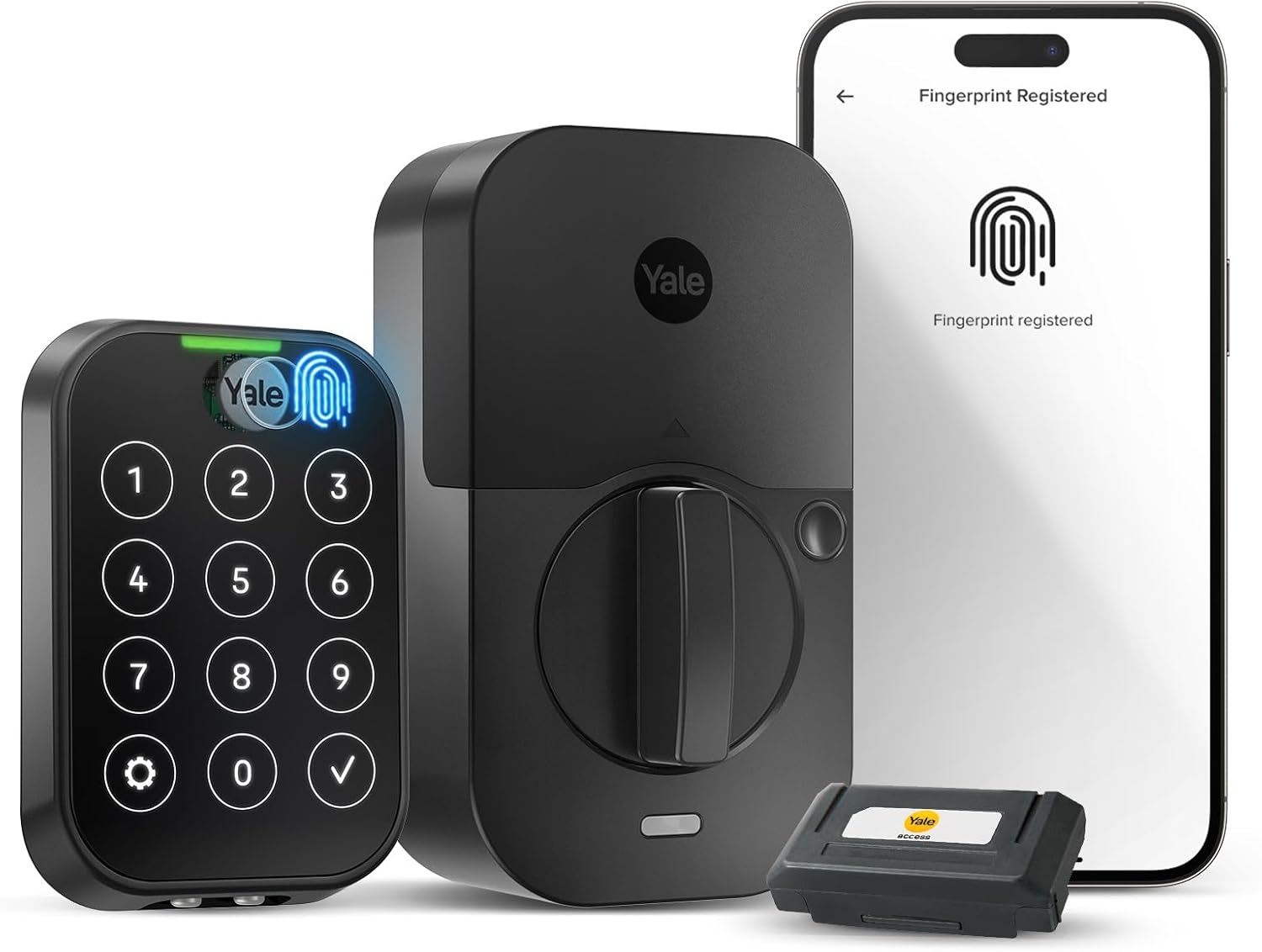
4. Yale Assure Lock 2 Touch — Best Touchscreen Design (~$245)
✅ Our Verdict: The most refined design here, with real redundancy between fingerprint and touchscreen.
Best for: Buyers who want both a fingerprint scanner and a hidden touchscreen keypad, not just one.
Score: 8.4/10 | Price: ~$245
Yale went the opposite direction from Kwikset: instead of dropping the keypad, it hid it behind an edge-lit touchscreen with no visible buttons or wear patterns. Combined with a fingerprint scanner, that gives you three real backup entry methods — touch code, fingerprint, and physical key — plus a modular design that lets you swap the exterior lever or handle style without buying an entirely new lock.
Specs:
- Entry methods: fingerprint scanner, edge-lit touchscreen keypad, physical key, smartphone app
- Security: UL-rated deadbolt, modular trim and lever system
- Connectivity: built-in Wi-Fi module on Wi-Fi configurations
- Power: 4 AA batteries
Pros:
- The touchscreen has no visible button wear, so nobody can guess your code from worn numbers
- Fingerprint and touchscreen backup gives real redundancy if one method fails
- Modular design lets you change the exterior handle style later without replacing the whole lock
Cons:
- At ~$245, it costs nearly double the Ultraloq or Kwikset for a similar overall feature set
- Capacitive touchscreens can get less responsive in freezing weather — a real complaint in colder climates
- Initial setup through the Yale Access app has more steps than Ultraloq’s or August’s
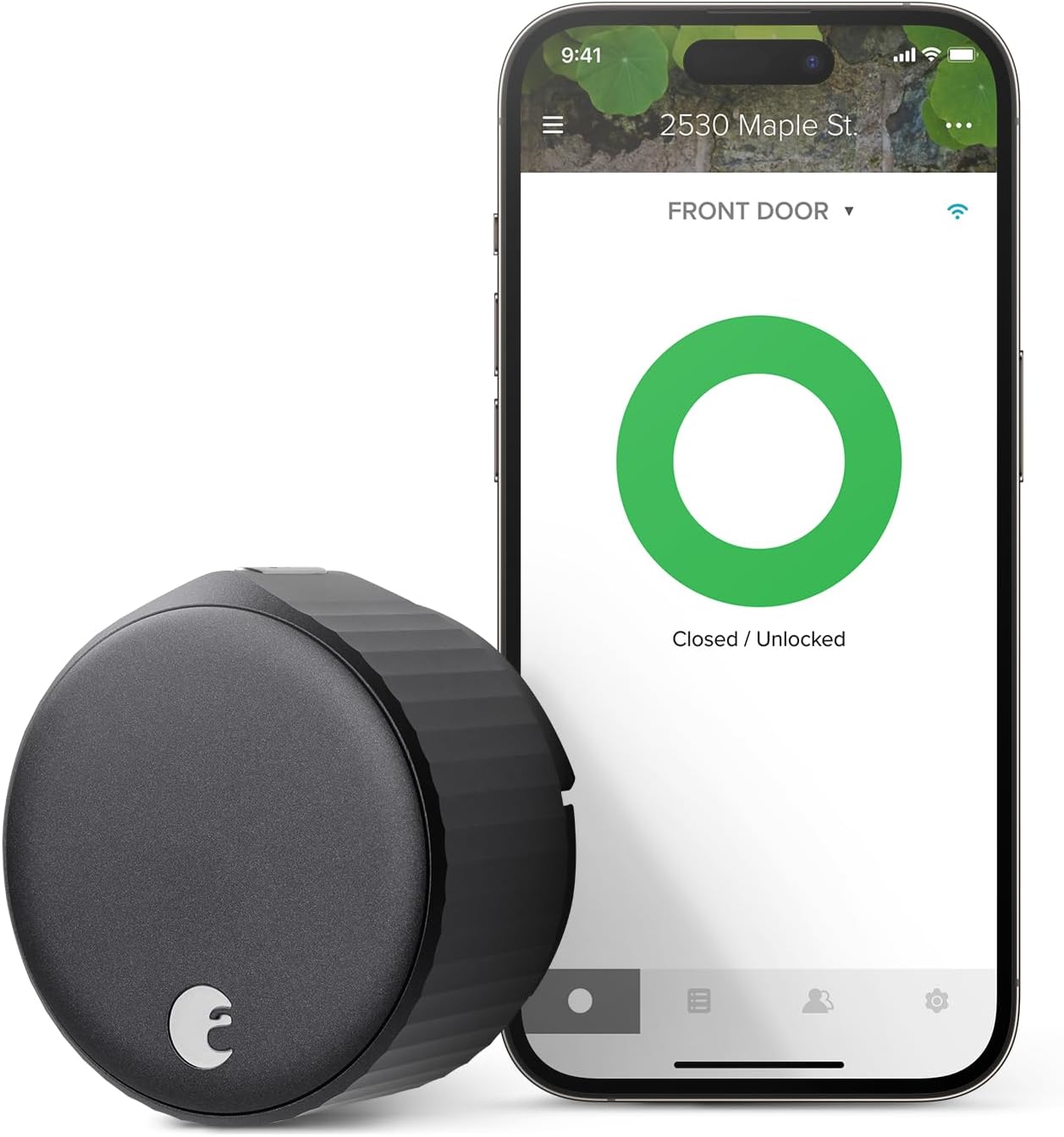
5. August Wi-Fi Smart Lock (4th Gen) — Best for Renters (~$150)
✅ Our Verdict: The only lock here that leaves your existing deadbolt and keys completely untouched.
Best for: Renters, or anyone whose lease requires keeping the original deadbolt hardware intact.
Score: 7.8/10 | Price: ~$150
Every other lock on this list replaces your deadbolt hardware. The August doesn’t — it clips onto your existing deadbolt from the inside, so your landlord’s original keys and exterior hardware never change. That makes it the only realistic option if your lease says you can’t swap locks, and the whole install takes about 10 minutes with a screwdriver.
Specs:
- Entry methods: smartphone app, auto-unlock via geofencing, your existing physical key (untouched)
- No integrated keypad — PIN codes require the optional Smart Keypad accessory, sold separately
- Connectivity: built-in Wi-Fi (the 4th generation removed the need for a separate Connect bridge)
- Power: 4 AA batteries
Pros:
- Fits over your existing deadbolt cylinder — nothing changes on the outside of the door, ideal for renters
- Roughly a 10-minute install with no drilling or hardware replacement
- Built-in Wi-Fi in the 4th generation means no separate bridge purchase for remote access
Cons:
- No keypad included, so anyone without the app needs your original physical key — there’s no PIN code out of the box
- As an add-on motor rather than a full deadbolt replacement, it depends entirely on your existing lock hardware being in good working condition
- The retrofit design protrudes further from the door than integrated locks like the Ultraloq or Schlage
Which One Should You Buy?
If you just want one lock that does everything well without a subscription or a hub, get the ULTRALOQ U-Bolt Pro — it’s the easiest recommendation on this list and the one most people should start with.
If a keypad is a dealbreaker for you — no numbers to wear down, no code to forget — the Kwikset Halo Touch is built exactly for that preference, as long as everyone in the house is comfortable relying on fingerprints and the app instead of a backup PIN.
If you live inside Apple’s ecosystem and want to unlock your door with a tap of your Apple Watch, pay the premium for the Schlage Encode Plus. It isn’t a mechanically better lock than the Ultraloq — it’s a better lock specifically for iPhone households.
If you want maximum redundancy — fingerprint and a hidden touchscreen, not just one — the Yale Assure Lock 2 Touch is the most refined design in this roundup.
If you’re renting, or your lease says the original deadbolt has to stay intact, skip straight to the August Wi-Fi Smart Lock (4th Gen) — it’s the only lock here designed to leave your existing hardware untouched.
One more note if you’re shopping in 2026 specifically: all five locks above still run on AA batteries, which is normal and perfectly fine — but battery-free smart locks are a real emerging category now. If you want to understand the newest battery-free tech before you buy, our battery-free smart lock guide breaks down how systems like the Lockin V7 Max’s AuraCharge actually work and whether they’re worth the extra cost yet.
Smart locks are usually the first device people add when they start automating their front door — if you’re mapping out the rest of the house, our guide to building a smart home on a budget walks through where to spend and where to skip.
Frequently Asked Questions
Do smart locks still work during a power outage or if Wi-Fi goes down?
Yes. Every lock reviewed here runs on a battery-powered motor independent from your home’s electricity, so a power outage doesn’t lock you out. If your Wi-Fi drops, keypad codes, fingerprints, and the physical key backup still work locally — you only lose remote app access and voice control until the connection is restored.
Are smart locks less secure than a regular deadbolt?
Not if you buy one with a real security rating. Four of the five locks here carry ANSI/BHMA Grade 1, AA, or AAA certification — the same physical security standard used for commercial-grade deadbolts. The bolt mechanism itself is identical to (or stronger than) a traditional deadbolt; the “smart” part only changes how you unlock it.
Do I need a separate smart home hub to use these locks?
No, and that’s one of the real improvements in the 2026 lineup. All five locks above have built-in Wi-Fi or work directly with your phone over Bluetooth — you don’t need a SmartThings hub, a Ring Bridge, or anything else to get remote access and notifications. If your existing smart home gear already feels sluggish before you add another Wi-Fi device, our piece on why your smart home feels slow is worth a read first.
What happens when the batteries die?
All five locks warn you well before failure, usually with a low-battery notification in the app and a flashing light on the keypad, and every one keeps a physical key override — so a dead battery never actually locks you out of your own home. Replacing the 4 AA batteries takes under a minute on every model here.
Leave a Reply