You didn’t cut the cable cord to save money. You cut it because you were tired of paying for 200 channels you never watched. Then, somewhere around your fourth streaming subscription, you looked at your bank statement and realized you were paying for 200 channels again — just spread across seven different apps, each with its own login, its own price hike, and its own “are you still watching?” prompt.
This isn’t an anti-streaming rant. It’s a system. By the end of this guide you’ll know exactly which services are worth keeping year-round, which ones you should subscribe to for a month and cancel, and how to avoid the ad-tier traps that make “cheap” plans quietly expensive.
Disclosure: DecodeGear may earn a commission from qualifying Amazon purchases made through links in this guide, at no extra cost to you.
What Cord-Cutting Actually Costs in 2026
The uncomfortable truth first: streaming isn’t the bargain it was in 2019. As of mid-2026, Netflix runs $17.99 (ads) to $24.99 (ad-free 4K). Max sits at $17.99, up from $14.99 a year ago. Peacock now has three tiers — a stripped-down Select plan at $7.99, standard Premium at $10.99, and ad-free Premium Plus at $16.99. Paramount+ bumped its Essential and Premium tiers by a dollar each in January, landing at $8.99 and $13.99. Disney is also folding Hulu into the Disney+ app this year, with the ad-supported combo running $12.99/month and the ad-free version $19.99.
Stack five “must-have” services at their ad-free rates and you’re comfortably past $90/month — more than most cable packages cost a decade ago. The fix isn’t picking one winner. It’s treating your subscriptions like a rotating toolkit instead of a permanent bill.
Step 1: Audit What You Actually Watch
Before touching a single subscription, spend five minutes being honest. Open your streaming apps and check your “continue watching” and history for the last 60 days. Most people discover they’ve actively used two, maybe three services — and the rest have been running on autopilot, charging their card for content they haven’t opened since a show ended.
Sort what you found into two buckets: anchor services (things you watch weekly — a show mid-season, live sports, a franchise you follow) and catalog services (libraries you’d only dip into for a specific title). Anchor services are worth paying for year-round. Catalog services are exactly what the rotation strategy in Step 3 is built for.
Step 2: Pick Your Ad Tier Honestly
Ad-supported tiers save real money — Netflix’s ad tier is $7 cheaper than ad-free, Max’s gap is similar — but the trade-off isn’t just “a few commercials.” Ad tiers typically cap streaming quality (no 4K on some plans), limit downloads for offline viewing, and on a couple of services, restrict which titles are even available due to licensing.
The honest rule: if a service is a catalog service you’re paying for one month at a time, take the ad tier without hesitation — you’re not going to notice or care for four weeks. If it’s an anchor service you watch for hours every week (especially on a big-screen TV where ad breaks are more jarring), the ad-free upgrade often pays for itself in reduced annoyance alone.
Step 3: The Subscribe-Watch-Cancel Rotation
This is the single highest-leverage habit in cord-cutting, and most people never do it because canceling feels like a hassle. It isn’t — every major service lets you resubscribe with zero penalty and usually keeps your watch history and profile intact.
The rotation works like this: pick one catalog service per month based on what you actually want to watch right now. Binge it hard for three to four weeks. Cancel before the next billing cycle. Move to the next service. A household doing this consistently typically pays for two or three anchor subscriptions permanently and rotates through one additional service — landing well under $50/month total instead of the $90+ “subscribe to everything and forget about it” trap.
Set a recurring phone reminder two days before each renewal date. That’s the entire system — no spreadsheet required.
Step 4: Don’t Overlook Live TV and Sports Bundles
If sports or live news is the one thing your streaming stack can’t replace, a full live-TV bundle like YouTube TV’s base plan at $82.99/month is overkill for most households. YouTube TV rolled out genre-specific packages this year specifically to address that: a Sports plan at $64.99, a Sports + News bundle at $71.99, and a standalone Entertainment plan at $54.99 — each roughly 15-35% cheaper than the full channel lineup for people who only actually watch one category.
If you only care about football season or a single sports league, treat the sports-tier live bundle the same way you’d treat a catalog streaming service: subscribe for the season, cancel in the off-months.
Pro Tip: The One Device That Makes This Painless
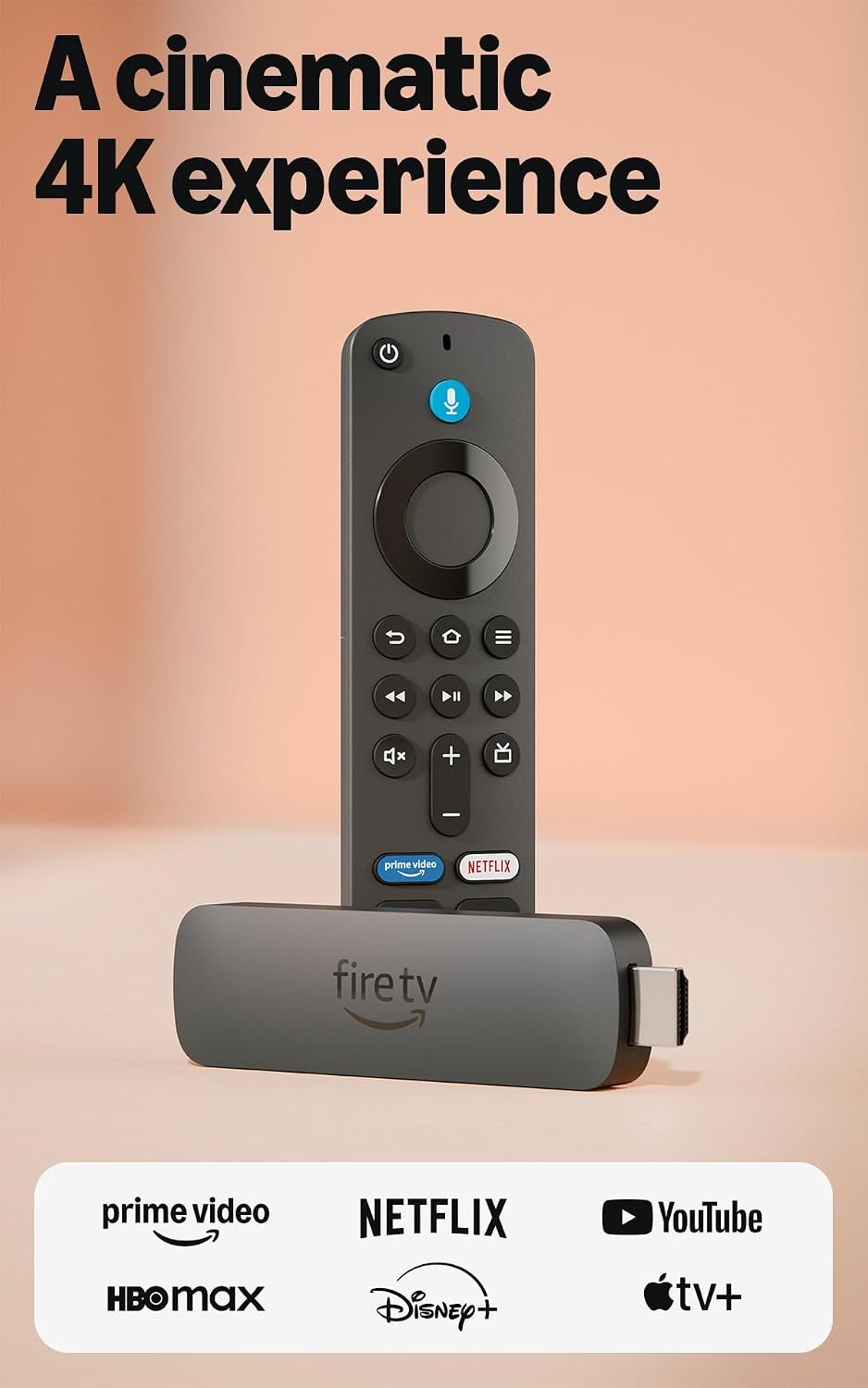
Rotating services only works smoothly if switching between apps doesn’t feel like a chore. A cheap dedicated streaming device with a fast, unified home screen makes the whole system dramatically less annoying than juggling a smart TV’s built-in (usually slower) app store. The 🛒 Amazon Fire TV Stick 4K Plus ($39.99) is the one we’d point most people toward — Wi-Fi 6, AI-powered search across every installed app, and it starts apps noticeably faster than most built-in smart TV interfaces. It’s rated 4.6/5 from over 80,000 Amazon buyers, which tracks with how low-friction it is to set up.
If you want the fuller picture of streaming-box options — including 4K, budget, and gaming-capable picks — our streaming device roundup breaks down which one fits your TV setup and budget.
Step 5: Lock Down the Accounts You’re Juggling
Password sharing crackdowns mean most services now tie your account to a home network, and reusing the same weak password across five streaming apps is exactly the kind of habit that gets accounts hijacked and resold. If you’re managing five-plus logins as part of this rotation strategy, this is also the moment to fix your password hygiene more broadly — our password manager guide walks through picking one that actually sticks as a habit.
It’s also worth checking your home Wi-Fi can actually handle multiple 4K streams at once if your household watches on more than one screen — buffering during a season finale is its own kind of subscription regret. If your router is a few years old, our mesh Wi-Fi setup guide covers what actually matters for streaming performance.
Frequently Asked Questions
How much should a reasonable streaming bundle cost per month?
Most households following the rotation strategy in this guide land between $35 and $55/month for two anchor services plus one rotating catalog subscription — roughly half of what “subscribe to everything” costs at 2026 prices.
Is it actually worth switching between ad-supported and ad-free tiers?
For anchor services you watch constantly, ad-free is usually worth the extra $5-8/month once you factor in 4K access and offline downloads. For anything you’re only keeping for a month, the ad tier is the obvious choice.
Does canceling and resubscribing to a streaming service lose your data?
No — for every major service (Netflix, Max, Disney+, Hulu, Paramount+, Peacock), your profile, watch history, and “continue watching” list are preserved even after cancellation, as long as you resubscribe with the same account/email.
Do I need a live TV bundle if I already have streaming apps?
Only if live sports or breaking news is something you genuinely watch in real time. For anything else — including most prestige TV and movies — the on-demand streaming apps already cover it, and a full live-TV bundle at $80+/month is rarely worth adding on top.
The Bottom Line
Cord-cutting was never really about ditching cable — it was about only paying for what you watch. Streaming let the industry drift back toward the same all-you-can-eat pricing cable used, one price hike at a time. The rotation strategy above is how you keep the actual promise of cord-cutting alive: pay for what’s on right now, cancel what isn’t, and let your subscription list change every month instead of quietly growing forever.
Leave a Reply