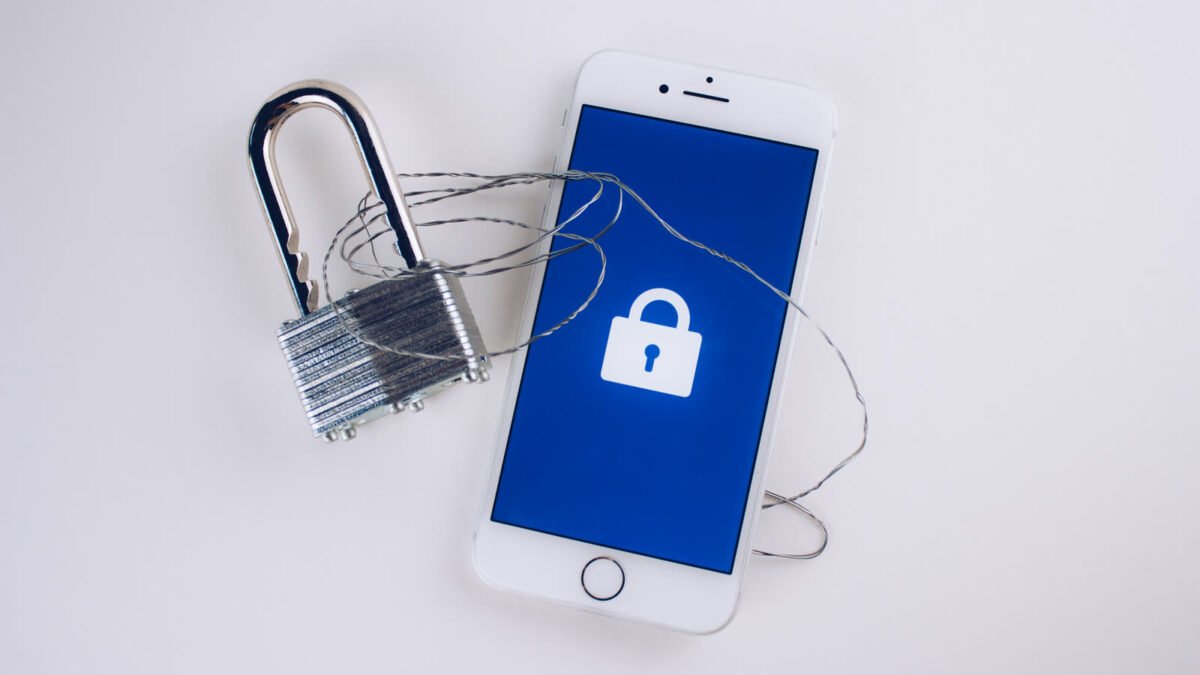
You already know you shouldn’t reuse your email password on a shopping site. You do it anyway, because remembering forty unique passwords is not a realistic plan, and “just use a pattern” is exactly the trick credential-stuffing bots are built to break. That gap between what security advice tells you to do and what’s actually sustainable is the whole reason password managers exist — and in 2026, with passkeys rolling out across major sites but nowhere near replacing passwords entirely, picking the right one matters more than ever, not less.
This guide skips the “top 10” affiliate-bait format and walks through the handful of features that genuinely separate a password manager worth trusting with your entire digital life from one that’s just a prettier spreadsheet.
Disclosure: DecodeGear may earn a commission from qualifying Amazon purchases made through links in this guide, at no extra cost to you.
Why a Password Manager Still Matters Now That Passkeys Exist
Passkeys — the passwordless login standard built on FIDO2/WebAuthn — are real, and more sites support them every quarter: Google, Apple, Microsoft, Amazon, and PayPal all let you set one up today. But passkeys haven’t replaced passwords; they coexist with them. Most of the internet still runs on traditional logins, banking portals and niche services included, and that’s not changing fast. A password manager that also stores and syncs passkeys — rather than treating them as a separate, bolted-on feature — is handling the transition better than one that only does one or the other.
The underlying problem a password manager solves hasn’t changed either: password reuse is still the single biggest reason one breached site turns into ten compromised accounts. When a service you signed up for years ago leaks its user database, attackers don’t guess — they take that exact email-and-password combination and try it everywhere else automatically. A unique, generated password per site turns a single breach back into a single breach.
The Features That Actually Matter
Strip away the marketing and a password manager needs to get four things right:
Zero-knowledge encryption. Your vault should be encrypted and decrypted locally, on your device, using a key derived from your master password — meaning the company itself never has access to your actual passwords, even on its own servers. Look for AES-256 encryption specifically and a provider that states plainly it cannot read your vault, not one that’s vague about where decryption happens.
Genuine cross-platform sync. Windows, macOS, iOS, Android, and every major browser, without a device-count cap sneaking in on the free tier. This is where LastPass drew real criticism in 2021 when it restricted free users to a single device type — a change that pushed a lot of its user base to competitors overnight.
Native passkey support, not a separate app or a “coming soon” banner.
Secure sharing and emergency access — the ability to hand a family member or a designated contact access to specific credentials (or your whole vault, after a delay) without texting them a plaintext password.
Free vs Paid: What You Actually Lose in the Free Tier
Several serious password managers — Bitwarden most notably — offer a free tier generous enough that most people never need to upgrade: unlimited passwords, unlimited devices, and core sync. That’s the bar every free tier should be measured against, not the exception.
What paid tiers typically add on top: encrypted file attachments (storing a scan of a passport or a backup code sheet inside the vault itself), more built-in dark-web/breach monitoring, priority customer support, and family plans that let 4-6 people share a subscription while keeping individual vaults private. None of that is essential for basic security — it’s convenience and depth, which is a fair thing to pay for once you’ve confirmed the free tier’s core encryption and sync hold up.
Built-In Browser and OS Managers vs a Dedicated App
Apple’s Passwords app and Google Password Manager have both gotten genuinely good — they’re free, they’re already installed, and they now support passkeys and basic breach alerts. For someone who lives entirely inside one ecosystem, that’s a reasonable starting point.
The tradeoff shows up the moment you step outside that ecosystem. Apple Passwords syncing to a Windows PC or an Android phone is a second-class experience compared to how it works between two iPhones. A dedicated cross-platform app doesn’t care which OS or browser you’re on today versus the one you switch to next year — and that portability is worth more than it sounds like until the day you actually change phones or add a work laptop running a different OS than your personal one.
Pro Tip: Lock the Vault Itself, Not Just Your Accounts
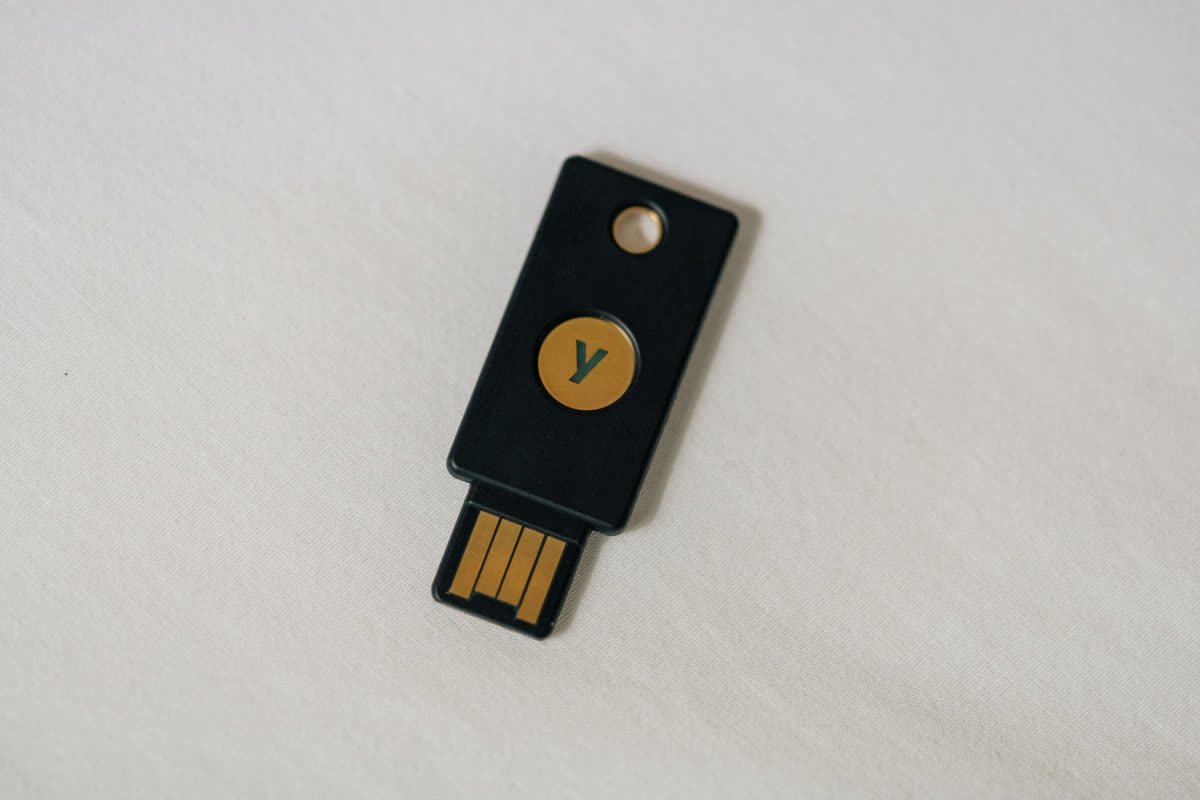
Here’s what most people miss: a password manager collapses dozens of weak points into one — your master password. That’s a massive security upgrade over reusing passwords everywhere, but it also means that single point deserves more protection than any individual account ever did. Turn on two-factor authentication on the vault itself, and where the option exists, use a hardware security key rather than SMS codes, which can be intercepted via SIM-swap attacks.
A key like the 🛒 YubiKey 5 NFC on Amazon plugs into a USB-A port or taps over NFC and works across every major password manager, plus Google, Microsoft, and GitHub accounts directly. It’s a one-time ~$58 purchase that turns “someone phished my master password” from a catastrophe into a non-event, since the attacker still doesn’t have the physical key.
How to Migrate Without Locking Yourself Out
Switching password managers is where most people stall out, worried about losing access mid-move. The safe order: export your existing vault to an encrypted (not plain CSV, if the option exists) file first, import it into the new manager, verify a handful of logins actually work with the new autofill, and only then delete the export file and uninstall the old app. Keep your old manager installed and signed in, un-touched, for about a week as a fallback — don’t rush the deletion step.
If you’re also tightening up your home network as part of a broader security pass, our VPN buying guide covers the other half of that picture — a password manager protects your accounts, a VPN protects the traffic between your device and the internet, and neither substitutes for the other.
Frequently Asked Questions
What happens to my passwords if the password manager company goes out of business?
Reputable providers let you export your vault at any time in a standard, encrypted format. That’s part of why zero-knowledge encryption and an unrestricted export option both matter — they mean you’re never locked into one company’s survival.
Is it safe to store my passwords in the cloud?
Yes, as long as the encryption happens locally before anything syncs — that’s the entire point of zero-knowledge architecture. What’s actually stored on the company’s servers is unreadable without your master password, which the company never has.
What if I forget my master password?
With true zero-knowledge encryption, the provider cannot reset it for you — that’s the tradeoff for them not being able to read your vault either. Most managers offer an emergency-access contact or a printed recovery key specifically for this scenario; set one up the day you create the account, not after you’ve already lost access.
Do I still need a password manager if I mostly use passkeys?
Yes, for now. Passkey adoption is growing but far from universal, and most password managers store both passkeys and traditional passwords in the same vault — so you’re covered either way a given site handles login, without needing two separate tools.
Account security and device security go hand in hand — if you haven’t sorted out where your phone’s data actually lives, our guide on backing up your phone the right way covers the other side of that same “what happens if I lose access” problem.
None of this requires picking the “best” password manager in some abstract sense — it requires picking one that gets zero-knowledge encryption, real cross-platform sync, and passkey support right, then actually turning on 2FA for the vault itself. That combination covers the overwhelming majority of what goes wrong when people get locked out of their digital lives.
Leave a Reply