Nobody thinks about their printer until the ink cartridge runs dry the night before a tax deadline, or the school project needs twelve color pages and the “estimated ink low” light has been on for a month. Printers are the one piece of home tech people buy once and resent forever — usually because they bought the wrong type for how they actually print.
This guide skips the spec-sheet fog and gets to what actually determines whether you’ll be happy with a home printer a year from now: cost per page, how often you print in color, and whether a subscription actually saves you money or just locks you in.
Disclosure: DecodeGear may earn a commission from qualifying Amazon purchases made through links in this guide, at no extra cost to you.
Inkjet vs. laser — the tradeoff that matters most
Every home printer decision starts here, and most people get it backwards. Inkjets are cheaper to buy but more expensive per page — ink cartridges are notoriously overpriced relative to how much they actually print, especially at low-end price points. Laser printers cost more upfront but the toner lasts far longer per cartridge, which usually makes the cost per page lower once you’re past a couple hundred prints.
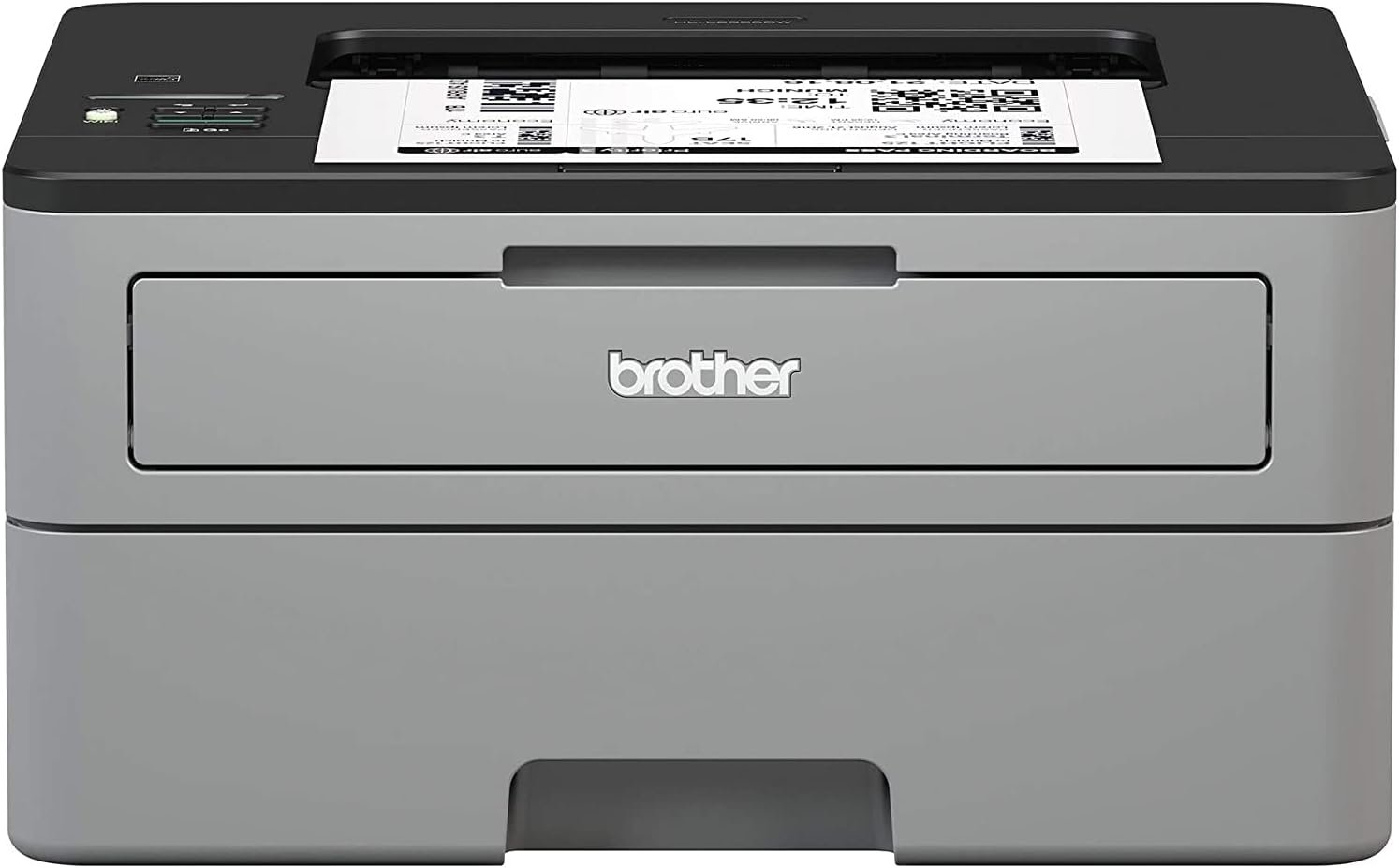
The deciding factor isn’t which is “better” — it’s what you print. If most of your output is black-and-white text (forms, homework, shipping labels), a monochrome laser printer like the Brother HL-L2350DW (~$179.99) will almost always cost less over its lifetime than an inkjet, print faster, and sit idle for weeks without the nozzles drying out — a common inkjet failure mode nobody warns you about.
🛒 Check Brother HL-L2350DW Price on Amazon
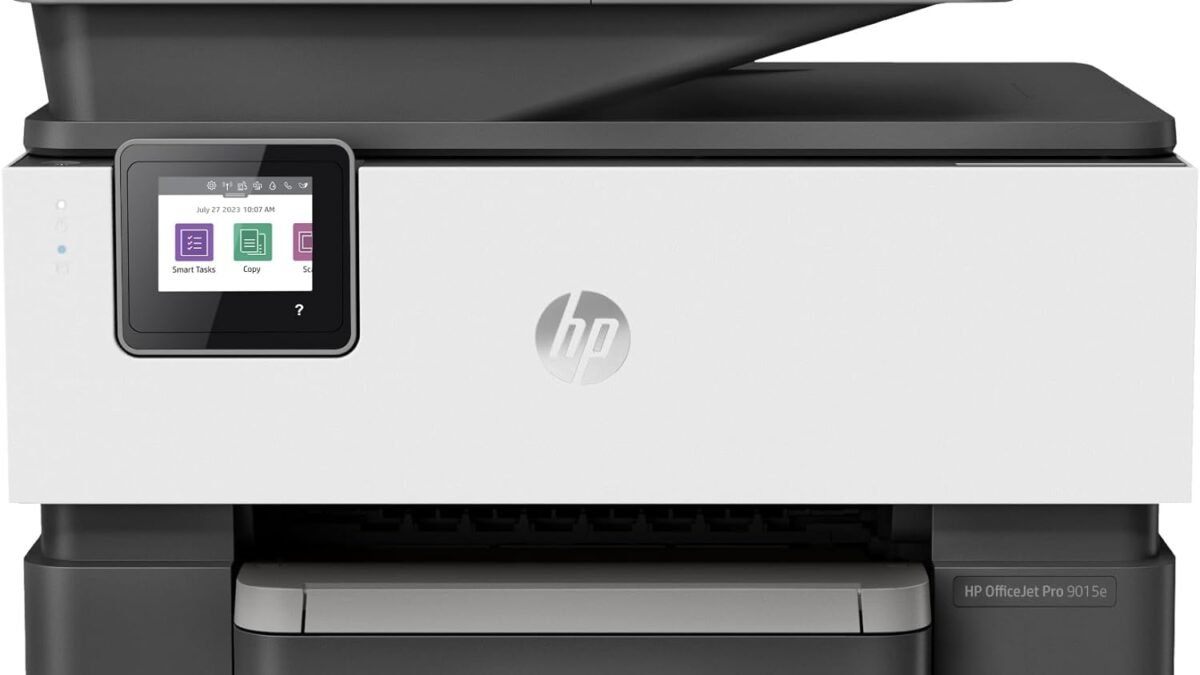
If you regularly need color — photos, flyers, kids’ art projects — an inkjet all-in-one like the HP OfficeJet Pro 9015e (~$199.99) is still the more practical pick, since color laser printers jump sharply in price and toner cost.
🛒 Check HP OfficeJet Pro 9015e Price on Amazon
Ink subscriptions: worth it, or a trap?
Programs like HP Instant Ink and Epson ReadyPrint bill you a flat monthly fee based on a page-count tier rather than charging per cartridge. For households that print a predictable, moderate volume — say 50-300 pages a month — these subscriptions genuinely can lower your cost per page versus buying retail cartridges, because the plan absorbs the markup manufacturers usually build into individual ink packs.
The trap is at the edges. Print far less than your tier allows and you’re paying for pages you never used (most plans let unused pages roll over for a limited window, not indefinitely). Print occasionally in big bursts — one 80-page project, then nothing for two months — and a pay-as-you-go cartridge is often cheaper. Read the tier math before committing: it’s usually printed clearly on the manufacturer’s signup page, and it’s worth five minutes against your actual monthly habits before you opt in.
How much printer do you actually need
Buyers consistently over-spec. A few honest use-case breakdowns:
Light home use (mail, forms, the occasional worksheet): a basic monochrome laser under $150 covers this completely — you do not need duplex scanning, a touchscreen, or fax support you’ll use twice.
Home office (contracts, invoices, some color, occasional scanning): this is the sweet spot for an inkjet all-in-one with automatic duplex printing and a flatbed scanner — the print/scan/copy combo pays for itself the first time you need to sign and return a document without leaving your desk. If you’re setting up a full workspace around it, our budget home office setup guide covers what else is worth prioritizing on a limited budget.
Photo printing (family photos, art prints): a dedicated photo printer or a higher-end inkjet with a 6-color (or more) ink system produces noticeably better skin tones and gradients than a standard 4-color inkjet — worth the premium only if you print photos often enough to justify it.
Wireless and mobile printing — what actually matters
Nearly every printer sold today claims “wireless printing,” but the experience varies wildly. What actually matters: reliable Wi-Fi Direct or AirPrint/Mopria support so your phone connects without hunting for a driver, and a router-adjacent setup that doesn’t require re-pairing every time your network hiccups. If your home Wi-Fi already struggles to reach every room, our guide to speeding up home Wi-Fi is worth checking before you blame the printer for a dropped connection — a weak signal at the printer’s location causes more “why won’t this print” frustration than any spec on the box.
Pro tip: do the cost-per-page math before you buy
Most people compare printer prices, not printing costs — and that’s backwards. A $60 inkjet with $40 replacement cartridges that print 200 pages each works out to roughly 20 cents a page. A $180 laser printer with a $70 toner cartridge rated for 3,000 pages works out to about 2.3 cents a page. Print even a modest 100 pages a month, and the “expensive” laser printer pays for itself in under four months — then keeps saving money for years. Manufacturers print the “pages per cartridge” rating on the box or product listing; it takes thirty seconds to divide cartridge price by page yield, and it’s the single most useful number on the entire spec sheet.
Frequently Asked Questions
Do I need a laser printer if I only print occasionally?
Yes, often more than a frequent printer does. Inkjet nozzles can dry out and clog after weeks of inactivity, leading to streaky prints or a cleaning cycle that burns through ink just to fix itself. Laser toner doesn’t dry out, making it a better fit for infrequent, unpredictable use.
Is a printer with a scanner worth the extra cost?
For most home offices, yes — an all-in-one with a flatbed scanner typically costs $20-40 more than a print-only model but eliminates the need for a separate scanning app or a trip to a copy shop for anything that needs a signature and a scan-back.
Why is my ink running out so fast even though I barely print?
Many inkjets use ink during automatic cleaning cycles that run periodically to keep the nozzles clear, especially after idle periods. This is normal behavior, but it’s exactly the scenario where a laser printer’s toner — which isn’t consumed by cleaning cycles — has a real advantage.
Should I buy a refurbished or “renewed” printer to save money?
It can be a reasonable way to get a higher-end model at a lower price, but check the return window and confirm the listing includes a full or starter ink/toner cartridge — some renewed listings ship with a reduced-capacity starter cartridge that isn’t obvious from the price alone.
The bottom line
Match the printer to how you actually print, not to the spec sheet that looks most impressive in the store. Mostly text and occasional use → laser. Regular color, scanning, and home-office documents → inkjet all-in-one, ideally with a subscription plan sized to your real monthly volume. Get that one decision right and the printer becomes the appliance you forget about — which, for a printer, is the highest compliment there is.
Leave a Reply