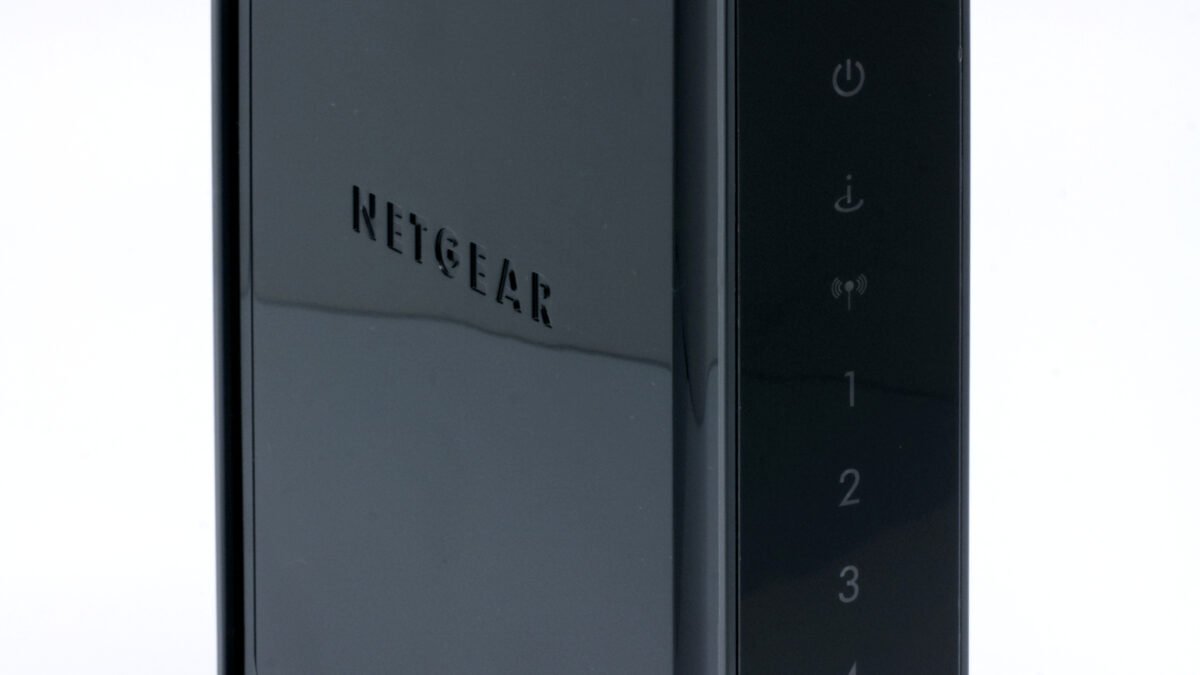
Your smart home probably has more internet-connected devices than your office did ten years ago — and almost none of them got the security scrutiny your work laptop did. If you haven’t thought about how to secure smart home devices from hackers, you’re not alone: a camera, a lock, a plug, a thermostat, a vacuum — each one is a tiny computer with a network connection, and most ship with defaults that prioritize “works in five minutes” over “hard to break into.”
That tradeoff isn’t hypothetical. Unpatched, poorly secured IoT devices have been roped into botnets before — the Mirai botnet in 2016 famously hijacked hundreds of thousands of cameras and routers using nothing more exotic than their factory-default passwords. Almost a decade later, factory-default credentials are still the most common way smart home devices get compromised. The good news: securing your setup doesn’t require a security degree. It requires about an hour and a short list of habits.
What You’ll Learn
This guide covers the five things that actually move the needle on smart home security — network segmentation, login hygiene, firmware discipline, router hardening, and smarter device selection — in order of impact, not alphabetical tidiness.
Why Hackers Target Smart Homes First
A laptop gets security patches monthly and a firewall by default. A $30 smart plug often gets one firmware update, ever, and ships with a cloud connection that phones home to a server you’ve never heard of. Manufacturers competing on price cut corners somewhere, and security — invisible until something goes wrong — is the easiest corner to cut. None of that means you should avoid smart devices. It means you should treat your smart home the way IT departments treat unmanaged devices: assume they’re not fully trustworthy, and build your network around that assumption instead of hoping for the best.
Put Smart Devices on Their Own Network
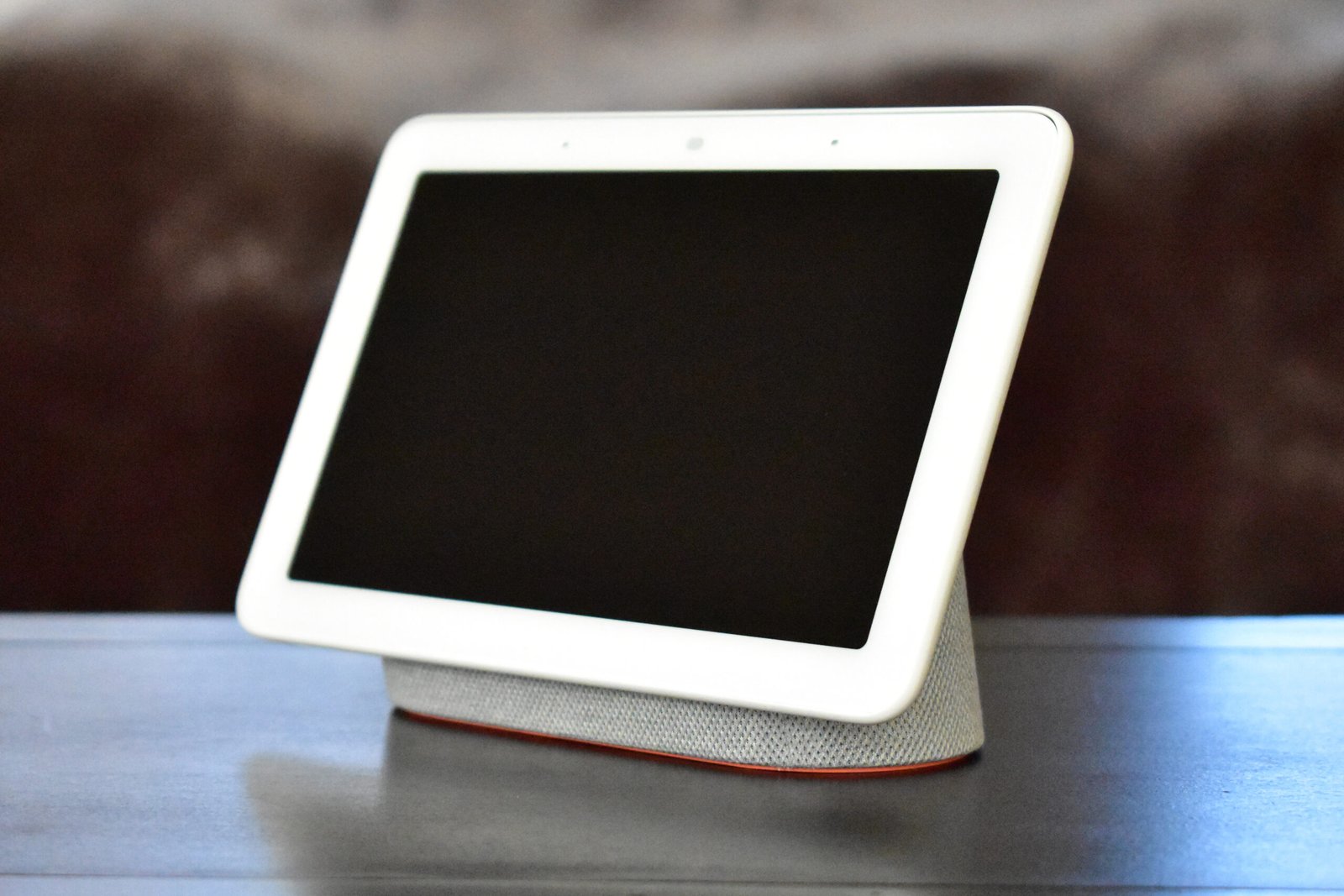
This is the single highest-impact fix, and most people skip it entirely. Every modern router — even budget ones — supports a guest network, and most mesh systems support proper VLANs. Put your smart plugs, cameras, locks, and speakers on that separate network, and your laptop, phone, and any device holding sensitive data sit on the main one. If a compromised camera gets probed by an attacker, it can only see other devices on its own segment — not your work laptop, not your banking app, not your NAS.
Setup takes about ten minutes: log into your router admin panel, create a guest or IoT-labeled network, connect new devices to it during setup instead of your main Wi-Fi, and move existing devices over one at a time. If your router doesn’t support this at all, it’s worth prioritizing your next upgrade around one that does — our guide to Wi-Fi 7 routers covers models with proper segmentation built in.
Lock Down Logins — Passwords Aren’t Enough Anymore
Every smart home app is a login an attacker can try to guess, phish, or reuse from a breached password list. Two habits fix most of this: unique passwords generated and stored in a password manager, and two-factor authentication turned on for every hub or app account that offers it — not just your email. Smart home apps are often the last place people bother enabling 2FA, which makes them a soft target precisely because attackers know that.
If you’re still using the same password across your smart home apps that you use everywhere else, our password manager guide walks through picking one that handles this without adding friction to your daily routine.
Keep Firmware Updated (And Retire Devices That Can’t Be)
Firmware updates patch the exact vulnerabilities botnet operators scan for. Most hubs and higher-end devices update automatically now, but plenty of budget gadgets require you to open an app and manually check — a step almost nobody takes after the initial setup. Build a habit: once a quarter, open each smart home app and check for pending updates. It sounds small. It’s the difference between a device with a known, patched vulnerability and one that’s still wide open two years after the manufacturer fixed the problem for everyone else.
The harder truth: some devices stop getting updates entirely once a manufacturer discontinues a product line. If a device hasn’t received a firmware update in over a year and the manufacturer has no public support page for it, that’s not a device to keep on your network out of loyalty — it’s a liability wearing a friendly LED light.
Harden the Router Itself
Your router is the front door for every device behind it, smart or otherwise. Three settings matter more than the rest combined: change the default admin username and password (not just the Wi-Fi password — the router’s own login), disable UPnP unless you specifically need it for something like game console port forwarding, and disable WPS, the “push a button to connect” feature that’s been a known weak point for years. Make sure your Wi-Fi itself is running WPA3 if your router and devices support it — WPA2 still works but WPA3 closes several older attack methods outright.
Pro Tip — What Most People Miss About Default Settings
Router manufacturers ship devices configured for the widest possible compatibility, not the tightest possible security — that’s a business decision, not an oversight, and it means the burden of tightening things falls entirely on you. The single most-skipped step in any router security checklist is simply logging into the admin panel at all after setup. Most people never do it again after the initial ten-minute setup call with their ISP. Block an hour, once, and change that.
Choose Devices That Don’t Phone Home More Than They Need To
Not all smart devices are built the same way under the hood. Devices built on Matter, the cross-platform smart home standard backed by Apple, Google, Amazon, and the Connectivity Standards Alliance, tend to support local control — meaning your lock or light can respond to a command without a round trip to a cloud server, which shrinks the attack surface considerably. When you’re shopping for new devices, a listing that mentions Matter compatibility or local/offline control is a genuine signal the manufacturer invested in the underlying security architecture, not just the app’s interface.
If cameras and locks are the next thing on your list, our best smart home security cameras roundup and our best smart locks guide both flag which picks handle local control well versus which lean entirely on the cloud.
Frequently Asked Questions
Do I really need a separate network for smart home devices?
If you own more than two or three connected devices, yes — it’s the single change with the best security-to-effort ratio on this entire list, and it takes about ten minutes on most routers made in the last five years.
Is a smart home hub more or less secure than connecting everything directly to Wi-Fi?
Generally more secure, provided the hub itself gets regular firmware updates — a well-maintained hub centralizes security patching in one place instead of relying on a dozen different manufacturers to each stay on top of it.
Can someone actually hack a smart light bulb, and does it matter if they do?
Yes, and it matters more than it sounds like it should — a compromised bulb or plug isn’t valuable on its own, but it’s a foothold on your network an attacker can use to probe for more valuable targets, which is exactly the network-segmentation problem this guide opens with.
How often should I actually check for firmware updates?
Quarterly is a reasonable cadence for most households — enough to catch meaningful security patches without turning it into a monthly chore.
The Bottom Line
None of this requires becoming a network security professional. Segment your devices, stop reusing passwords, keep firmware current, tighten your router’s default settings, and favor devices that don’t need the cloud for basic functions. Do those five things once, revisit the firmware check quarterly, and your smart home stops being the easiest way into your network — which, right now, for most households, it still is.
Leave a Reply