Buy the wrong portable monitor and you’ll find out exactly why on a layover: the “one cable does everything” promise turns into digging through your bag for a second charger, or the screen washes out white the second you sit near an airport window. Most buying guides list ten monitors and call it a day. Here’s the shorter version — the four things that actually determine whether yours becomes a daily carry or a drawer item.
What you’ll learn: which spec actually predicts whether you’ll keep carrying the thing after week one, and which specs are marketing noise.
Weight: The Only Number That Predicts Whether You’ll Actually Bring It
If your monitor is under 1.7 lbs, it disappears into a laptop bag. Cross 2 lbs and you’ll feel it — not on day one, but on the fourth trip when you’re deciding what to leave behind. Most 15.6-inch portable monitors land between 1.5 and 2.2 lbs, which sounds like a narrow range until you realize that half-pound swing is the difference between “always packed” and “left at home this time.” If you’re buying for travel specifically — not a second screen for a fixed desk — treat weight as the first filter, before resolution, before brand.
Brightness: 300 Nits Is a Desk Spec, Not a Travel Spec
300 nits looks fine in a spec sheet and looks fine in your living room. It looks washed-out and half-readable the moment you’re working from an airport gate with sun coming through glass, or a hotel room with the blinds open. If there’s any chance you’ll use this near a window or outdoors, look for 400+ nits minimum. Some OLED panels push past 500 nits in HDR content — genuinely useful if you edit photos or video on the road, overkill if you’re mostly reading email and spreadsheets.
The Cable Question Nobody Explains Properly
USB-C with DisplayPort Alt Mode is the 2026 standard for a reason: one cable carries video, power, and data, so you’re not packing a separate charger for the monitor. The catch that trips people up — this depends on your laptop supporting DP Alt Mode over USB-C, not just the monitor supporting it. Plenty of USB-C ports are charge-only or data-only. If you’re not 100% sure your laptop qualifies, buy a monitor that offers both USB-C and HDMI. It’s a small insurance policy against a very annoying surprise on your first trip with it.
Do You Need a Built-In Battery?
Probably not, and this is where a lot of travel buyers overspend. Monitors with a built-in battery (commonly around 8,000mAh) give you 4-5 hours of cord-free use — genuinely handy on a long flight without a working outlet. But that battery adds weight and cost to every single trip, including the 95% of trips where you’ll have power anyway. For most travelers, a small USB-C power bank you already own is lighter and cheaper across a year of use than a monitor that carries its own battery permanently.
Pro tip: If you do go the power-bank route, check your bank’s wattage output, not just capacity. A monitor drawing 10W+ needs a power bank that can actually deliver that through USB-C PD — a bank rated only for phone charging (5W) will undercharge or fail to power the display at all.
Screen Size: Match It to How You Actually Travel
15.6 inches is the default for a reason — it roughly matches the footprint of the laptop you’re already carrying, so it doesn’t add a second bulky item. If “portable” means room-to-room around your house more than airport-to-hotel, an 18.5-inch panel gives meaningfully more workspace for the extra size and weight. Airport-and-hotel travelers should default to 15.6″; home-office nomads who rarely fly can go bigger.
Refresh Rate and Touch: Two Specs Most Travelers Can Skip
High refresh rate (90Hz-144Hz) and touchscreen support show up on spec sheets and push the price up noticeably, but neither matters for the average travel use case of email, docs, and video calls. They earn their cost if you’re editing video, gaming on the road, or genuinely prefer tapping the screen over a trackpad — otherwise you’re paying a premium for capability you won’t touch. If your use case is straightforward productivity, put that money toward brightness and build quality instead; that’s where you’ll actually feel the difference every time you open the lid.
Which Model Actually Fits This?
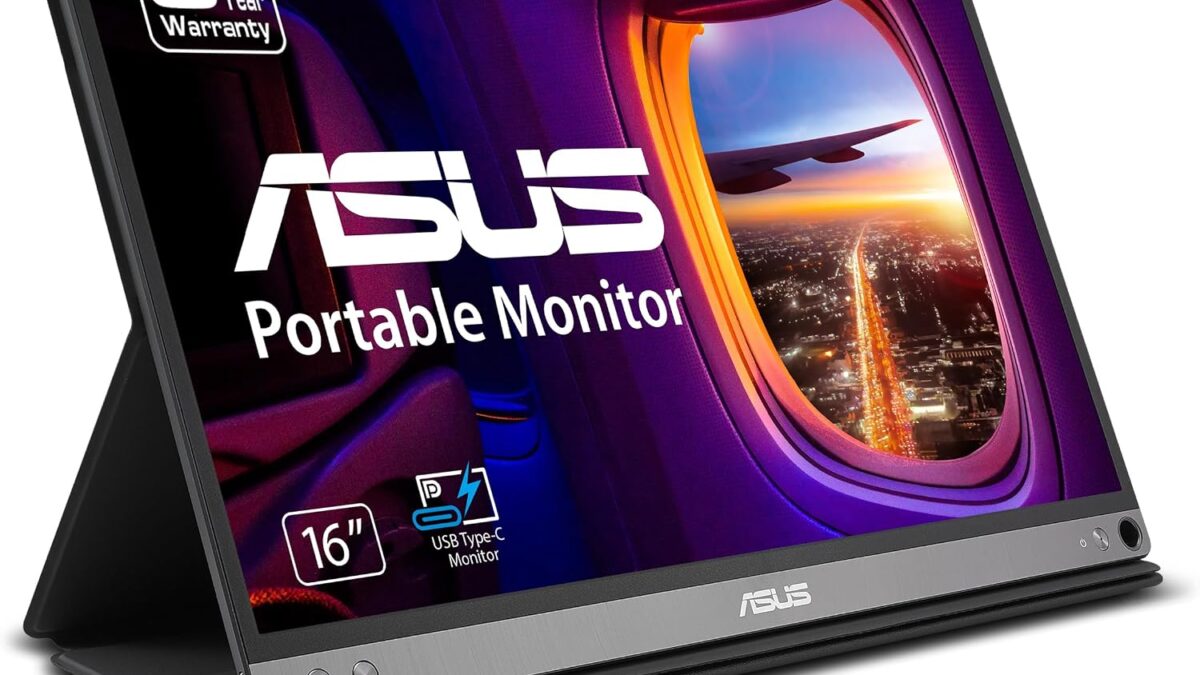
If you want the single-cable experience covered above without guessing on quality, the ASUS ZenScreen MB16AC is the one we’d point most travelers toward — 1080p IPS, USB-C, and a 3-year warranty backing it, with a review base (3,798 ratings, 4.5/5) that holds up over time rather than just at launch.
🛒 Check ASUS ZenScreen Price on Amazon
If budget is the deciding factor and you don’t need the ASUS badge, a sub-$50 15.6″ monitor with both USB-C and HDMI inputs (11,886 ratings, 4.3/5 on the model we checked) proves the core experience doesn’t require premium pricing — you’re mostly paying extra for build quality and warranty length above that price point, not core function.
We go deeper on specific rankings across price tiers in our best portable monitors under $200 roundup — worth reading once you’ve narrowed down the specs that matter to you here.
Frequently Asked Questions
What’s the best portable monitor weight for travel?
Under 1.7 lbs is the sweet spot where a monitor stops feeling like a burden in your bag. Most 15.6″ options weigh 1.5-2.2 lbs, so check the exact spec rather than assuming “portable” in the name means light.
Do I need a portable monitor with a built-in battery?
Only if you regularly work in places without power access, like long flights. Otherwise a USB-C power bank you already carry is lighter and cheaper over time than paying for a permanent onboard battery.
Will any USB-C portable monitor work with my laptop?
Only if your laptop supports DisplayPort Alt Mode over USB-C — not all USB-C ports do. If you’re unsure, buy a monitor with both USB-C and HDMI so you have a fallback.
Is 15.6 inches the right size for a travel monitor?
For airport-and-hotel travel, yes — it matches your laptop’s footprint without adding meaningful bulk. If you mostly move it between rooms at home rather than through airports, an 18.5″ panel gives more usable space for a modest weight tradeoff.
A power bank that can actually run a display, not just top off a phone, matters here too — our travel power bank picks cover the wattage question in more detail if you’re building out a full travel kit.
Leave a Reply