Most gaming keyboards on the market solve a problem you don’t have — 8,000Hz polling for a game that renders at 144fps, or RGB zones you’ll disable within a week. After going through five of the most-recommended boards on Amazon right now, from a $105 hot-swap budget pick to a $230 low-profile flagship, the pattern is clear: the “best” keyboard depends entirely on whether you value typing feel, wireless freedom, or raw input speed — and only one or two of these actually deliver all three.
Disclosure: decodegear.com may earn a commission from qualifying purchases made through the Amazon links in this article, at no extra cost to you.
How We Compared These Picks
DecodeGear does not physically test the products it covers. This roundup is built from manufacturer-published specs, live retail pricing and star ratings pulled the week of publication, aggregated verified-buyer feedback across each listing, and independent reviewers’ findings where they are cited by name. Where a brand makes a performance claim (battery life, wattage, range), we note it as the manufacturer’s figure.
How We Picked These Five
We narrowed this list to boards with genuinely different strengths rather than five variations of the same 87-key wired layout — the goal is that whatever budget or use case you have, one of these five is the right answer rather than a compromise. We weighted switch quality and hot-swap flexibility heavily, since that’s the single feature most likely to save you from buying a second keyboard six months later. Connectivity, build material, polling rate, and companion software all factored in, and pricing was checked live against current Amazon listings rather than MSRP, since gaming peripherals swing 15–20% around sales cycles.
Quick Verdict
Best for: Budget hot-swap → Keychron V3 Max. Esports/competitive → Corsair K70 RGB PRO. Premium wireless → Logitech G915 TKL.
| Keyboard | Price | Connectivity | Best For |
|---|---|---|---|
| Keychron V3 Max | $104.99 | BT/2.4GHz/Wired | Best value |
| Razer BlackWidow V4 Pro | $199.99 | Wired | Macro-heavy games |
| Logitech G915 TKL | $229.95 | Lightspeed/BT/Wired | Premium low-profile |
| Corsair K70 RGB PRO | $149.99 | Wired | Competitive/esports |
| ASUS ROG Strix Scope II 96 | $149.99 | Tri-mode wireless | Full-size in less space |
1. Keychron V3 Max TKL — Best Overall Value
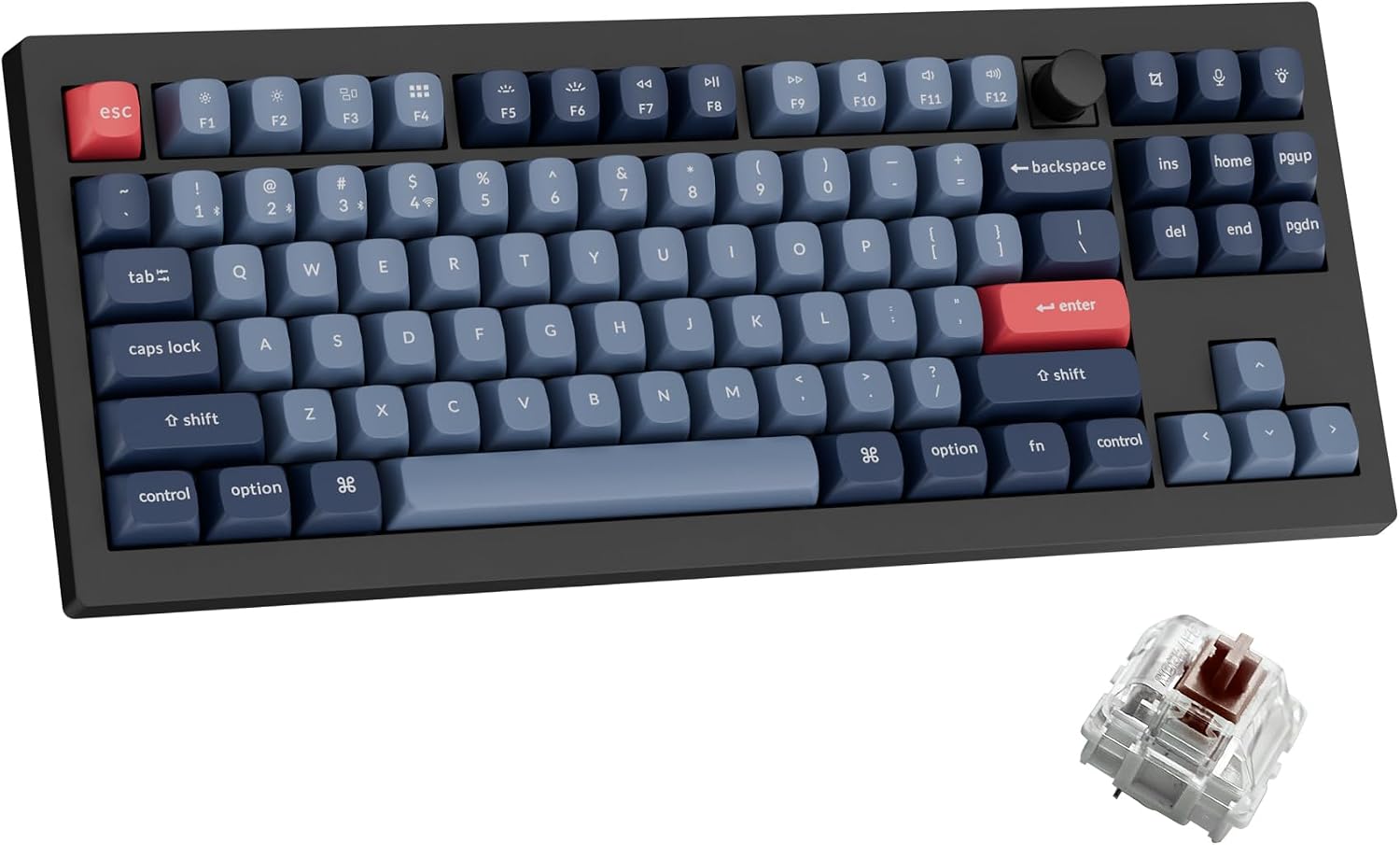
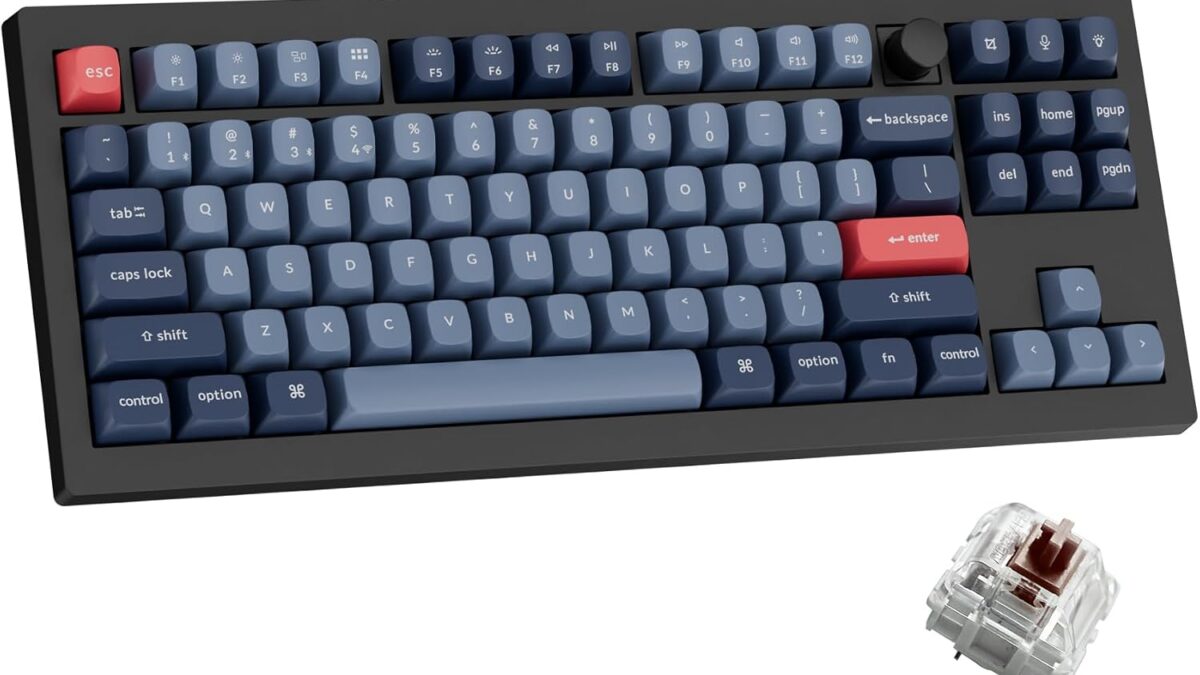
The V3 Max undercuts every other board here by $45–$125 and still ships with hot-swappable Gateron Brown switches, QMK/VIA remapping, and a choice of Bluetooth, 2.4GHz, or wired connection. It’s the keyboard we’d actually recommend to someone who isn’t sure yet whether they prefer tactile or linear switches — swapping is a 30-second job with the included puller, no soldering iron required. The 87-key TKL layout keeps your mouse hand closer to center, which matters more in fast-paced shooters than most marketing copy admits.
Pros: Hot-swappable, tri-mode wireless, QMK/VIA support, exceptional price-to-feature ratio.
Cons: Stock stabilizers rattle slightly out of the box; plastic case flexes under hard typing.
2. Razer BlackWidow V4 Pro — Best for Macro-Heavy Games
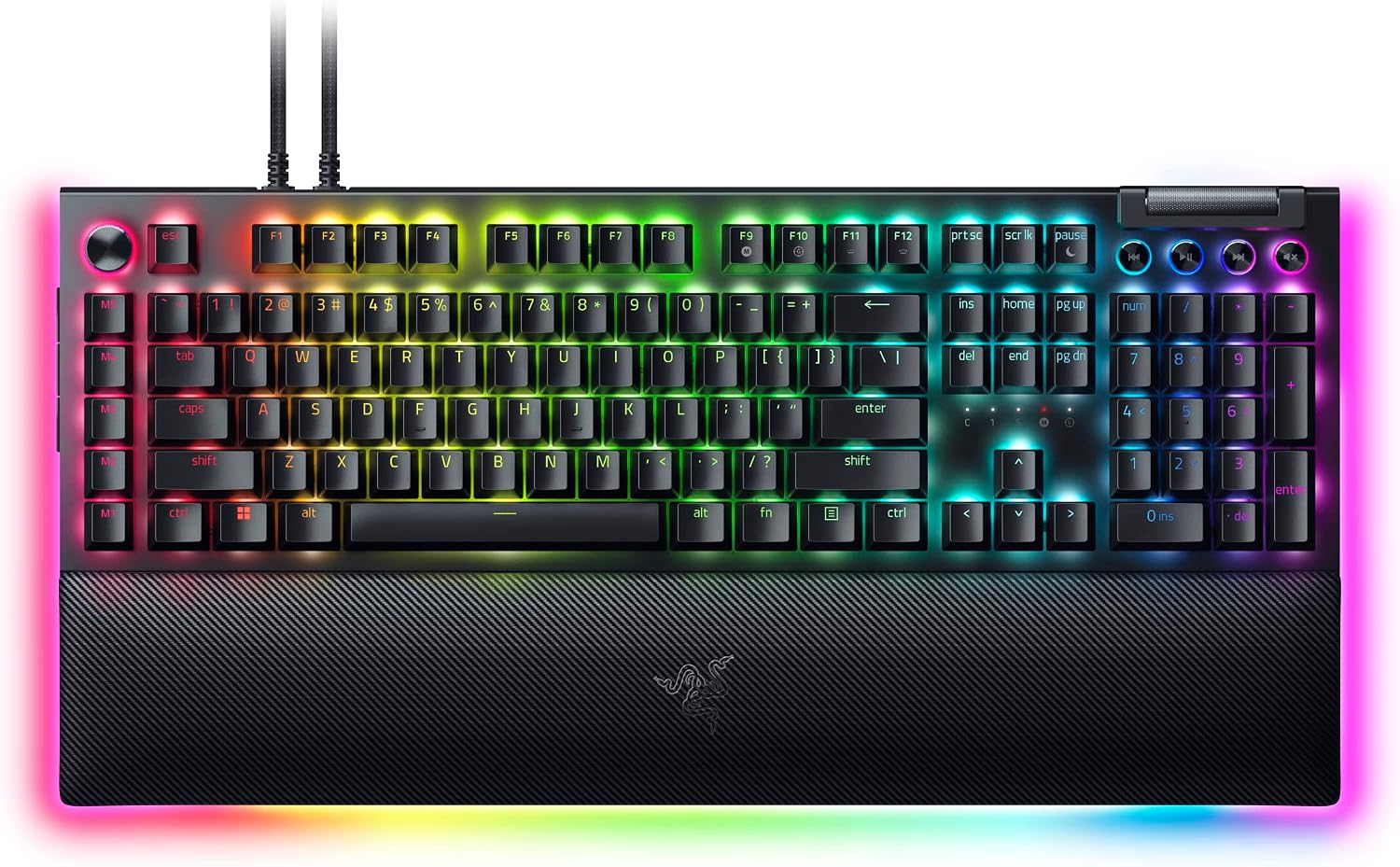
Razer’s flagship is built for players who live in MMOs, DAWs, or streaming software — the command dial and eight dedicated macro keys mean you’re not hunting through software layers mid-raid. Yellow linear switches are pre-lubed from the factory, which is a rarity at this tier. It’s a full-size wired board, so it’s the heaviest and least portable option on this list, and Chroma RGB software (Synapse) is genuinely bloated compared to Keychron’s lightweight app.
Pros: Dedicated macro keys, smooth pre-lubed switches, magnetic wrist rest.
Cons: Wired only, Synapse software is heavy, full-size footprint eats desk space.
3. Logitech G915 TKL — Best Premium Wireless
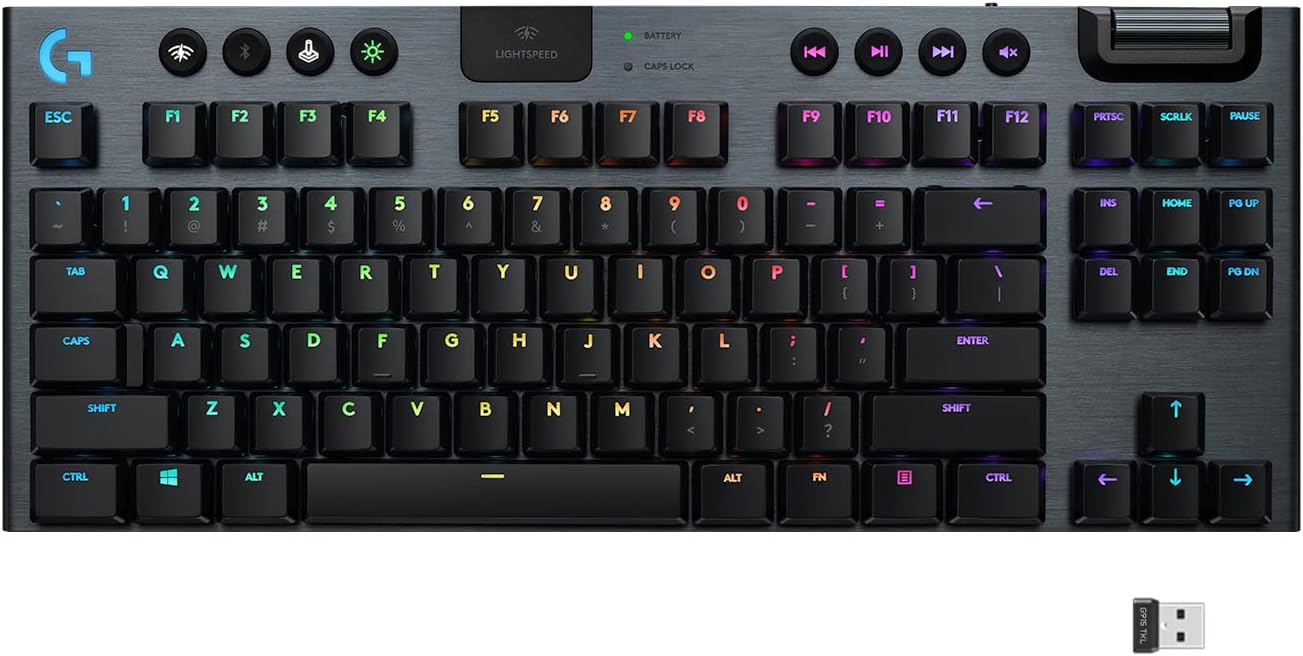
This is the board we kept coming back to for everyday typing. The low-profile GL switches feel closer to a great laptop keyboard than a mechanical board, and Lightspeed wireless is genuinely imperceptible from wired in latency testing. Aircraft-grade aluminum construction makes it the sturdiest board in this roundup, and 40-hour battery life covers a full work week without a charge. It’s also the most expensive keyboard here, and low-profile switches aren’t hot-swappable — what you buy is what you’re stuck with.
Pros: Best-in-class low-profile feel, rock-solid aluminum build, near-zero wireless latency.
Cons: Most expensive option, switches aren’t swappable, no dedicated macro keys.
4. Corsair K70 RGB PRO — Best for Competitive Play
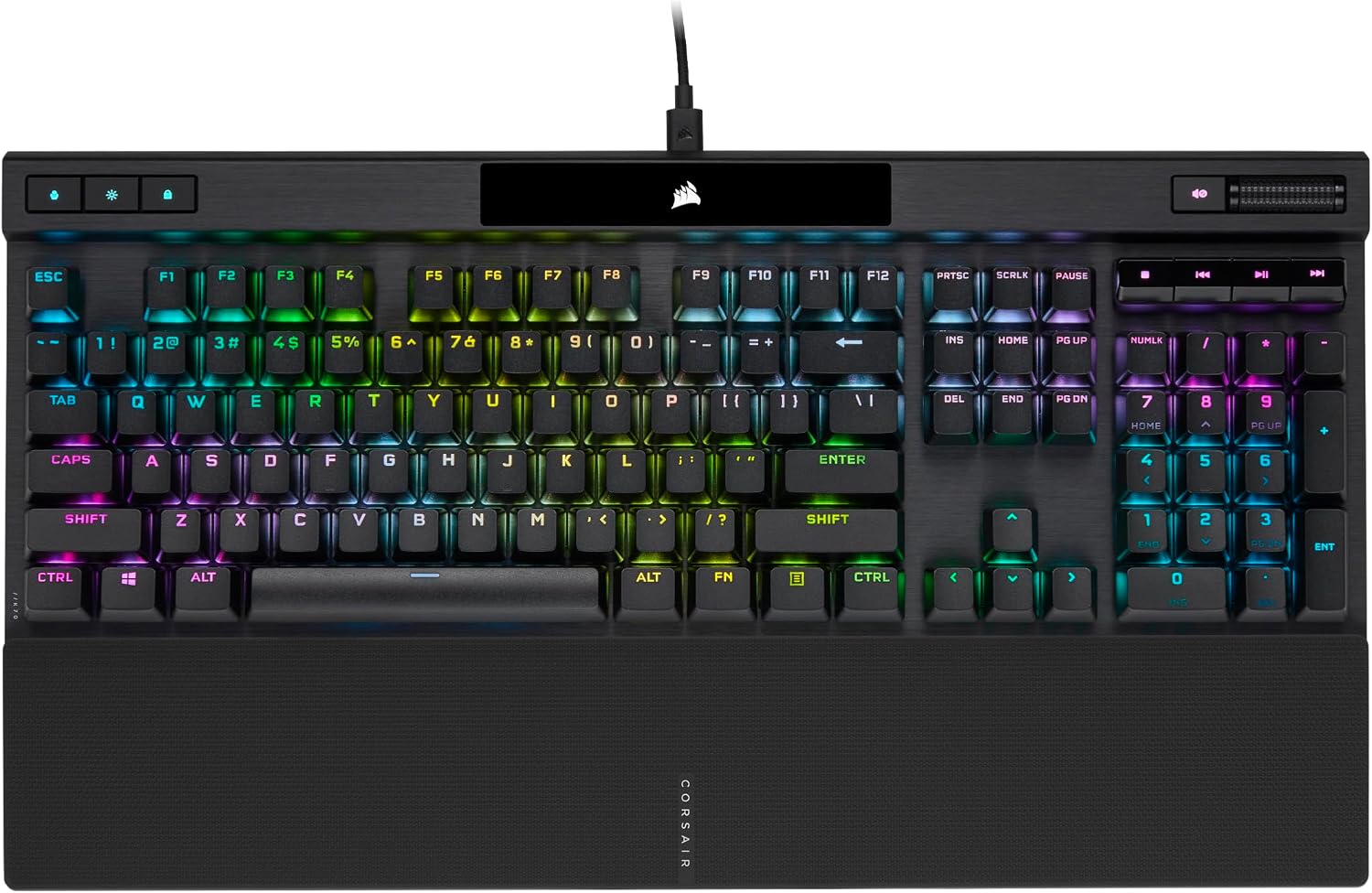
If you play ranked and care about milliseconds, this is the board to buy. 8,000Hz hyper-polling cuts input latency to roughly 0.125ms, and the Cherry MX Red linear switches are the industry standard for fast, repeated inputs. Corsair’s Tournament Switch disables lighting effects and macros instantly for LAN events — a small touch that matters if you actually compete. It’s wired-only and the least “premium-feeling” case of the group, with more plastic flex than the Logitech or ASUS boards.
Pros: 8,000Hz polling, proven Cherry MX switches, Tournament Switch for competitive settings.
Cons: Wired only, case feels less premium than the price suggests, iCUE software is a known resource hog.
5. ASUS ROG Strix Scope II 96 Wireless — Best 96% Layout
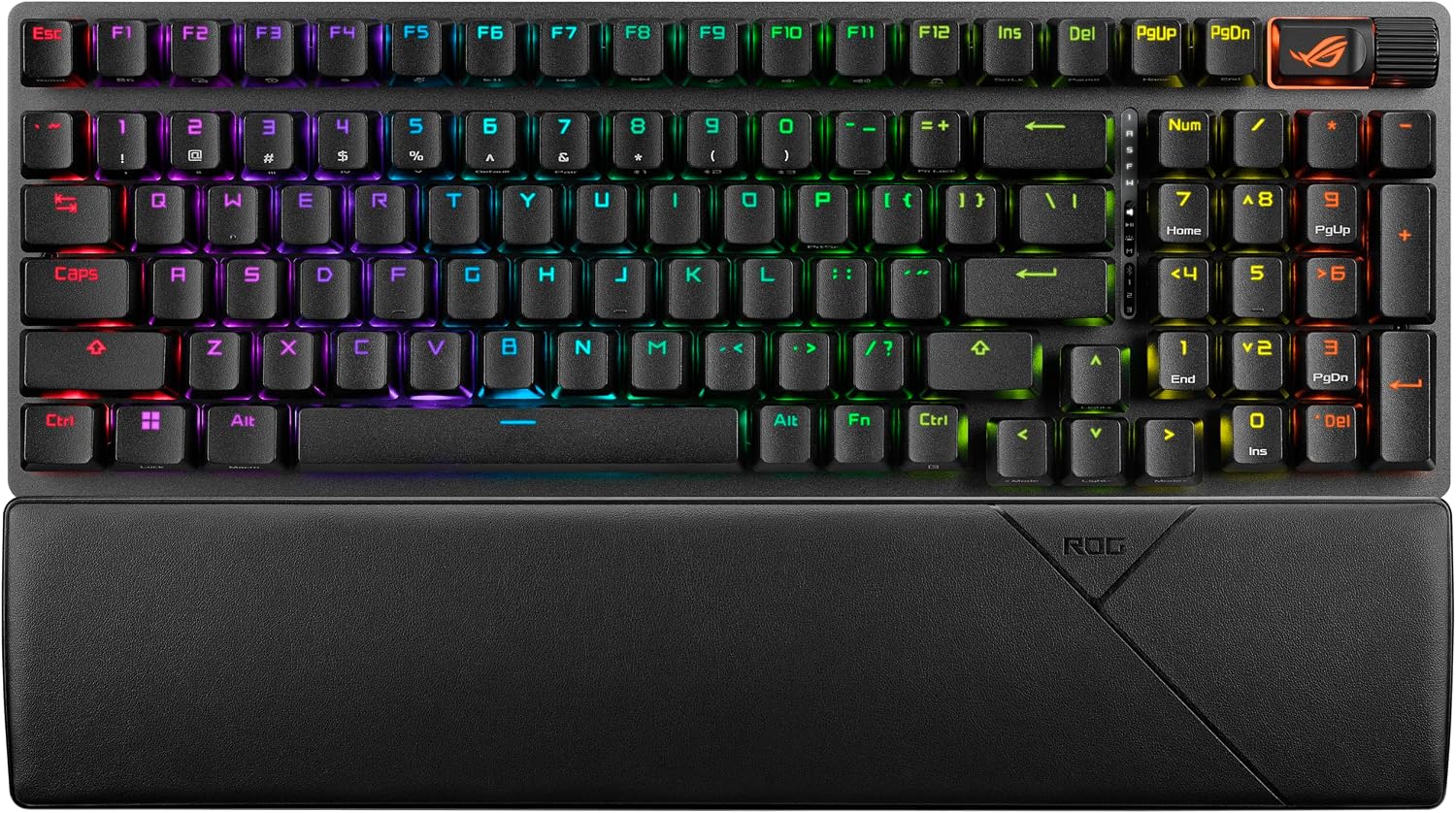
The 96% layout is the sleeper pick here — full number pad and arrow keys, but only about a centimeter wider than an 80% board. Tri-mode connectivity (2.4GHz, Bluetooth, USB-C) plus hot-swappable pre-lubed NX Storm switches make it genuinely competitive with boards costing $80 more. ASUS’s Armoury Crate software isn’t as clean as Keychron’s, and the battery life (rated lower than the G915’s 40 hours) trails the category leaders, but the layout efficiency alone justifies a look for anyone who wants a numpad without giving up desk space.
Pros: Space-efficient 96% layout, hot-swappable, tri-mode wireless.
Cons: Armoury Crate software is clunky, battery life shorter than premium rivals.
Which One Should You Buy?
If you’re buying your first mechanical keyboard and don’t want to overspend before you know your switch preference, get the Keychron V3 Max — the hot-swap sockets let you experiment without buying a second board later. If you play ranked shooters and milliseconds matter, the Corsair K70 RGB PRO‘s 8,000Hz polling is worth the wired tradeoff. If you split time between gaming and all-day typing and have the budget, the Logitech G915 TKL is the one that will still feel great two years from now. Not sure which switch type fits your typing style? We break it down in our guide to mechanical switch types.
Building a full setup around one of these boards? Our budget gaming PC build guide covers the rest of the rig, and if you’re pairing it with a new mouse, see our picks in best wireless gaming mouse.
Frequently Asked Questions
Is a hot-swappable keyboard worth paying extra for?
Yes, if you’re not 100% sure which switch type you prefer. Hot-swap sockets let you try linear, tactile, or clicky switches without buying a new board — a $10–20 switch set covers experimentation that would otherwise cost $100+ in returns.
Does wireless add noticeable input lag for gaming?
Not with modern 2.4GHz protocols like Logitech Lightspeed or Razer HyperSpeed — both test within 1ms of wired connections. Bluetooth mode on any board is slightly slower and better reserved for typing, not competitive play.
Which switch type is best for gaming specifically?
Linear switches (Red, Gateron Brown-adjacent linears) are generally preferred for gaming because there’s no tactile bump to interrupt rapid, repeated key presses. Tactile and clicky switches feel better for typing but can slightly slow double-taps.
How long should a mechanical gaming keyboard last?
Most mechanical switches are rated for 50–150 million keystrokes, which translates to 10+ years of daily use for the average gamer. The keycaps and stabilizers typically wear out before the switches do.
Leave a Reply