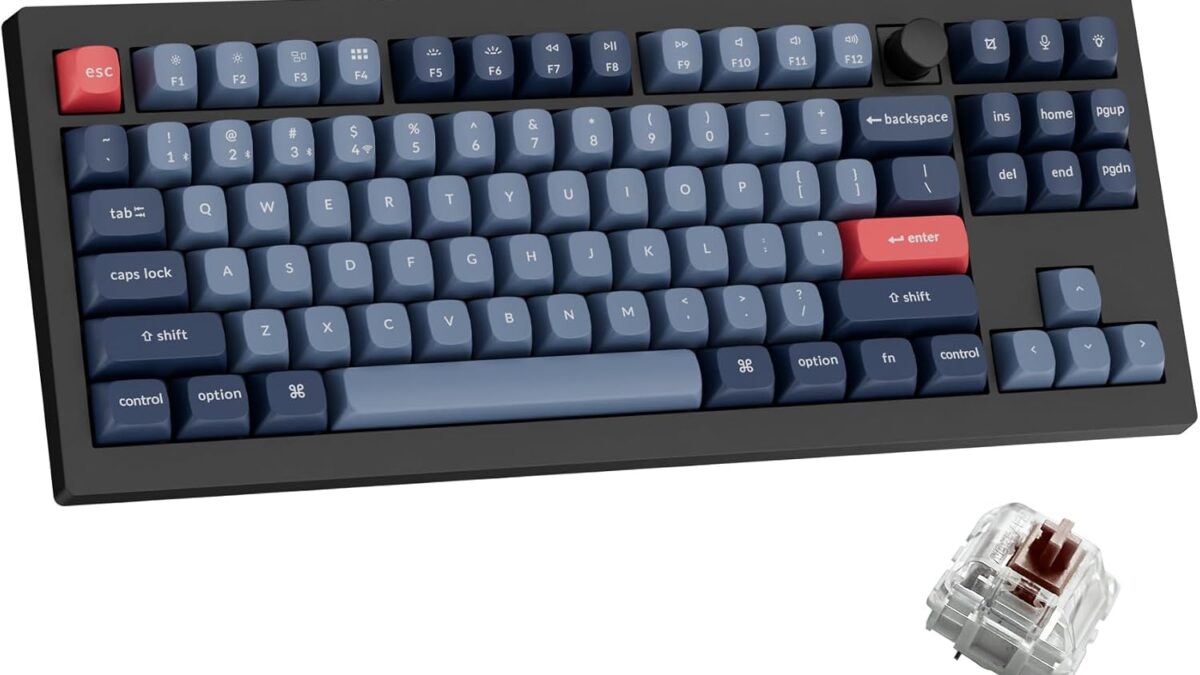
Most people who buy their first mechanical keyboard make the same mistake: they pick a color. Red switches sound fast, blue switches sound “clicky and satisfying” in a YouTube video, and that’s the entire research process. Then it arrives, it’s either too loud for the office or too mushy for gaming, and it sits in a drawer next to the standing desk converter nobody uses either.
Switches aren’t a cosmetic choice — they’re the single biggest factor in how a keyboard feels, sounds, and performs for your specific use case. Get the switch type wrong and no amount of keycap upgrades or RGB will fix it.
What you’ll learn
By the end of this guide you’ll know the three switch families, how to match one to typing vs gaming vs office use, and how to avoid buying a keyboard you can’t actually change your mind about later.
The three switch families, in plain English
Linear switches (Cherry MX Red, Gateron Red/Yellow, Keychron K Pro Red) move straight down with no bump and no click — just smooth resistance from top to bottom. They’re quiet-ish, fast to actuate, and the default choice for gaming because there’s nothing interrupting the keypress. The tradeoff: typing on linears can feel a little numb, since you get zero physical feedback telling you the key registered.
Tactile switches (Cherry MX Brown, Gateron Brown, Keychron K Pro Brown) add a small bump partway down the keystroke — you feel the actuation point under your finger without a click sound. This is the “office-safe” middle ground: quieter than clicky switches, more feedback than linears. Most people who’ve never tried a mechanical keyboard before end up preferring tactile once they’ve tested both.
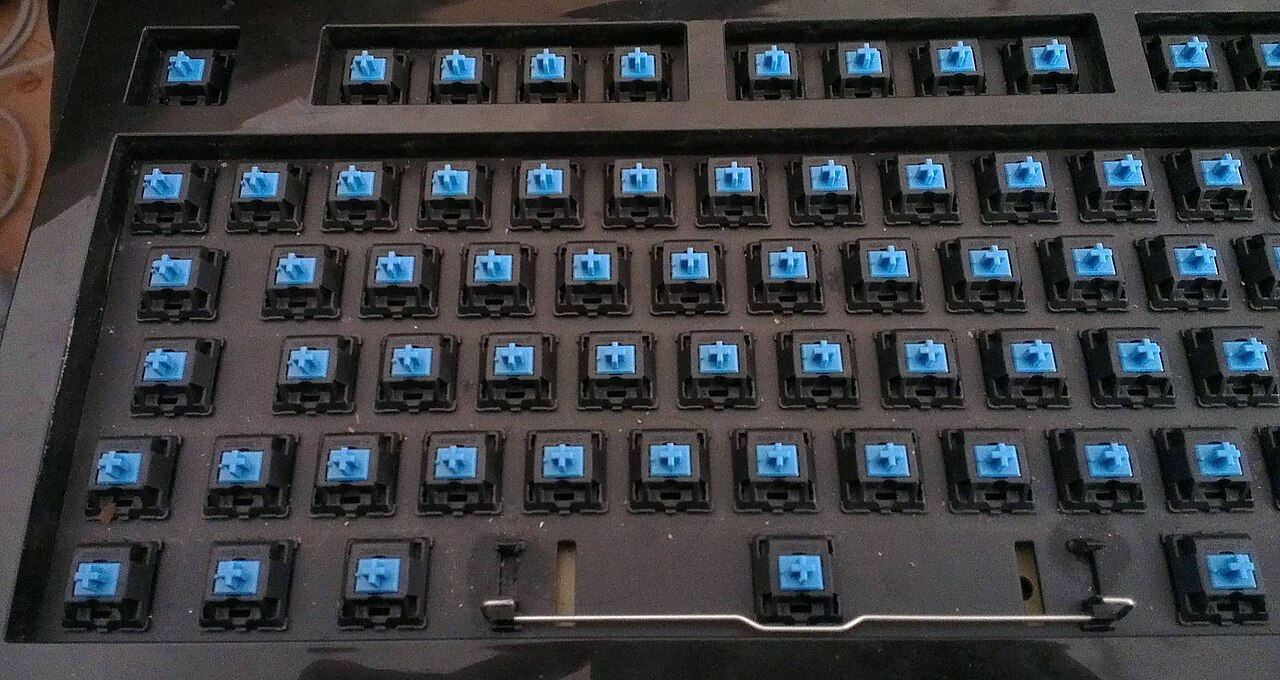
Clicky switches (Cherry MX Blue, Gateron Blue, Kailh Box White) pair the tactile bump with an audible click. They’re the loudest option by a wide margin and the one most likely to get you a passive-aggressive Slack message from a coworker. Typists who grew up on IBM Model Ms or old typewriters often gravitate here — the sound genuinely helps some people type faster and more accurately.
How to actually choose
Match the switch to what you’re doing most, not what looks coolest in unboxing videos:
Primarily gaming (especially competitive/FPS): Linear. The lack of a tactile bump means faster, more consistent double-taps and slides, which matters more than it sounds like it should in fast-paced games.
Mixed work — typing all day, gaming at night: Tactile. It’s the switch type that does the least wrong across the widest range of tasks, which is why it’s the safest first mechanical keyboard purchase.
Home office, live alone or don’t share walls: Clicky, if you like the sound. There’s a real (if hard to quantify) argument that the audible feedback reduces typos, but it’s genuinely not worth the office friction if you’re not remote.
Shared office, open floor plan, video calls all day: Linear or a “silent” tactile variant (yes, those exist — silent tactiles use internal dampeners to cut noise while keeping the bump).
Pro tip: buy hot-swappable if you’re not 100% sure
This is the detail most first-time buyers skip, and it’s the one that saves you from re-buying an entire keyboard later. A hot-swappable keyboard has sockets under each keycap instead of soldered switches, so you can pull switches out with a $3 puller and drop in a different type — no soldering iron required. If you’re choosing between linear and tactile and genuinely can’t decide from specs alone, a hot-swap board turns a $100 purchase into a $100 purchase plus a $15 experiment, instead of a second $100 purchase.
We’ve been testing the 🛒 Keychron V3 Max on Amazon for exactly this reason — it ships with Gateron Brown tactiles pre-installed, but the 5-pin hot-swap socket accepts almost any standard MX-style switch, so you can try linear or clicky later without buying a new board.
An interesting wrinkle: gasket mounts change the feel too
Switch type isn’t the only thing affecting feel — how the plate is mounted inside the case matters almost as much. A “gasket mount” sandwiches the plate between rubber gaskets instead of screwing it directly to the case, which adds a soft, slightly bouncy give to every keystroke regardless of switch type. It’s why two keyboards with identical Gateron Browns can feel completely different to type on. If you’re chasing a specific feel and the switch alone isn’t getting you there, the mounting style is the next thing to research.
Budget switches vs premium switches: is the upgrade worth it?
Stock Gateron or Cherry MX switches in the $0.30–$0.50-per-switch range are genuinely good — most people never need to go further. Premium switches (Gateron Ink, JWK, Durock) run $0.70–$1.20 each and add smoother factory lubrication, tighter tolerances, and sometimes a different housing material that changes the sound signature. The difference is real but subtle: it’s the kind of upgrade that matters a lot to someone who types or games for six hours a day and barely registers for someone who uses their keyboard for email. Don’t chase premium switches before you’ve confirmed you actually prefer that switch family — nail down linear vs tactile vs clicky first, then decide if the sound and feel are worth paying more for within that family.
If you want a full breakdown of one board that does this well, our Keychron V5 Max review goes deep on gasket-mount feel in practice. And if the keyboard side is sorted but your mouse is still the stock one that came with your PC, our guide to the best wireless gaming mice covers the other half of your desk setup.
Frequently Asked Questions
Are linear switches bad for typing?
Not bad — just different. Plenty of fast typists use linears fine. You just lose the physical “yes, that registered” feedback that tactiles provide, which some people miss more than others.
Do I need lubed switches?
No, not to start. Factory-lubed switches (many Gateron and Keychron K Pro switches now ship pre-lubed) are smooth enough for 95% of users. Hand-lubing is a rabbit hole for enthusiasts, not a requirement.
What’s the difference between Cherry MX and Gateron switches?
They’re functionally similar clones of the same designs — Cherry originated the MX stem shape decades ago, and Gateron makes switches to the same spec, usually a bit smoother out of the box and cheaper. Most hot-swap boards today ship with Gateron or in-house clones rather than genuine Cherry MX.
Can I mix switch types on one keyboard?
Yes, on a hot-swap board. Some people run linears on the WASD cluster for gaming and tactiles everywhere else. It’s unusual but completely functional.
The short version: don’t buy based on a YouTube clack compilation. Buy hot-swappable if you’re unsure, match the switch family to what you actually do most on the keyboard, and remember that mounting style and lubrication are the next two variables once you’ve nailed the switch type down.
Leave a Reply