You spent good money on wireless headphones, but every so often a nagging thought creeps in: do these actually sound as good as the cheap wired pair you had years ago? You are not imagining it. There are real, physical reasons Bluetooth audio can fall short of a wired connection — and understanding them tells you exactly when it matters and when it does not.
The core problem: Bluetooth has a tight pipe
A wired connection sends an analog audio signal straight to your ears with effectively unlimited bandwidth. Bluetooth cannot do that. It has a limited amount of data it can send per second, and full-quality audio is too big to fit through that pipe uncompressed.
So your phone has to compress the audio before sending it, and your headphones decompress it on the other side. The rules for how that compression happens are called a codec. The codec your devices use is the single biggest factor in how good — or how mediocre — your wireless audio sounds.
The codecs, from worst to best
- SBC is the baseline every Bluetooth device supports. It works everywhere, but it is the most aggressive at throwing away data, so it is the most likely to sound flat or slightly harsh on busy tracks.
- AAC is what Apple devices use and what most iPhones default to. Done well, it sounds good; its quality can vary depending on the phone doing the encoding.
- aptX and aptX HD, common on many Android phones, aim for CD-like quality with lower delay.
- LDAC (Sony) and other high-resolution codecs push far more data and can get genuinely close to wired quality — if both your phone and headphones support them and the signal is strong.
The catch: both devices have to support the same codec, and they will fall back to the lowest common one they share. Pair a fancy LDAC headphone with a phone that only does SBC and you get… SBC. This is why two people with the “same” headphones can have different experiences.
It is not just the codec
Compression gets the blame, but a few other things quietly shape wireless sound:
- Signal interference. Bluetooth shares the crowded 2.4GHz band with Wi-Fi, microwaves, and every other wireless gadget nearby. In busy places the connection has to work harder, which can force lower-quality transmission or cause dropouts. We dug into exactly why that happens in why your Bluetooth cuts out in crowded places.
- The headphones themselves. A great codec cannot rescue cheap drivers, and a superb pair of headphones can make even SBC sound pleasant. The hardware turning the signal into sound still matters most.
- Tuning and processing. Wireless models pack in equalization, noise cancellation, and other processing that colors the sound — sometimes for better, sometimes not. It is also why noise cancellation never blocks everything.
Will you actually hear the difference?
Be honest about how you listen. On a noisy commute, at the gym, or with compressed streaming playlists, the codec gap is mostly academic — background noise and the source file are bigger limits than Bluetooth. Most people, most of the time, genuinely cannot tell.
Where it becomes audible is in quiet rooms, with high-quality or lossless source files, on good headphones, listening closely. That is exactly the scenario where a wired connection — or a top-tier codec — pulls ahead. If that is you, it is worth caring about. If it is not, you are fine.
What about lag, video, and games?
Sound quality is not the only thing a codec affects — there is also latency, the tiny delay between the signal leaving your phone and reaching your ears. Over Bluetooth this can range from barely noticeable to an obvious lip-sync problem where a character’s mouth moves before you hear the words.
For music it does not matter at all — you cannot tell if a song starts 150 milliseconds “late.” But for video and especially gaming, latency is the difference between immersive and infuriating. Low-latency codecs and dedicated gaming modes exist specifically to fix this, and most streaming apps now buffer audio to keep video in sync automatically. If you mainly notice lag while gaming, that is the codec and connection at work — not your headphones being defective.
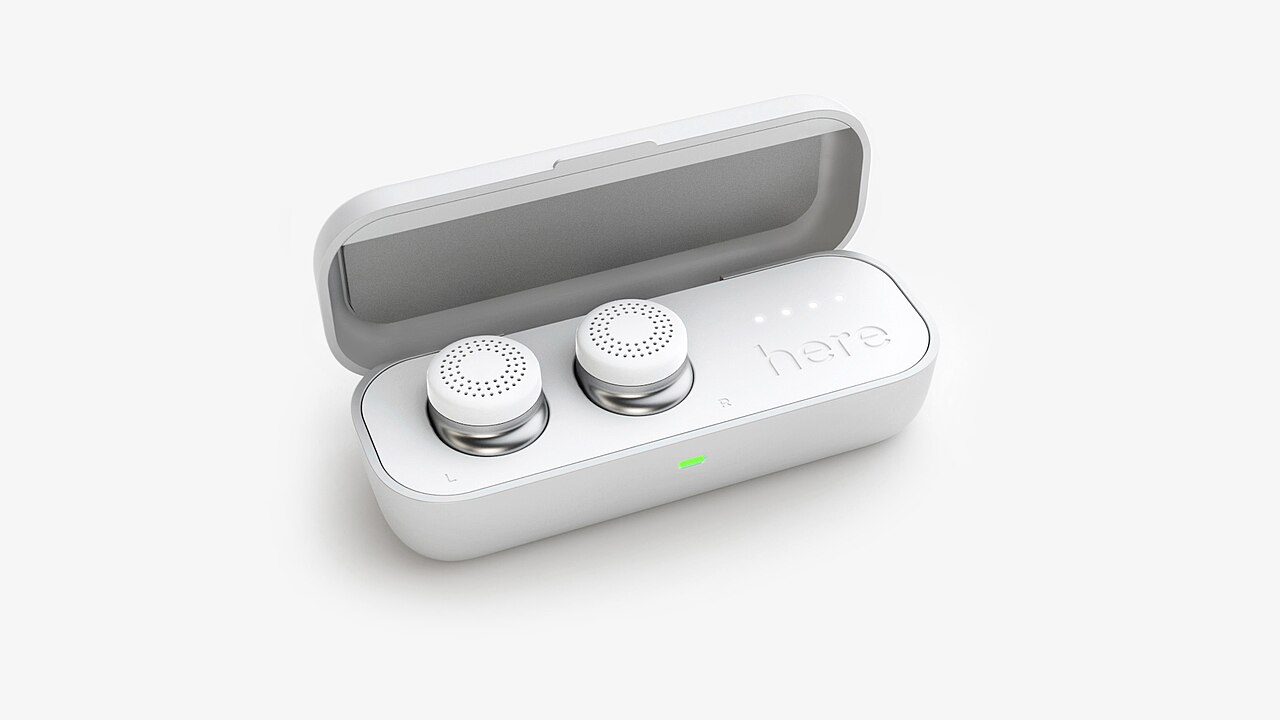
This is also why truly wireless earbuds can feel a half-step behind wired ones for anything time-sensitive: the audio travels to one earbud and often hops across to the other, adding a little delay at every step. Perfect for a podcast on the train, less ideal for a fast mobile game where timing wins rounds.
Want to know what your gear is actually using? On both Android and iPhone you can usually see or choose the active codec in the Bluetooth or developer settings while your headphones are connected. If it shows SBC and your headphones support something better, switching is a free quality bump you did not know you had.
It also helps to keep expectations realistic about “hi-res” marketing. A codec can only preserve detail that is already in the source and that your headphones can physically reproduce — putting a high-resolution label on a cheap pair fed by a compressed playlist changes very little. The chain is only as strong as its weakest link, and for most people that link is the recording or the drivers, not the codec.
How to get the best wireless sound
- Match your codecs. Check that your phone and headphones share a good one (AAC on Apple, aptX or LDAC on Android) rather than defaulting to SBC.
- Feed them good source audio. A better codec cannot add back detail a low-bitrate stream already threw away. Use higher-quality streaming tiers if sound matters to you.
- Buy good drivers first. The headphones matter more than the codec — start there. Our guide to choosing wireless earbuds and our favorite earbuds under $100 are good starting points.
- Keep a wired option if you are a critical listener — for serious sit-down sessions, a cable still sidesteps the whole problem.
The bottom line
Bluetooth headphones can sound worse than wired because the signal has to be compressed to fit, and how well that is done depends on the codec both devices agree on. But for the way most of us actually listen — on the move, over streaming — the convenience wins and the difference fades into the background. Know when it matters, and you can stop second-guessing your earbuds.
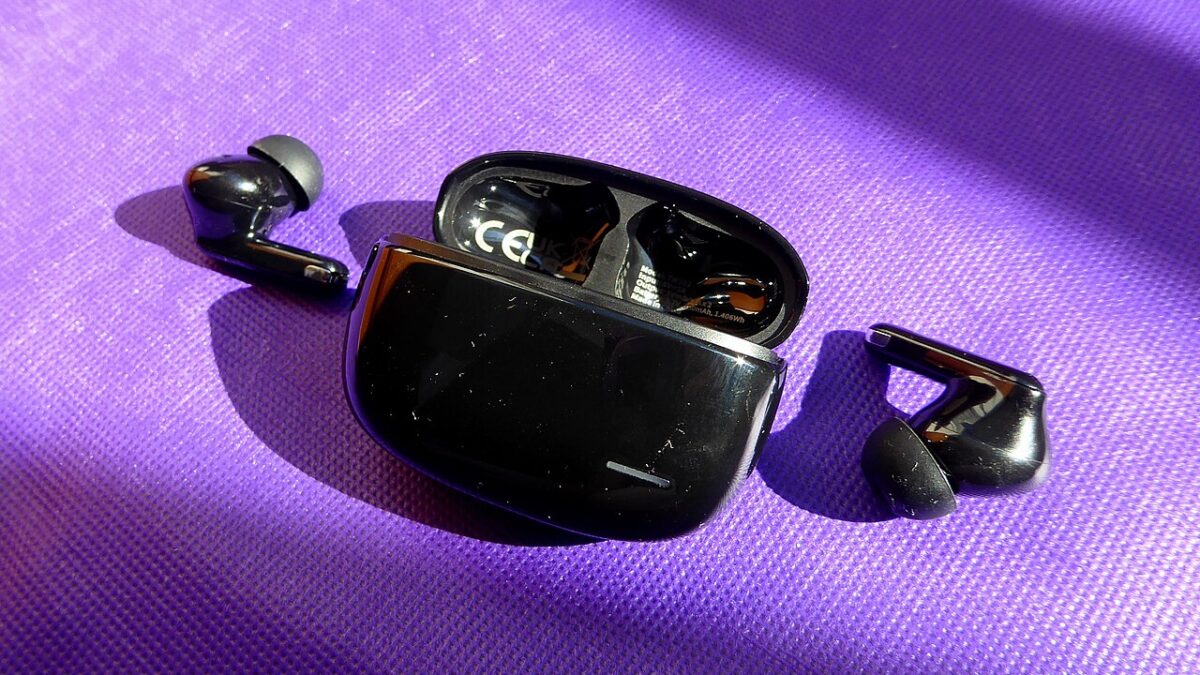
Featured image: Wireless earbuds by Chenspec, Wikimedia Commons (CC BY-SA 4.0)
Leave a Reply