Wi-Fi 7 has been on the market long enough that prices have come down from launch-day premiums, and the real-world benefits — Multi-Link Operation, wider 320MHz channels, 4K-QAM — are now delivering measurable improvements in speed and latency rather than just spec-sheet bragging rights. But “Wi-Fi 7 router” now spans everything from sub-$100 budget picks to $600 mesh systems, and the right one depends entirely on how big your home is and how many devices you’re actually trying to keep online. We compared the field to find the pick that actually fits each situation, not just the fastest number on the box.
Quick disclosure: DecodeGear may earn a commission if you buy through the links below. It doesn’t cost you anything extra, and it’s what funds us actually comparing this stuff instead of copying spec sheets.
Quick Verdict: Best Wi-Fi 7 Routers of 2026
Best Overall Balance: ASUS RT-BE96U — 19 Gbps tri-band, dual 10G ports, strong security suite without a subscription.
Best Whole-Home Mesh: Amazon eero Max 7 — up to 9.4 Gbps wired, 2,500 sq. ft. per unit, dead-simple setup.
Most Reliable Coverage: Netgear Orbi 770 (RBE772) — tri-band mesh rated for 5,500 sq. ft. with zero-disconnect roaming.
Best Value Mesh System: MSI Roamii BE Pro — multi-gigabit mesh performance at a fraction of the price of rivals.
Best Budget Pick: TP-Link Archer BE230 — real Wi-Fi 7 features (MLO, 2.5G ports) under $100.
How We Compared These Picks
DecodeGear does not physically test the products it covers. This roundup is built from manufacturer-published specs, live retail pricing and star ratings pulled the week of publication, aggregated verified-buyer feedback across each listing, and independent reviewers’ findings where they are cited by name. Where a brand makes a performance claim (battery life, wattage, range), we note it as the manufacturer’s figure.
1. ASUS RT-BE96U — Best Overall
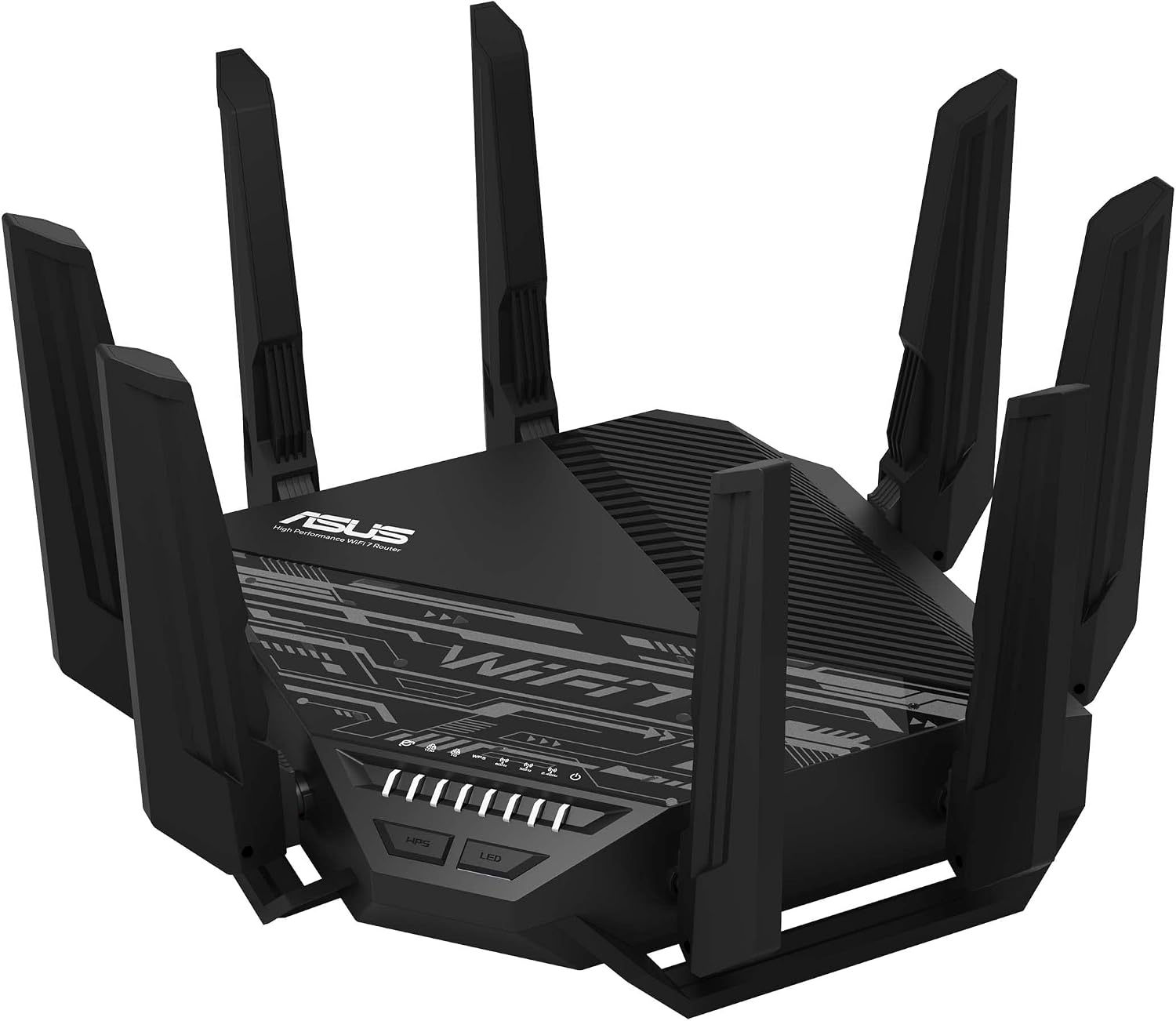
The RT-BE96U is the router we’d point most people toward if they just want one box that handles everything well. It’s a tri-band, 12-stream Wi-Fi 7 router rated up to 19 Gbps combined throughput, with dual 10G ports plus four 1G ports giving you up to 24G of total wired capacity — enough headroom for multi-gigabit fiber plans without the router becoming the bottleneck. ASUS bundles its network security suite and parental controls free, with no subscription wall blocking core features, which is increasingly rare in this category.
Pros: excellent price-to-feature ratio, no subscription required for security features, AiMesh support if you want to expand coverage later.
Cons: the companion app is more cluttered than eero’s; single-unit coverage tops out around 2,500-3,000 sq. ft. before you’ll want a second AiMesh node.
Check ASUS RT-BE96U price on Amazon →
2. Amazon eero Max 7 — Best Whole-Home Mesh
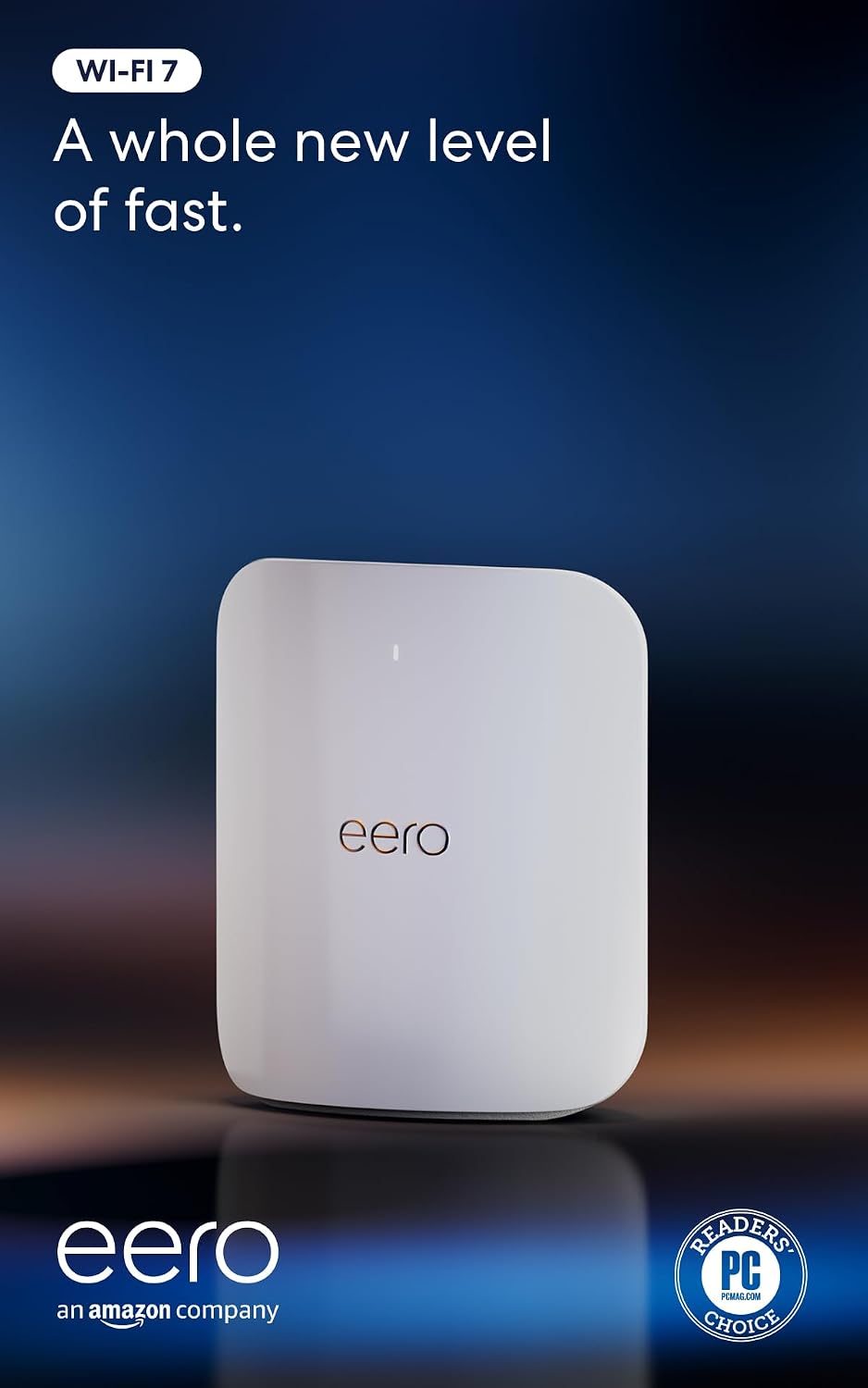
If your priority is coverage that just works without touching settings, the eero Max 7 is the simplest path there. A single unit covers up to 2,500 sq. ft. and connects 250+ devices, with wired speeds up to 9.4 Gbps over dual 10 Gigabit Ethernet ports. It also doubles as a smart home hub, supporting Thread, Matter, and Zigbee devices directly — useful if you’re already running smart home gear and want one less hub cluttering a shelf.
Pros: best-in-class app simplicity, doubles as a smart home hub, 3-year warranty.
Cons: the highest price on this list for a single unit, and eero Plus (needed for some advanced security features) is a paid add-on rather than included.
Check eero Max 7 price on Amazon →
3. Netgear Orbi 770 (RBE772) — Most Reliable Coverage
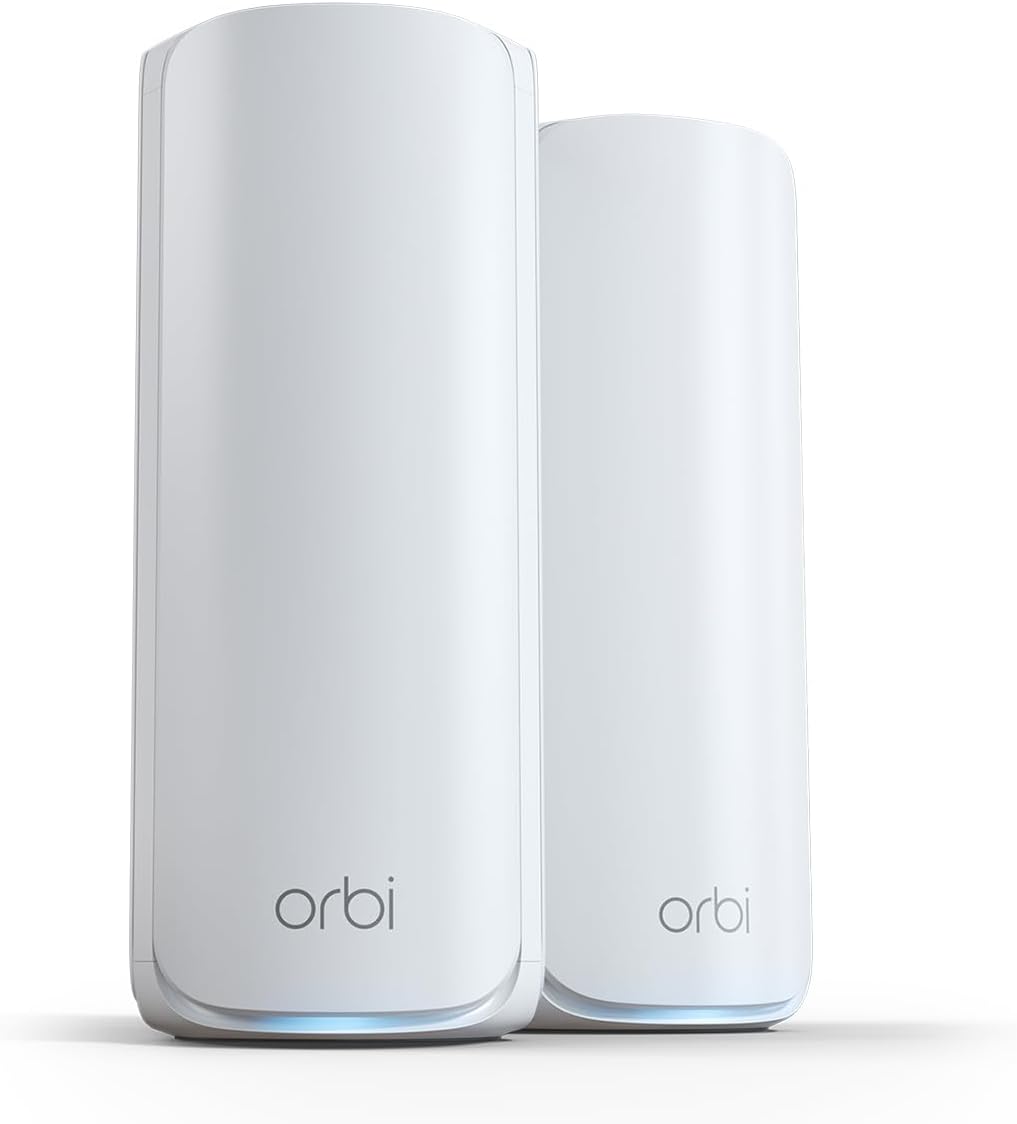
The Orbi 770 system (router plus one satellite) is built for larger homes where dropped connections while walking between rooms are the actual problem you’re solving. It’s rated for up to 5,500 sq. ft. and 11 Gbps combined throughput, and Orbi’s tri-band architecture dedicates a full band to backhaul between the router and satellite — the reason Orbi mesh systems consistently test with fewer roaming hiccups than competitors that share bands between backhaul and client traffic.
Pros: genuinely seamless roaming between router and satellite, strong security feature set, expandable with additional RBE770 satellites.
Cons: at $549.99 for the 2-piece system, it’s priced closer to eero Max 7 than to the budget mesh options below it.
Check Netgear Orbi 770 price on Amazon →
4. MSI Roamii BE Pro — Best Value Mesh System
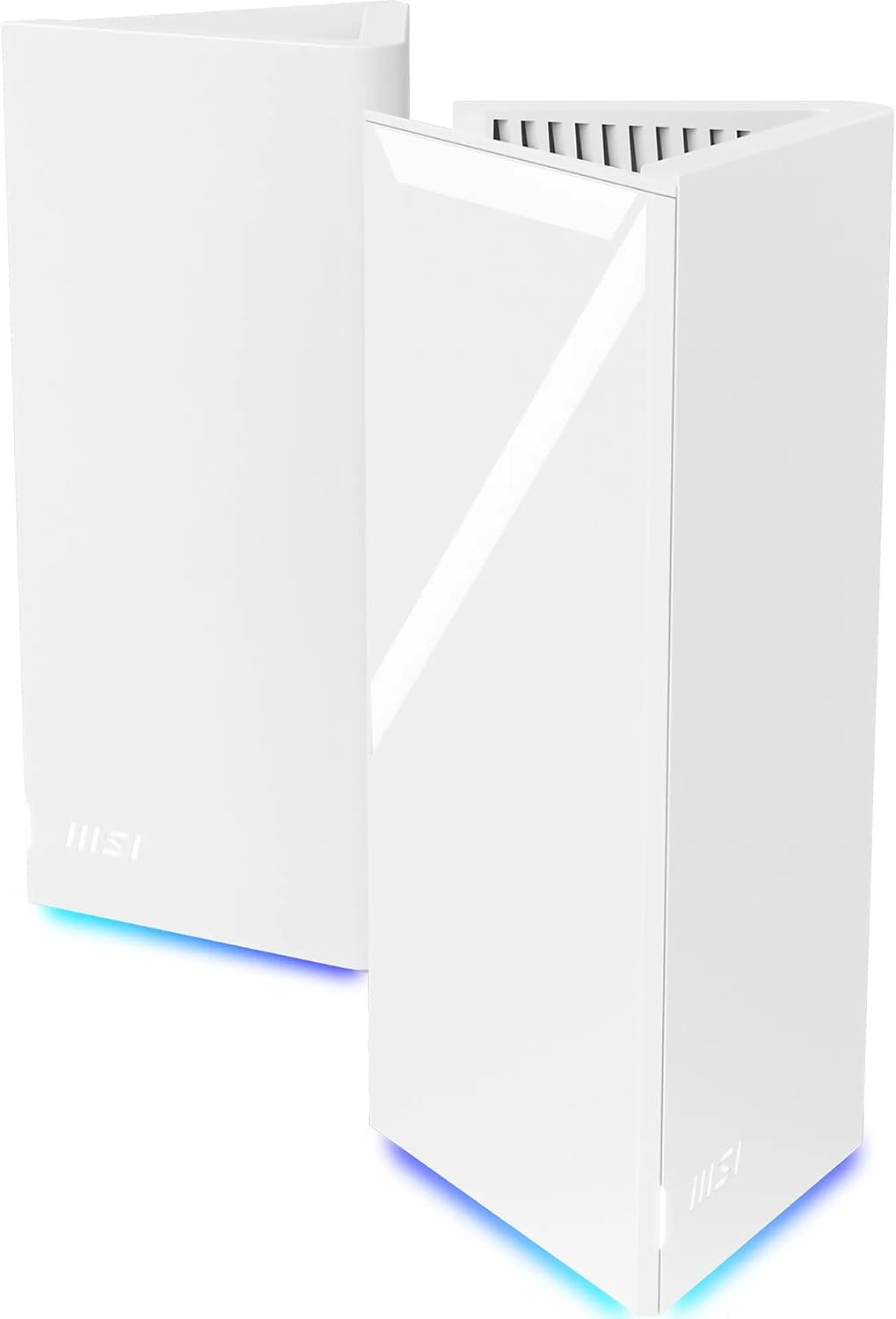
MSI is a newer name in networking, but the Roamii BE Pro undercuts Orbi and eero by a wide margin while still delivering genuine multi-gigabit mesh performance — a 2-pack system with 2.5Gbps ports currently runs around $299, well under its own $349 list price and roughly half what the Orbi 770 2-pack costs. Independent testing found its tri-band performance matched or exceeded pricier rivals in real-world conditions, which is the rare case of a budget mesh system not actually feeling like a compromise.
Pros: the best price-per-performance ratio of any mesh system here, built-in VPN support, parental controls included.
Cons: MSI’s networking software ecosystem is younger and less polished than Netgear’s or Amazon’s, and long-term firmware support is less proven.
Check MSI Roamii BE Pro price on Amazon →
5. TP-Link Archer BE230 (BE3600) — Best Budget Pick
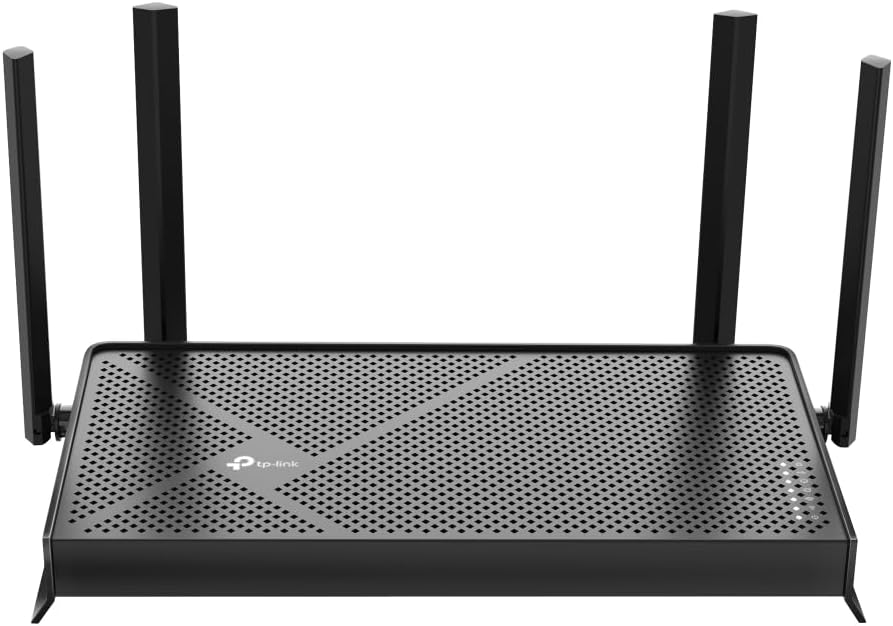
Not everyone needs mesh coverage or multi-gigabit backhaul — plenty of apartments and smaller homes just need one solid router that supports current Wi-Fi 7 standards without the mesh price tag. The Archer BE230 is a dual-band router (it skips the 6GHz band to hit this price point) but still supports Multi-Link Operation and 4K-QAM, with two 2.5Gbps ports for a fast wired connection to your main devices. At around $85, it’s the cheapest legitimate entry into Wi-Fi 7 on this list, not a Wi-Fi 6 router with a new sticker.
Pros: real MLO support at a genuinely budget price, 2.5Gbps ports rare at this tier, simple setup.
Cons: no 6GHz band, so you lose Wi-Fi 7’s biggest interference-avoidance advantage; single-unit coverage is limited to smaller homes or apartments.
Check TP-Link Archer BE230 price on Amazon →
Which One Should You Buy?
If you live in an apartment or a home under 1,800 sq. ft. and don’t need mesh coverage, the TP-Link Archer BE230 gets you real Wi-Fi 7 without overpaying for range you won’t use. If you have a mid-size home and want the single best all-around router without committing to a mesh system, the ASUS RT-BE96U is the pick — it’s the one we’d default to for most readers. For larger homes where dead zones are the actual complaint, choose between the eero Max 7 if you want the simplest app experience and smart home integration, or the Netgear Orbi 770 if seamless room-to-room roaming matters more to you than ecosystem extras. And if budget is the deciding factor but you still want real mesh coverage, the MSI Roamii BE Pro delivers most of what the pricier systems do for meaningfully less money.
If your current router is on the older side, our guide on when and how often you should actually reboot your router is worth a read before you decide a full replacement is necessary — sometimes the fix really is that simple. And if you’re weighing this purchase against other upgrades competing for the same budget, our breakdown of whether it’s the right time to buy a new laptop covers the same component-shortage pricing pressure that’s affecting networking gear too.
FAQ
Do I actually need Wi-Fi 7, or is Wi-Fi 6E enough?
If your internet plan is under 1 Gbps and you don’t have many Wi-Fi 7-capable devices yet, Wi-Fi 6E is still a reasonable choice. Wi-Fi 7’s advantages — Multi-Link Operation and wider channels — show up most clearly with multi-gigabit internet plans and newer client devices.
Is a mesh system overkill for a small home?
For most homes under 1,800-2,000 sq. ft., a single strong router like the Archer BE230 or RT-BE96U covers the space fine. Mesh becomes worth it once you have multiple floors or persistent dead zones.
Does Wi-Fi 7 work with my older Wi-Fi 6 devices?
Yes — every router on this list is fully backward compatible. Older devices connect at their own maximum supported standard without issue.
Why is the eero Max 7 more expensive than routers with similar specs?
Part of the premium is the eero app’s simplicity and smart home hub functionality (Thread/Matter/Zigbee support built in), which competing routers typically don’t include without a separate hub purchase.
Leave a Reply