
Most “productivity gadget” lists are really just a pile of things that look smart in a product photo. The desk accessories actually worth buying in 2026 aren’t the ones with the most AI branding on the box — they’re the ones that quietly remove one specific friction from your day, every day, without you thinking about it. We looked past the marketing language and picked three that do exactly that, plus the honest limits of each.
What you’ll learn: which AI desk gadgets solve a real problem (not a manufactured one), what “AI-powered” actually means in practice on each of them, and where the calibration and subscription catches tend to show up.
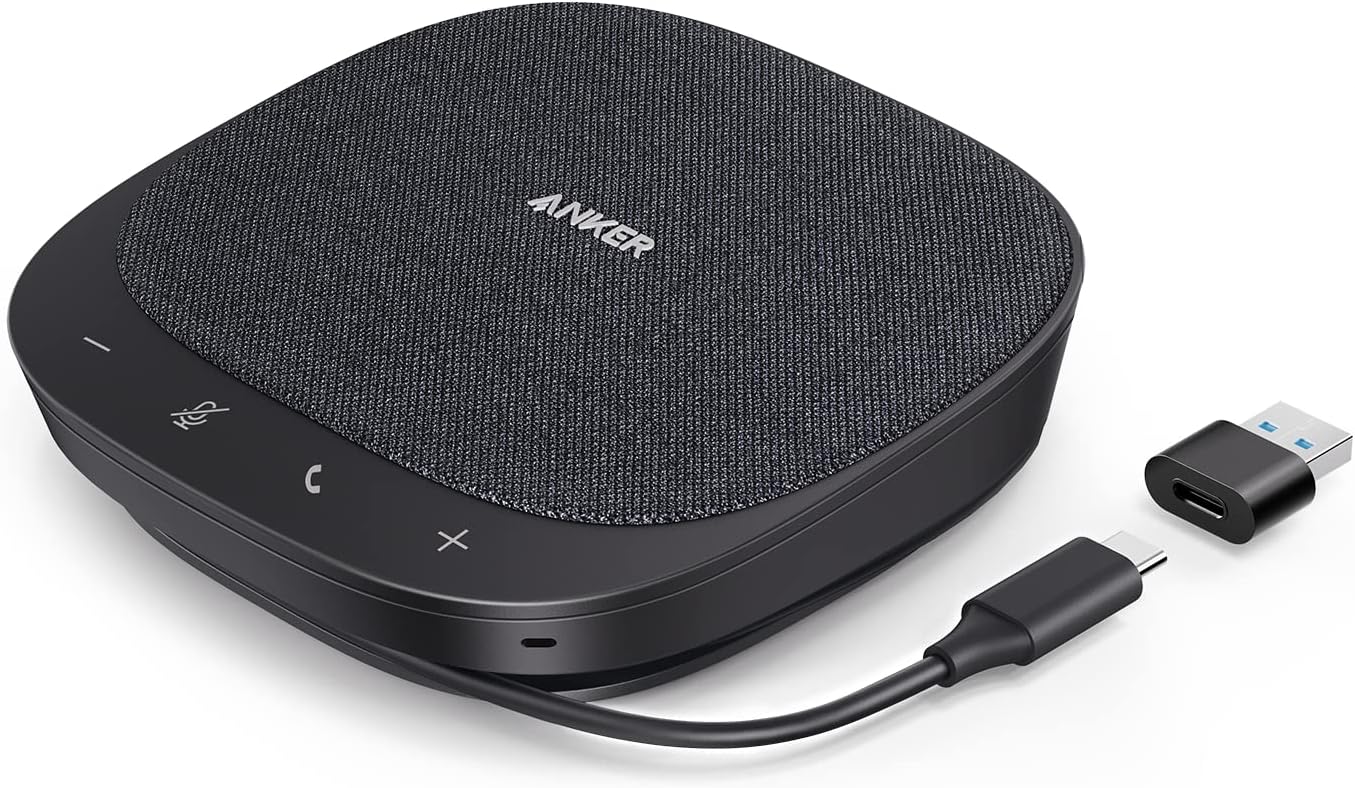
The AI Speakerphone That Fixes Bad Meeting Audio
If your laptop mic makes every call sound like it’s coming from inside a tin can, this is the single highest-impact desk upgrade on this list — and at $99.99, one of the cheapest. The Anker PowerConf S330 uses four high-sensitivity microphones with 360° pickup and real-time AI noise suppression that strips out keyboard clatter, dogs barking, and room echo while it isolates and boosts your voice. It’s USB-C plug-and-play (a USB-A adapter is included), so there’s no app to configure and no driver hunt. It also doubles as a small full-range speaker — a 1.75-inch driver plus two passive bass radiators — so it’s not purely a one-trick meeting accessory; plenty of buyers use it as a desk speaker for music between calls.
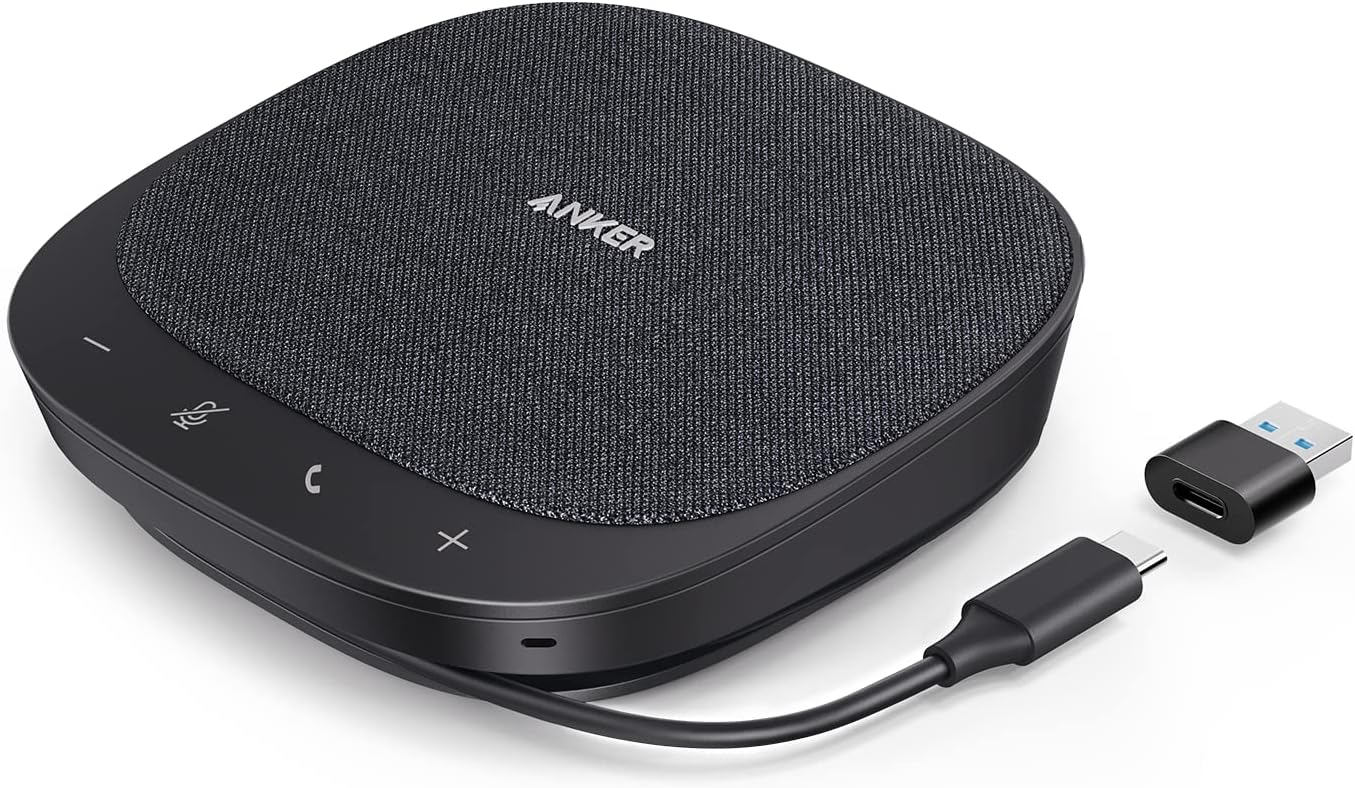
The honest limit: it’s audio-only. If your video call quality is also a problem, this doesn’t touch that — it’s solving the “why does everyone keep asking me to repeat myself” problem specifically, not a general video-call upgrade.
Anker PowerConf S330 — $99.99 · 4.4/5 (1,829 reviews)
The Smart Light Bar That Reads the Room
Desk lamps have existed forever; what’s new is a light bar that actually pays attention to what it’s lighting. The BenQ ScreenBar Halo 2 clips onto your monitor and uses a motion and ambient-light sensor to continuously adjust brightness and color temperature (2700K to 6500K) based on the room around it — no manual dial-turning every time the sun moves or you switch from daylight to a desk lamp at 9pm. It auto-powers on and off with your monitor and remembers your preferred settings via a wireless dial controller, so switching between a “focus” brightness and a dimmer evening mode takes one twist, not a trip through a settings menu.
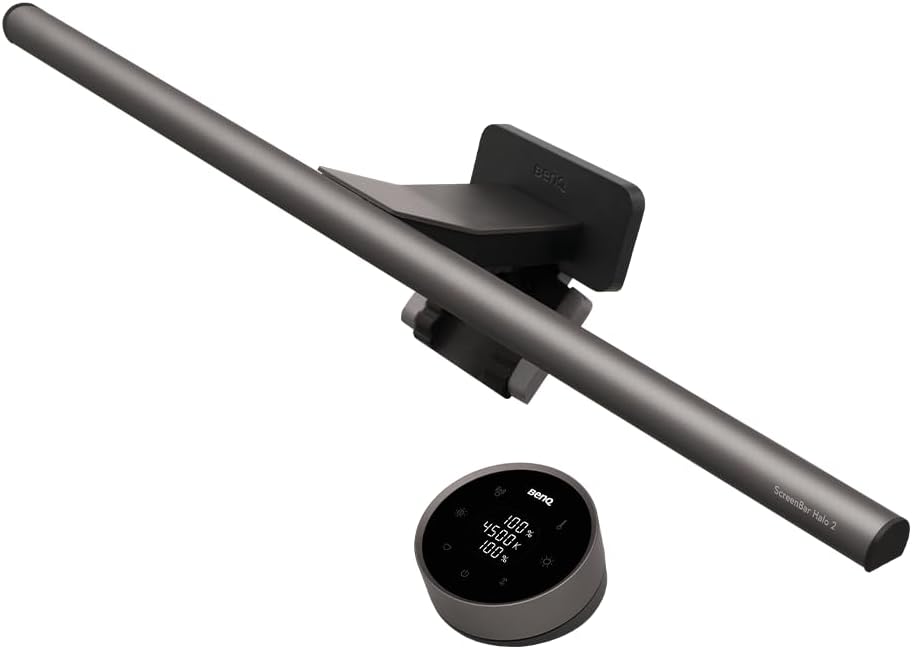
The actual productivity payoff here isn’t glamorous — it’s fewer headaches and less afternoon eye fatigue from screen glare, which is a real and measurable friction if you’re at a monitor for 8+ hours. At $199, it’s the priciest item on this list, reflecting BenQ’s premium eye-care positioning versus a generic desk lamp — see BenQ’s own eye-care research page if you want the technical case for auto-adjusting light.
BenQ ScreenBar Halo 2 — $199.00 · 4.7/5 (1,072 reviews)
The AI Note-Taker That Skips the Typing
Most “AI productivity” guides skip this category entirely, which is odd because it solves one of the most universal desk frictions: taking notes in a meeting while also trying to actually participate in it. Wearable AI recorders like the Plaud NotePin S — worn as a pin, clip, lanyard, or wristband — passively record conversations and generate structured summaries and action items afterward, transcribing in 112 languages, with 64GB of onboard storage.
We’re not linking a Check Price button for this one, and that’s intentional — the honest catch with this entire category (Plaud included, along with competitors like Limitless and Otter’s hardware) is that free tiers cap monthly transcription minutes hard, and the useful part of the product lives behind a subscription on top of a $179 device. It’s a genuinely useful gadget for the right person, but budget for the subscription before you budget for the hardware.
What “AI-Powered” Actually Means on These Gadgets
Pro tip: when a desk gadget calls itself “AI-powered” in 2026, read that as “assisted,” not “hands-off.” Across all three categories here, the most common user complaint isn’t that the AI is wrong — it’s calibration friction. The ScreenBar’s auto mode can misjudge brightness in mixed lighting (a window plus a lamp) and need a manual override. AI noise suppression on speakerphones can occasionally clip a soft voice along with the background noise. None of that makes these gadgets bad; it just means the honest framing is “removes most of the friction, most of the time,” not “solves it completely and never needs your input again.” Go in with that expectation and you won’t be disappointed by the 5% of cases where you still have to nudge a setting.
These gadgets are also part of a broader shift — sensor and on-device ML chips that used to be prosumer-only pricing have dropped into the sub-$200 mainstream over the last 12-18 months, the same trend that’s made webcams and smart lighting cheaper across the board. If a better camera is next on your list, our best webcams for streaming and video calls guide picks the ones worth pairing with a setup like this.
None of this matters much if your desk itself is a mess of cables fighting for space — if that’s the actual bottleneck, our guide to hiding cables under your desk is a faster fix than any gadget on this page. And if you’re still working from a laptop propped on books, a proper standing setup tends to beat any single accessory here — see our best standing desk converters under $200 comparison.
Frequently Asked Questions
Do AI desk gadgets actually improve productivity, or is it marketing?
It depends on whether the gadget removes a friction you actually have. An AI speakerphone genuinely helps if your calls sound bad today. A smart light bar genuinely helps if you get afternoon eye fatigue. None of them will fix a workflow or time-management problem — that’s not what they’re built for.
Do I need a subscription for these to work?
The Anker PowerConf S330 and BenQ ScreenBar Halo 2 work fully standalone, no subscription. AI transcription wearables like the Plaud NotePin are the exception — the hardware works out of the box, but full transcription volume typically requires a paid tier.
Will an AI light bar actually reduce eye strain?
Reduced glare and consistent brightness genuinely help with fatigue over long sessions, though results vary by person and existing room lighting. It’s a real mechanism, not a placebo claim — but it won’t fix eye strain caused by other factors like screen distance or uncorrected vision.
The pattern across all three: these are narrow-purpose tools, not a productivity overhaul. Buy the one that matches a friction you actually have today, not the one with the most convincing demo video.
Leave a Reply