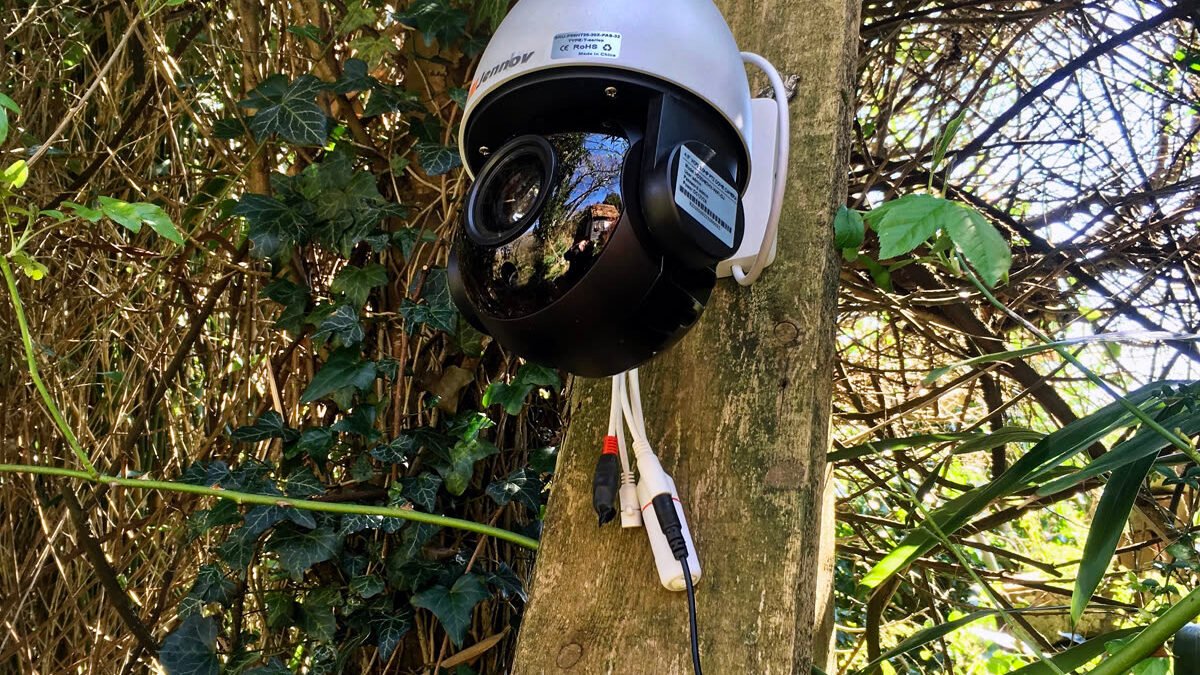
Security cameras get marketed on the hardware price, and the real cost shows up three months later on a credit card statement. A $60 camera that requires $8/month for cloud storage costs $156 in year one — more than double the sticker price — and if you skip the plan, most cheap cameras stop recording anything useful at all. The good news: a real subscription-free category exists in 2026, with local storage options that genuinely work. The catch is knowing what “no subscription” actually means before you buy, because some brands use the phrase loosely.
This guide breaks down exactly what to check — where your footage actually lives, what AI features you lose without a cloud plan, and which tradeoffs are worth making — so you can buy once and never see a recurring camera bill.
Why “Subscription-Free” Doesn’t Always Mean What It Sounds Like
Plenty of cameras advertise “no subscription required” while quietly gating the features you actually want behind a paid tier. The pattern to watch for: basic motion alerts and live view are free, but person detection, package detection, and more than a few hours of clip history require a monthly plan. That’s not the same as genuine subscription-free operation — it’s a free trial with extra steps.
Truly subscription-free brands build local storage and on-device processing into the base price instead of treating them as premium add-ons. Reolink and Eufy are the two names that consistently show up in independent testing for this: both record locally by default (microSD card or a home hub) with zero required monthly plan, and — critically — both run AI-based person and vehicle detection on the camera itself rather than routing footage through the cloud to work.
Local Storage: SD Card vs. Hub vs. NVR
There are three ways subscription-free cameras store footage, and the right one depends on how many cameras you’re running:
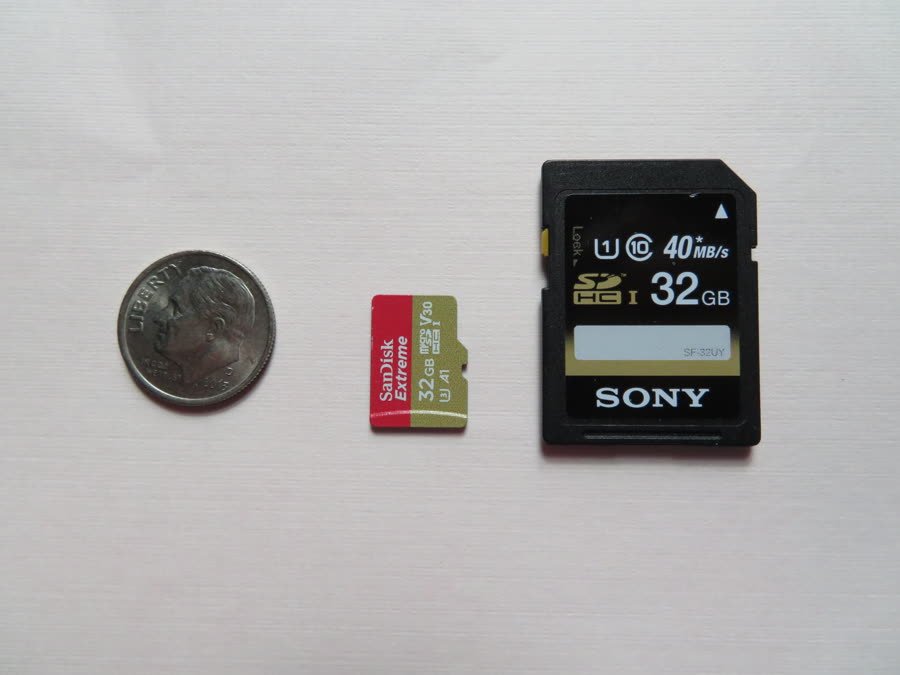
MicroSD card, in-camera: Simplest option, works for a single camera. Cards fill up and get overwritten in a loop (usually 1-2 weeks of footage depending on card size and video quality), and if someone steals the camera, they take the recording with it.
Home hub / base station: Eufy’s approach — a HomeBase unit stores footage from multiple cameras locally, with far more capacity than any single SD card (Eufy’s HomeBase 3 ships with 16GB, expandable to 16TB). Footage stays in your house, not on the camera itself, which solves the “stolen camera” problem.
NVR (network video recorder): The setup serious multi-camera systems use — Reolink’s NVR kits are the common example — a dedicated local server that all cameras feed into. More setup, but scales cleanly to 8+ cameras without per-camera storage limits.
For most homes, a hub-based system is the sweet spot: better capacity and theft-resistance than a bare SD card, without the complexity of a full NVR install.
On-Device AI vs. Cloud AI: What You’re Actually Giving Up
The biggest historical argument for a subscription was smarter detection — telling a person apart from a moving tree branch or a passing car used to require cloud processing power a $60 camera didn’t have. That’s changed. Current-generation subscription-free cameras from Reolink and Eufy run person, vehicle, and pet detection directly on the camera’s own chip, which is exactly what used to require a monthly cloud plan on older camera generations.
What you still typically give up without a subscription: facial recognition that tells you which specific person was detected (not just “a person”), long-range clip history searchable by keyword, and cross-camera event timelines that stitch footage from multiple cameras into one story. For most households, that’s a reasonable trade — you still get an alert the moment someone’s at the door, you just review the clip yourself instead of a smart system summarizing it for you.
Pro Tip: Check the Fine Print on “Free Cloud Backup”
Some brands offer a free rolling cloud backup — usually capped at a short window like 24-72 hours — as a genuine bonus, not a bait-and-switch. That’s worth having as a backup layer even on a local-first system: if a camera is stolen or a hub fails, a few days of free cloud history means you’re not left with nothing. Just confirm the free tier’s window explicitly before buying — some listings bury it in a support FAQ rather than the product page, and it varies by model even within the same brand.
Local storage matters just as much for a completely different device category — our dash cam buying guide covers the same storage-loop tradeoffs, since dash cams face the identical microSD-vs-cloud decision.
DecodeGear is reader-supported. We may earn a commission if you buy through the Amazon link below, at no extra cost to you.
If you want to compare current models side by side, our security camera roundup covers both subscription and subscription-free picks across budgets — useful if you haven’t ruled out a cloud plan entirely. Already decided you want a subscription-free doorbell instead of a standalone camera? our video doorbell picks flag which models skip the recurring fee. And if you’d rather browse current subscription-free models directly, this Amazon search for no-subscription security cameras is a reasonable starting point.
Whatever you choose, securing the camera itself against hackers matters more with local storage, not less — a subscription-free camera still needs a strong Wi-Fi password and firmware updates, since there’s no cloud provider patching vulnerabilities on your behalf.
Frequently Asked Questions
Are subscription-free security cameras actually reliable?
Yes — Reolink and Eufy both run full AI-based detection on-device and have years of independent testing behind their local-storage systems. The main limitation is history length and multi-camera search features, not core reliability.
What happens if the camera or SD card is stolen?
With an in-camera SD card, the footage goes with it. A hub-based system like Eufy’s HomeBase keeps storage inside your house, separate from the camera, which avoids this specific failure mode.
Do I need a subscription for person detection?
Not with current-generation subscription-free cameras — on-device AI handles person, vehicle, and pet detection without a cloud plan. Older camera generations often required a subscription for this exact feature, which is where the assumption that you need one comes from.
Is local storage less secure than cloud storage?
It shifts the risk rather than eliminating it — cloud storage is vulnerable to provider breaches, local storage is vulnerable to physical theft or hardware failure. A hub-based system with a short free cloud-backup window offers a reasonable middle ground.
Conclusion
The real question isn’t “subscription or no subscription” — it’s where your footage lives and who controls access to it. A genuinely subscription-free camera puts both answers in your hands: local storage you own, and detection that runs without phoning home. Check the storage method and the AI feature list before you buy, not after the free trial ends.
Leave a Reply