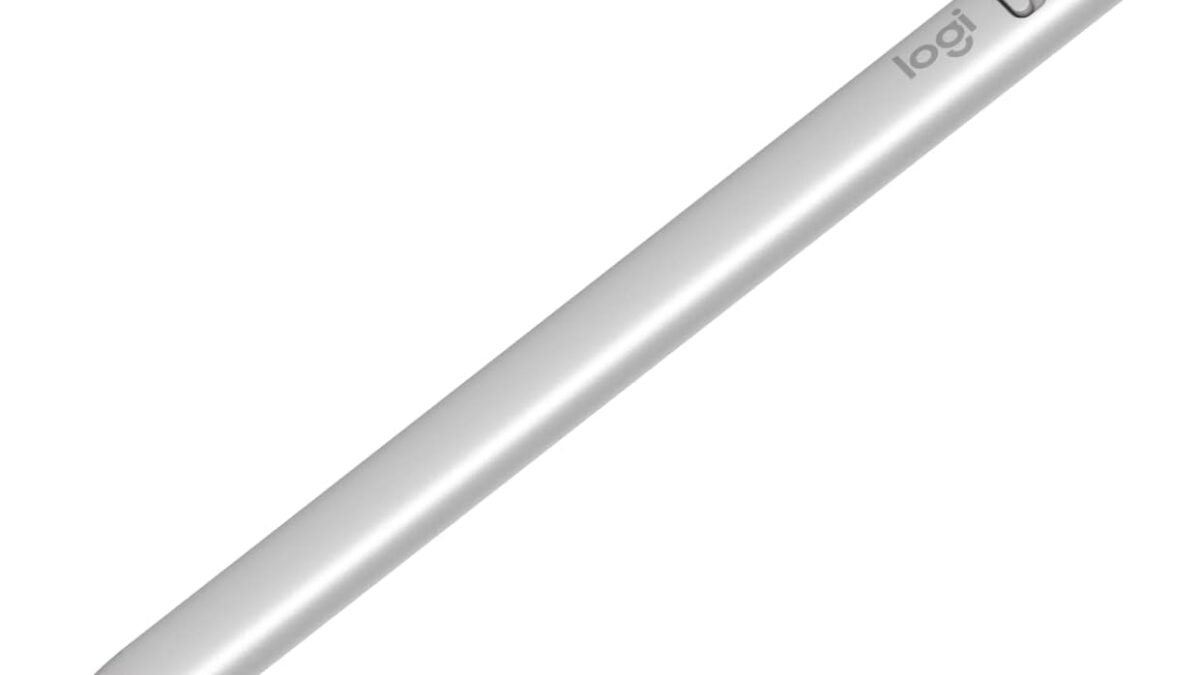
Apple Pencil Pro
$99- Pressure and tilt sensitivity for real shading control
- Hover preview and squeeze gesture speed up creative workflows
- Magnetic charging means it's always ready
- Only compatible with M-series iPad Pro and Air
- $99 is expensive for a stylus
- No major upgrade over USB-C model for pure note-taking
Bottom line: The Apple Pencil Pro is the best iPad stylus overall for anyone whose iPad supports it, but the Metapen Pencil A8 is the smarter buy if budget matters more than pressure sensitivity.
Your iPad can already do almost everything a $2,000 laptop can — except take handwritten notes or sketch a real drawing without a stylus. The problem is Apple’s own Pencil lineup is confusing (Pro? USB-C? which iPad even supports which one?) and the third-party market is flooded with cheap knockoffs that lag half a second behind your hand. We compared five current options across the full price range — from a $16 budget pick to Apple’s $99 flagship — to find out which one is actually worth buying in 2026.
Disclosure: decodegear.com is a participant in the Amazon Associates program. If you buy through links in this article, we may earn a commission at no extra cost to you.
Our Top Pick: Apple Pencil Pro
Pressure sensitivity, tilt, hover, and the squeeze gesture make it the only stylus here that feels like a true creative tool rather than a plastic pointer — if your iPad supports it.
Score: 9.2/10 | Price: $99
| Stylus | Price | Rating | Best for |
|---|---|---|---|
| Apple Pencil Pro | $99 | 4.6★ (9,695) | Overall / creative work |
| Apple Pencil (USB-C) | $71 | 4.6★ (11,506) | Note-taking, base iPads |
| Metapen Pencil A8 | $26.99–$29.99 | 4.5★ (57,086) | Best budget overall |
| Logitech Crayon (USB-C) | $43.99 | 4.5★ (856) | Durability / schools |
| JAMJAKE Stylus | $15.99 | 4.5★ (4,332) | Ultra-budget |
How We Compared These Picks
DecodeGear does not physically test the products it covers. This roundup is built from manufacturer-published specs, live retail pricing and star ratings pulled the week of publication, aggregated verified-buyer feedback across each listing, and independent reviewers’ findings where they are cited by name. Where a brand makes a performance claim (battery life, wattage, range), we note it as the manufacturer’s figure.
1. Apple Pencil Pro — Best Overall (~$99)
Quick verdict: The only stylus here with pressure sensitivity, tilt, hover, barrel roll, and the squeeze gesture for switching tools. If your iPad supports it, nothing else here competes.
The Pencil Pro is Apple’s current flagship input device, and it’s the only one on this list built for serious digital art rather than just note-taking. Squeeze the barrel to open a tool palette, roll it between your fingers to rotate a brush, or hover it above the screen to preview a stroke before it lands — none of the third-party options replicate any of that. The catch is compatibility: it only works with iPad Pro (M4 or later) and iPad Air (M2 or later). If you own an older or base-model iPad, skip straight to the USB-C Pencil below.

Specs: Magnetic charging/pairing, pressure + tilt sensitivity, hover preview, squeeze gesture, aluminum body, 0.68 oz.
Pros: Pressure and tilt sensitivity for real shading; hover preview; squeeze gesture for quick tool switching; magnetic charge means you’ll never lose it.
Cons: $99 is a lot for a stylus; only works with M-series iPad Pro and Air, not base iPads.
2. Apple Pencil (USB-C) — Best for Note-Taking (~$71)
Quick verdict: All the pixel-precise accuracy of an Apple Pencil, none of the pressure sensitivity — and it works with iPads the Pro doesn’t, including the base 10th-gen iPad.
This is the Pencil most people actually need. It skips pressure sensitivity and the squeeze gesture, so if you’re an artist who shades with pen pressure, this isn’t your pick — but for note-taking, marking up PDFs, signing documents, and general iPad use, the accuracy is identical to the Pro model. It charges and pairs over USB-C instead of magnetically, which is slightly less elegant but means you can top it up with the same cable as your iPad.

Specs: USB-C charging and pairing, tilt sensitivity (no pressure sensitivity), pixel-perfect precision, compatible with base iPad (10th gen) through iPad Pro/Air M-series.
Pros: Wider iPad compatibility than the Pro; same tip accuracy; USB-C charging is simple and universal; $28 cheaper than the Pro.
Cons: No pressure sensitivity — shading in art apps feels flat; no squeeze gesture or hover.
3. Metapen Pencil A8 — Best Budget Overall (~$27-30)
Quick verdict: 57,000+ ratings at 4.5 stars and an Amazon’s Choice badge tell the story — this is the budget stylus most people actually end up buying, and it holds up.
The Metapen A8 is the most-reviewed stylus on this entire list by a wide margin, and the rating holds steady at 4.5 stars across nearly 60,000 buyers. It supports palm rejection, charges to full in about half the time of most budget competitors, and works across an unusually wide range of iPads — 2018 models through current-generation. It won’t fool anyone into thinking it’s a real Apple Pencil (there’s a faint but noticeable lag under fast strokes compared to the Pencil Pro), but for the price, nothing else here matches the combination of features and review volume.
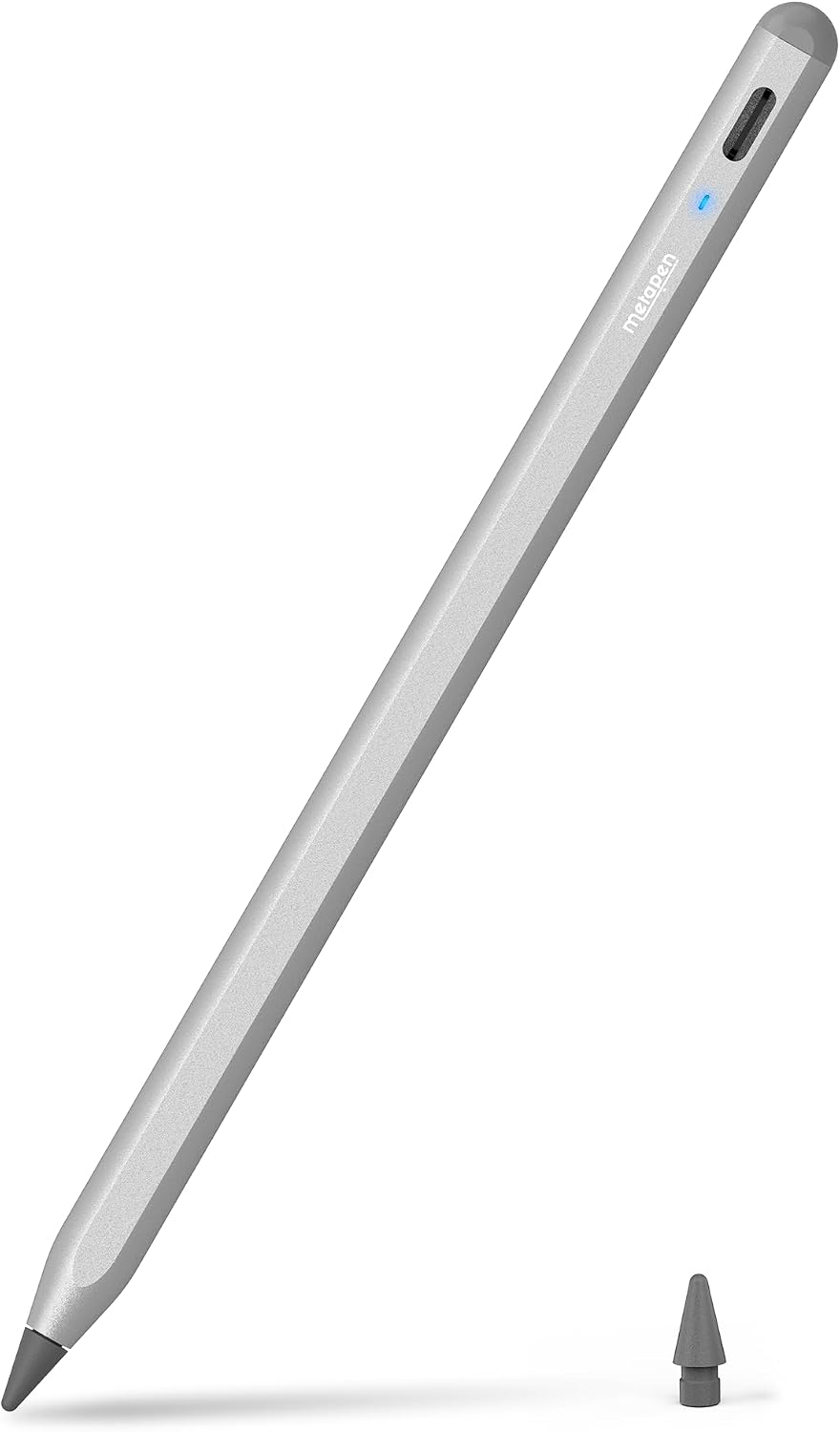
Specs: 2x fast charge (~30 min to full), palm rejection, magnetic attachment, compatible with iPad 6th-11th gen, iPad Pro/Air/mini across multiple generations.
Pros: Exceptional price-to-feature ratio; huge, consistently positive review base; broad iPad compatibility; fast charging.
Cons: Slight input lag versus Apple’s own Pencils; no pressure sensitivity; third-party build quality won’t match Apple’s.
4. Logitech Crayon (USB-C) — Best for Durability and Schools (~$44)
Quick verdict: Built like it expects to be dropped, because it usually is — the Crayon is the stylus school IT departments actually recommend.
Logitech built the Crayon for classrooms first, which shows in the details a student (or a clumsy adult) actually needs: an anti-roll flat edge so it doesn’t slide off a desk, a chunkier body that’s harder to lose or snap, and Apple Pencil-adjacent tech under the hood for reasonably accurate input. It’s not as precise as either Apple option, but it’s the toughest stylus in this roundup by a clear margin, and Logitech backs it with real accessory-brand support rather than an anonymous storefront.
Specs: USB-C charging, ~7 hours battery life, anti-roll design, aluminum body, compatible with USB-C iPads.
Pros: Genuinely durable build; anti-roll shape prevents desk-edge disasters; reputable brand with real support; frequently discounted well below list price.
Cons: Less precise than Apple’s own Pencils; only ~7 hours of battery versus all-day use on the Pro; smallest review base of the group.
5. JAMJAKE Stylus — Best Ultra-Budget (~$16)
Quick verdict: If you just need something to tap and scribble with occasionally, $16 gets palm rejection and tilt sensitivity that would have been unthinkable at this price a few years ago.
The JAMJAKE is the entry point for anyone who wants a real stylus without spending real money. At $15.99 it undercuts even the Metapen by nearly half, and it still manages palm rejection and tilt sensitivity — features that used to be exclusive to $50+ styluses. The trade-off is charge speed reliability and build materials that feel exactly as budget as the price suggests. For a kid’s iPad, a secondary device, or someone who just wants to test whether they’ll actually use a stylus before spending more, it’s a reasonable bet.
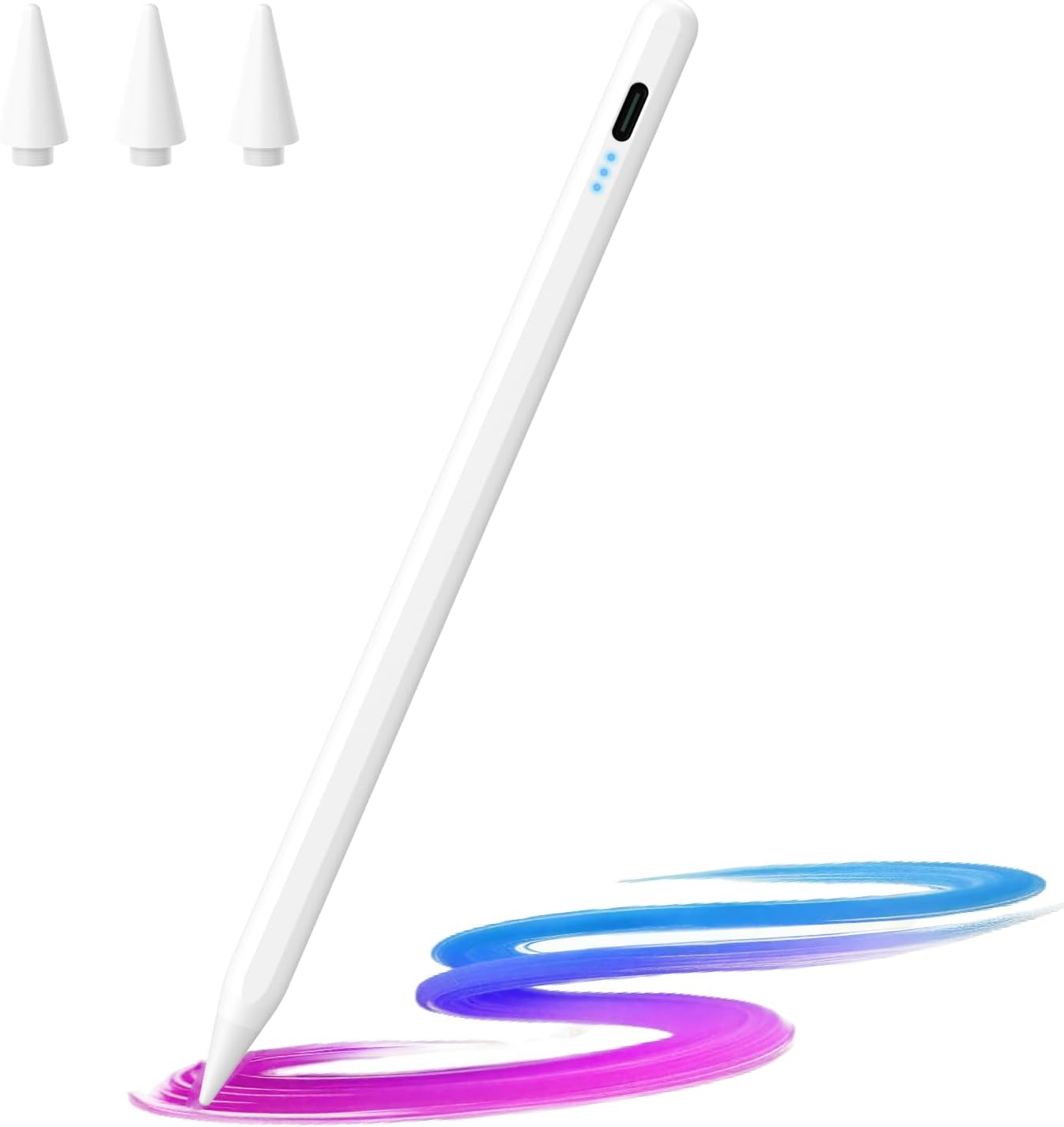
Specs: 10-minute fast charge, tilt sensitivity, palm rejection, compatible with iPad 6th-11th gen and iPad Air/mini/Pro across several generations.
Pros: Lowest price in this roundup by far; still includes palm rejection and tilt sensitivity; Amazon’s Choice with a solid 4.5-star average.
Cons: Plasticky feel; charge port door feels flimsy over time; not built for daily heavy use.
Which one should you buy?
If you own an iPad Pro or iPad Air with an M-series chip and do any drawing, illustration, or note-taking where shading matters, the Apple Pencil Pro is worth the $99 — nothing else here replicates pressure sensitivity or the squeeze gesture. If you own a base iPad or just need accurate handwriting and markup without the art-tool extras, the Apple Pencil (USB-C) saves you $28 with barely any real-world downside for that use case.
If budget is the priority and you’re not picky about brand, the Metapen Pencil A8 is the one to buy — the review volume alone (57,000+ ratings) makes it the safest third-party bet on this list. Buying for a student or someone rough on their gear? The Logitech Crayon‘s durability focus is worth the extra cost over the Metapen. And if you just want to try a stylus before committing to spending more, the JAMJAKE gets the job done for under $16.
If you’re also shopping for the tablet itself, our roundup of the best tablets under $300 covers budget-friendly options that pair well with the cheaper styluses on this list, and if you split time between an iPad and a laptop on the road, our guide to choosing a portable monitor for travel is worth a look too.
Frequently Asked Questions
Does the Apple Pencil Pro work with every iPad?
No — it only works with iPad Pro (M4 and later) and iPad Air (M2 and later). If you have an older or base-model iPad, use the Apple Pencil (USB-C) instead, which has much wider compatibility.
Are third-party styluses like Metapen or JAMJAKE safe to use with my iPad?
Yes — both connect over Bluetooth or magnetic pairing the same way Apple’s do, and neither requires jailbreaking or invasive software. The tradeoff is precision and finish quality, not safety.
Do I need pressure sensitivity if I’m not an artist?
No. Pressure sensitivity mainly matters for shading and line-weight variation in drawing apps. If you’re mostly taking notes, marking up documents, or signing forms, tilt sensitivity and palm rejection (which every stylus on this list has) matter far more.
What’s the actual difference between the Apple Pencil Pro and the USB-C model?
The Pro adds pressure sensitivity, hover preview, barrel roll, and the squeeze gesture for switching tools — none of which the USB-C model has. Both have identical pixel-precise tip accuracy for writing and drawing lines.
Leave a Reply