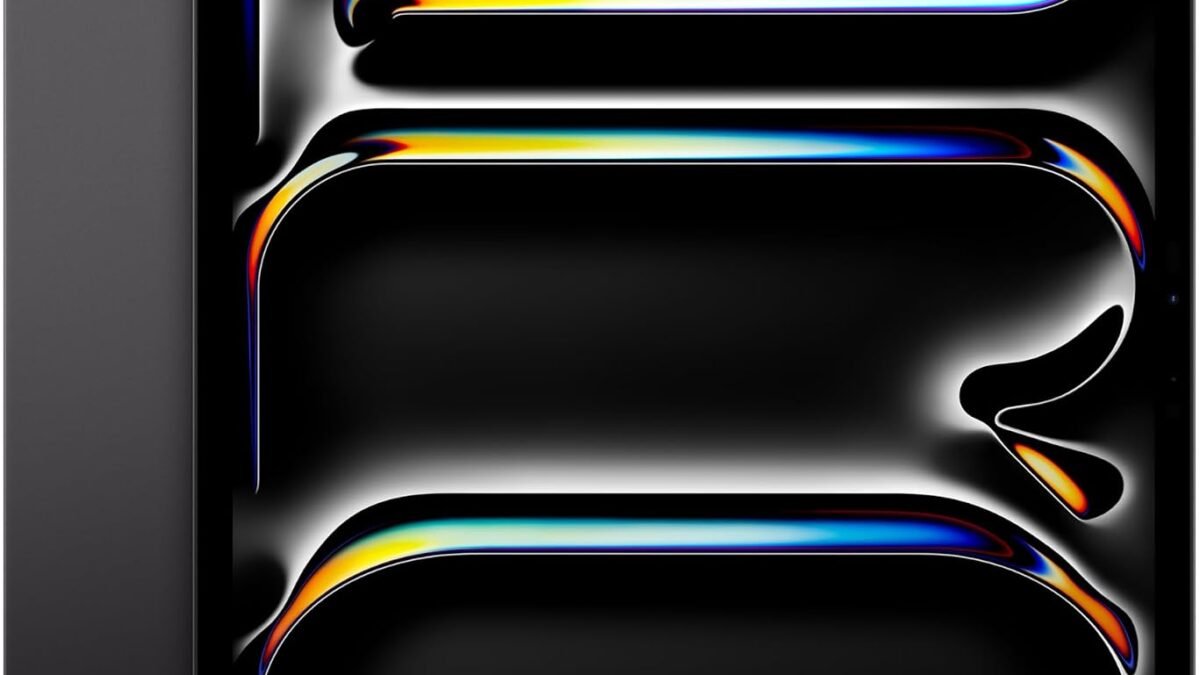
Apple iPad Pro 13" (M4)
$1,104.82- Best-in-class display and sustained performance
- Long software support across the lineup (Apple and Samsung both)
- A genuinely good budget option exists under $200
- Premium picks cost as much as a laptop
- Fire OS locks the Fire HD 10 out of the full Google Play Store
- Mid-range Android options trail iPadOS in app optimization
Bottom line: The iPad Pro 13" M4 is the best tablet money can buy in 2026, but the Galaxy Tab A9+ or Fire HD 10 make more sense for most people's budgets and needs.
Most people don’t need the tablet they think they need. They need the one that matches how they actually use it — reading in bed, taking notes in class, editing photos on a plane, or handing a kid something sturdier than a phone. We compared five tablets that cover that entire range, from a $154 Fire HD to a $1,100 iPad Pro, using verified specs, live Amazon pricing, and aggregated buyer ratings.
Disclosure: DecodeGear may earn a commission from qualifying purchases made through the Amazon links in this article, at no extra cost to you.
Quick Verdict: Best Tablets 2026
| Tablet | Best For | Price | Rating |
|---|---|---|---|
| iPad Pro 13″ (M4) | Overall / creative work | $1,104.82 | 4.8★ |
| Galaxy Tab S10 FE | Android power users | $669.00 | 4.0★ |
| OnePlus Pad Go 2 | Mid-range value | $399.00 | 4.0★ |
| Amazon Fire HD 10 | Budget / media consumption | $154.99 | 4.5★ |
| Galaxy Tab A9+ | Cheap full Android tablet | $189.99 | 4.0★ |
Our pick: the iPad Pro 13″ M4 for anyone who can afford it — the display and chip are still ahead of anything Android ships in 2026. For most readers, the Galaxy Tab A9+ is the one that actually makes sense.
1. Apple iPad Pro 13″ (M4) — Best Overall (~$1,105)
Quick take: the most capable tablet you can buy, full stop — but priced like a laptop.
Apple’s M4 chip is the reason this tablet still leads two years after launch — nothing in an Android tablet touches its sustained performance in video editing or multi-app multitasking. The 13-inch Ultra Retina XDR display is the best screen ever put in a tablet, with real HDR brightness for photo and video work, and the LiDAR scanner and 12MP front/back cameras make it a legitimate scanning and video-call tool, not just a media player.
Specs: Apple M4 chip · 13-inch Ultra Retina XDR (2752×2064) · 256GB storage · 12MP front & back cameras · LiDAR scanner · Wi-Fi 6E · Face ID · all-day battery
Pros: class-leading display and performance, excellent build quality, long software support window.
Cons: $1,100+ before you add a keyboard or Apple Pencil; overkill if you mostly browse and stream.
2. Samsung Galaxy Tab S10 FE — Best Android Tablet (~$669)
Quick take: the Android tablet to get if you want an S Pen and long-term software support without paying Ultra prices.
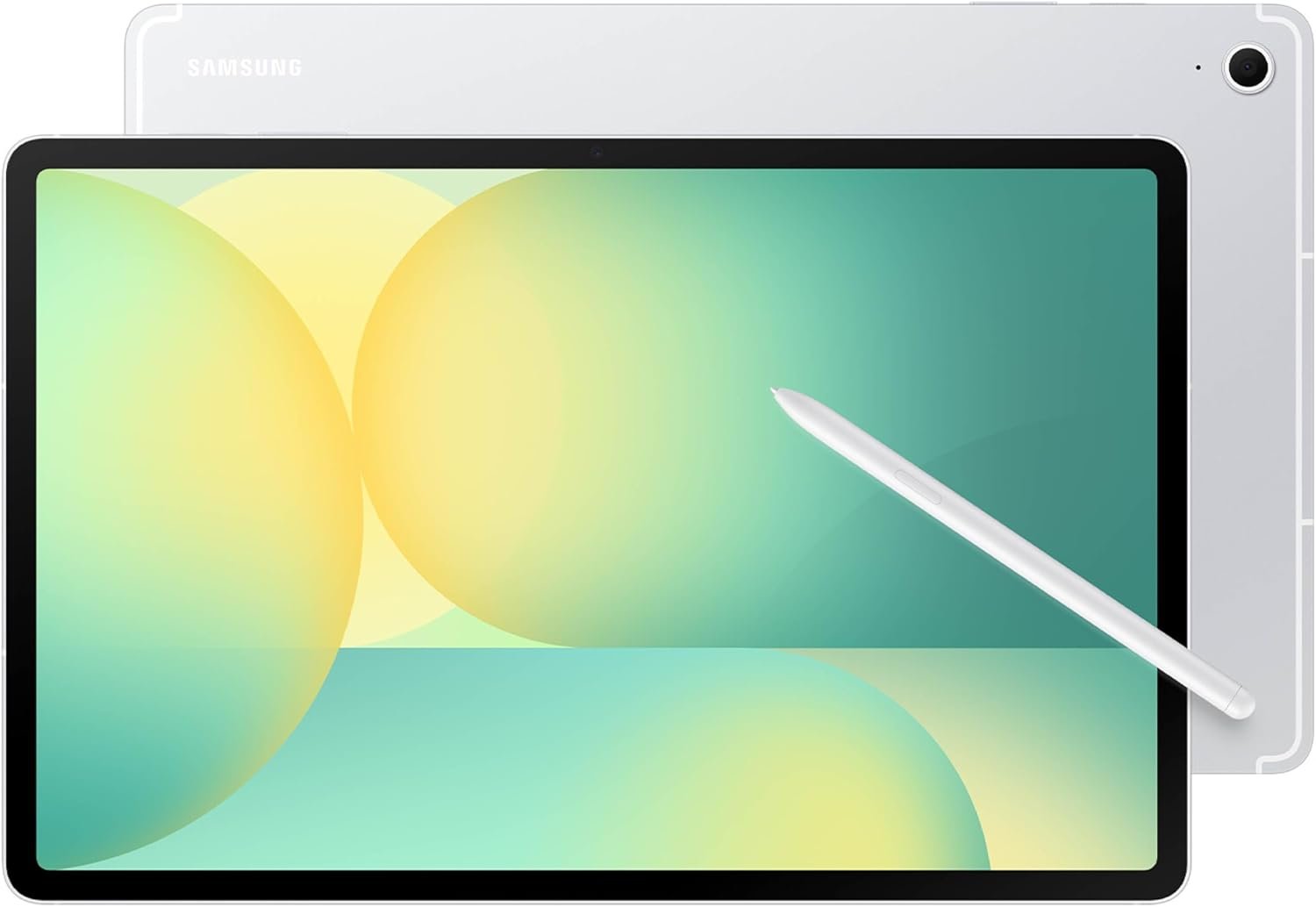
Samsung’s Exynos 1580 won’t win benchmark charts against the M4, but it’s plenty for note-taking, streaming, and split-screen productivity — and Samsung backing it with seven years of OS and security updates is a bigger deal than the spec sheet suggests. IP68 water resistance and a bundled S Pen for handwritten notes make this the tablet we’d actually recommend to a student choosing Android over iPadOS.
Specs: Exynos 1580 · large display, 90Hz refresh · 256GB storage · IP68 water resistance · S Pen included · long battery life
Pros: S Pen included, seven years of updates promised, durable build.
Cons: performance gap vs. the iPad Pro under heavy multitasking; software polish is a step behind iPadOS for creative apps.
3. OnePlus Pad Go 2 — Best Mid-Range Value (~$399)
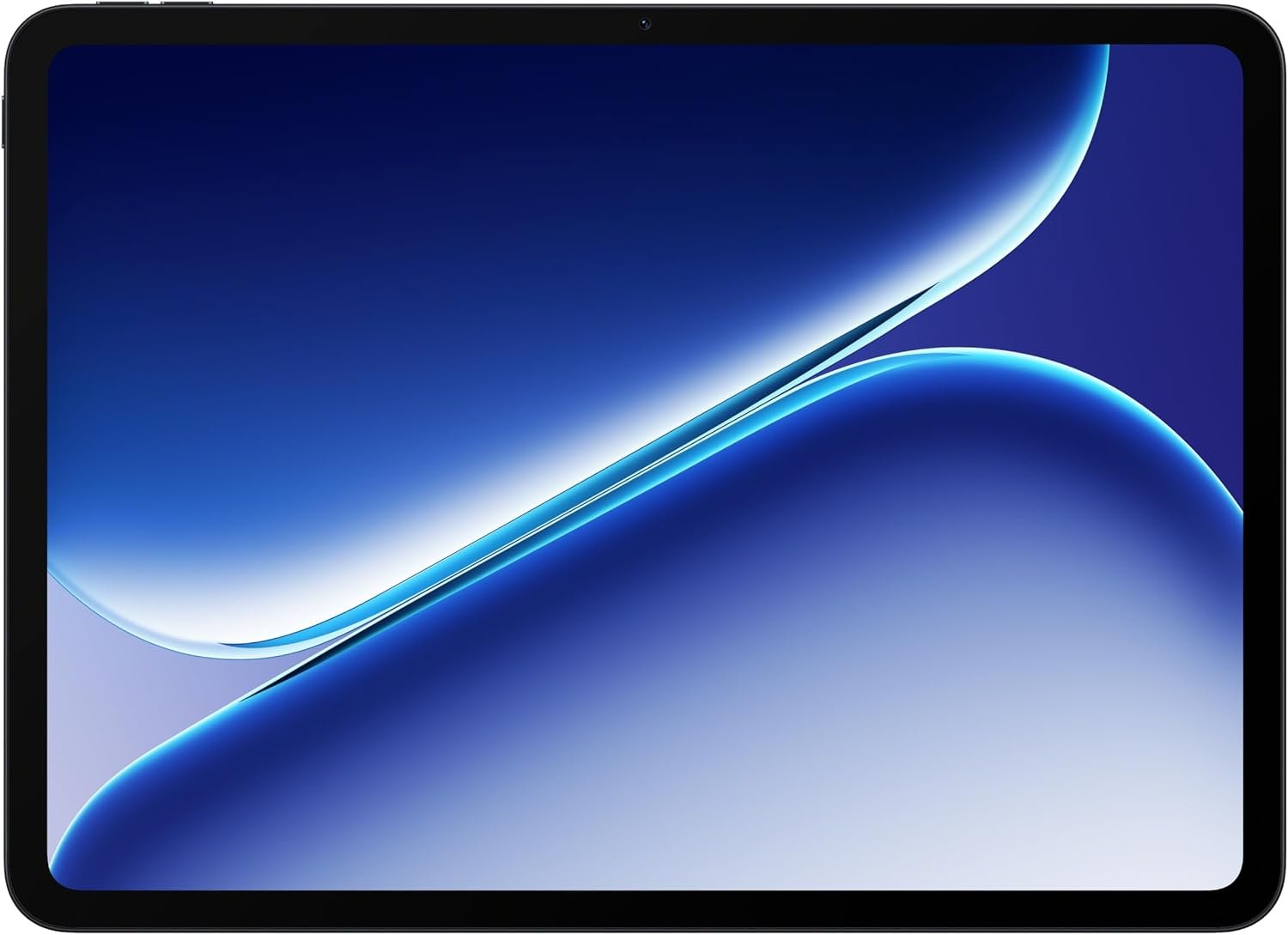
This is the tablet for someone who wants an iPad-adjacent experience without spending iPad money. OnePlus’s Open Canvas multitasking software is genuinely useful for splitting windows, and the 128GB/8GB RAM configuration handles browsing, streaming, and light editing without stutter. It won’t replace a laptop, but it’s the most complete package under $400 in this lineup.
Specs: 128GB storage, 8GB RAM · Open Canvas multitasking UI · Wi-Fi · balanced battery life for the price tier
Pros: strong value, smooth software, good for students and casual creators.
Cons: smaller app-optimization ecosystem than iPadOS; camera is a clear step down from the premium picks.
4. Amazon Fire HD 10 — Best Budget Pick (~$155)
Quick take: unmatched battery life for the price, if you can live inside Amazon’s ecosystem.
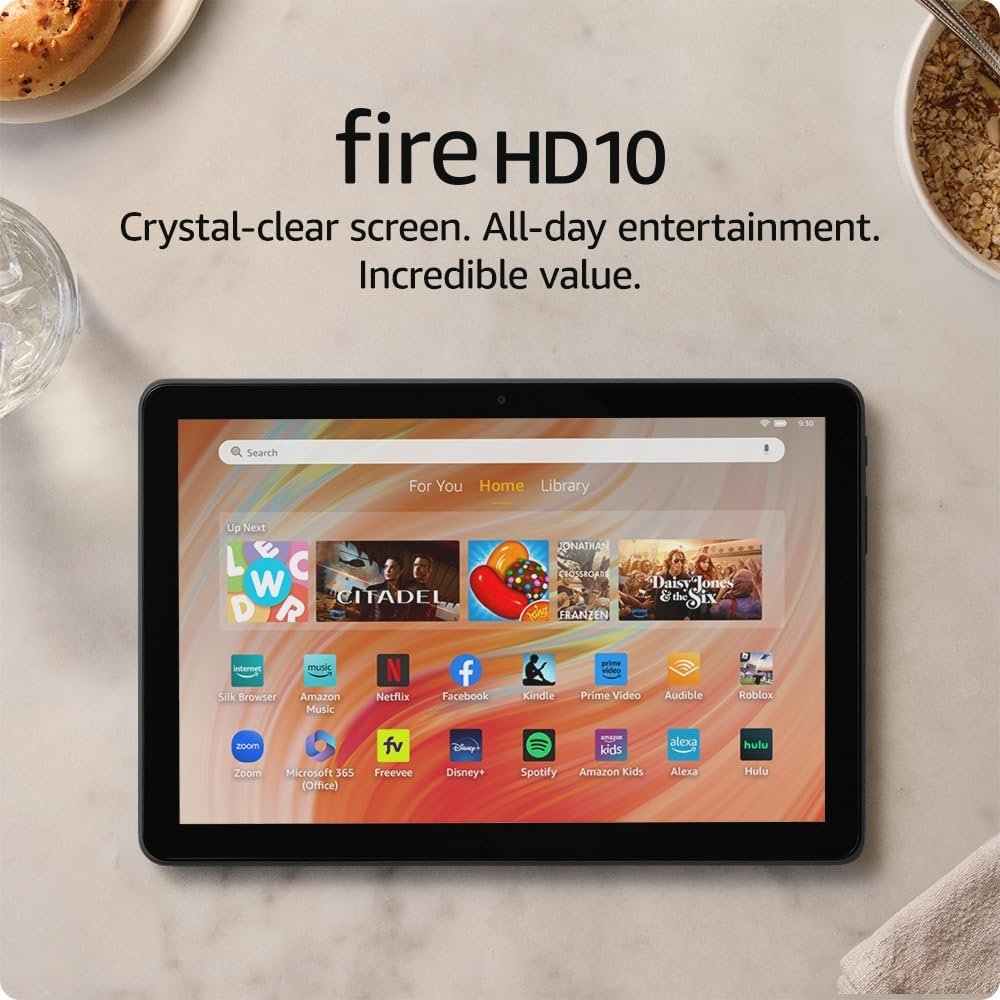
At $154.99, the Fire HD 10 isn’t trying to be a “real” Android tablet — it runs Amazon’s Fire OS, which means the Google Play Store isn’t there out of the box. What it does deliver is a crisp 10.1-inch Full HD screen and battery life that genuinely rivals tablets costing five times as much, which makes it the easy pick for reading, Prime Video binges, or a kid’s first tablet.
Specs: 10.1″ Full HD display · octa-core processor · 4GB RAM · 32GB storage · Fire OS
Pros: excellent battery life, low price, solid screen for the money.
Cons: Fire OS limits app selection; not built for productivity or gaming.
5. Samsung Galaxy Tab A9+ — Best Cheap Android Alternative (~$190)
Quick take: the pick if you want real Android and the Play Store without spending $400+.
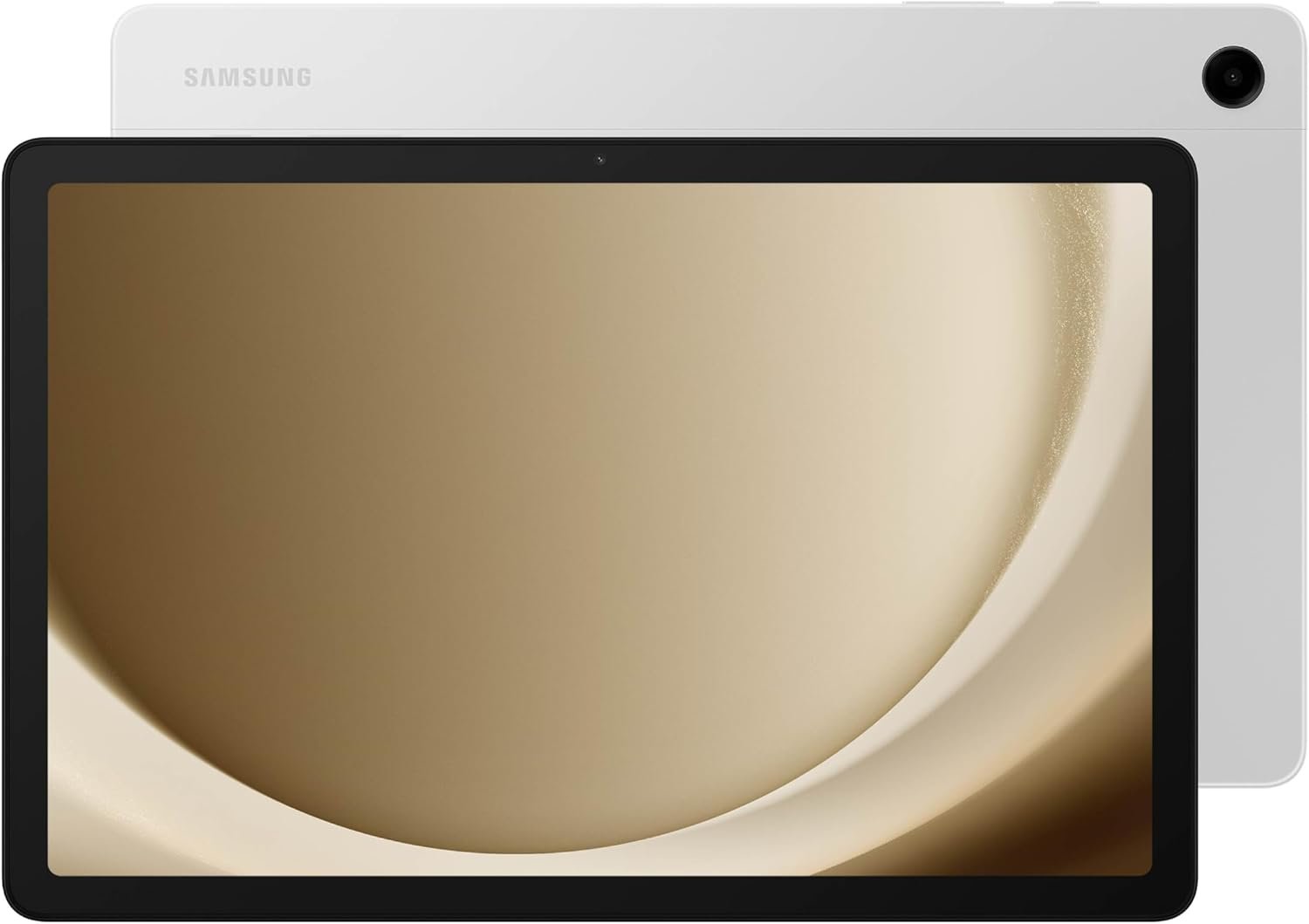
The Tab A9+ trades the Fire HD 10’s polish for full access to Google’s app ecosystem — a real difference if you rely on specific Android apps for work, banking, or school. The 11-inch display and quad speakers make it a comfortable choice for family media use, and the durable, kid-friendly build is a deliberate selling point from Samsung, not an afterthought.
Specs: 11″ display · quad speakers · 64GB storage · full Android with Google Play · slim, light chassis
Pros: full Android app access, sturdy build, great for shared family use.
Cons: mid-tier chipset feels sluggish under multitasking; base storage fills up fast with apps.
Which Tablet Should You Buy?
If you’re a creative professional or you’ll use the tablet as a laptop replacement, the iPad Pro 13″ M4 is worth the premium — nothing else here matches its display or sustained performance. If you want a stylus for notes and don’t mind Android, the Galaxy Tab S10 FE is the most complete package for the money. Students and casual users who want smooth software without premium pricing should look at the OnePlus Pad Go 2. And if the tablet is mainly for reading, streaming, or a first device for a kid, the Fire HD 10 or Galaxy Tab A9+ both do the job for under $200 — pick Fire HD 10 for battery life, Tab A9+ if you need the actual Google Play Store.
Whichever tablet you land on, a stylus makes note-taking and sketching dramatically better than a finger ever will — our best stylus for iPad breakdown covers the options if you’re going the Apple route. And if this tablet is coming with you on trips, it’s worth pairing with something from our best portable power banks for travel picks — none of these five will survive a full day of flight-mode streaming plus a hotel Wi-Fi call on a single charge.
Frequently Asked Questions
Is a $1,100 tablet actually worth it over a $200 one?
Only if you’re doing real creative or productivity work on it — video editing, digital art, or replacing a laptop for travel. For reading, streaming, and browsing, the performance gap simply doesn’t matter, and a $150–$200 tablet will feel just as fast for those tasks.
Do I need cellular data on a tablet?
Most buyers don’t. Wi-Fi-only models are cheaper and cover the vast majority of use cases — cellular mainly matters if you travel a lot without reliable Wi-Fi and don’t want to tether from your phone.
How much storage do I actually need?
64GB is tight if you download shows or games; 128GB is the sweet spot for most people. Creative work with large photo/video libraries benefits from 256GB or more, which is part of why the iPad Pro configuration here uses 256GB.
Is the Fire HD 10 a “real” tablet or a media player in disguise?
It’s honest about what it is: a very good, very affordable media consumption device. If you need the full Google Play Store or plan to run productivity apps, the Galaxy Tab A9+ or OnePlus Pad Go 2 will serve you better for not much more money.
Leave a Reply