OLED Laptops vs Regular Displays: Is the Premium Worth It in 2026?
Every year, laptop manufacturers push OLED screens as the obvious upgrade — the next evolution in display technology that makes everything look better. And honestly? They are not entirely wrong. But “better” is doing a lot of heavy lifting in those marketing slides, and the full picture is considerably more complicated than the spec sheets suggest.
I have spent time with OLED laptops across multiple price brackets, and I want to give you the honest version: what OLED actually delivers, where it falls short, and whether the premium makes sense for you in 2026 specifically. Because the answer is not the same for everyone — and anyone telling you it is probably has a product to sell.
What Makes OLED Fundamentally Different
The core difference between OLED and traditional LCD panels (IPS, TN, VA) comes down to how they produce light. A conventional LCD is essentially a backlight shining through a liquid crystal filter. The backlight is always on — even when displaying pure black, the screen is blocking light rather than producing none. This creates a hard ceiling on contrast ratios, typically around 1,000:1 to 2,000:1 even on good IPS panels.
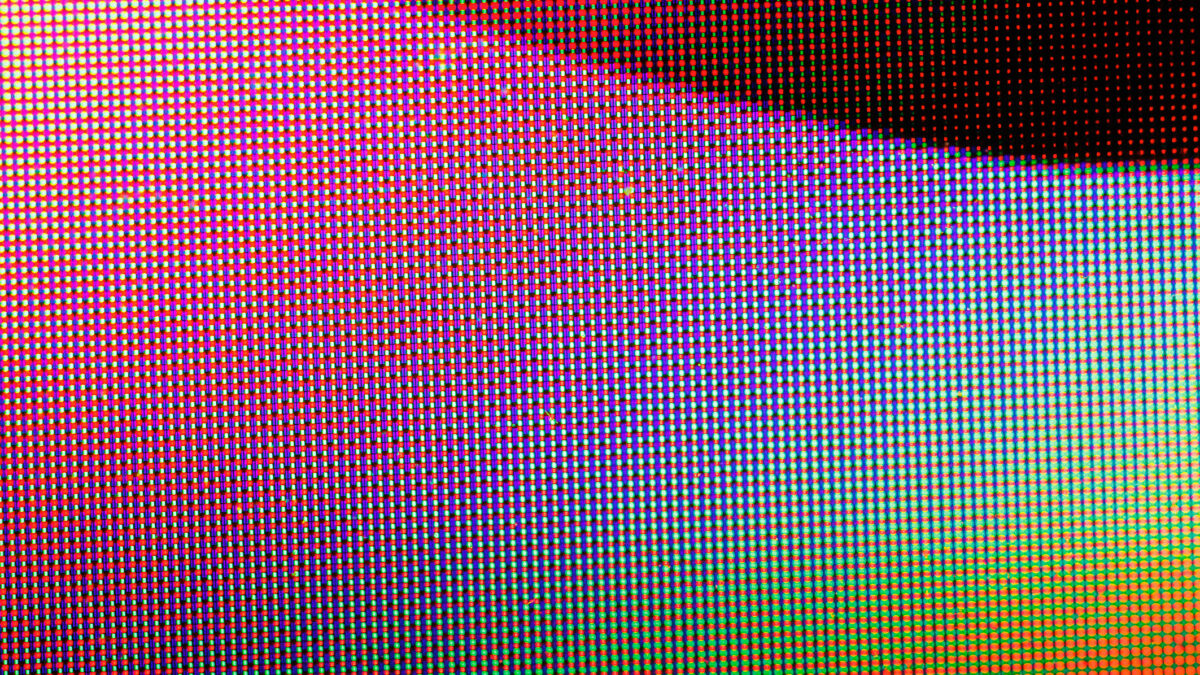
OLED works differently: each pixel generates its own light. When a pixel displays black, it turns off entirely. No light, no glow, no compromise. The result is a theoretically infinite contrast ratio — because you are dividing by zero on the dark end. This is not a marketing abstraction. It is immediately visible to the naked eye, especially in dark room environments where IPS panels produce that telltale gray glow in dark scenes.
Beyond contrast, OLED panels also cover a wider color gamut — typically 100% DCI-P3 versus 70-80% on standard IPS — and respond significantly faster, with pixel response times around 0.1ms compared to 1-5ms on IPS. For video playback and fast-moving content, this translates to sharper motion with less blur.
Understanding these technical differences matters because they explain both why OLED looks so good and why some of its weaknesses exist. The same organic materials that enable per-pixel lighting also degrade over time. That tradeoff is at the center of every real conversation about OLED laptops.
The Genuine Advantages — Where OLED Earns Its Price
Let us be clear: OLED panels genuinely look better in several measurable ways, and for certain users, that difference is significant enough to justify the cost.
Color accuracy for creative work. If you edit photos, grade video, or work with color professionally, the wider DCI-P3 gamut and more consistent color rendering of OLED panels is not a luxury — it is a workflow advantage. Colors that look correct on your OLED screen are more likely to look correct on the televisions, phones, and monitors your audience uses to view your work. IPS panels, even well-calibrated ones, clip or shift saturated colors in ways that OLED simply does not.
Movie and video viewing. The contrast difference between OLED and IPS is most dramatic in dark content. A night scene in a film or a space documentary looks categorically different on OLED — shadow detail is visible because black is actually black, not dark gray. If you watch a lot of video content on your laptop, this is the single biggest quality-of-life difference in display technology available in 2026.
Battery efficiency per lumen. This surprises many people, but OLED can actually be more battery-efficient than IPS for typical mixed content, because dark pixels draw zero power. On a web page with a dark mode theme, or any application with significant dark UI elements, an OLED panel will consume less energy per pixel than an equivalent LCD backlight running at full brightness. The efficiency gains are real, though modest in practice.
For a broader comparison of display technologies and how they stack up, our guide on OLED vs QLED vs Mini-LED covers the full landscape including TV and monitor panels where the same fundamentals apply.
The Real Downsides — What Reviewers Downplay
This is where the honest conversation gets uncomfortable, because OLED weaknesses are real and some reviewers — particularly those who receive review units for a few weeks — are not positioned to observe the most serious one.
Burn-in is not solved, it is mitigated. OLED burn-in occurs when static elements — a taskbar, a browser chrome, a status bar — are displayed in the same position for thousands of hours, causing uneven degradation of the organic materials. The result is a ghost image permanently baked into the panel. On a laptop used eight hours a day for work, you are looking at 2,000+ hours of use per year. That taskbar is in the same position every single day.
Modern panels, including Samsung’s E6 generation and LG’s latest Gen 5, have significantly improved burn-in resistance compared to 2022-era OLED. Panel shifting, automatic dimming of static elements, and improved organic materials have all helped. But “significantly reduced risk” is not “eliminated risk.” If you plan to keep a laptop for four or five years and use it heavily for work, burn-in remains a legitimate concern — not a certainty, but a real possibility that IPS simply does not share.
Peak brightness in real conditions. OLED panels measure beautifully in small-window brightness tests, often hitting 800-1000 nits on a small highlight area. But full-screen sustained brightness — what you experience looking at a bright webpage or working outdoors — is often limited to 400-500 nits on most OLED laptops. Many IPS panels sustain 600-1000 nits full-screen. If you regularly work near windows or outdoors, this matters more than any contrast ratio specification.
The price premium is real and significant. Even as the gap narrows, OLED configurations typically add $200-400 to an equivalent laptop with an IPS panel. That is real money that could go toward more RAM, better storage, or simply staying within budget.
Response time and refresh rate are related metrics worth understanding independently — our explainer on what refresh rate actually means covers how these numbers interact with your real-world experience.
The 2026 Landscape: New OLED Panels and the Mini-LED Alternative
The display market in 2026 looks meaningfully different from even two years ago, and it changes the calculation for OLED in specific ways.
On the OLED side, Samsung’s E6 panels and LG’s Gen 5 OLED represent genuine generational improvements. Burn-in resistance is better. Color uniformity is better. Some models are hitting sustained full-screen brightness above 600 nits, which was a rare achievement in 2023. The technology is maturing, and early-adopter risk is lower than it was.
But the more interesting development is the rise of Mini-LED IPS as a credible alternative. Panels like those in the MacBook Pro, ASUS ProArt displays, and several premium Windows laptops use thousands of individual LED zones to dramatically improve local contrast compared to traditional IPS backlighting. You do not get OLED’s perfect blacks, but you get much better contrast than standard IPS — with higher sustained brightness, no burn-in risk, and an increasingly competitive price point.
Mini-LED is not as visually stunning as good OLED in a side-by-side test. But for a buyer who wants significantly better than standard IPS without the burn-in concern, it is now a genuine option rather than a compromise. The price gap between OLED and Mini-LED configurations is sometimes less than the gap between OLED and basic IPS.
If you are evaluating budget display options and want to understand the full value spectrum, our roundup of the best budget gaming monitors under $200 shows what the lower end of the market delivers for comparison.
Who Should Buy an OLED Laptop in 2026 — The Verdict
Here is the honest breakdown after looking at all of this:
Buy OLED if: You are a video editor, photographer, or content creator who needs accurate color reproduction and spends significant time looking at your screen for quality evaluation. The color gamut and contrast advantages are genuinely workflow-relevant. Also buy OLED if media consumption is a primary use case and you watch in controlled lighting — the viewing experience is legitimately superior. And buy OLED if you are the kind of user who rotates wallpapers, uses dark mode consistently, and does not leave static content on screen for hours at a stretch.
Skip OLED if: You are on a budget and the $200-400 premium would stretch your finances. Get a good IPS or Mini-LED panel with that money instead. Skip OLED if you regularly work outdoors or in bright environments where sustained brightness matters more than contrast. Skip OLED if you are buying a laptop you plan to use heavily for five-plus years and you are worried about long-term panel health — the risk is lower than it was, but it has not disappeared.
The verdict: OLED in 2026 is the right choice for a specific buyer — one who values color and contrast over brightness and longevity concerns, and who has the budget to absorb the premium without compromising on other specs. For that buyer, it is worth it. For everyone else, a good Mini-LED or high-quality IPS panel will deliver 90% of the visual satisfaction at 60-70% of the cost, with none of the long-term uncertainty. The technology has matured enough that early-adopter hesitation is no longer warranted, but it has not yet become the obvious default choice it is sometimes marketed as. Know your use case, and spend accordingly.
Deixe um comentário