Shop for a monitor, a phone, or a TV and one number keeps showing up with a little “Hz” after it: 60Hz, 120Hz, 144Hz, even 240Hz. The marketing treats a higher number as automatically better, but what does refresh rate actually mean, will you really notice it, and how many hertz do you genuinely need? Here is the honest breakdown.
What refresh rate actually measures
Refresh rate is how many times per second your screen redraws the image, measured in hertz (Hz). A 60Hz display updates 60 times a second; a 144Hz display updates 144 times a second. The higher the number, the more frequently the screen shows you a fresh frame, which translates into smoother motion.
Think of it like a flipbook. Flip through more pages per second and the animation looks fluid; flip through fewer and it looks choppy. Your screen works the same way — more refreshes per second means motion that feels smoother and more responsive, especially when things move quickly.
Refresh rate vs frame rate: not the same thing
This trips up almost everyone. Refresh rate (Hz) is how fast the screen can redraw. Frame rate (fps, frames per second) is how many frames your device — a game console, PC, or phone — actually produces. They work together, and the lower of the two is your real limit.
A 144Hz monitor does nothing extra if your PC only outputs 60 frames per second in a game — you will see 60. And a graphics card pumping out 144 fps is wasted on a 60Hz screen that can only show 60. To feel the benefit, both numbers need to be high. This is why gamers care about a powerful GPU and a fast monitor, and it ties directly into how demanding features like ray tracing can drag your frame rate down.
Will you actually notice the difference?
Yes — but how much depends on what you are doing.
- 60Hz to 120/144Hz is a genuinely big, obvious jump. Moving the mouse, scrolling a webpage, or panning the camera in a game all feel dramatically smoother. Most people notice it instantly, and it is hard to go back.
- 144Hz to 240Hz and beyond is a much subtler jump. Competitive esports players chasing every millisecond of advantage will feel it, but for the average person it is deep into diminishing returns.
Interestingly, the upgrade is not just about gaming. A high-refresh phone or monitor makes everyday things — scrolling, typing, swiping between apps — feel noticeably slicker. Once your eyes adjust to 120Hz on a phone, a 60Hz screen can start to look faintly stuttery.
How many hertz do you actually need?
Match the screen to how you use it:
- Office work, browsing, video: 60Hz is completely fine. Movies and shows are usually mastered at 24 or 30 fps anyway, so a higher refresh rate does little for them.
- General gaming and a smoother desktop: 120Hz or 144Hz is the sweet spot — a massive upgrade over 60Hz without a huge price premium. If you buy one high-refresh screen, make it here. Our roundup of budget gaming monitors under $200 shows how affordable this has become, and a 144Hz monitor is now an easy buy.
- Competitive esports: 240Hz or higher, but only if your PC can actually push those frame rates in the games you play. Otherwise you are paying for numbers you will never see.
The catch: high refresh needs high frames
A fast screen is only half the equation. To feed a 144Hz monitor, your hardware has to produce 144 frames per second, and that gets expensive at higher resolutions. Running a demanding game at 4K and 144 fps needs a serious graphics card; the same game at 1080p is far easier. This is exactly why many gamers pick a sharper-but-slower setup or a lower resolution to hit high frame rates — it is a genuine trade-off, and our gaming monitor tier list weighs those choices.
Bonus features worth knowing
Two related terms often appear next to refresh rate. Variable refresh rate (marketed as G-Sync or FreeSync) syncs the screen’s refresh to your device’s frame rate on the fly, eliminating the ugly “tearing” you get when the two fall out of step. If you game, it is a feature worth having. Response time is different again — it measures how fast individual pixels change color, and a slow response can cause blur even on a high-refresh panel. A good gaming screen needs both a high refresh rate and a low response time.
What about phones and TVs?
Refresh rate is not just a PC-monitor spec anymore — it has spread to nearly every screen you own, and the same rules apply.
On phones, high-refresh displays (usually 90Hz or 120Hz) have become common even on mid-range models. The benefit here is less about gaming and more about feel: scrolling, animations, and swiping between apps all look noticeably smoother. Many phones use “adaptive” refresh rates that ramp up to 120Hz for scrolling and drop as low as 1Hz for a static screen, saving battery when the extra smoothness would be wasted. It is one of those upgrades you stop noticing until you pick up a 60Hz phone and it suddenly looks stiff.
On TVs, be a little skeptical of the marketing. Most film and streaming content is made at 24 or 30 frames per second, so a 120Hz TV does not make movies “smoother” in any meaningful way — and the “motion smoothing” setting that fakes it produces the dreaded soap-opera effect most people switch off. Where a 120Hz TV genuinely helps is gaming, when paired with a console or PC that can actually output 120 frames per second. If you never game on it, a good 60Hz TV is perfectly fine.
The bottom line
Refresh rate is real and worth caring about — the jump from 60Hz to 120 or 144Hz is one of the most satisfying upgrades in tech, and you feel it every time you move the mouse. But remember two things: your device has to actually produce enough frames to fill that refresh rate, and past 144Hz the gains shrink fast for anyone who is not a competitive gamer. Buy the hertz you will use, not the biggest number on the box.
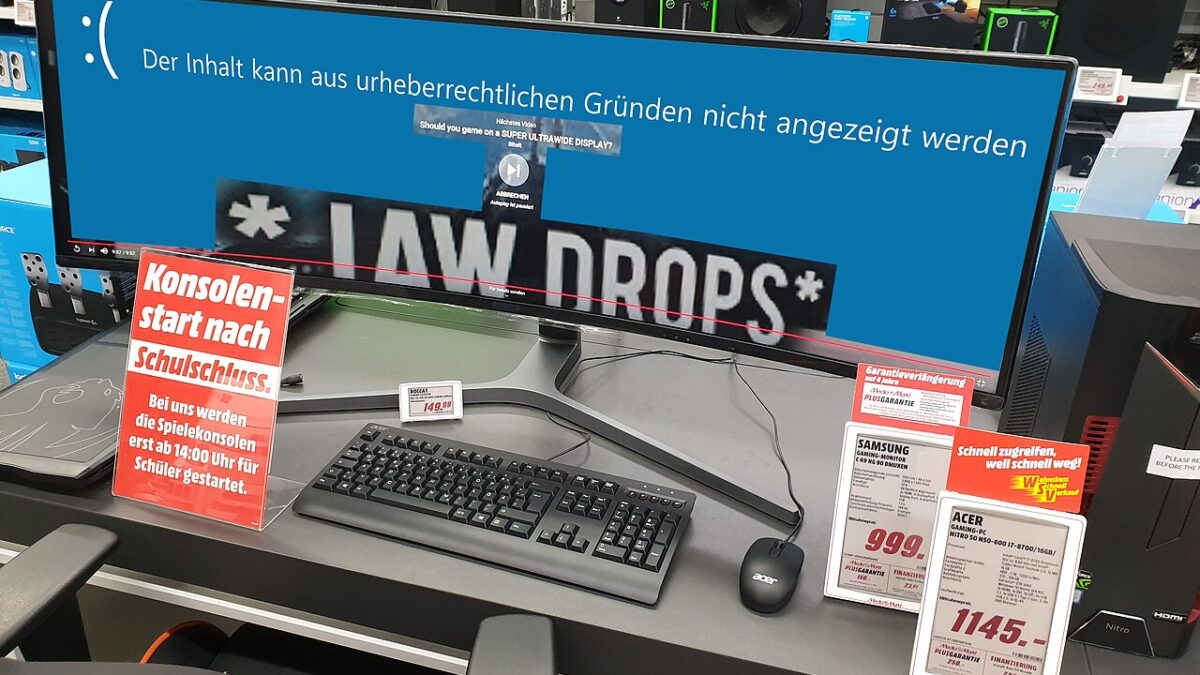
Featured image: Gaming monitor by PantheraLeo1359531, Wikimedia Commons (CC BY 4.0)
Leave a Reply