AOC Q27G3XMN 27" Gaming Monitor (Mini LED, DisplayHDR 1000)
$279.99- Mini LED com 336 zonas — HDR 1000 genuíno abaixo de $300
- 1440p + 180Hz + 1ms em um único monitor
- Contraste VA (~3.000:1) para pretos profundos em RPG
- Preço significativamente abaixo de concorrentes com specs similares
- Ângulos de visão VA inferiores ao IPS
- Apenas 1 porta HDMI 2.0
- Ghosting VA leve em cenas de transição muito rápidas
Bottom line: Best gaming monitor under $300
Under $300 you can get a legitimately great gaming monitor in 2026 — 1440p, 165–180Hz, IPS panel, and in one case, Mini LED HDR that competes with $500 screens. But you can also waste $230 on a TN panel relic that belongs in 2018. We ranked 8 monitors from Champion to Avoid so you don’t have to guess.
Quick Tier Reference
| Tier | Monitor | Price | Panel | Hz |
|---|---|---|---|---|
| 🏆 Champion | AOC Q27G3XMN | $279.99 | VA Mini LED | 180 |
| S | ASUS TUF VG27AQL3A | $249.99 | Fast IPS | 180 |
| S | LG 27GP850-B | $229.99 | Nano IPS | 165 |
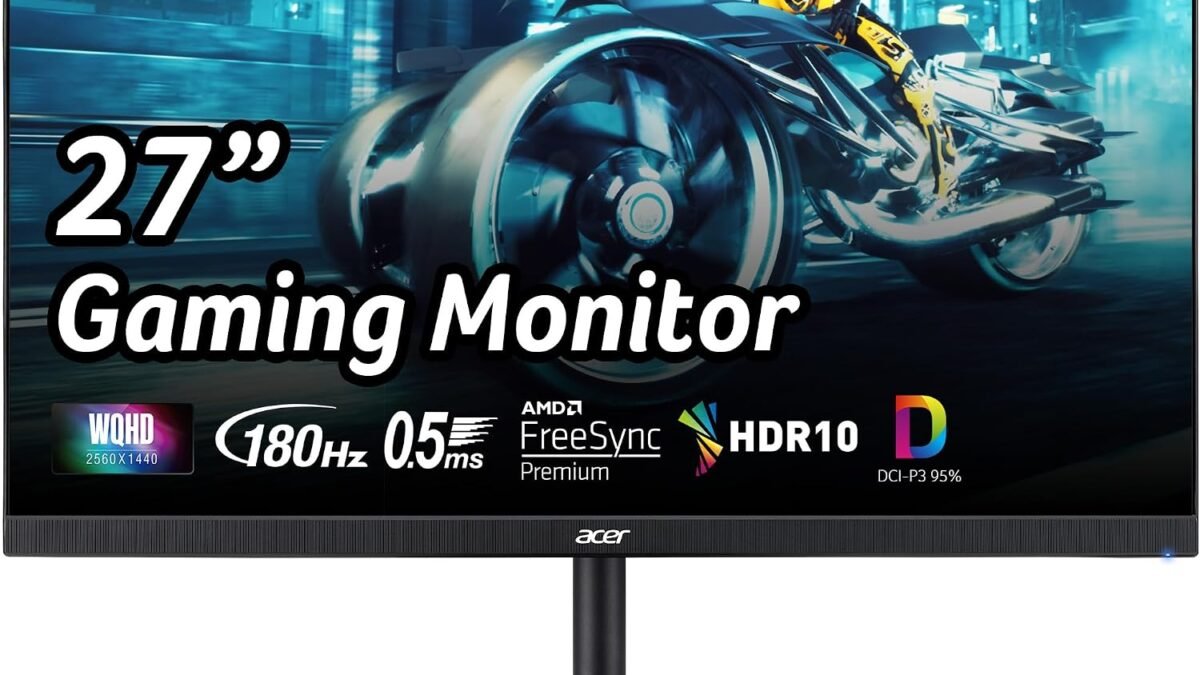
| 💰 Value | Acer Nitro XV271U | $169.99 | IPS | 180 |
| A | Gigabyte M27Q | $219.99 | SS IPS | 170 |
| A | Samsung Odyssey G55C | $229.99 | VA Curved | 165 |
| B | ViewSonic OMNI XG2431 | $219.99 | IPS | 240 |
| ⚠️ Avoid | ASUS VG278Q | $229.99 | TN | 144 |
🏆 Champion: AOC Q27G3XMN — $279.99
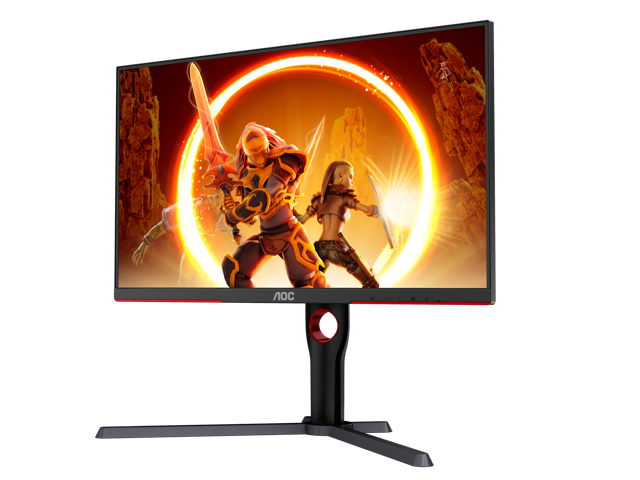
Score: 9.2/10 | Check price on Amazon →
The AOC Q27G3XMN does something no other monitor on this list does: it delivers genuine DisplayHDR 1000 certification backed by 336 Mini LED dimming zones and 1,300 nits peak brightness. That’s not the fake “HDR Ready” label slapped on budget panels — it’s the real thing, and it normally costs $400–500.
The 27″ VA panel runs at 1440p and 180Hz with 1ms GtG response. VA contrast ratio (~3,000:1) paired with the Mini LED backlight creates blacks that IPS panels at this price simply can’t match. RPG scenes, dark horror games, and atmospheric titles look genuinely cinematic.
What to know before buying: VA panels have narrower viewing angles than IPS. If you sit off-center or share your screen, colors shift. There’s also only one HDMI 2.0 port — plan your cable setup accordingly.
Best for: RPG and AAA gamers who want HDR that actually works. Also the strongest all-rounder pick if you split time between competitive and story games.
S-Tier: ASUS TUF Gaming VG27AQL3A — $249.99
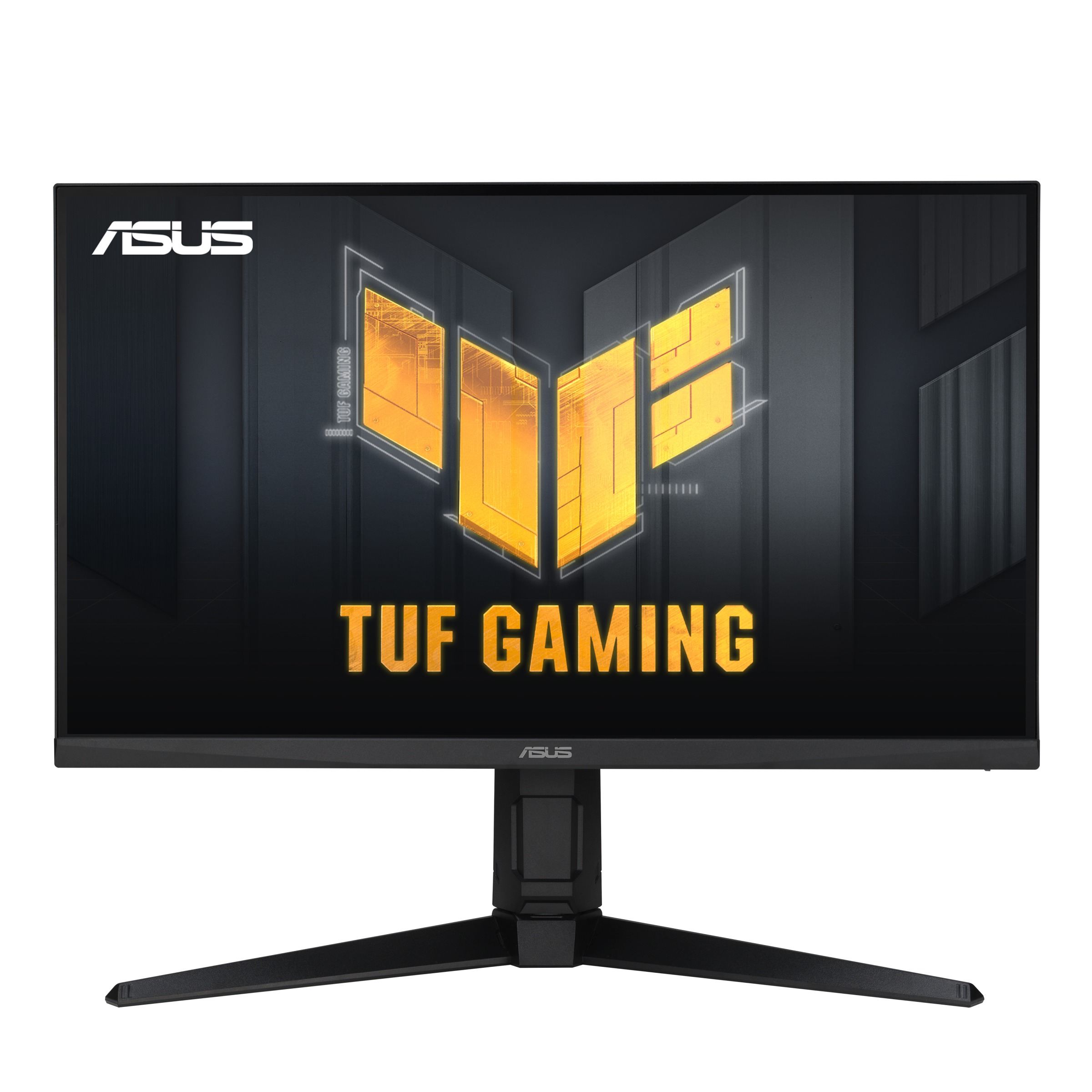
Score: 8.8/10 | Check price →
The best Fast IPS option under $250. What separates the VG27AQL3A from standard IPS monitors is ELMB Sync — motion blur reduction that works simultaneously with G-Sync Compatible and FreeSync Premium. Most monitors force you to choose one or the other. At 1440p and 180Hz, this is the competitive gamer’s pick who also cares about color accuracy.
HDR400 certification is present but largely cosmetic at this tier — don’t buy this for HDR. Buy it for the Fast IPS speed, excellent out-of-box calibration, and the rare ELMB Sync feature.
Best for: All-around competitive gaming with good color reproduction. The safe pick if you’re torn between fast and accurate.
S-Tier: LG 27GP850-B UltraGear — $229.99
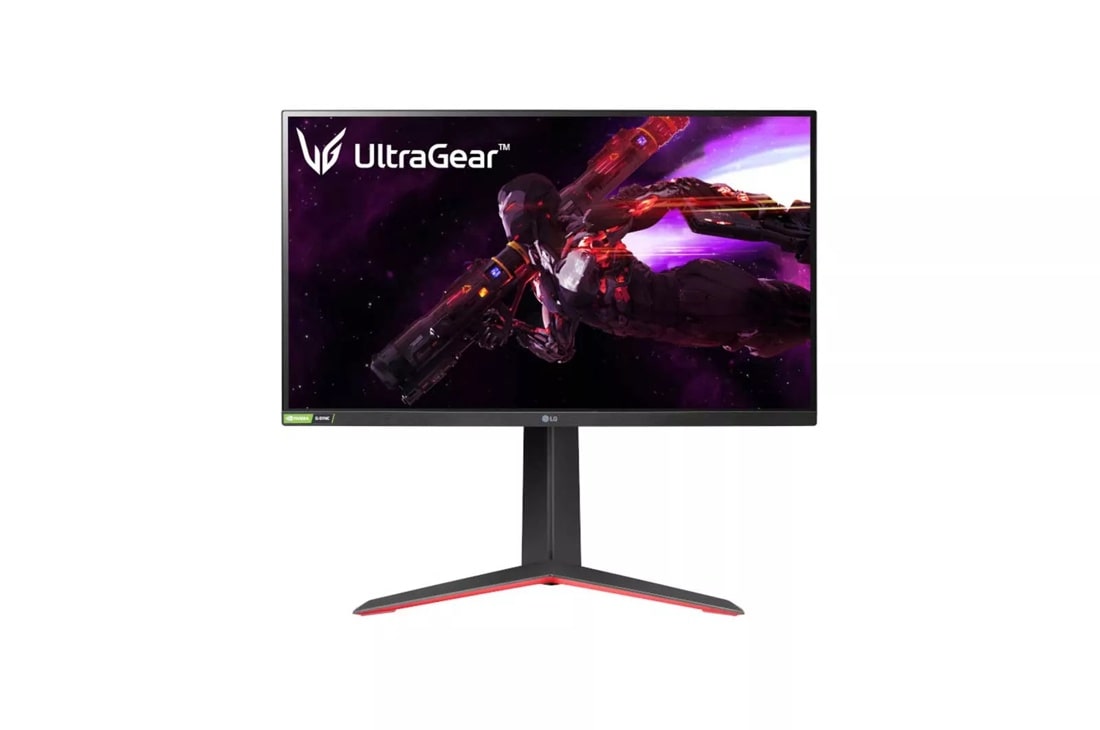
Score: 8.6/10 | Check price →
The LG’s Nano IPS panel covers 98% sRGB and 98% DCI-P3 — the widest color gamut on this list and the best factory calibration. If you also use your monitor for photo editing, video content, or streaming, the 27GP850-B is the one. Gaming performance at 165Hz is excellent; the trade-off is the lowest refresh rate among S-tier picks.
The stand doesn’t swivel, which is a minor but real ergonomic gap at $230. Otherwise, this is a benchmark-quality IPS panel at a fair price.
Best for: Gamers who double as content creators or want the most accurate image quality in the tier.
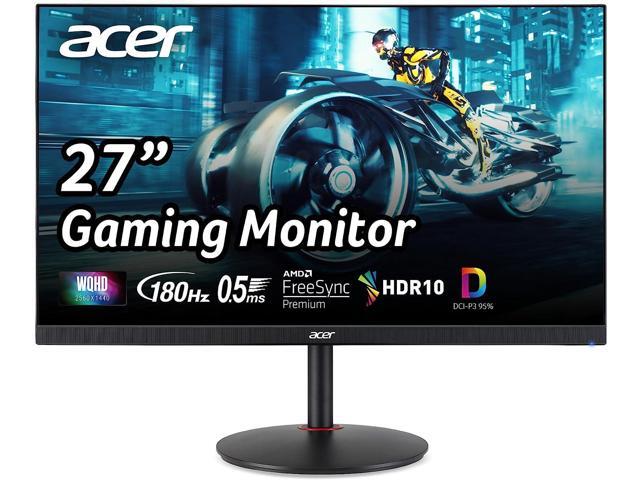
💰 Best Value: Acer Nitro XV271U — $169.99
Score: 8.4/10 | Check price →
The value case here is simple: 1440p IPS at 180Hz for $170. That spec combination cost $300+ two years ago. The XV271U delivers it with 0.5ms response time and FreeSync Premium at a price that undercuts nearly everything else on this list by $50–80.
What you don’t get: real HDR, premium ergonomics, or the wide color gamut of the LG. What you do get is an excellent 1440p IPS panel that handles both competitive and casual gaming well, at a price that makes sense for a first 1440p upgrade.
Best for: First-time 1440p buyers, students, and anyone on a tighter budget who refuses to settle for 1080p.
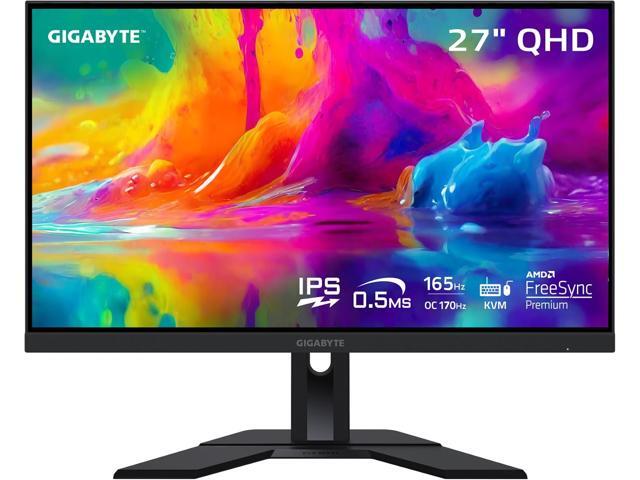
A-Tier: Gigabyte M27Q — $219.99
Score: 8.3/10 | Check price →
The M27Q’s standout feature isn’t its panel — it’s the built-in KVM switch and USB 3.0 hub. If you use a second computer, a game console, or frequently switch between devices, this is the most practical monitor on the list. 170Hz SS IPS with 1440p is solid for the price; the KVM functionality is unique at under $220.
Best for: PC + console setups, home office gamers, or anyone managing multiple devices from one desk.
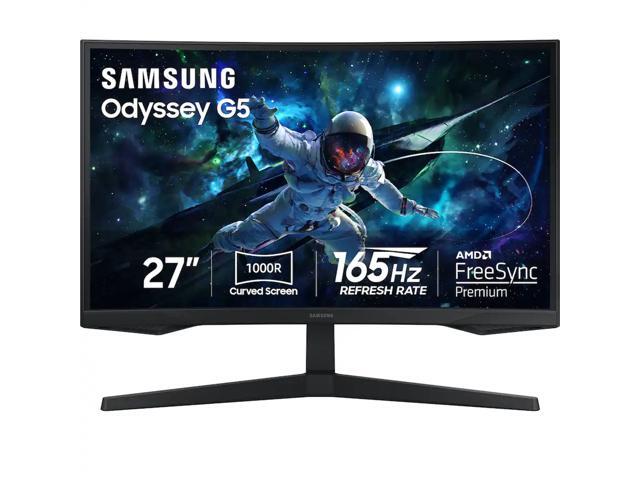
A-Tier: Samsung Odyssey G55C — $229.99
Score: 7.9/10 | Check price →
The 1000R curve and VA panel’s ~3,000:1 contrast ratio create the most immersive gaming experience on this list for dark, atmospheric games. Horror titles and open-world RPGs genuinely benefit from the deep blacks and wraparound field of view.
The limitation is real: VA ghosting is visible in fast-paced action games. If you play competitive shooters, skip this one. If you primarily play slow-to-medium-paced RPGs and adventure games, the immersion payoff is worth it.
Best for: Immersive RPG and story-driven games. Not recommended for competitive FPS.
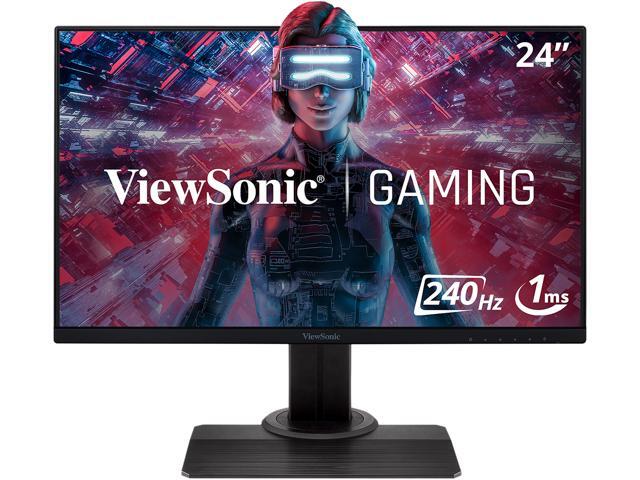
B-Tier: ViewSonic OMNI XG2431 — $219.99
Score: 7.4/10 | Check price →
The 240Hz refresh rate is the highest on this list and genuinely useful for competitive CS2, Valorant, and Apex players where every millisecond matters. The trade-off: 1080p on a 24″ screen in 2026 is starting to show its age outside of pure competitive play. At $220, you can get 1440p 180Hz IPS monitors — the extra Hz only makes sense if competitive FPS is your only game.
Best for: Hardcore competitive FPS only. If you play anything else, step up to 1440p.
⚠️ Avoid: ASUS VG278Q — $229.99

The VG278Q still appears in search results and “best gaming monitor” lists from 2019–2021, which is the only reason it’s on this list — as a warning. In 2026, a 27″ TN panel at 1080p and 144Hz for $230 is not a competitive product. TN panels have poor color accuracy and severe off-angle color shift. 1080p on 27″ produces noticeably low pixel density. The Acer Nitro XV271U offers 1440p IPS at 180Hz for $60 less.
The only advantage: a fully articulating stand with height, pivot, and swivel. That’s not enough.
Verdict: There is no buyer profile where this monitor is the right choice in 2026 at this price.
Frequently Asked Questions
Is 1440p worth it on a gaming monitor under $300?
Yes — in 2026, 1440p IPS monitors start at $170 (Acer XV271U). The sharpness improvement over 1080p on a 27″ screen is immediately visible, and 1440p renders better in modern AAA games without requiring a high-end GPU. If you have a mid-range GPU (RTX 3070 / RX 6700 XT or better), 1440p is the right target.
Is IPS or VA better for gaming monitors under $300?
Depends on your games. IPS gives better colors, wider viewing angles, and no ghosting — best for competitive and color-sensitive work. VA delivers deeper blacks and higher contrast — best for dark atmospheric games. The AOC Q27G3XMN (VA Mini LED) is the exception: it solves VA’s contrast advantage while minimizing ghosting through its high refresh rate.
What refresh rate should I prioritize under $300?
165–180Hz is the sweet spot in 2026. Above 180Hz at this price means stepping down to 1080p (see ViewSonic XG2431). For most gaming — including competitive — 165–180Hz with 1ms response is indistinguishable from 240Hz. Only prioritize 240Hz if you play exclusively CS2 or Valorant at a high rank.
The AOC Q27G3XMN is the easy champion pick if you want the best monitor money can buy under $300. The Acer XV271U is the answer if you want excellent specs without spending more than $170. And if you see the ASUS VG278Q come up in an old recommendation list — now you know to skip it.
See the AOC Q27G3XMN on Amazon →
Related: [Best Gaming Monitors Under $200] | [1440p vs 1080p: Which is Right for You?] | [Best Budget Gaming Setups 2026]
Leave a Reply