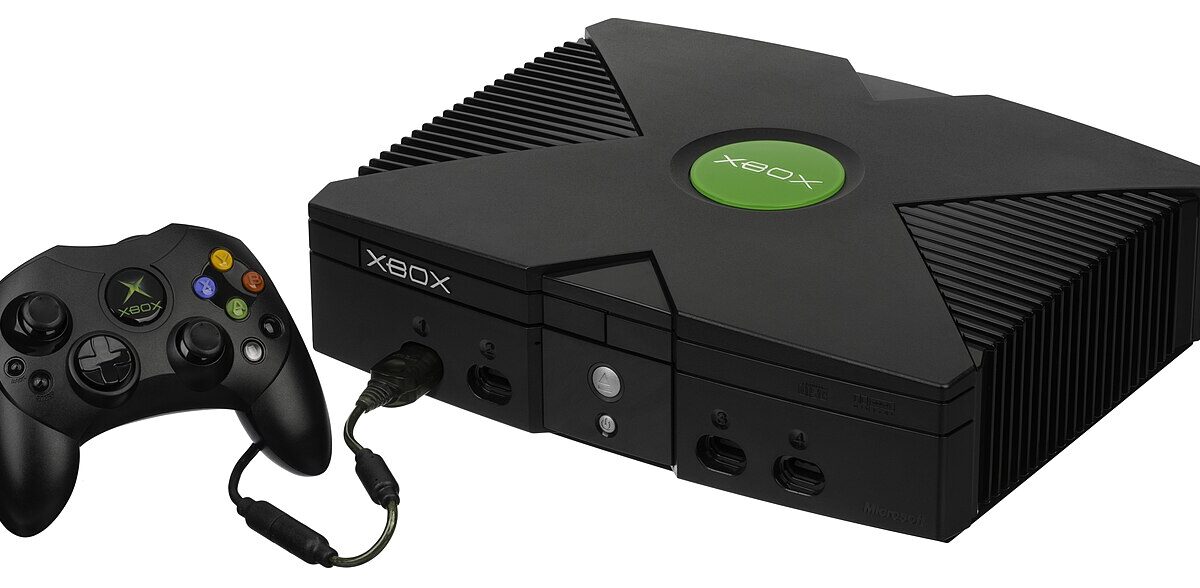
Xbox Backward Compatibility Just Came to PC — Here’s How to Play 4 Original Xbox Classics on Windows
Microsoft brought Xbox Backward Compatibility to PC on July 22, marking the first time original Xbox games have run natively on Windows. Four titles are live right now: BLiNX: The Time Sweeper, Conker: Live & Reloaded, Crimson Skies: High Road to Revenge, and Fuzion Frenzy. It’s an early release, not a finished feature — but it’s the clearest sign yet that Microsoft sees your PC (and your handheld) as part of the Xbox ecosystem, not a separate platform it tolerates.
How Xbox Backward Compatibility on PC actually works
The rollout rides on Xbox Play Anywhere, the licensing system that already lets you buy a game once and play it on console or PC. If you own one of the four supported titles digitally, it now shows up in your PC library at no extra cost — no repurchase, no separate SKU. That’s the detail worth sitting with: this isn’t a remaster program charging you $20 to relive Conker. It’s your existing library quietly getting bigger.
On the technical side, Microsoft didn’t just wrap the original Xbox emulator in a Windows shell and call it done. Each game gets real PC-native options: up to 4x resolution upscaling, VSync toggling, fullscreen and windowed modes, anisotropic filtering, and enhanced anti-aliasing. Original Xbox games famously topped out around 480p on CRT televisions — running one at a sharp, upscaled resolution on a modern monitor is a genuinely different experience than the console version ever offered.
What you need to run it
Windows 11 is mandatory — this isn’t landing on Windows 10 machines. Minimum hardware is deliberately modest: an Intel Core i3-8100, AMD Ryzen 3 1200, or AMD Ryzen Z2 A, paired with 8GB of RAM and a GPU as basic as a GTX 950, Radeon RX 550, Intel UHD 770, or Intel Arc A310. That spec sheet reads less like “PC gaming” and more like “anything built in the last eight years,” which is deliberate — these are 20-plus-year-old games, and Microsoft doesn’t want hardware to be the barrier.
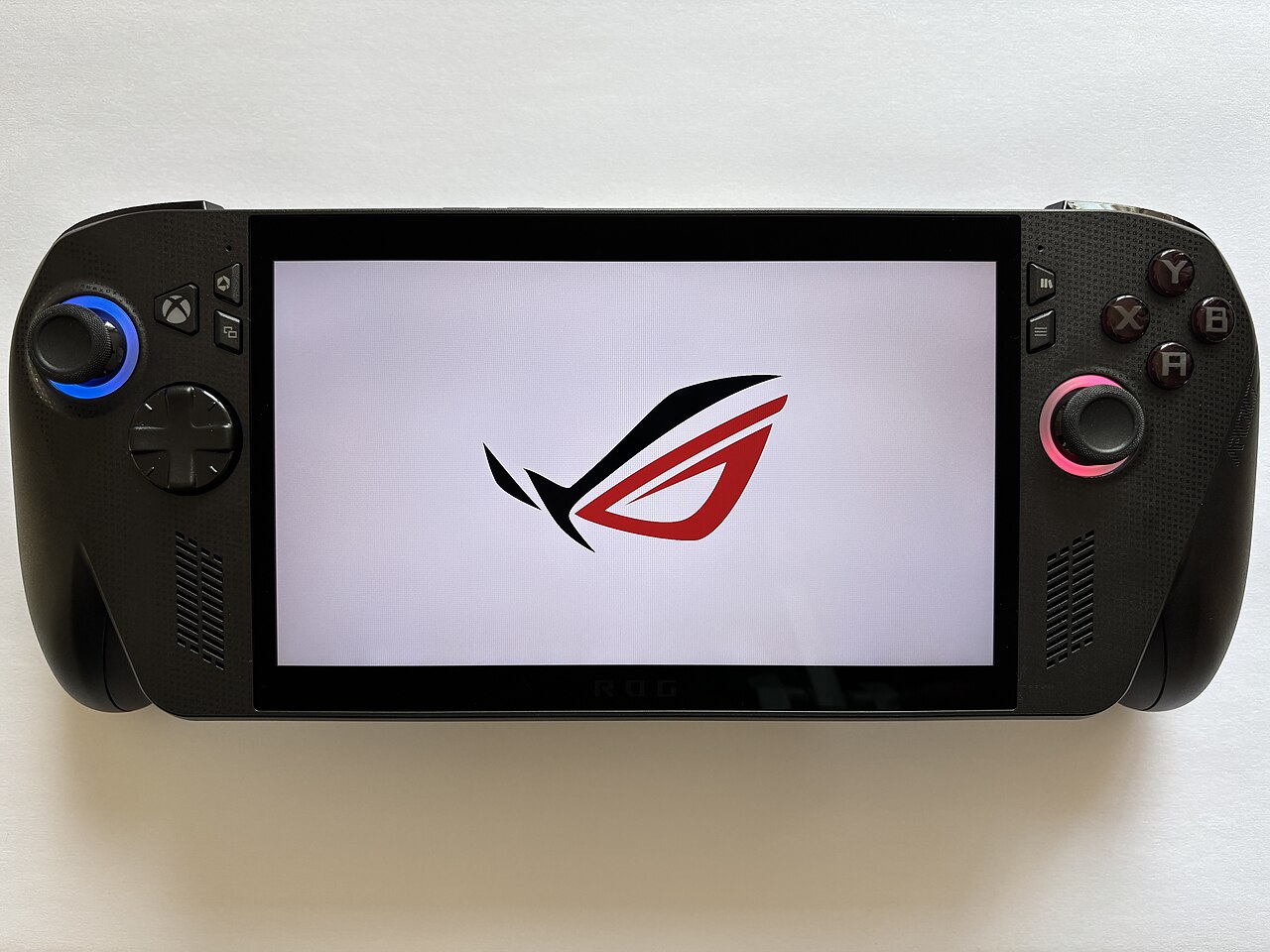
That low bar also explains why handhelds are getting mentioned in the same breath as this launch. A Steam Deck-class machine running Windows, or something like an ROG Ally or Legion Go, clears these requirements without breaking a sweat. If you’re weighing options in that category, our handheld gaming PC roundup covers exactly the kind of device this feature is built for.
Why this is bigger than a typical BC update
Xbox has offered backward compatibility on console since the Xbox One era, so playing old games isn’t new. What’s new is Microsoft treating “Xbox” as an identity that follows you across hardware rather than a console you plug into a TV. Combined with Xbox Cloud Gaming’s ad-supported tier reaching more devices, the pattern is consistent: Microsoft would rather you play Xbox games somewhere — anywhere — than not at all. We broke down that cloud gaming shift in our look at Xbox’s ad-supported streaming test, and the two moves clearly come from the same playbook.
Achievements are the one piece still missing. Microsoft says it’ll bring Achievements to select original Xbox titles on both console and PC “later in 2026,” starting with the four games already available. Until then, you can play, but your Gamerscore won’t move.
What’s next
Microsoft has only committed to “more titles in the coming months,” without naming them or a firm cadence. Given the four launch games skew toward cult favorites rather than the original Xbox’s biggest sellers (no Halo 2, no Fable yet), there’s an obvious wishlist forming among longtime fans. For context on how Microsoft has been reshaping its console lineup lately, see our coverage of the Xbox Series X 25th Anniversary Edition — another example of the company leaning hard into its back catalog this year.
For now, the practical takeaway is simple: if you already own any of the four supported games and have a Windows 11 PC or capable handheld, the update should already be available through your existing library — no purchase required.
Leave a Reply