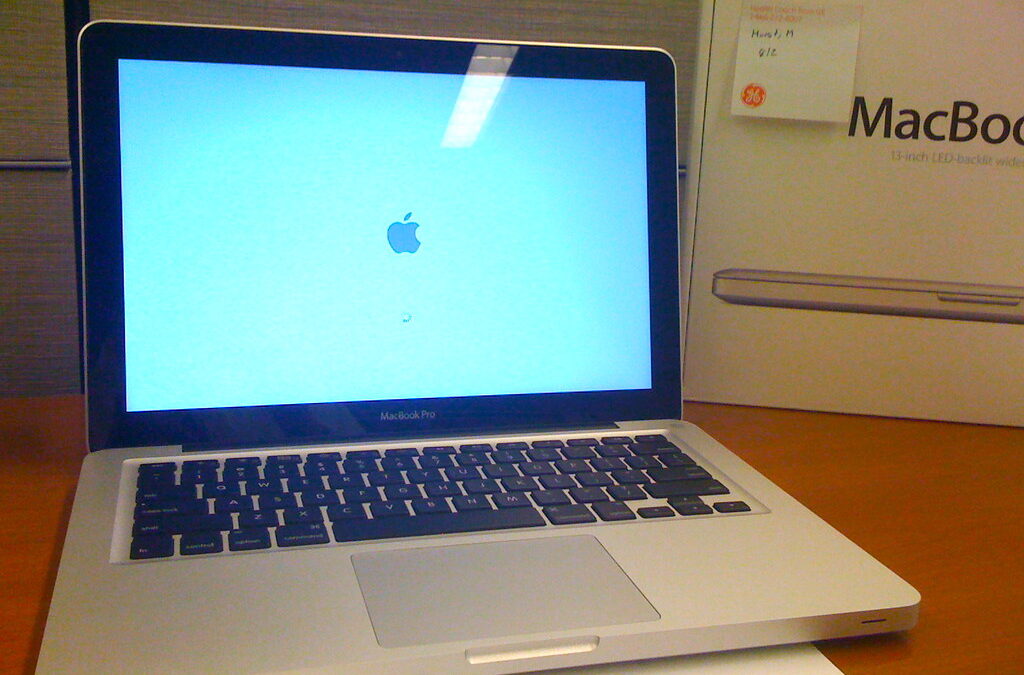
A slow laptop feels like it’s punishing you for daring to open a browser. But before you spend money on a new machine, know this: most laptops that feel hopelessly sluggish aren’t worn out — they’re clogged. The good news is that the fixes range from “free and takes five minutes” to “a $40 upgrade that feels like a new computer.” Here’s how to get real speed back, roughly in order of how much difference each step makes.
Start with what’s stealing your resources
Most slowdowns come down to too many things running at once. The biggest offender is startup programs — apps that launch themselves the moment you turn on the laptop and quietly run forever in the background. On Windows, open Task Manager (Ctrl+Shift+Esc), go to the Startup tab, and disable anything you don’t need launching automatically. On a Mac, check System Settings under Login Items. Half the stuff there earned its place without you ever agreeing to it.
While you’re in Task Manager, sort running processes by CPU and memory. If your browser is eating everything, you’ve found your culprit — a dozen open tabs and a pile of extensions can single-handedly bring a capable laptop to its knees. Close what you’re not using, and prune extensions down to the ones you actually rely on.
Free up storage — a full drive is a slow drive
This one surprises people: when your storage drive fills up, the whole system slows down, because both Windows and macOS need free space to shuffle temporary files and virtual memory around. As a rule of thumb, try to keep at least 10–15% of your drive free. Delete what you don’t need, empty the recycle bin, and use the built-in cleanup tools (Storage Sense on Windows, the Storage manager on Mac) to clear caches and leftovers. If your drive is stuffed with photos and videos, offloading them is one of the fastest wins available — the same storage crunch that fills up phone storage so quickly drags down laptops just as hard.
The upgrade that changes everything: an SSD
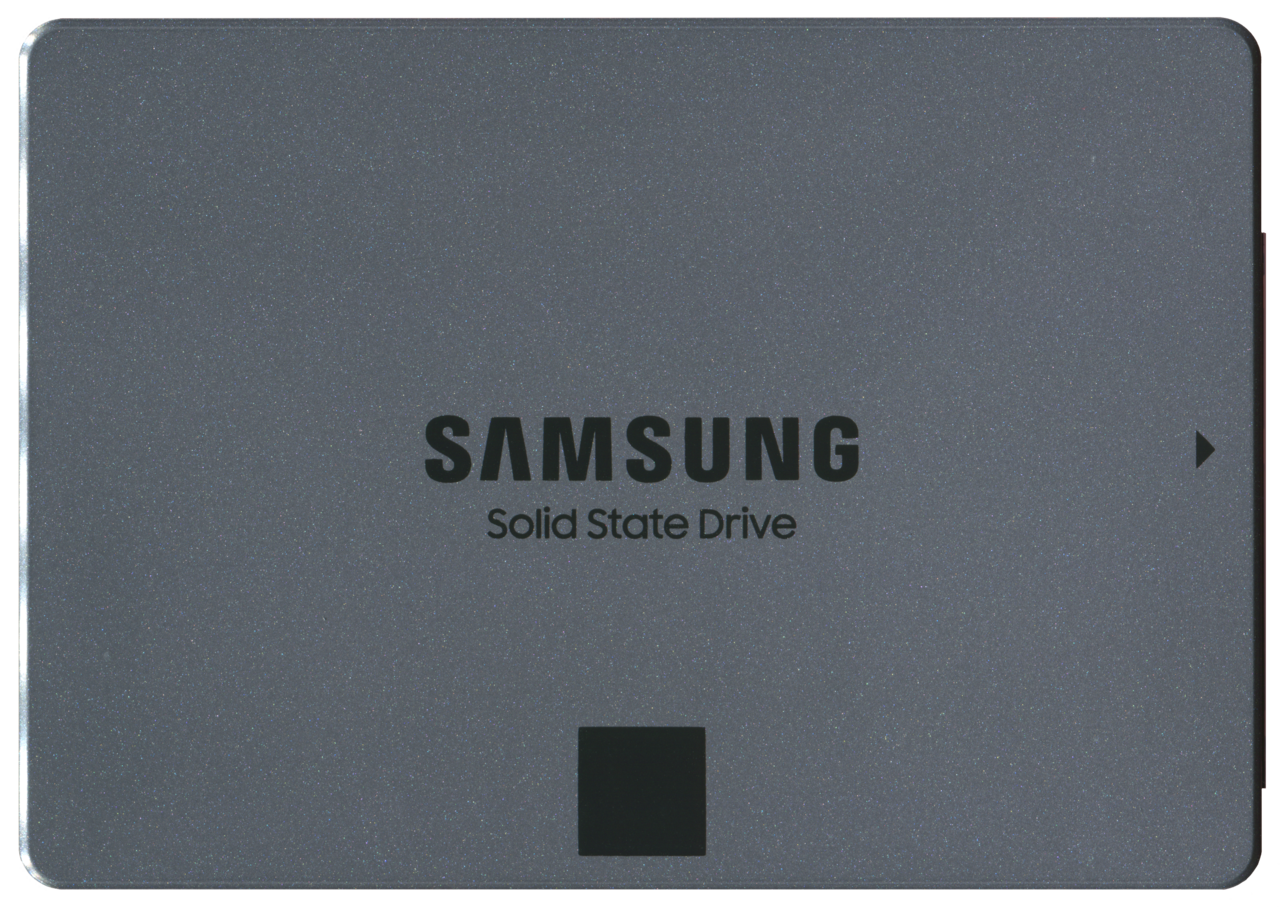
If your laptop still uses a traditional spinning hard drive (HDD), this is the single most transformative thing you can do. Swapping that mechanical drive for a solid-state drive (SSD) can take boot times from two minutes to fifteen seconds and make everything — opening apps, loading files, switching windows — feel instant. A spinning drive is almost always the real bottleneck in an older laptop, not the processor. We break down the difference in our guide to SSDs versus hard drives, but the short version is: if you upgrade one thing, upgrade this.
The catch is that many modern thin-and-light laptops have the storage soldered on and can’t be upgraded. Check your specific model before buying anything — but if yours has a removable 2.5-inch drive or an empty M.2 slot, an SSD is the best money you’ll ever spend on an old machine.
Add memory if you’re a heavy multitasker
If your laptop constantly chokes when you have lots of tabs, apps, and documents open at once, you may simply be running out of RAM. Many older or budget laptops shipped with 4GB or 8GB, which struggles with modern software. Bumping up to 16GB — on the many laptops that still allow it — gives the system room to breathe and stops the constant shuffling to disk that makes multitasking feel like wading through mud. As with storage, check whether your model’s memory is upgradeable first, since many newer machines solder it in place.
Clean out the software rot — and the literal dust
Uninstall programs you never use, especially the pre-installed “bloatware” that came with the laptop. Run a malware scan, because a hidden miner or adware can quietly consume resources. Keep your operating system updated, since updates often include real performance fixes. And on Windows, turning off some of the fancy animations and visual effects gives older hardware a small but noticeable snappiness boost.
Finally, don’t overlook heat. If your laptop runs hot and the fan screams, it may be thermal throttling — deliberately slowing down to protect itself — often because dust has clogged the vents. Blowing out the vents with compressed air and using the laptop on a hard surface (not a blanket that blocks airflow) can restore performance that heat was quietly stealing. On older machines, replacing the dried-out thermal paste on the processor can drop temperatures further, though that’s a job for the comfortable-with-a-screwdriver crowd or a repair shop.
A quick note on order of operations: do the free stuff first. Disable startup apps, free up storage, and run a malware scan before spending a cent — it’s common for those three alone to revive a laptop that felt beyond saving. Only reach for an SSD or RAM once you’ve confirmed the machine is still slow with a clean, uncluttered system. That way you never pay for hardware that a fifteen-minute cleanup would have fixed.
Frequently asked questions
How much does it cost to make an old laptop fast again? Often nothing, if the problem is startup apps and full storage. If it needs hardware, a decent SSD and a RAM stick together usually run $50–$100 — a fraction of a new laptop’s price.
Will a factory reset speed up my laptop? It can, by wiping years of accumulated junk and starting clean. Back up your files first, and know that it treats the symptom (software clutter) but won’t help if the real bottleneck is an old hard drive or too little RAM.
When is it actually time to buy a new laptop? When the machine is old enough that it can’t get security updates, the RAM and storage are soldered and non-upgradeable, or the repairs would cost close to a capable new model. Our roundup of the best laptops under $700 is a good starting point if you’ve reached that line.
Work through these in order and most “dying” laptops turn out to have years left in them. Speed problems are usually clutter and old storage — both of which are far cheaper to fix than to replace.
Leave a Reply