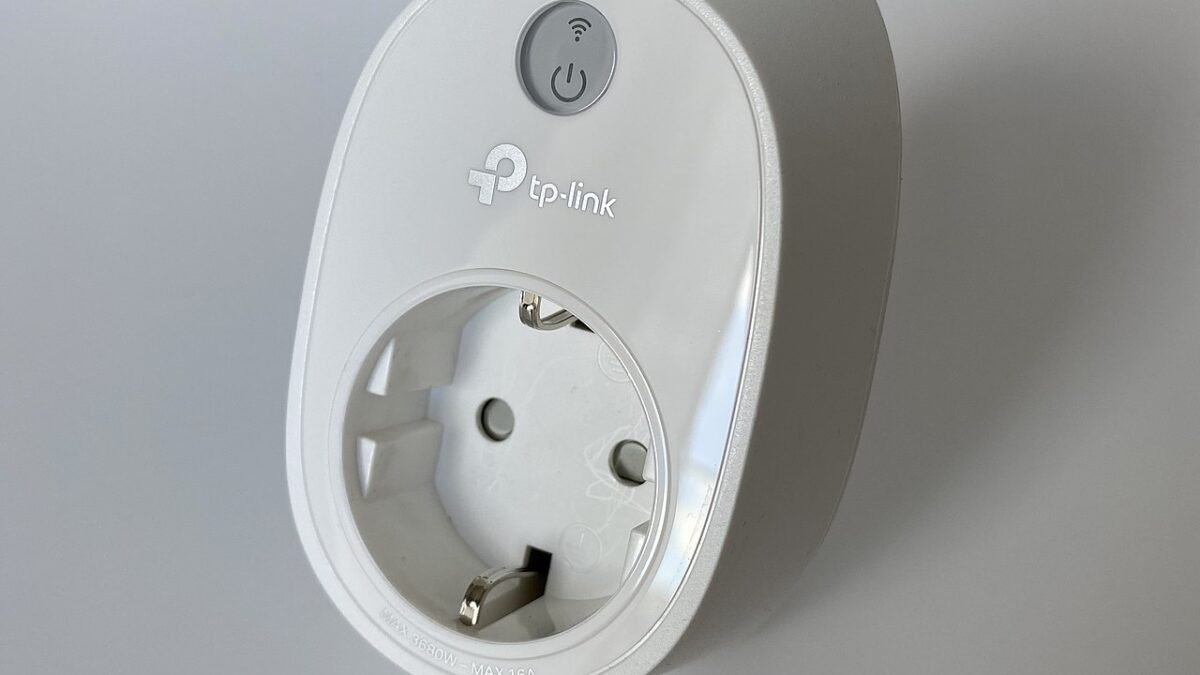
Buying a smart plug feels like the easiest tech purchase you’ll ever make — until you own three of them, from three different brands, each locked into its own app, and none of them talking to each other. That’s the actual failure mode of “basic” smart home setups: not the hardware, the fragmentation.
This guide skips the marketing checklist and focuses on the handful of decisions that actually determine whether your smart plugs work reliably six months from now, not just on unboxing day.
What you’ll learn
We’ll cover the Wi-Fi-vs-hub question (there’s basically only one right answer for a “basic” setup), why Matter certification matters more than any single feature, the energy-monitoring option most people skip and shouldn’t, and the setup mistake that causes the vast majority of “it won’t connect” complaints.
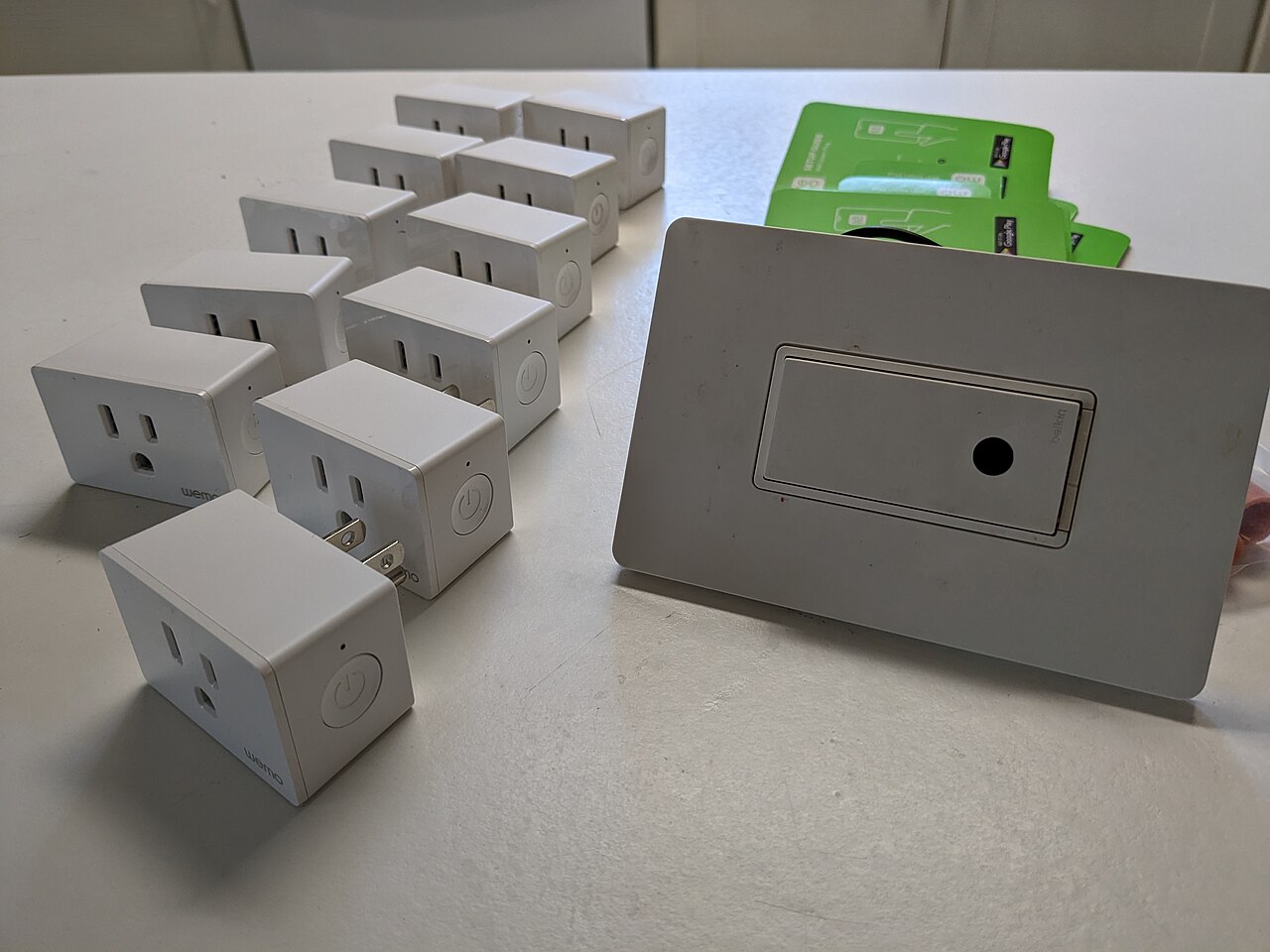
Wi-Fi smart plugs, not hub-based — for a basic setup, this isn’t close
Smart plugs come in two flavors: Wi-Fi plugs that connect straight to your router, and hub-based plugs (Zigbee or Z-Wave) that need a separate bridge device to talk to your phone. For a basic setup — a lamp, a fan, a coffee maker — Wi-Fi plugs win by default. You’re not buying a $50 hub to control a $12 lamp switch.
The tradeoff is capacity: Wi-Fi plugs each occupy their own network connection, so a house with 20+ smart devices can start to strain a budget router. If you’re at “a few plugs,” ignore this entirely and buy Wi-Fi.
Matter is the feature that actually matters
Every smart plug claims “works with Alexa.” Fewer are Matter-certified, and that distinction is the one worth paying attention to in 2026. Matter is the cross-platform standard backed by Amazon, Google, and Apple that lets one plug work natively across Alexa, Google Home, and HomeKit without picking a side.
TP-Link’s Kasa KP125M is a useful example of where the category is heading: it’s Matter-certified and keeps real-time energy monitoring, a feature plenty of Matter plugs strip out to hit a lower price. Compare that to something like Amazon’s own Smart Plug (check current price), which is cheap and dead simple to set up — but it’s Alexa-only, with no Google Home or HomeKit support. That’s a fine trade if your whole house is already Alexa. It’s a trap if you’re not sure yet.
The same “don’t lock yourself into one ecosystem” logic applies to smart home gear generally — if you’re starting from zero, our best smart home starter kits under $150 piece walks through how to sequence purchases so you’re not stuck mid-upgrade later.
Energy monitoring: the feature most people skip, and shouldn’t
It sounds like a gimmick until you actually use it. Plugging your space heater, window AC unit, or that ancient chest freezer into an energy-monitoring plug for a month tells you, in dollars, exactly what it’s costing you — not an estimate, the real number pulled from your actual usage pattern. For anyone who’s ever argued about whether the electric bill spike was the AC or the kid’s gaming PC, this settles it instantly.
Non-monitoring plugs are marginally cheaper, but the price gap has shrunk enough that skipping the feature rarely saves you more than a few dollars per unit.
The outlet-blocking problem nobody mentions until they own one
Older smart plugs are boxy enough to block the second socket on a standard duplex outlet — a real, constant annoyance in kitchens and offices where every outlet is already spoken for. Newer designs, including Kasa’s slim body, are built specifically to leave that second socket free. If you’re buying more than one or two plugs, this is worth checking before you order, not after.
Pro tip: the 2.4GHz mistake that causes most “won’t connect” failures
Here’s the one setup detail that causes more support tickets than everything else combined: smart plugs need a plain 2.4GHz Wi-Fi network, and most modern routers ship with “band steering” turned on — a feature that merges your 2.4GHz and 5GHz networks into one SSID and auto-assigns devices to whichever band it thinks is best. Smart plugs often get bumped to 5GHz, which they can’t use, and pairing fails with no useful error message.
The fix: temporarily split your SSIDs (most router apps have a toggle for this), pair the plug on the 2.4GHz-only name, then merge the bands back if you want to. It’s a two-minute fix for what looks like a broken device — and if your router is misbehaving in other ways too, our guide to why Wi-Fi slows down at night covers the other most common home-network culprits.
Don’t put an indoor plug on your porch — outdoor-rated is a different category
This one causes real damage, not just inconvenience. Standard indoor smart plugs aren’t sealed against moisture, and using one outdoors — on a porch light, a string of patio lights, a holiday display — can trip a breaker, corrode the contacts, or in the worst case, become a fire risk. It’s not a gray area; the plastic housing simply isn’t rated for it.
Outdoor-rated plugs use an IP-rated (usually IP44 or better) weatherproof housing with a sealed flap over the socket, and most double as a small junction box for two independent outlets. They cost a few dollars more than an equivalent indoor unit, and if you’re running anything through an exterior outlet — even something as simple as a fountain pump or seasonal lights — that premium is not optional.
Frequently Asked Questions
Do I need a smart home hub to use smart plugs?
No — for a basic setup, Wi-Fi smart plugs connect directly to your router and your phone’s app. Hubs (Zigbee/Z-Wave) only make sense once you’re running a larger number of devices where a dedicated hub reduces load on your Wi-Fi network.
What’s the real benefit of Matter certification?
It means the plug works natively across Alexa, Google Home, and Apple Home from one setup, instead of locking you into whichever assistant you picked first. If there’s any chance you’ll switch ecosystems later — or your household already uses more than one — Matter avoids having to rebuy everything.
Is energy monitoring worth paying extra for?
For high-draw appliances (space heaters, window units, freezers), yes — it turns a guess into an actual number and often pays for the price difference in the insight alone. For a lamp or a phone charger, skip it; the data isn’t interesting enough to matter.
Why won’t my smart plug connect to Wi-Fi?
The most common cause by far is a router with combined 2.4GHz/5GHz band steering. Split your SSIDs temporarily, connect the plug on the 2.4GHz-only network, and pairing almost always succeeds on the next attempt.
None of this requires a big budget or a weekend project. Pick Wi-Fi over hub-based for a small setup, favor Matter certification if you’re not 100% locked into one ecosystem, and fix the band-steering issue before you assume the hardware is defective. That’s most of what separates a smart plug setup that works from one that generates a drawer full of “returns” boxes.
Leave a Reply