Storage prices have been on a wild ride in 2026 — the same DRAM and NAND shortage that’s driving up RAM and GPU prices has made SSDs noticeably more expensive than they were a year ago. So if you’re shopping for a portable SSD right now, you don’t have room to waste money on the wrong pick. We compared the drives actually worth your money across five categories — overall best, fastest, best value for capacity, most rugged, and cheapest that still doesn’t disappoint — so you can buy once and be done with it.
Quick disclosure: DecodeGear may earn a commission if you buy through the links below. It doesn’t cost you anything extra, and it’s what funds us actually comparing this stuff instead of copying spec sheets.
Quick Verdict: Best Portable SSDs of 2026
Best Overall: Samsung T9 — 2,000MB/s, rock-solid reliability, the safest all-around pick.
Fastest/Toughest: SanDisk Extreme PRO — 2,000MB/s with IP65 water/dust resistance.
Best Value for Capacity: WD My Passport SSD 2TB — most usable storage per dollar.
Best Rugged Everyday Pick: Crucial X9 Pro — drop-resistant, compact, reliable.
Best Budget: SanDisk Extreme 1TB — 2,000MB/s speeds without the Pro-tier price.
1. Samsung T9 — Best Overall
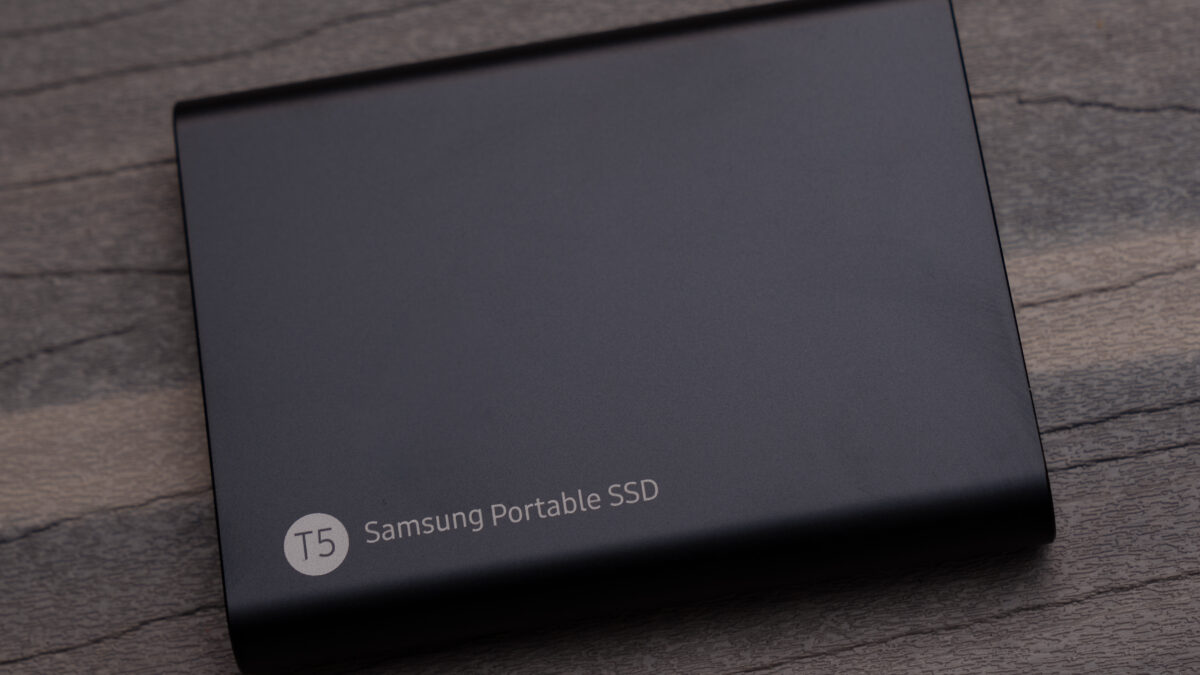
The Samsung T9 is the pick we’d tell most people to just buy without overthinking it. It delivers USB 3.2 Gen 2×2 speeds up to 2,000MB/s in a genuinely pocket-sized aluminum chassis — 88 x 60 x 14mm and about 122g, small enough to disappear into a laptop bag pocket. It’s rated for drops up to 3 meters, includes hardware AES-256 encryption, and ships with Samsung’s Magician software for firmware updates and drive health monitoring — the kind of long-term support most budget drives skip entirely.
Pros: excellent real-world speed consistency, strong build quality, dynamic thermal guard prevents throttling during large transfers, backed by Samsung’s reliability track record.
Cons: not the cheapest per-gigabyte option; the 1TB model is the sweet spot, but 4TB pricing climbs fast.
Check Samsung T9 price on Amazon →
2. SanDisk Extreme PRO — Fastest and Most Rugged
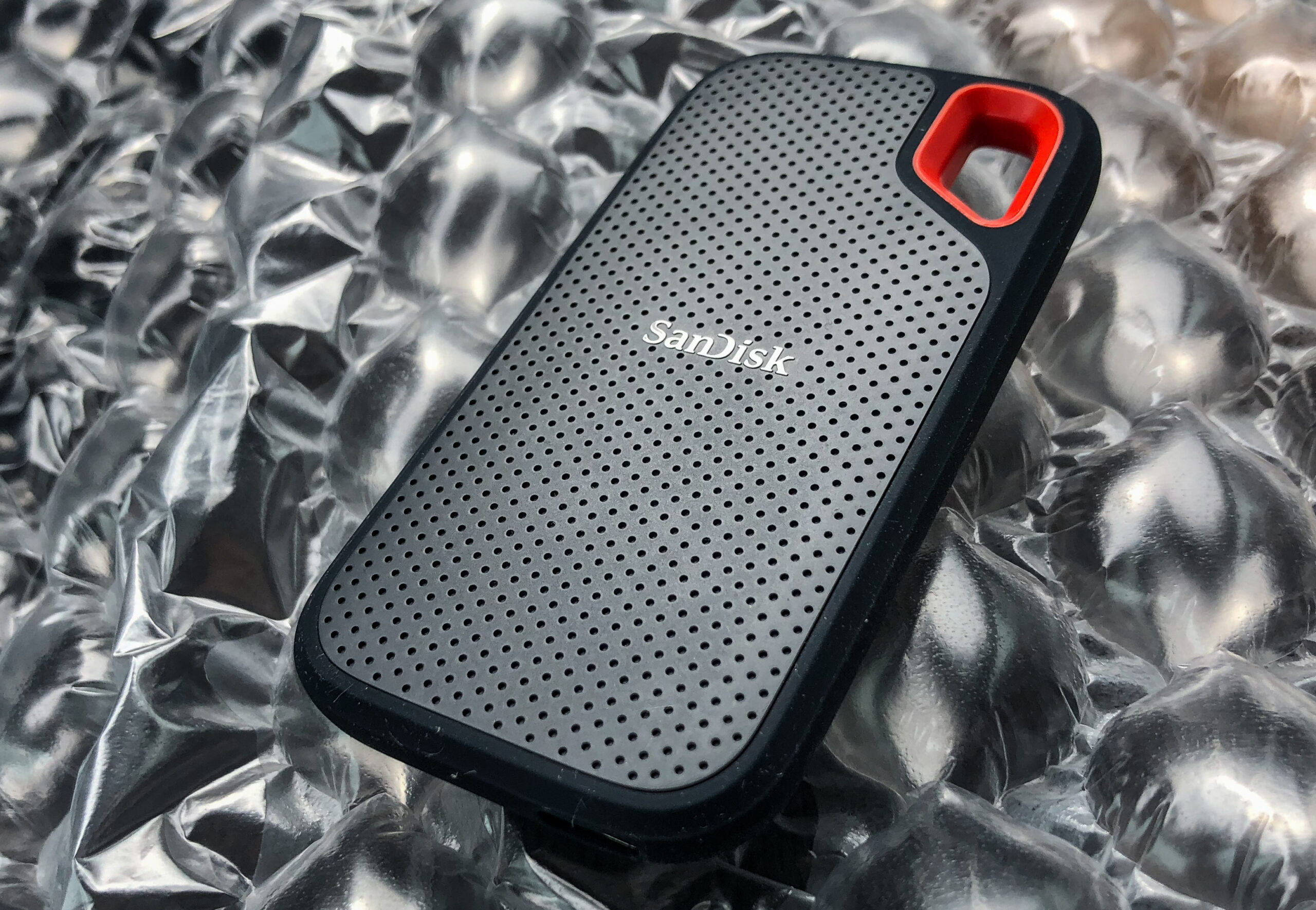
If you work in conditions where a dropped or dusty drive is a real risk — outdoor shoots, job sites, travel — the SanDisk Extreme PRO is built for it. It matches the T9’s 2,000MB/s ceiling over USB-C/USB 3.2 Gen 2×2, but adds IP65 water and dust resistance, a rating the Samsung T9 doesn’t carry. That makes it the go-to pick for photographers and videographers who need speed and durability in the same drive rather than choosing between them.
Pros: genuine IP65 sealing, top-tier transfer speeds, trusted SanDisk firmware reliability.
Cons: commands a price premium over the standard (non-Pro) SanDisk Extreme for a spec bump that only matters if you actually need the ruggedness.
Check SanDisk Extreme PRO price on Amazon →
3. WD My Passport SSD 2TB — Best Value for Capacity
Not everyone needs the fastest drive on the market — sometimes you just need more room without paying Pro-tier prices for it. The WD My Passport SSD delivers up to 1,050MB/s read and 1,000MB/s write speeds, which is plenty for everyday backups, game libraries, and media transfers, while offering 2TB of usable space at a noticeably better per-gigabyte price than the higher-speed picks above. It includes password-enabled 256-bit AES hardware encryption and is rated drop-resistant up to 6.5 feet (1.98m).
Pros: best capacity-to-price ratio here, solid drop protection, hardware encryption built in.
Cons: noticeably slower than the T9 and Extreme PRO — fine for backups and storage, less ideal if you’re editing large video files directly off the drive.
Check WD My Passport SSD price on Amazon →
4. Crucial X9 Pro — Best Rugged Everyday Pick
The Crucial X9 Pro splits the difference between the T9 and the SanDisk Extreme PRO: it’s not the fastest at up to 1,050MB/s, but it’s IP55-rated for water and dust resistance, shock-resistant, and drop-rated up to 7.5 feet (2 meters) — tougher than the Samsung T9 without the price jump of the SanDisk Pro. It’s about the size of an AirPods case, includes a lanyard loop and an activity light, and works across Windows, Mac, iPad, Android, and even PS4/PS5/Xbox via USB-C or the included USB-A adapter.
Pros: genuinely tough for its price point, extremely portable, broad device compatibility including consoles.
Cons: speeds top out at 1,050MB/s — noticeably behind the T9 and Extreme PRO if raw transfer speed is your priority.
Check Crucial X9 Pro price on Amazon →
5. SanDisk Extreme 1TB — Best Budget Pick
The newest version of the standard SanDisk Extreme (non-Pro) closes the speed gap that used to separate budget and premium portable SSDs — it now hits up to 2,000MB/s transfer speeds over USB-C, the same headline number as the much pricier Extreme PRO, just without the IP65 sealing and slightly less rugged casing. For anyone who wants fast transfers without paying for weather-proofing they’ll never actually need, this is the pick that makes the least sense to overlook.
Pros: Pro-tier speeds at a budget-tier price, compact and lightweight, reliable SanDisk firmware.
Cons: no IP65 rating, so it’s a poor choice if you genuinely work in wet or dusty conditions — that’s what the Extreme PRO above is for.
Check SanDisk Extreme 1TB price on Amazon →
Which One Should You Buy?
If you just want one drive that does everything well without a second thought, get the Samsung T9 — it’s the safest, most balanced pick on this list. If you’re shooting photo or video outdoors and durability is non-negotiable, spend the extra money on the SanDisk Extreme PRO. If capacity matters more than speed — you’re archiving a large media library or backing up multiple computers — the WD My Passport SSD 2TB gives you the most room for your money. Need something tough that also survives console gaming and travel? The Crucial X9 Pro earns its spot. And if your budget is the deciding factor, the SanDisk Extreme 1TB gets you 2,000MB/s speeds without paying for ruggedness you may not need.
Worth noting: with the ongoing NAND and DRAM shortage we covered in detail here, portable SSD pricing has been more volatile than usual this year — if you see a solid discount on any of these five, it’s reasonable to buy sooner rather than wait for a hypothetical better deal. And if you’re still deciding between an SSD and a traditional hard drive for your specific use case, our SSD vs. HDD comparison breaks down exactly when the extra cost is worth it.
FAQ
Do I need a 2,000MB/s drive, or is 1,050MB/s fast enough?
For most people, 1,050MB/s (the WD My Passport and Crucial X9 Pro) is plenty for backups, game libraries, and general file transfers. The 2,000MB/s tier (Samsung T9, SanDisk Extreme PRO and Extreme) matters most if you’re editing large video files directly from the drive or moving huge datasets regularly.
Is IP65 water resistance actually necessary?
Only if you’re using the drive in genuinely risky conditions — outdoor shoots, job sites, travel where spills or dust are likely. For a drive that mostly lives on a desk or in a laptop bag, it’s a nice-to-have rather than a requirement, and skipping it (like with the SanDisk Extreme 1TB) saves real money.
Will any of these work with my PS5 or Xbox?
The Crucial X9 Pro explicitly supports PS4, PS5, and Xbox via USB-C, and the others will generally work for storing media and non-game files, though console game storage often has its own certified-drive requirements worth checking against your specific console’s official list before buying.
Why have portable SSD prices gone up this year?
A global NAND and DRAM memory shortage has pushed component costs higher across the board in 2026, affecting everything from RAM to SSDs to GPUs. Portable SSDs are still cheaper than they were several years ago on a per-gigabyte basis, but 2026 pricing has been less predictable than usual — buying when you see a real discount is a reasonable strategy right now.
Leave a Reply