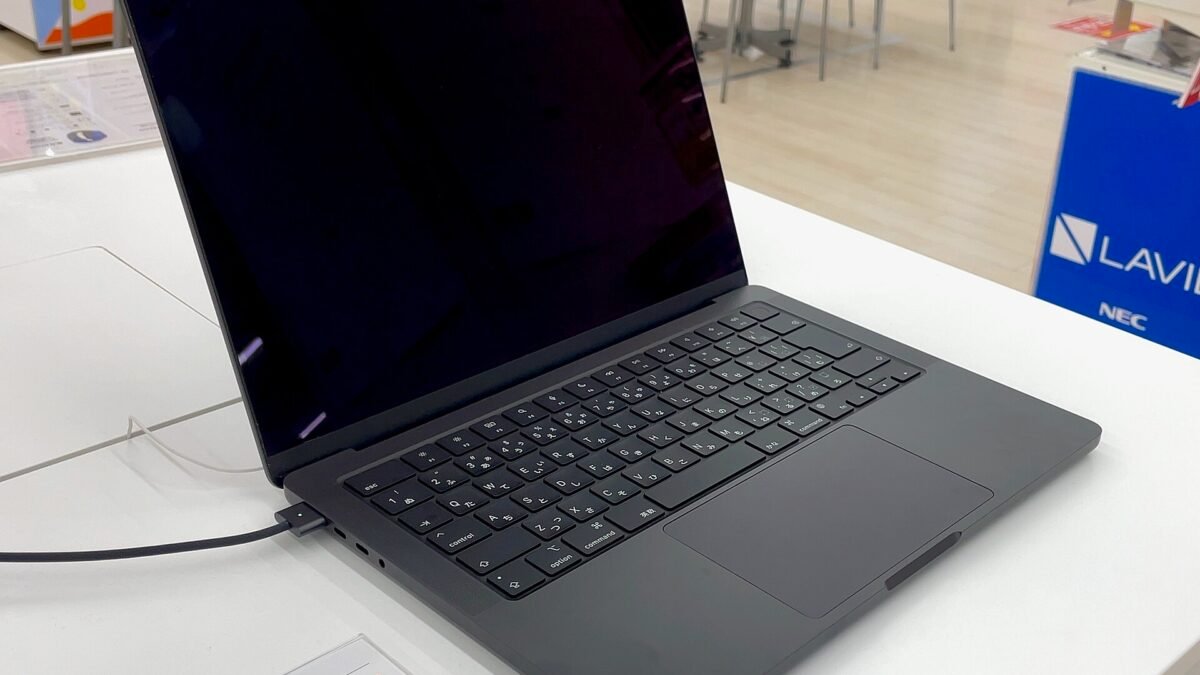
Apple now sells three kinds of MacBook Pro at the same time. On October 27, 2026, it announced a 14-inch MacBook Pro with the M6 chip starting at $1,999. A day later it introduced the MacBook Pro with PROLED XDR Display, a tandem OLED model that brings Touch to the Mac for the first time, starting at $2,899 for the 14-inch and $3,399 for the 16-inch. And the mini-LED MacBook Pro with M5 Pro or M5 Max is still on Apple’s MacBook Pro page.
Both new models are open for pre-order, and Apple says deliveries begin Friday, November 6. Because deliveries have not started, this comparison uses Apple’s own spec sheets, read on October 29, 2026. It works in two steps: pick the chip, then pick the screen.
Step 1: M6 or M5 Pro
The M6 is the newer chip generation, but in the MacBook Pro it is the entry chip. Apple’s spec page lists it only for the 14-inch mini-LED model. The M5 Pro sits above it in cores, memory and ports. Here is how the two base 14-inch chips compare on Apple’s MacBook Pro tech specs page:
| 14-inch mini-LED | M6 | M5 Pro (15-core CPU) |
|---|---|---|
| CPU / GPU | 12-core CPU, 12-core GPU | 15-core CPU, 16-core GPU |
| Memory | 16GB at 153GB/s; 24GB or 32GB at 170GB/s | 24GB or 48GB at 307GB/s |
| Ports | Three Thunderbolt 4 (up to 40Gb/s), HDMI, SDXC, MagSafe 3 | Three Thunderbolt 5 (up to 120Gb/s), HDMI, SDXC, MagSafe 3 |
| External displays | Up to two | Up to three |
| Battery (video streaming) | Up to 24 hours | Up to 22 hours |
| Weight | 3.4 pounds | 3.5 pounds |
Two details are easy to miss. First, the base 16GB M6 runs its memory at 153GB/s; the 170GB/s figure in Apple’s announcement applies only to the 24GB and 32GB configurations. Second, 32GB is the M6 ceiling. If you need more memory, a third external display, Thunderbolt 5 or a 16-inch screen, the M6 is out, and you are choosing between M5 Pro models.
Step 2: mini-LED or PROLED with Touch
If you land on the M5 Pro, the next question is the display. Comparing the mini-LED spec page with Apple’s PROLED XDR tech specs page shows these differences for the 14-inch M5 Pro:
| 14-inch M5 Pro | Mini-LED (Liquid Retina XDR) | PROLED XDR (tandem OLED) |
|---|---|---|
| Contrast ratio | 1,000,000:1 | 10,000,000:1 |
| Peak brightness | 1600 nits (HDR content only); SDR up to 1000 nits | 2000 nits peak for HDR and for SDR (outdoor) |
| Color gamut | P3 | P3 + Adobe RGB |
| Touch display | “Not applicable,” per Apple | Multi-Touch, plus a Dynamic Island |
| Weight | 3.5 pounds | 3.0 pounds |
| Battery (video streaming) | Up to 22 hours | Up to 22 hours |
| Storage options with M5 Max | 2TB, 4TB or 8TB | 2TB, 4TB, 8TB or 16TB |
Touch is the headline, and Apple says it works with many apps on day one because “macOS automatically translates touches into clicks.” Apple also lists third-party apps that take advantage of Touch, including Microsoft Word, Excel, Adobe Lightroom, DaVinci Resolve and Blender. The keyboard and Force Touch trackpad stay, so touch is an extra input, not a replacement.
For photographers and video editors, the less flashy rows may matter more: the Adobe RGB color gamut and 2000-nit SDR brightness outdoors. For everyone else, the PROLED’s half-pound weight saving on the 14-inch is the practical gain. The PROLED models use the M5 Pro and M5 Max. There is no M6 version.
Three spec-sheet details that are easy to miss
- Fast charging needs a bigger charger on the base 14-inch models. The 14-inch M6, the 14-inch mini-LED M5 Pro with the 15-core CPU and the base 14-inch PROLED all ship with a 70W adapter. Apple’s spec pages list fast charging “with 96W or higher” for those models. Apple’s 96W adapter costs $79. The 16-inch models ship with a 140W adapter, which meets their fast-charge requirement.
- “Up to 24 hours” is not every model. Among 14-inch models, only the M6 is rated for up to 24 hours of video streaming. The 14-inch M5 Pro, mini-LED or PROLED, is rated for up to 22 hours. The 16-inch M5 Pro is rated for up to 24 hours in both display versions.
- The M5 Max PROLED is the only way to 16TB. The 14-inch PROLED with M5 Max starts at $4,499 and the 16-inch at $4,799. The mini-LED M5 Max tops out at 8TB.
Which MacBook Pro should you buy?
| If this describes you | Look at |
|---|---|
| School, office work, web, photo edits; one or two external monitors; 32GB is enough | 14-inch M6, from $1,999 |
| You need more than 32GB of memory, three or more external displays, Thunderbolt 5 or a 16-inch screen, and touch does not matter | Mini-LED M5 Pro or M5 Max (check current prices in Apple’s store) |
| You want touch, Adobe RGB color, the brightest screen or the lightest 14-inch MacBook Pro | PROLED with M5 Pro, from $2,899 (14-inch) or $3,399 (16-inch) |
| You need 16TB of internal storage | PROLED with M5 Max, from $4,499 (14-inch) |
| You like the idea of touch on a Mac but are not sure you would use it | Wait for independent reviews after deliveries start on November 6 |
Whichever you pick, budget for the 96W adapter if you buy a base 14-inch model and want fast charging. For the general checklist we use for any laptop, see our laptop buying framework. If you are weighing OLED against a regular screen on any laptop, our OLED vs regular display explainer covers the trade-offs. The M6 also powers the latest Mac mini, covered in our Mac mini M6 article.
How we checked: DecodeGear has not tested any of these laptops. Specs, weights, battery ratings, adapters and prices come from Apple’s two announcements (October 27 and 28, 2026), Apple’s MacBook Pro overview page and both tech specs pages, read on October 29, 2026. Prices are U.S. starting prices before education savings. This article quotes only the prices listed in Apple’s two announcements, which do not cover the mini-LED M5 Pro and M5 Max models.
Leave a Reply